


By samba transfer goes at about 20MB/sek, I think that the ftp will be even faster
Posts by ZYGA
-
-
Softcam 1.1.19
- Oscam updated to version 1.2
- Added gbox -
Official accessories for Prismcube>> Link <<
-
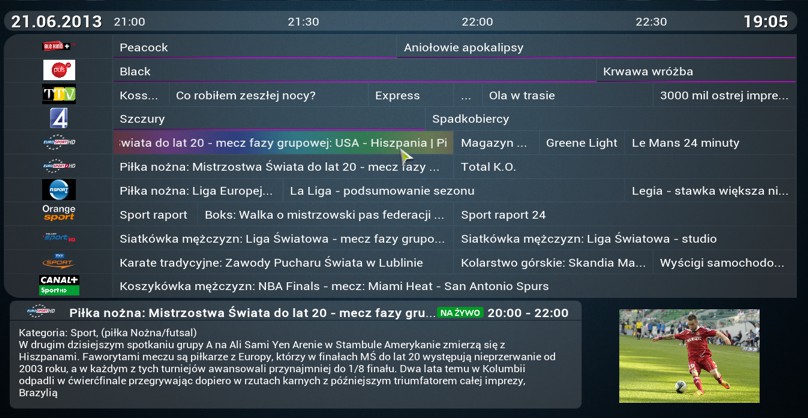
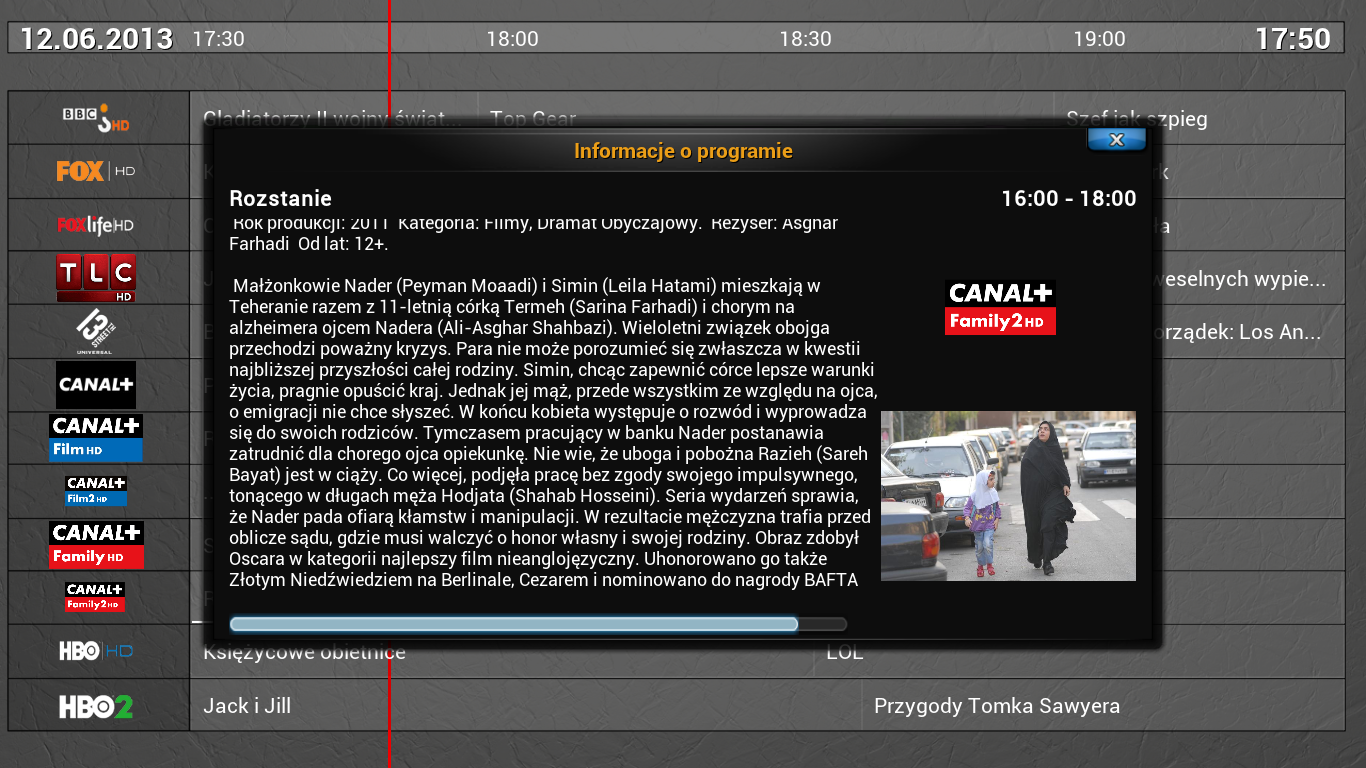
m-TVGuide 4.1.3
Plug-generating epg xml BBC News website for tv streams
-
-
openvpn-2.3.2_Black_Hole
-
-
VU+ MP3 Browser Version 1.2:
Neu: Favoriten Verwaltung (Taste 3)
Neu: Screensaver / Bildschirmschoner "Moving Cover" (Taste 2 oder Setup)Thx kashmir
-
Black Hole Prism Release 0.1.2
Black Hole Prism 0.1.2This is the very first Public release, the start of a new era for the Black Hole Team.
We are very proud to offer and release our support for the new PrismCube Ruby.Our image is based on the latest Official 1.2.0 Prismcube software and for this
reason, any bugs that you find in the official images, may also be present in the
Black Hole Prism image.Black Hole main features:
Black Hole Boot Logo
Black Hole Menu
Blue Panel
Addons Panel
Tools Panel
Shutdown Panel
Telnet access
2x FTP accessBlack Hole Addons panel:
In here you will have the following options:
Install a local Bhp Package:
Manual installation of Black Hole Prism packages
Uninstall Panel:
Uninstall Black Hole Prism packages *requires uninstall files to be included when .Bhp package was installed.
Online Addons managment:
We have our own online addons server, so that we can host some addons for you
that we feel will enhance your experience with your Prismcube, however as we
can not host every addon out there, we have also given you the option to add
your own 3rd party addon servers (we will not offer support for these servers or
there content, we are just offering you the flexibility and ease of use).
You also have the option to edit or delete any 3rd party servers you have added.Black Hole Tools Panel:
Here we have given you the following options:
Map screenshot to rc button:
Use Mute or XBMC button to take a screenshot.
Import E2 settings (Channel list):
Use your Vu+ box channel lists
Export E2 settings (in Black Hole Tools):
Edit your Prismcube channel lists with your favourite E2 settings editors.
Bhp Packages Builder:
Build your own .Bhp packages.
Black Hole Shutdown Menu:We have added the shutdown menu to give you more flexibility, in here you can either
Shutdown your Prismcube,
Reboot your box or just
Restart the Gui (user interface).Ftp access:
There are two ftp types of access available in Black Hole images for Prismcube, one for the filesystem and one for recordings, a standard version of telnet is also included.Ftp access (Filesystem)
port: 2121
user: root
password:Ftp access (Recordings)
port: 21
user: root
password: 0000Telnet access:
user: root
password:Known bugs:
The import / export e2 settings support is purely experimental.
It may not work with long channel lists ( > 2 satellites) and could also lose the channel crypto system info. Anyway we strongly recommend you perform a new scan after importing a channel list.We want to thanks Marusys for the continued support to the Team and all the Beta testers (you know who you are)
DISCLAIMER
THE BLACK HOLE PRISM IMAGE IS BASED ON THE OFFICIAL FIRMWARE PUBLISHED BY MARUSYS AND IN ACCORDANCE WITH THE LAW IT CONTAINS ONLY SYSTEM ADDITIONS & GRAPHIC CHANGES.
THE BLACK HOLE PRISM IMAGE DOES NOT CONTAIN ANY EMULATOR, KEYS, SOFTCAMS OR OTHER SYSTEM FOR VIEWING PAY - TV WITH OR WITHOUT A PAID SUBSCRIPTION.
LASTLY, THE BLACK HOLE PRISM IMAGE DOES NOT CONTAIN ANY SYSTEM TO DOWNLOAD PLUGINS OR EMULATORS FROM EXTERNAL SERVERS OR SOFTWARE THAT MAY BE USED FOR ILLEGAL PURPOSES SUCH AS CARD SHARING.
LICENSE
THE BLACK HOLE PRISM IMAGE IS OPEN SOURCE. THE BLACK HOLE SOURCE REPOSITORIES WILL BE SOON AVAILABLE ON LINE.
This is free hobbyist software and it comes with absolutely no warranty. Use it at your own risk.
>> Download << -
VU+ Muzu TV Version 1.1:rc4
Fix: Anzeige aller Videos eines Interpreten innerhalb der Genres
Fix: Start/Stop AutoplayThx kashmir
[COLOR='Deep***Blue']zip enigma2-plugin-extensions-muzutv_1.1rc4_mips32el.zip (156.0 KB, 9 [/COLOR]
-
My Premium Entertainment (Version 2.0.3-- 13.10.2013)
Code[COLOR='Lime']PRELIMINARY: This plugin is intended only for those who have a premium account at my-entertainment. All others need the plugin does not even install. Version 2.0.3 (Online Update) - Gefixed Suchbug[/COLOR]Version 2.0.2 (Onlineupdate)
- 3D FixVersion 2.0.0
- Installed AutoUpdate for future versionsInstallation
- Delete plugin in / usr/lib/enigma2/python/Plugins/Extensions - if present, old premium Entertain
- Ipk to / tmp
- Ipk - Installing Telnet or VTi Panel
- Restart Enigma2 -
VU+Movie Browser Plugin v2.8 Version 2.8:
New: ABC filter (<-> buttons)
Fix: Detects the movie name when the "composition of the recording file name" on the set of images to "short filename" is set when shooting with the boxThx @kashmir
-
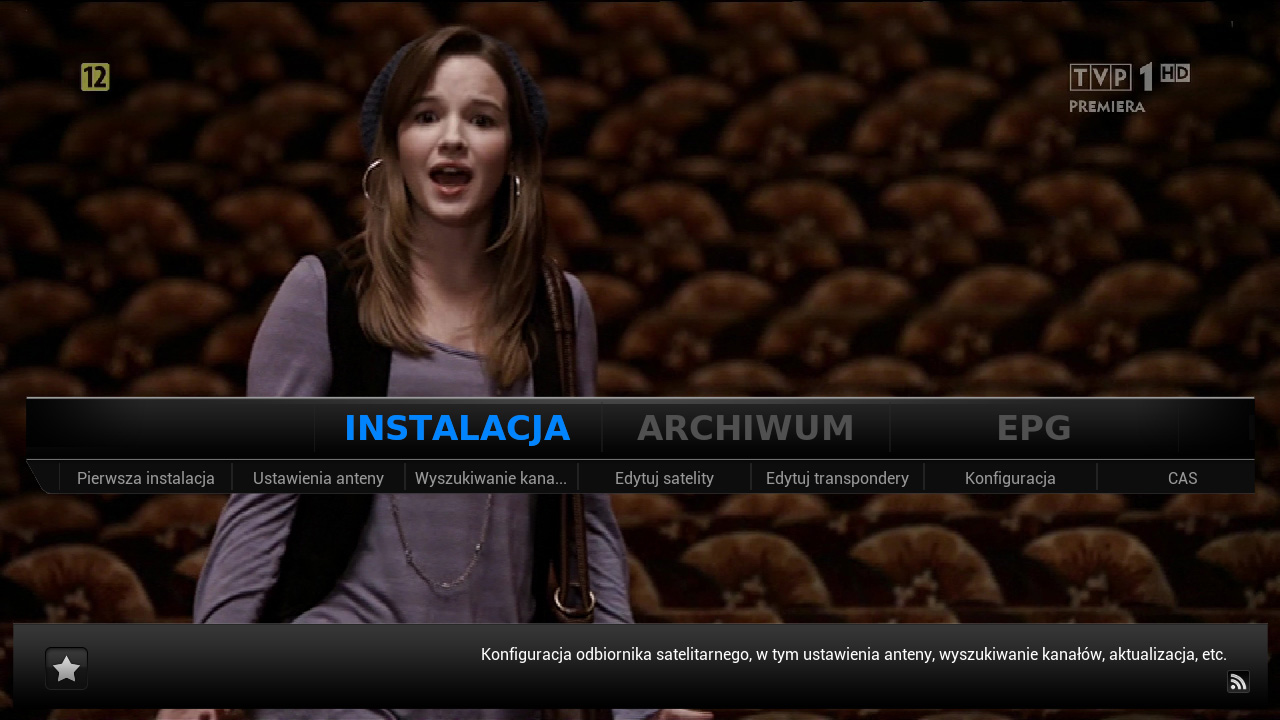
Giant Addons Pack for PrismCube Ruby ver. 0.8 to webkurier
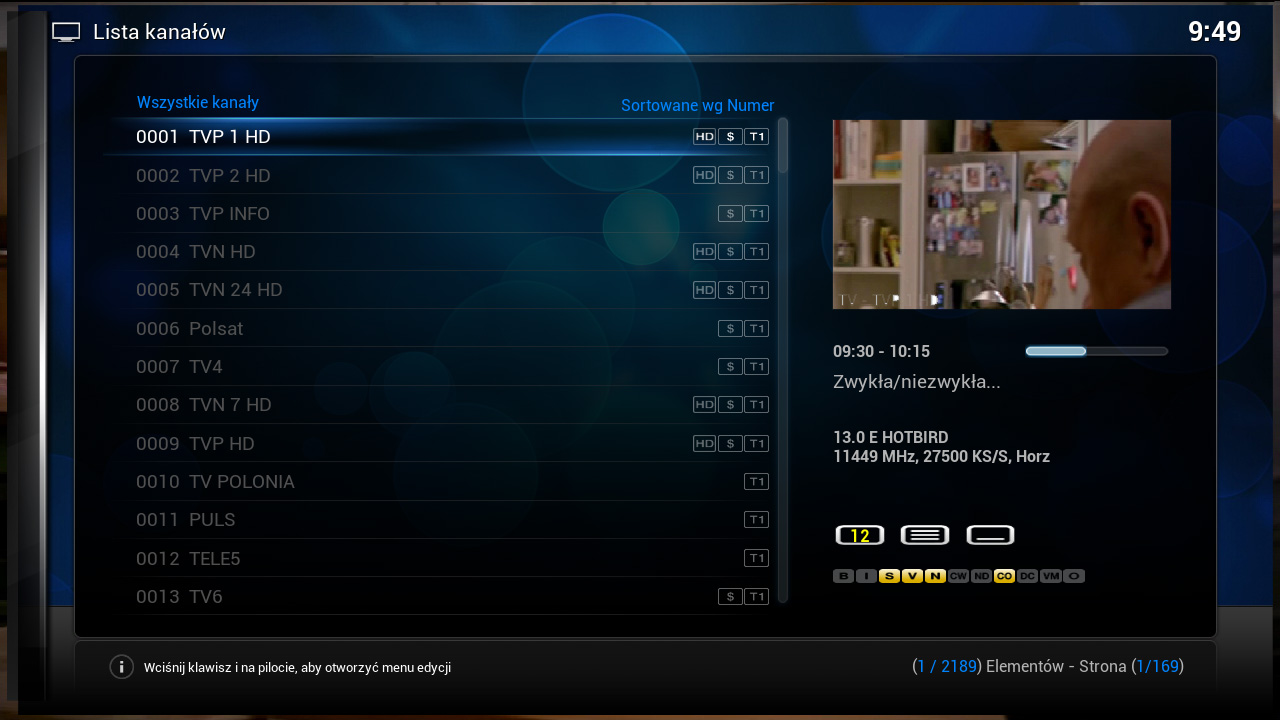
DVB :
XBMC :
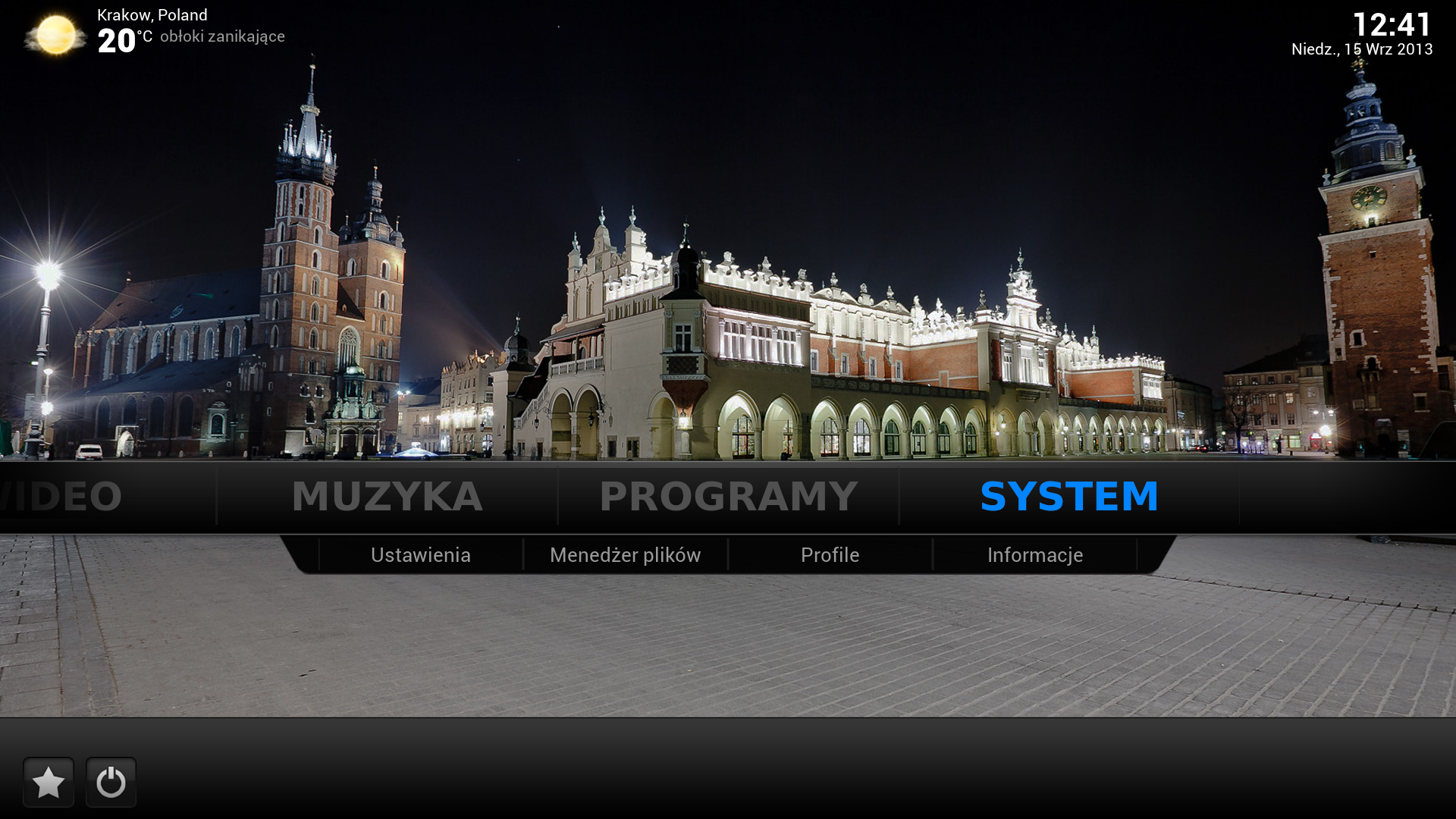
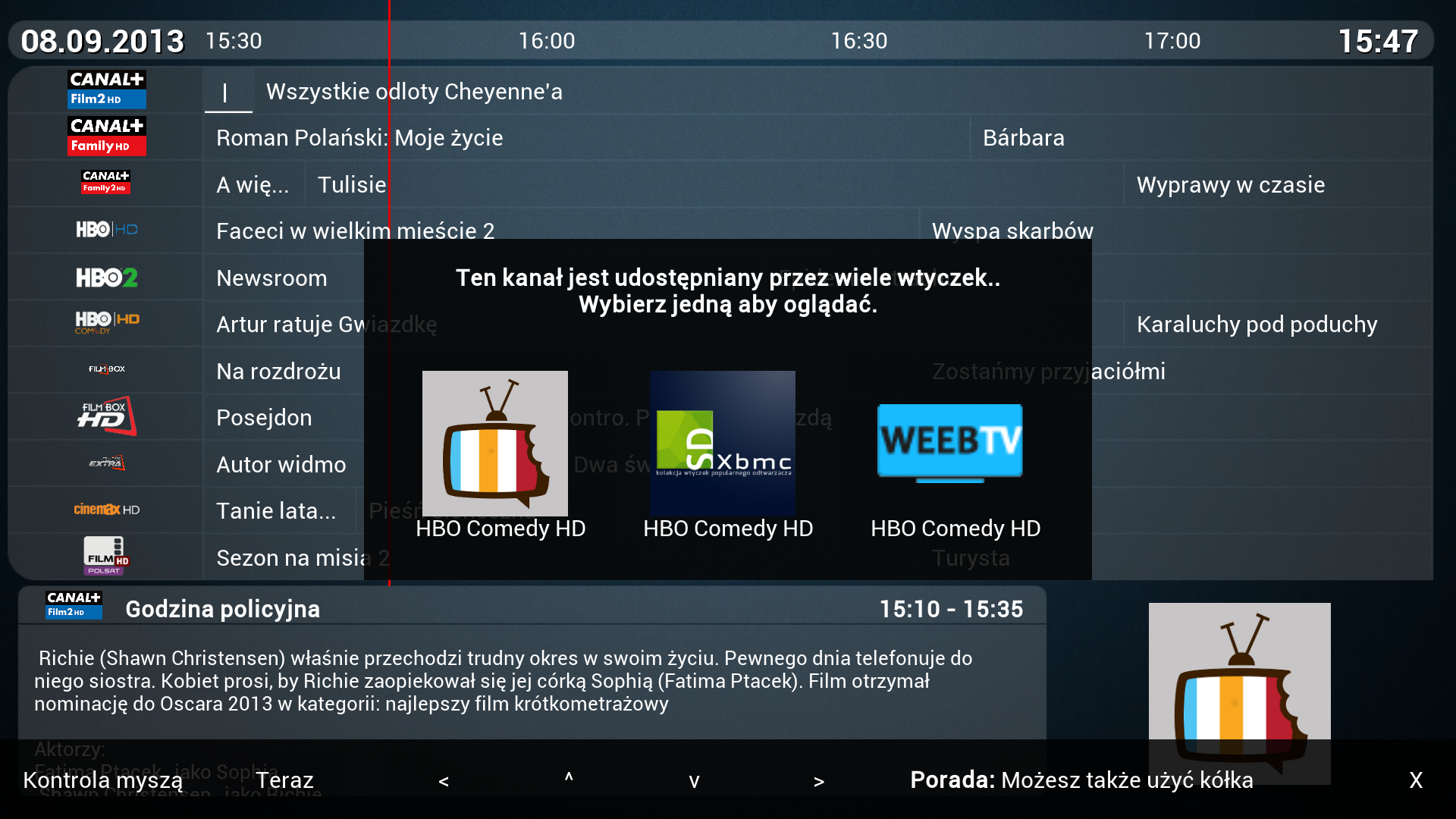
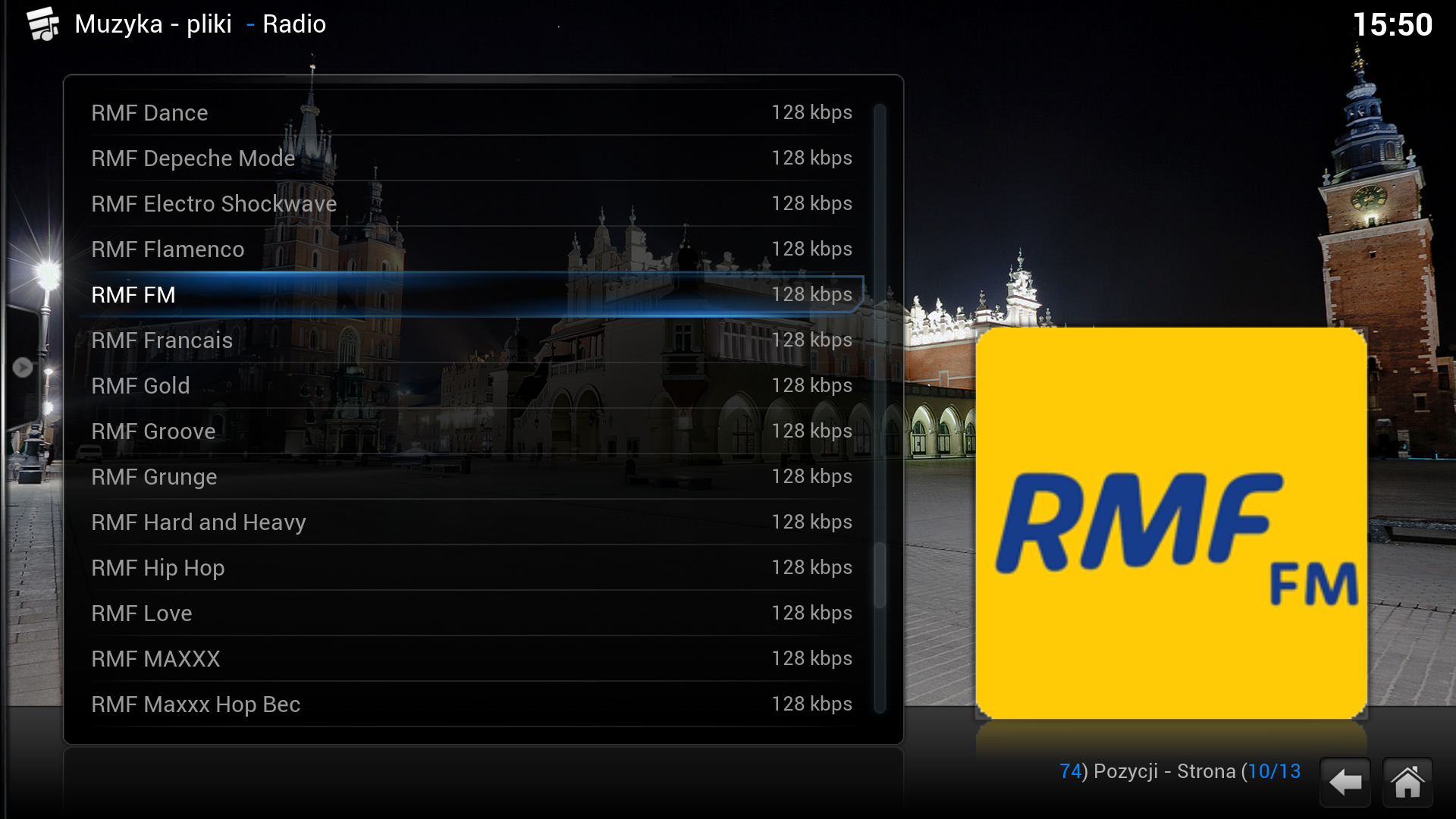
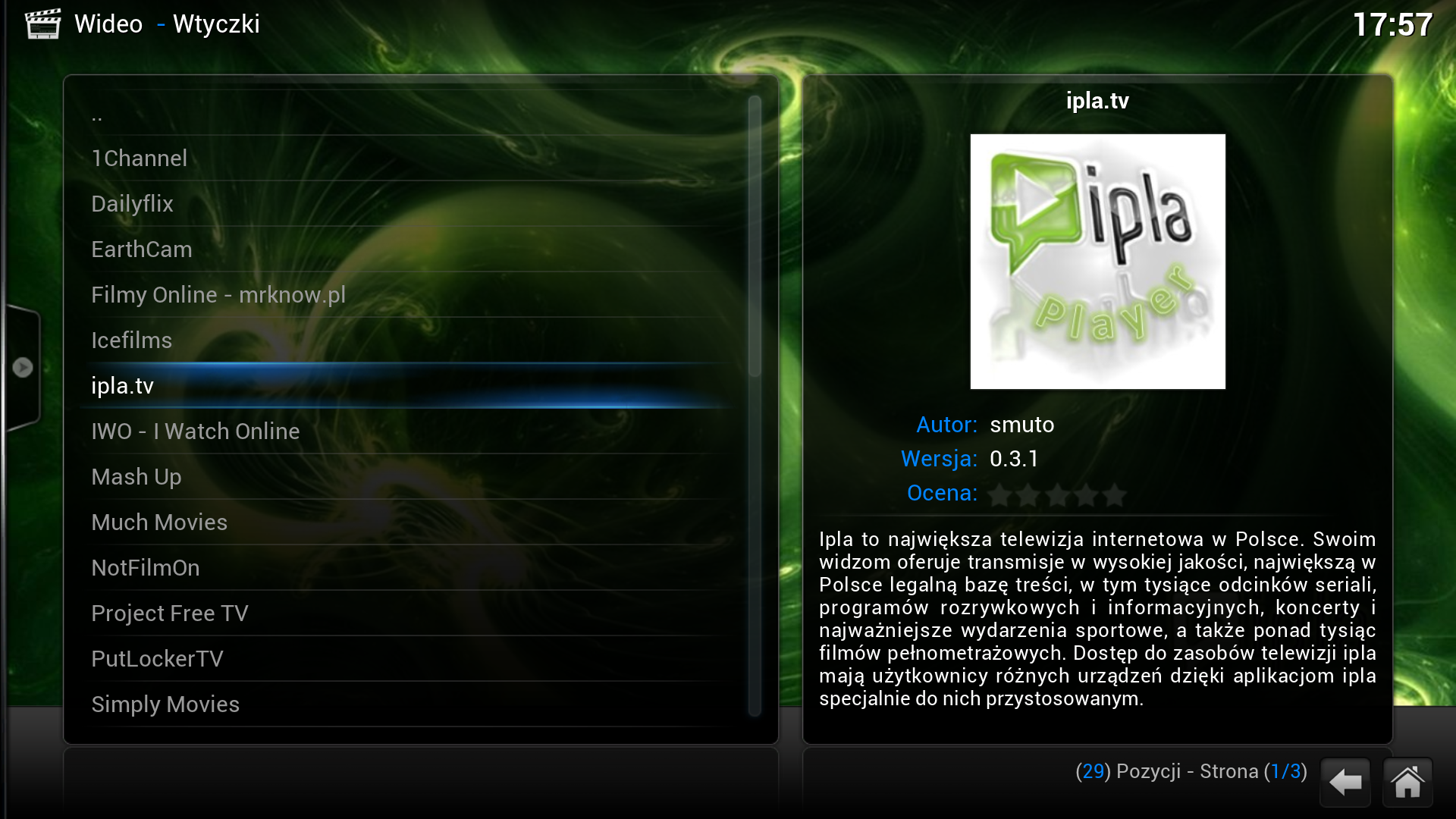
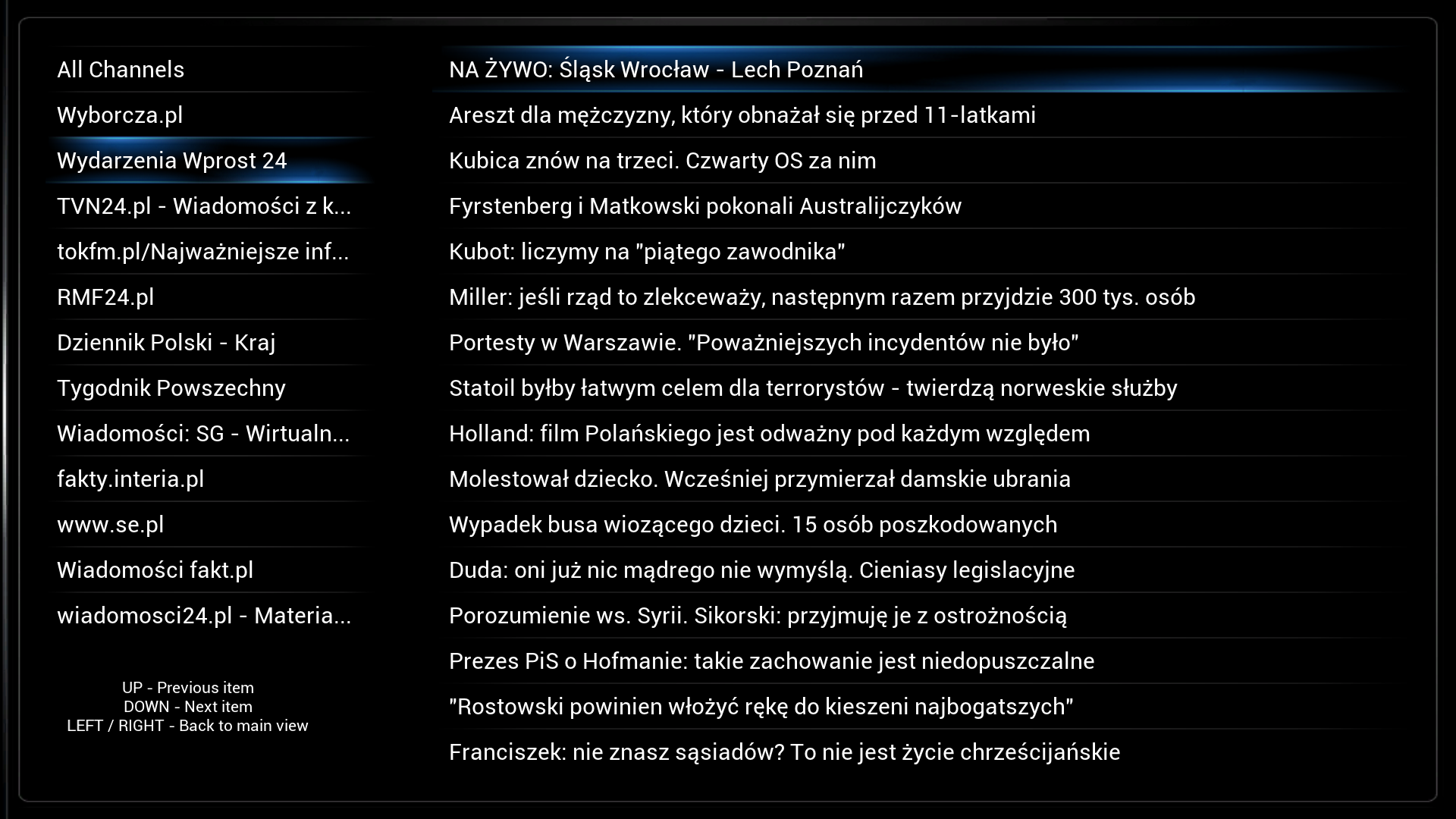
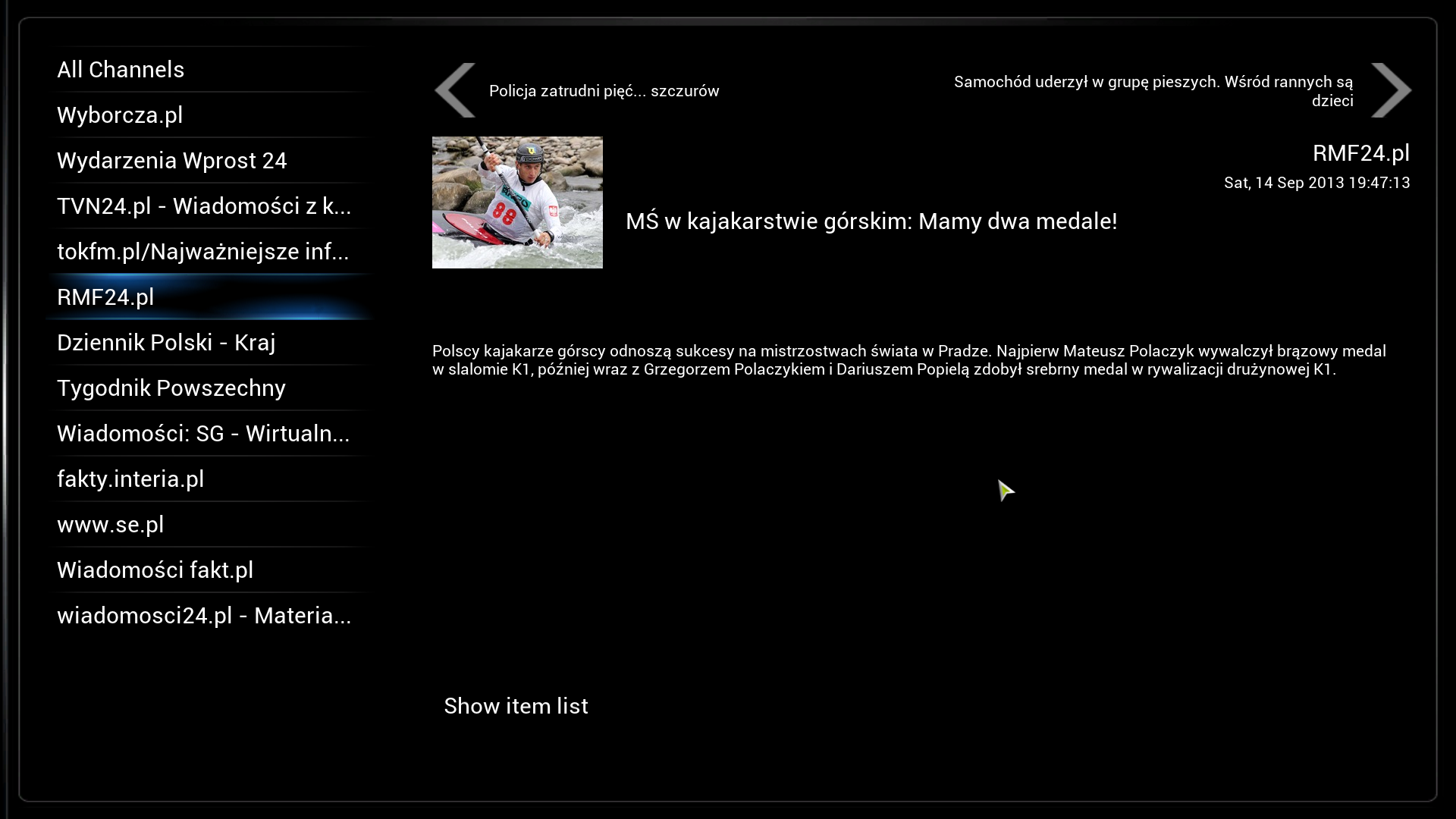
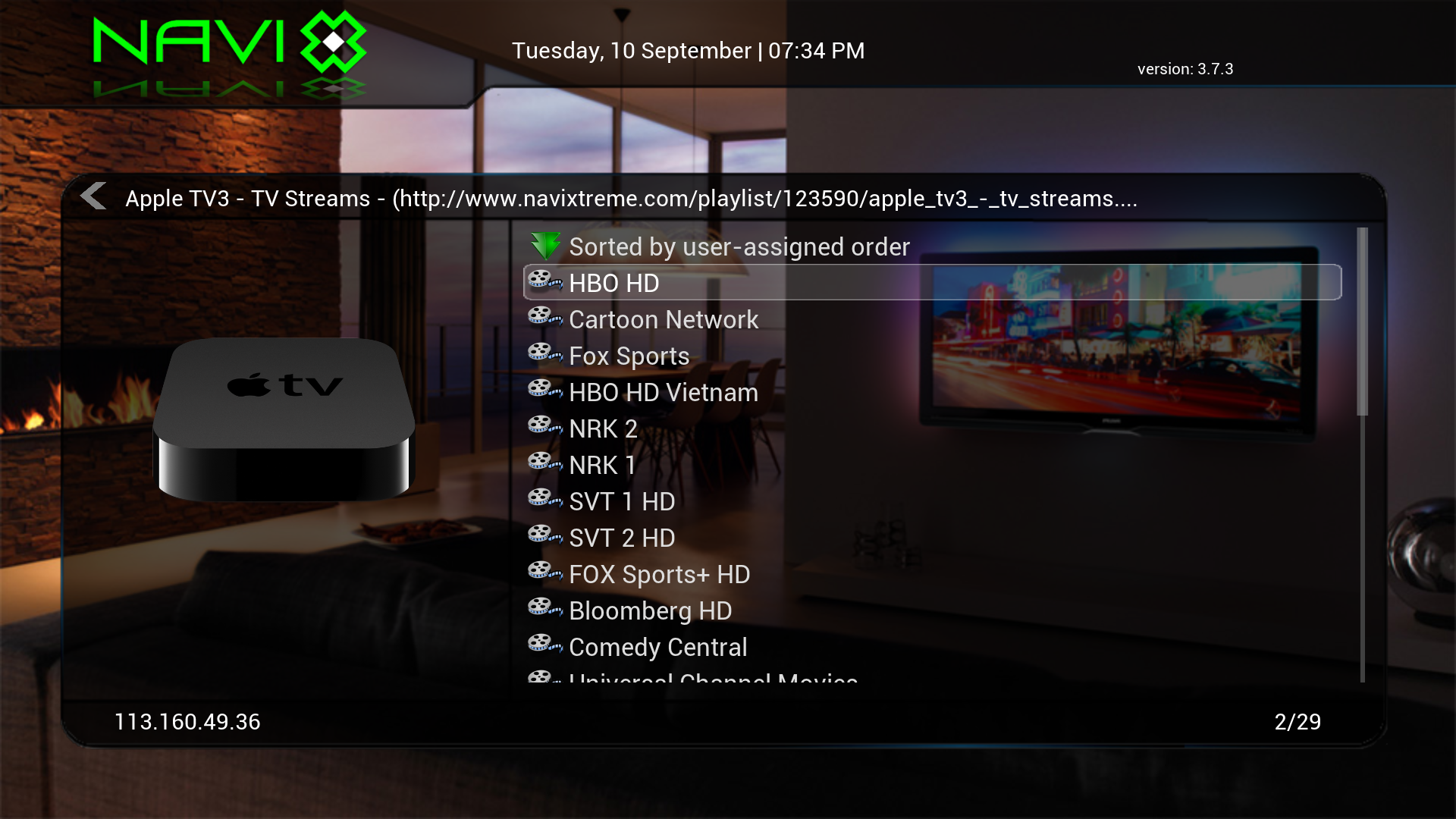
Giant Addons Pack ( GAP ) is a collection of the most popular unofficial additions to PrismCube Ruby
What's New?
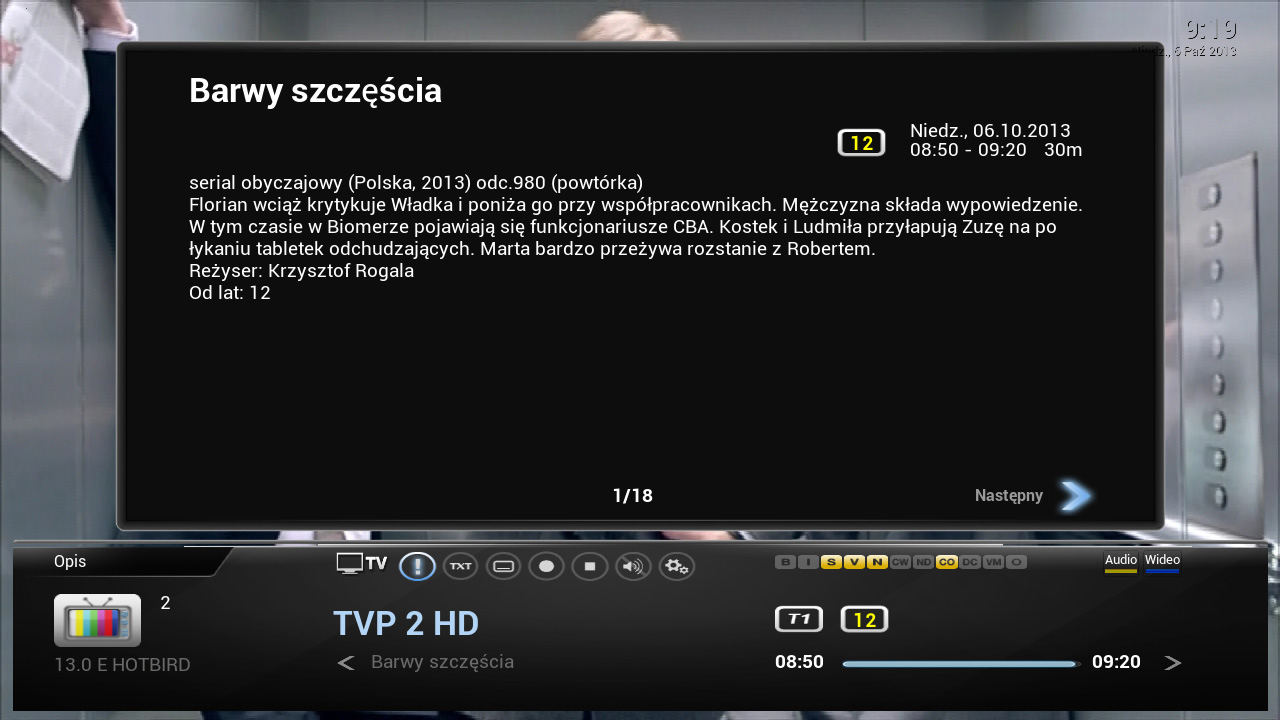
- Fixed the EPG. It displays all Polish characters
- Fixed displaying subtitles downloaded from websites opensubtitle , napisy24 and napiprojekt . It displays all Polish characters - the default font : Roboto
- Corrected cards for software ver. 1.1.12
- Added support for all Polish card reader : Menu , Favorites , Softcam , Select cardserver , UK Market : The number , TNK- 0B1 , Polsat (only for testing )
- Added support for Smargo
- Added rss reader , along with the Polish channel list menu , favorites, RSS Client
- Added unofficial repositories additives
- Added Polish and foreign popular plug-ins for photo, music , video and softwareKnown bugs :
- Incorrect coding of Polish characters in EPG on BBC channels and TV Polonia
- The lack of Polish characters in Teletext
- Lack of access to the section dvb , you can not add pikonyATTENTION! Gap not contain keys or emulators !
You can install it only in Prismcube with a mounted driveinstallation
1 Copy the file gap_prismcube_xx.tar.gz a stick , formatted FAT32
2 Insert USB flash drive into the USB port , connect the power supply and wait until a full restart of the receiver
3 Open the PuTTY console [URL = ' http://the.earth.li/ ~ sgtatham/putty/0.63/x86/putty.zip "] [ COLOR = 'Lime '] >> here [/ COLOR ] [ / URL ] type connection : SSH host name - IP address Prismcube , harbor - 22 and hit enter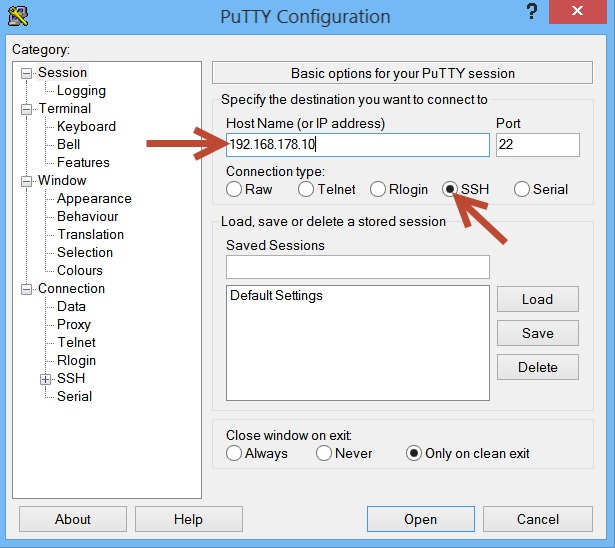
4 After logging - user : root , password 0000 , enter the following command (copy - paste) and hit enter :
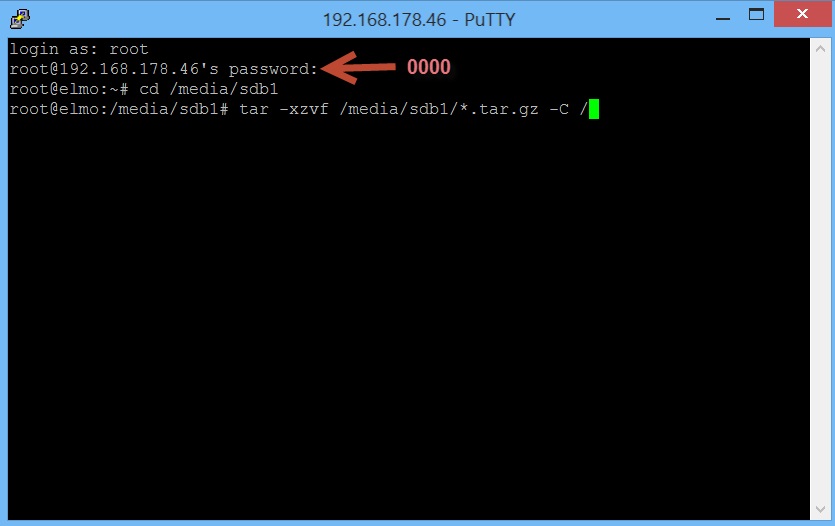
After the transfer is complete , briefly remove and replace the power plug [COLOR='Deep***Blue'] gap_prismcube_0.8.tar.gz (167.6 MB)[/COLOR] >> Download <<Caution! Gap does not emulators. You have to install them yourself
You need to copy the binary files such as the plug plugin.program.softcam_0.1.17 (archive interface.zip), which can be found in tethered >> tutaj
Mgcamd oscam files and copy to the location of / usr / local / bin and give them attributes 777
Thanks mate @ Sp @ Yek, who agreed to become a beta testerList of connected channels are created on the basis of the official under my package nc +. If there are problems with the installation, you must first download a list from the manufacturer of the feed, and then upload my list of the usb. Full version of the list of channels to giant will be in a few weeks, when there will be something better to do ...
-
-
MP3 Browser Version 0.7:
Version 0.7:
Neu: Metrix Style
-
***Recorder (*** Anytime) v1.3.10 (27.09.2013)
Fixed: GS wenn Datenbank leer ist, aber Systemtimer vorhanden sind und ein sync versucht wird.


 >> Download <
 -
VU+ Plugin ***Recorder (*** Anytime) v1.3.4 (15.09.2013)
Code[COLOR='DarkOrange']Gibt ein paar kleinere Änderungen: ### Version: ***Recorder (ehemals *** Anytime) v1.3.4 Neu: Option um nur aktivierte Genre in der Hauptliste anzuzeigen hinzugefügt. Neu: Mit der Taste "Rot" im Archiv können nun Einträge gelöscht werden. Das mit den Serieninfos kommt doch erst später, muss das lokal noch mehr testen und Skins und Screens dafür bauen.[/COLOR]Thx grey***
enigma2-plugin-extensions-***recorder_1.3.4_all.zip (150.4 KB, 9 >> Download <
-
Sly Recorder (Sly Anytime) v1.3.3 (12.09.2013)
Code
Display More[COLOR='DarkOrange']The plugin is not original *** anytime ! The plugin "*** recorder " is inspired by the idea of *** Anytime , automatically receive new releases. How the plugin works ? The plugin allows automatic or manual recording of new publications of the German pay -TV provider . *** It recognizes on the basis of TV Guides from the *** First broadcast and all . The recording can be laid in deep standby and standby times of the receiver. Below are the picture and movie description including specifications for broadcasting such as Dolby Digital or bilingual. Once a program is marked as Episode *** in TV Guide and indeed for the first broadcast date . The plugin "*** recorder " So reads the TV guide , recognizes when a program is set to "new" and save the entry in the database. For any additional air dates of this program is searched in the database for the entry that was marked as "new". Is the present, the other dates will be added as "new" . The recordings are automatically stored in the created by the plugin subfolders of the folder "*** recorder " . Subscription is required *** Requirements for the plug is a subscription - *** and *** the presence of channels in the bouquet / in the personal channel lists of the receiver. For a change Gui - restart is sufficient to give the plugin then considered. # # # # #[/COLOR] -
-
muzu tv After the end of a movie trailer or the movie player goes back to the plugin, regardless of the settings of the Image

