


# CiefpVideoPlayer v1.2
## CiefpVideoPlayer ##
is an advanced video player for Enigma2 devices with support for:
- 🎬 Local playback (HDD, USB, CF cards)
- 🌐 Network shares (SMB/CIFS, NFS)
- 📡 Online streaming (M3U and Enigma2 .tv playlists)
- 🎭 TMDB integration for movie and series info
- 💾 Poster and metadata caching
- ⚙️ Configurable cache settings, API keys and languages
## Supported formats: MP4, MKV
(via built-in Enigma2 player)
## Requirements:
Python 3.x, Enigma2 based image (OpenATV, OpenPLi, PurE2, etc.)
Skin 1920x1080 (FHD)
📖 Quick start guide
## Navigation (FHD skin 1920x1080)
Button Function
- ◀ ▲ ▼ ▶ ........Navigation through files/folders
- OK ..............Open folder / play video
- Red (RED)....Exit plugin
- Green (GREEN)....Local files (HDD/USB)
- Yellow (YELLOW)....Network content (SMB/NFS)
- Blue (BLUE)....Online content (GitHub M3U/TV lists)
- MENU ............Main menu (TMDB info, settings, cache)
## Local playback
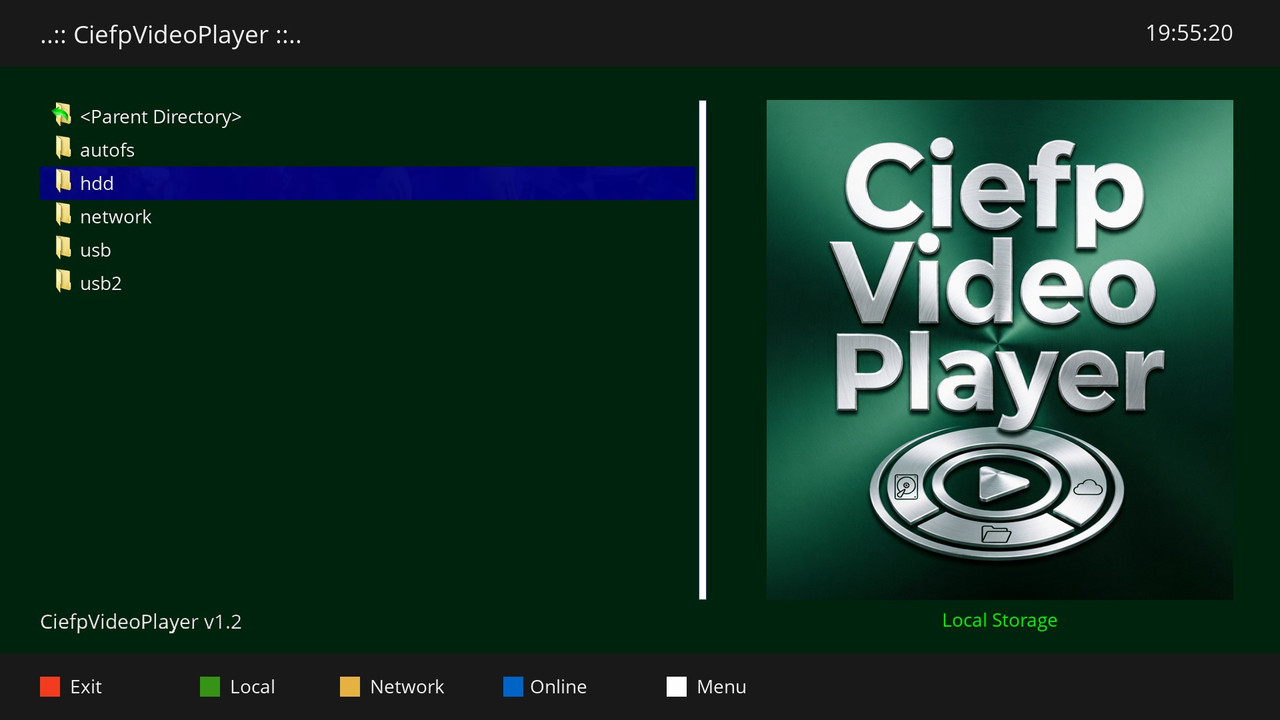
Press GREEN → select location (HDD, USB, USB2, Root)
Navigate to video file → press OK
## Network content (SMB/NFS)
Press YELLOW → select option:
Connect to Laptop – manually enter IP address and share name
Browse Network Shares – view already mounted shares
Add Network Share – add SMB or NFS share
Auto-Scan – scan network for SMB devices
## Online content (M3U / .tv lists)
Press BLUE → select:
GitHub TV Lists – download Enigma2 .tv lists from GitHub
GitHub M3U lists – download M3U lists from GitHub
Manual URL – manually enter M3U or direct stream link
## TMDB info (Movie/TV Show info)
Select video file (local or from online list)
Press MENU → select Movie Info (TMDB) or TV Show Info (TMDB)
The plugin automatically parses the file name and searches TMDB
## Settings
Press MENU → Settings
TMDB API Key Setup – enter TMDB API key (required for info)
OMDb API Key Setup – enter OMDb API key (optional, for IMDb ratings)
Cache Settings – set cache size, clear cache
Language – select language (English, Serbian Latin/Cyrillic)
## Caching
Posters and metadata are cached in /tmp/ciefp_cache
Recommended cache size: 100-200 MB
The Auto-clear on exit option automatically clears the cache on exit
⚙️ config.json file (structure)
Create a file at the path:
text
/usr/lib/enigma2/python/Plugins/Extensions/CiefpVideoPlayer/config.json
{
"tmdb_api_key": "YOUR_TMDB_API_KEY_HERE",
"omdb_api_key": "YOUR_OMDB_API_KEY_HERE",
"cache_size_mb": 100,
"auto_clear_cache": false,
"cache_dir": "/tmp/ciefp_cache",
"show_imdb_rating": true
}
Field Explanation:
Field Type Description
tmdb_api_key.......string.....Required – TMDB API Key (obtain at themoviedb.org)
omdb_api_key.......string.....Optional – OMDb API key (for IMDb ratings)
cache_size_mb......integer....Maximum cache size in MB (default: 100)
auto_clear_cache...boolean....Clear cache automatically on exit (true/false)
cache_dir..........string.....Path to cache folder
show_imdb_rating...boolean....Show IMDb rating in TMDB info screen
🐛 Known issues and solutions
Problem Solution
TMDB info not working.............Check API key in settings
Network share not mounted....Check if cifs-utils is installed
GitHub lists not loading..Check internet connection
Slow folder loading......Reduce cache_size_mb or increase timeout
📁 Plugin structure
text
CiefpVideoPlayer/
├── plugin.py # Main plugin file
├── CiefpSettings.py # Settings
├── TMDBInfoScreen.py # TMDB info screen
├── background.png # Background image (placeholder)
├── icon.png # Plugin icon menu
└── config.json # Configuration file (created automatically or manually)
📝 Usage note
TMDB API key is required for info screen functionality.
You can get it for free by registering at themoviedb.org.
OMDb API key is optional – used only for IMDb ratings.
You can get it for free omdbapi.com
..:: CiefpSettings ::..


-
Version 1.5
- ciefp
- 20.98 kB
- 32 Downloads
CiefpVideoPlayer v1.5
- WebcamPlayer plugin
New functionality description
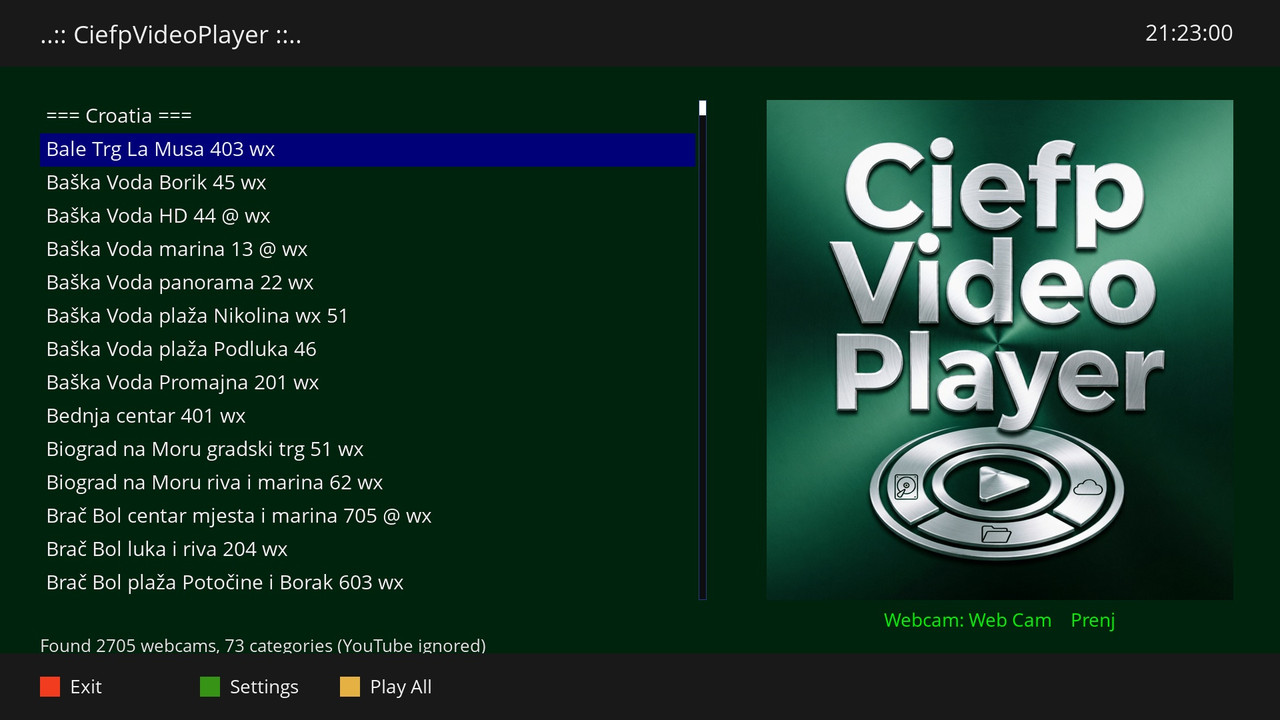
WebcamPlayer is a new component in CiefpVideoPlayer v1.5 that allows viewing
and playback of webcam streams from existing Enigma2 userbouquet files.
What's new?
Automatic webcam bouquet recognition - The plugin automatically detects all userbouquet files containing webcams
recognizes them by file names such as:
- userbouquet.web_cam____prenj___.tv,
- userbouquet.ciefpsettings_iptv_webcam.tv
- or any file containing the word "webcam" or "prenj")
Support for multiple stream formats - Works with:
#SERVICE 5002:... (exteplayer3)
#SERVICE 4097:... (standard Enigma2 player)
#SERVICE 1:... (classic services)
Two playback modes:
Single play - plays only one webcam
Playlist play - plays all webcams in order (automatic switching)
Mini player with automatic switching - When a playlist is started, a small transparent player appears at the top of the screen that displays:
Currently playing webcam
Next webcam in sequence
Countdown to the next camera
Camera number (e.g. "Camera: 5 of 120")
Playback controls:
OK button - pauses automatic switching
▲/▼ buttons - manually switch to the previous/next camera
EXIT button - exit the playlist
Adjustable duration
- The user can set how many seconds each webcam will be displayed before automatically switching to the next one (15, 20, 25, 30, 40 or 60 seconds)
- Adjustable mini skin transparency - The transparency of the mini player can be set (20%, 30%, 50%, 80% or 100%)
How to start it?
There are two ways to start WebcamPlayer:
Using the GREEN button (Local) → select "Webcam Player" from the menu
Using the YELLOW button (Network) → select "Webcam Player" from the menu
Then a list of all found webcam bouquets is displayed, select the desired one and the main WebcamPlayer screen opens.
Automatic switching allows monitoring of multiple cameras without manual switching
YouTube links are automatically ignored (cannot be played via standard player)
Supports both old and new userbouquet file formats
Version
CiefpVideoPlayer v1.5 - WebcamPlayer plugin
Jun 2026.
-
Version 1.4
- ciefp
- 16.57 kB
- 54 Downloads
.... CiefpVideoPlayer v1.4 ....
The new version brings significant improvements in network connectivity,
support for mobile devices and stability of working with subtitles.
What's new in version 1.4:
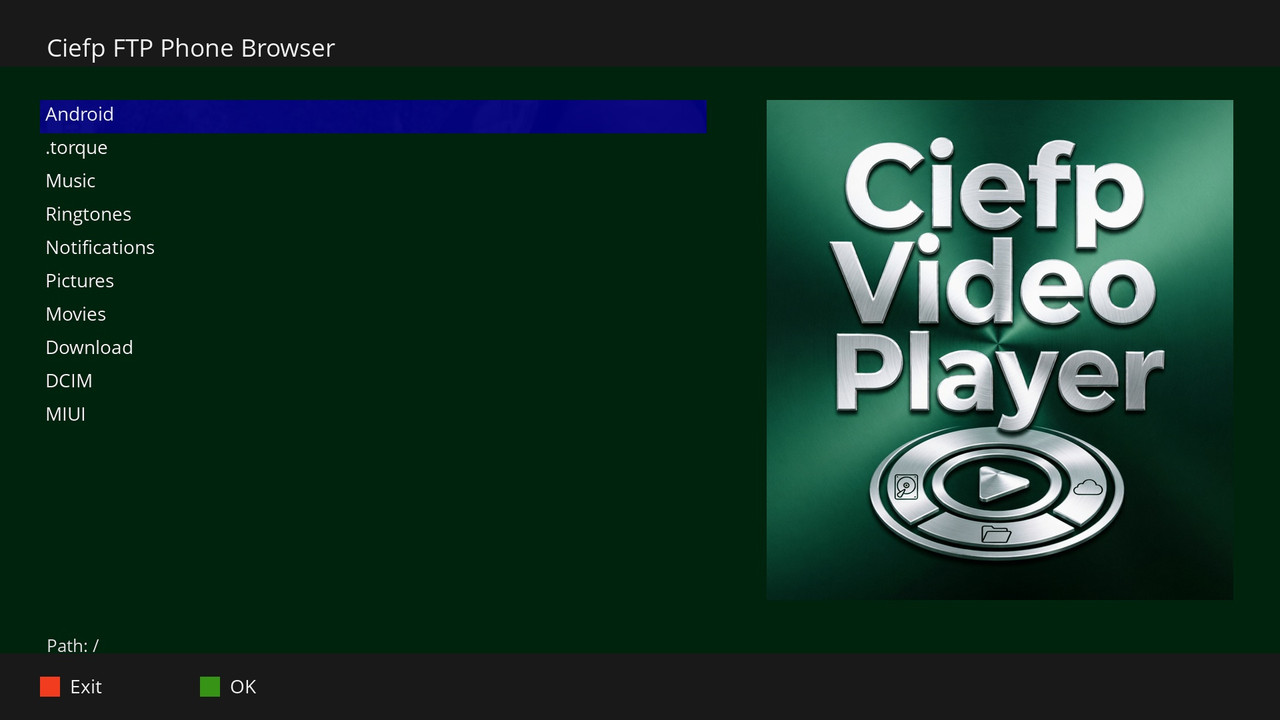
# New FTPBrowser: A completely new module for viewing and playing content directly from an FTP server.
# Android FTP support: Added optimization for connecting to Android devices via the FTP protocol,
enabling easy streaming of content from the phone to the receiver.
# Improved Autoscan: Fixed bugs and improved algorithm for automatic network scanning,
resulting in faster and more stable finding of available devices.
# More stable connection: Resolved problems with connection interruptions and optimized work with network protocols for smoother playback.
# Working with subtitles: Local subtitles: For files that run locally (USB, HDD),
the subtitle is loaded automatically provided that it has the same name as the video file (e.g. film.mkv and film.srt).
# Online Streams (OpenDirectory): Although v1.4 brings basic subtitle support,
for the best experience and advanced settings options on online streams,
it is still recommended to use external plugins:
- CiefpSRTPlayer (my external plugin specialized for SRT).
- SubsSupport
# Technical fixes: Optimized cleaning of /tmp folder after closing stream.
Fixed Attribute Error in certain menus that caused plugin to crash.
Removed unnecessary "skip reboot" options from the interface for a cleaner look.
Tested on Vu+ Zero 4K with OpenATV 7.6 image.
...:: CiefpSettings ::...
-
Version 1.3
- ciefp
- 13.39 kB
- 67 Downloads
# CiefpVideoPlayer v1.3
**CiefpVideoPlayer** is an advanced video player for Enigma2 devices with complete playback control.
## 🎬 Key Features
### 📺 Advanced Video Player
- **Full Playback Control** – Play, Pause, Stop, Reverse, Forward
- **Remembering Position** – resume watching from where you left off
- **HTTP Streams** – pause and resume online content
- **Subtitles** – support for embedded and external subtitles
### 📁 Supported Sources
- **Local Files** – HDD, USB, CF Cards
- **Network Shares** – SMB/CIFS, NFS
- **Online Streams** – M3U and Enigma2 .tv Playlists
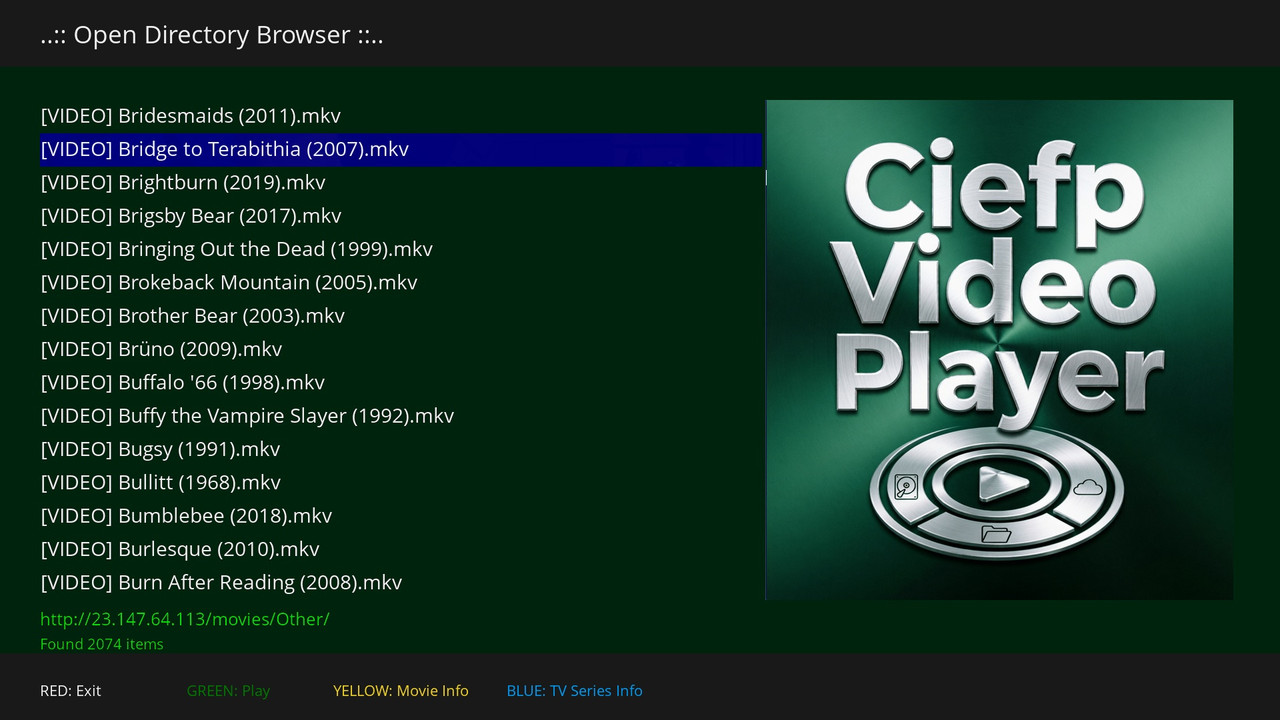
- **Open Directory** – browse and play movies/series from HTTP servers
### 🎭 TMDB Integration
- **Movies** – detailed information, ratings, actors (yellow button)
- **Series** – details about seasons, episodes, actors (blue button)
- **Posters** – automatic caching for faster viewing
- **IMDb Ratings** – via OMDb API (optional)
### 💾 Caching
- Posters and metadata are cached for faster loading
- Adjustable cache size
- Auto-clear option on exit
## 🎮 MoviePlayer controls
| Button | Function |
|------|------|
| **Play/Pause** | Pause and resume |
| **Stop** | Stop playback |
| **◀ ▶** | Rewind/fast forward |
| **◀◀ ▶▶** | Scan (fast forward) |
| **Info** | Show video information |
| **Audio** | Select audio track |
| **Subtitle** | Turn subtitles on/off |
| **Exit** | Exit the player (remembers position!) |
## ⏯️ Resume Play
MoviePlayer automatically remembers the position where you left off. The next time you play the same video, Enigma2 will ask you if you want to continue where you left off.
**Supported for:**
- ✅ Local files (HDD, USB)
- ✅ Network shares (SMB/NFS)
- ✅ HTTP streams (Open Directory)
- ✅ M3U and .tv playlists
## 🚀 How it works
**Old way (v1.2 and earlier):**
ref = eServiceReference(4097, 0, path)
session.nav.playService(ref) # No control, no resume
New way (v1.3):
ref = eServiceReference(4097, 0, path)
ref.setName(name)
session.open(MoviePlayer, ref) # Full control, resume support!
...:: CiefpSettings ::...
-
Version 1.2
- ciefp
- 8.87 kB
- 46 Downloads

