

Menu/city selection (option 1), then red button and with virtual keyboard insert the name of your desidered location; after that, if you press the yellow/green button you can insert it as preferred 1/2 location.

Foreca One Weather Plugin NEW (Lululla Make)
-
- Foreca
- Lululla
- Thread is marked as Resolved.
-
-
-
I use the Wget script but got a wrong vavoo,
Is there or can someone direct me to a proper wget script for forcea with all cities
thanks fellows
-

I use the Wget script but got a wrong vavoo,
Is there or can someone direct me to a proper wget script for forcea with all cities
thanks fellows
-
It didn't work at night before... because it counts from 12:00 AM onwards, so I had to change it.
Details, and we'll see if we can fix it better? Time permitting
It is working okay. If you select a city where the local time is between 00-06, it shows the overnight forecast.
exactly, you're right, I hadn't calculated the global time
-
try first, and if it goes well I'll send the update
-
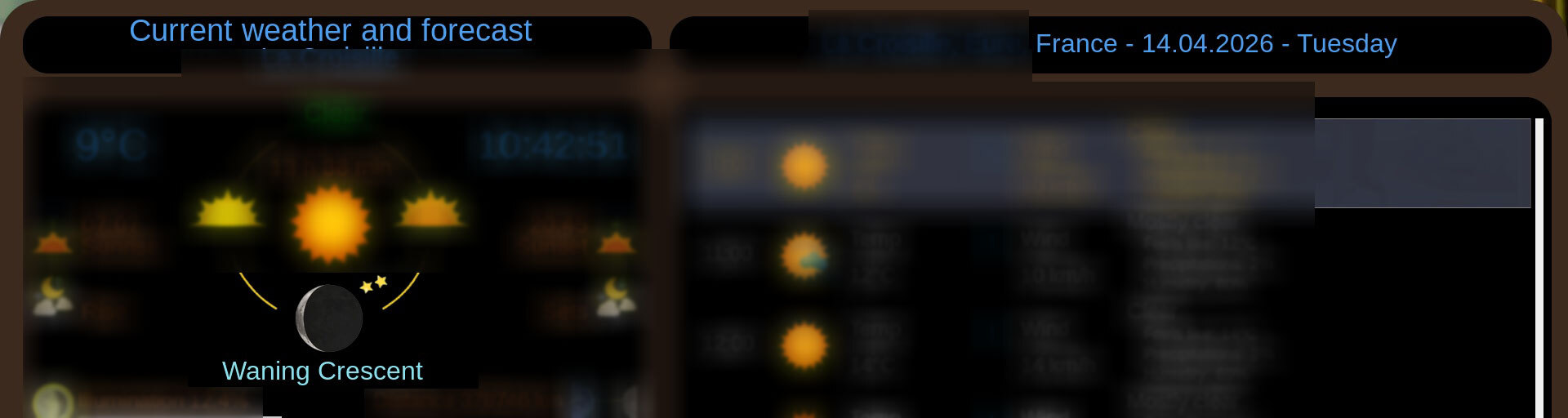
The evolution of the moon and its information is not correct when moving on to the following days.
today Waning Cresent = OK
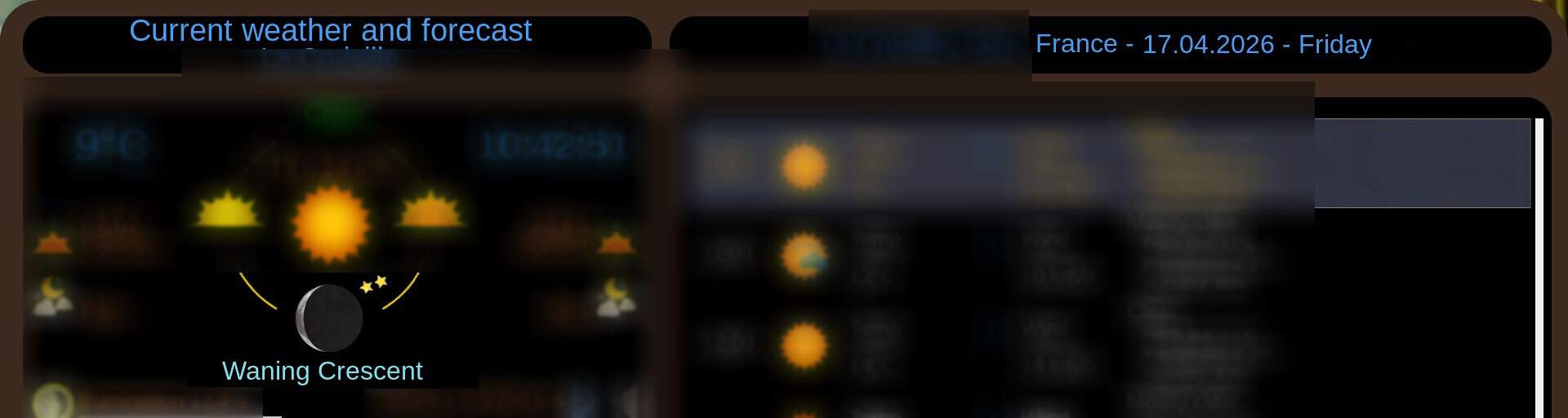
April 17th is incorrect because it's a new moon.
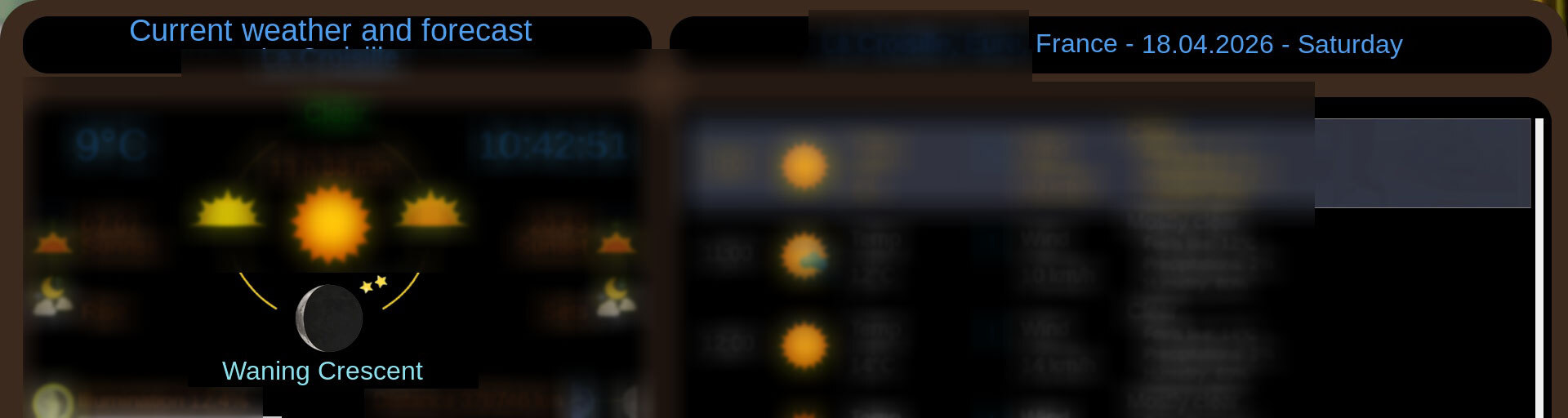
April 18th is incorrect because it's the first crescent moon. (Waxing Crescent)
-
 Display More
The evolution of the moon and its information is not correct when moving on to the following days.
today Waning Cresent = OK
April 17th is incorrect because it's a new moon.
April 18th is incorrect because it's the first crescent moon. (Waxing Crescent)
One thing at a time. :)
But here I think I applied global time.
That should be correct.
I'll check as soon as I can.
-
I use the Wget script but got a wrong vavoo,
Is there or can someone direct me to a proper wget script for forcea with all cities
thanks fellows
thanks for the script.Yes,that one work great,now I have to see how to sort city list.
-
A very nice weather plugin by LULULLA.Its very colourful and very informative.Thanks for your hard work.I now working on how to get the city list working.
GIGABLUE UHD QUAD 4kPRO
-
-
-
Overcast and showers shows snow, should be rain only.
-
In the details of the Moon, moonrise and moonset are interchanged...
-

Overcast and showers shows snow, should be rain only.
This could depend on many things. The icons are numbered like in many weather plugins.
The icon is the correct one.
Dimm ise is an animated icon.
Run a debug from telnet. The log will come out. Paste it here. Or check the debug folder in /tmp. There will be something related to that icon.
-

In the details of the Moon, moonrise and moonset are interchanged...
fix rise_time mooon · OwnerPlugins/ForecaOne@ee8fcd9
from menu (Update plugin)
try and feedback -
Now the moonrise and moonset are the same, but the numerical values
not match the main screen.
-
Read first here
RE: Foreca One Weather Plugin NEW (Lululla Make)
no log debug.. no response..
For me it's all ok..
tested..give me log telnet debug and log in folder /tmp/foreca and in to folder plugin Foreca1/debug
-
-
can´t find the png in debuglog.
it is the d430.png with little bit snow.
At foreca website it´s corect without snow.
-
can´t find the png in debuglog.
it is the d430.png with little bit snow.
At foreca website it´s corect without snow.
fixed
-


Your source for Enigma2 weather plugins
Find downloads and support for tools that show detailed local forecasts, severe weather alerts, and animated radar displays on your device. Discover Enigma2 weather plugins for your receiver. Access downloads and support to display local forecasts and real-time weather information directly on screen.



