


sounds like the dish alignment is off..possibly from high winds ,etc,,
Posts by cazuela
-
-
on the left box of DCC you see a folder named VAR click on it to open more then you´ll see ETC ,click on it then go down the list and you´ll see CCcam.cfg ..right click on CCcam.cfg to open or edit it
-
Config:
SH Config Cam File: /usr/bin/cam.sh
Example File: cam.sh
Bash
Display More#!/bin/sh CAMNAME="CAM" EMUNAME0="sbox" EMUNAME1="" remove_tmp () { rm -f /tmp/*.info* /tmp/*.tmp* } case "$1" in start) echo "[SCRIPT] $1: $CAMNAME" remove_tmp /usr/bin/$EMUNAME0 sleep 3 /usr/bin/$EMUNAME1 ;; stop) echo "[SCRIPT] $1: $CAMNAME" killall -9 $EMUNAME0 $EMUNAME1 2>/dev/null sleep 1 remove_tmp ;; *) $0 stop exit 0 ;; esac exit 0 -
sometimes they show up as data or services,,so what shamon says,you have to go back to 0 then go back in,,sometimes they are also simply added to the end of the list rather than alphabetically...
-
-
Forum Gateway - Powered by DnP Firewall ( Introduce yourself here before posting any questions.)
A little goes a long way....
caz ;) -
VU+ Duo Black Hole 1.6.6 Backup By AYBERK
15.10.2011Code
Display MoreDear @ ozkaradag'ın backup by me that it takes to be modified and re-backup from the very tsk halidir.Emeği ederim.Bu Backup Emeğidir.Ben entirely his only stability, image settings, disecg settings, channel listings, tv and radio have changed logos. When you install this backup; * An existing menu will be in Turkish. * All Drivers will be updated as of 15.10.2010. * CCcam Serverinizi Yarayan keep track of Latest Version "CCcam Info" will have been installed. * Customized as Expert Setup. Dear @ ozkaradag'ın loads stands All Plugins Exactly. * Tuner A (simple - hard); 1-Turksat 42E 2-Hotbird 13E 3-EutelW3 7E 4-Astra 19.2E * Tuner B (Advanced - Motorized); Turksat 42E 39E Hellessat Astra 28.2E Arabsat 26E Astra 23.5E Astra 19.2E 16E EutelW2 Hotbird 13E EuroBird 9E 7E EutelW3 Sirius 4.8E Thor 1W Amos 4W Nilesat 7W Hispasat 30W Tuned In. Sprays, respectively, for the satellites you do not have to delete the key controller Up / Menu / Selected Channel - Bouquet of Non-Satellites Clear Clear saying. * Thin and Small Detail Settings Yapıldı.Saat Ayarlandı.Açılış ATV HD set is to be opened. * Changed by bootlogo created for yourself. * Covering your current channel list I prepared 15 Satellite Channels Added all incoming Yüklendi.Satellites.xml Güncellendi.Yeni. * Display Settings Done. * FTP Password Belirlendi.Şifre device: "imajteam" CCcam 2.2.1 * Installed and adjusted as to be opened automatically. * CCcam ECM ECM Times Time Düzeltildi.Bu way to demonstrate not have a problem.Code[URL='https://rapidshare.com/#!download|979l32|2660739063|VuDuo.BlackHole-1.6.6-Backup.ByAYBERK.15.10.2011.rar|102578|R~0FC5225CA01167CB219123B1E9E3B030|0|0']:NFI:[/URL] -
have searched high and low buddy,, and there´s nothing more than BISS keys + lyngsat channel list
sorry :( -
ping your box then ping your mums - consider that bandwidth is shared not only by cccam but also all running programmes on your pc , mobilephone,videoconsole,etc,,,
as Ten says ,you´ve been around long enough to have read the tuts twice over ,,but no harm in reading them again ;) -
you cant get into var/tuxbox/config ? or you can´t copy over the stations.xml file?
change the ftp programme you are using , try either DCC or Filezilla are the usual programmes..
btw - in the UNO (E2) the .xml files ( sats,terrestrial,timezone ) are in var/tuxbox not in config - in the dm500+(E1) ...are in var/tuxbox not in config..
its just a thought... -
Sorry about that ,as i mentioned I haven´t had that box so haven´t tinkered..
porblems opening file on box?? ¿ does it follow the right path?? try and install a channel list see if it overwrites the existing one..
can´t think of anything else, sorry :( -
Irish and Leinster rooting for Wales all the way
caz ;) -
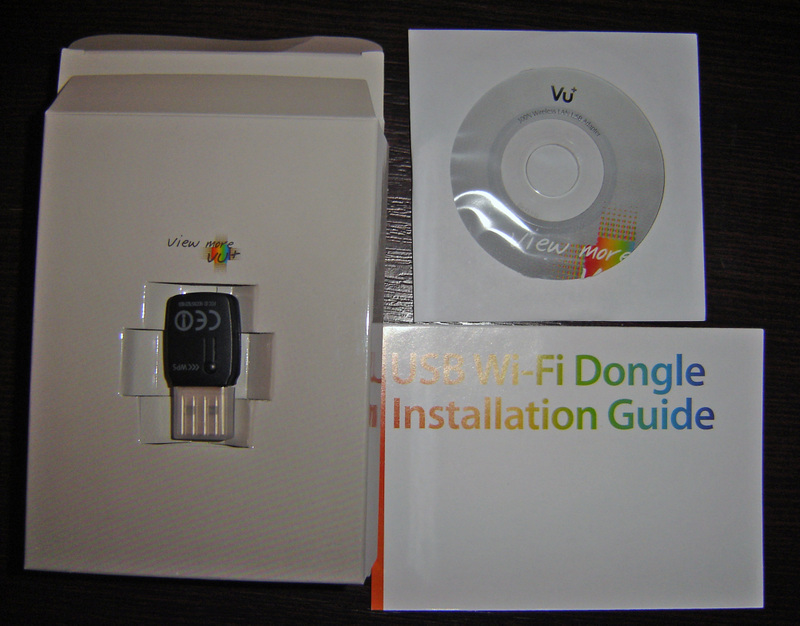
VU+ HD 300N Wireless Lan USB Adapter: Wifi VUPlus
-
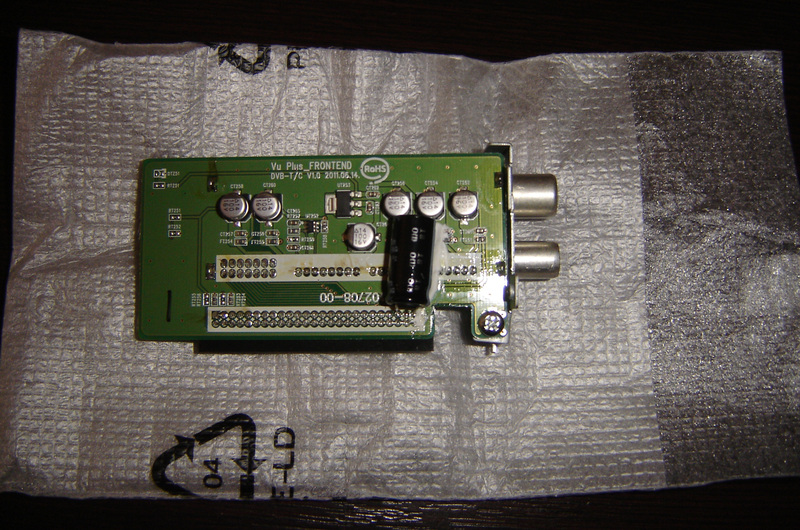
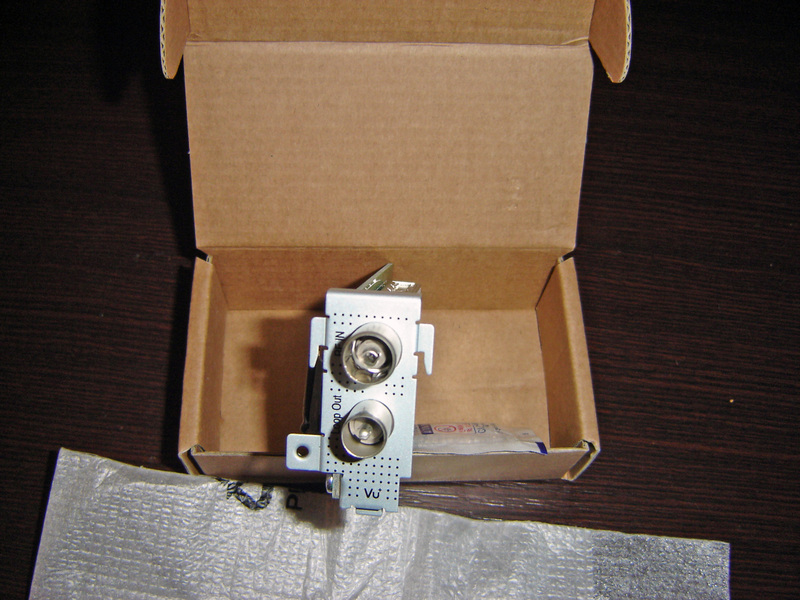
plug + play tuner cable/DTT ( apparently the frequencies are within range of one another to make it compatible )
-
enigma2-plugin-extensions-dumbo_0.25l
-
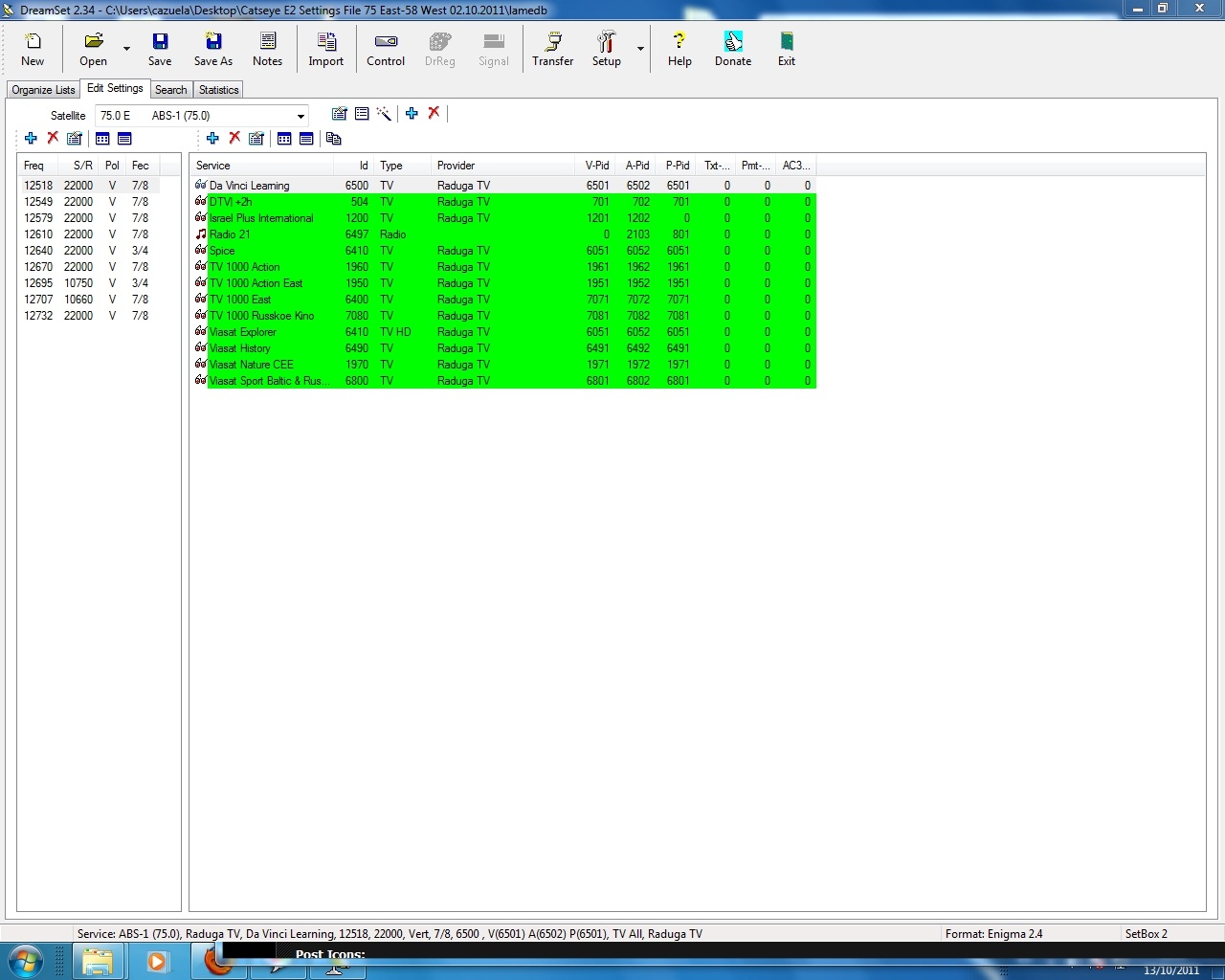
go into dreamset -- read from box ,,then go into EDIT settings and you´ll see Apid Vpid ,etc,,,, then you can revise them against the lates kingofsat or whichever you use
-
Upcoming Fixtures
15/10 - 10:00 CET (9am GMT)
Wales - France Semi Finals16/10 - 10:00 CET ( 9am GMT)
Australia - New Zealand Semi Finalson the usual sat channels ;)
-
Not having an openbox I don´t know the configs but I imagine you have installed a recent channel setting? this is sometimes better than the automatic scan as the automatic scan will only scan the frequencies,pids,etc that have been preprogrammed in the box.
As far as recieving from a peer ,,block the peer who you normally "view" from and see if another peer can "open it"...
If you are using a "softcam" ,,block it..
can´t think of any other reason why certain channels don´t open.. perhaps one of the experts might consider something else.. -
check see if filezilla has the same IP to look for... it also sounds like a firewall problem ,,
try this to se if its server or pc : Online FTP tester
all info from here: Network Configuration - FileZilla Wiki
let us know the results, please ;) -
the searchbar top right corner is a very handy tool : http://linuxsat-support.com/os…2-setting-up-reshare.html
caz ;)



