Posts by snifferdsx
-
-
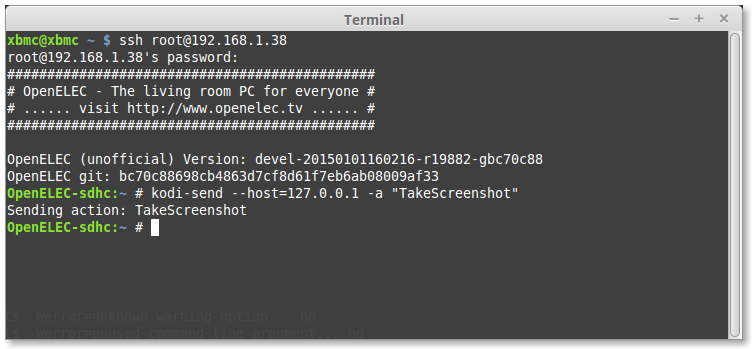
what do u mean xbmc (kodi) have a standard key that is the normal print screen button ?
mmh maybe it is not standard but in openelec works it fine -
this is the about from the skin http://mediabrowser.tv/about/
this skin can many i post now some screenshot what i use now for example :) i think this is much better the enigma2 :)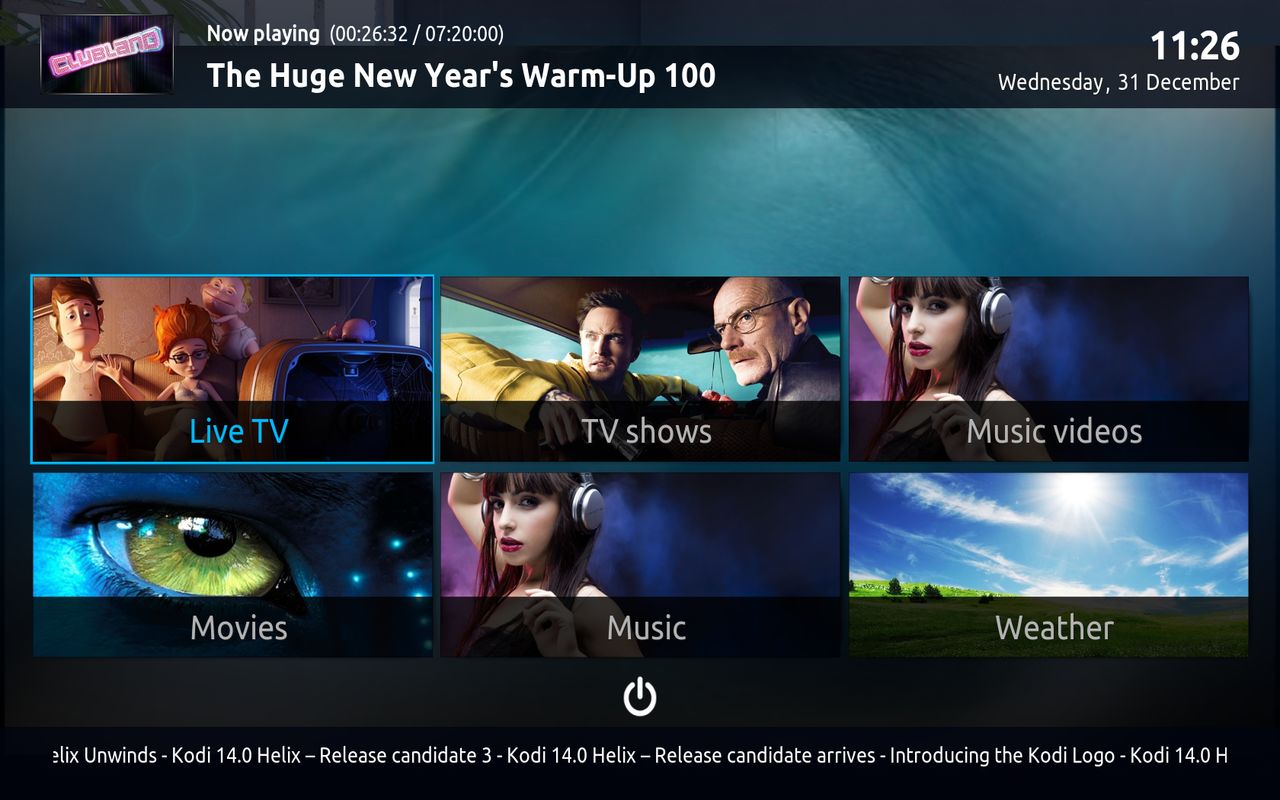
currently i use this on openelec, this is the main screen
1 click on the live tv image you get this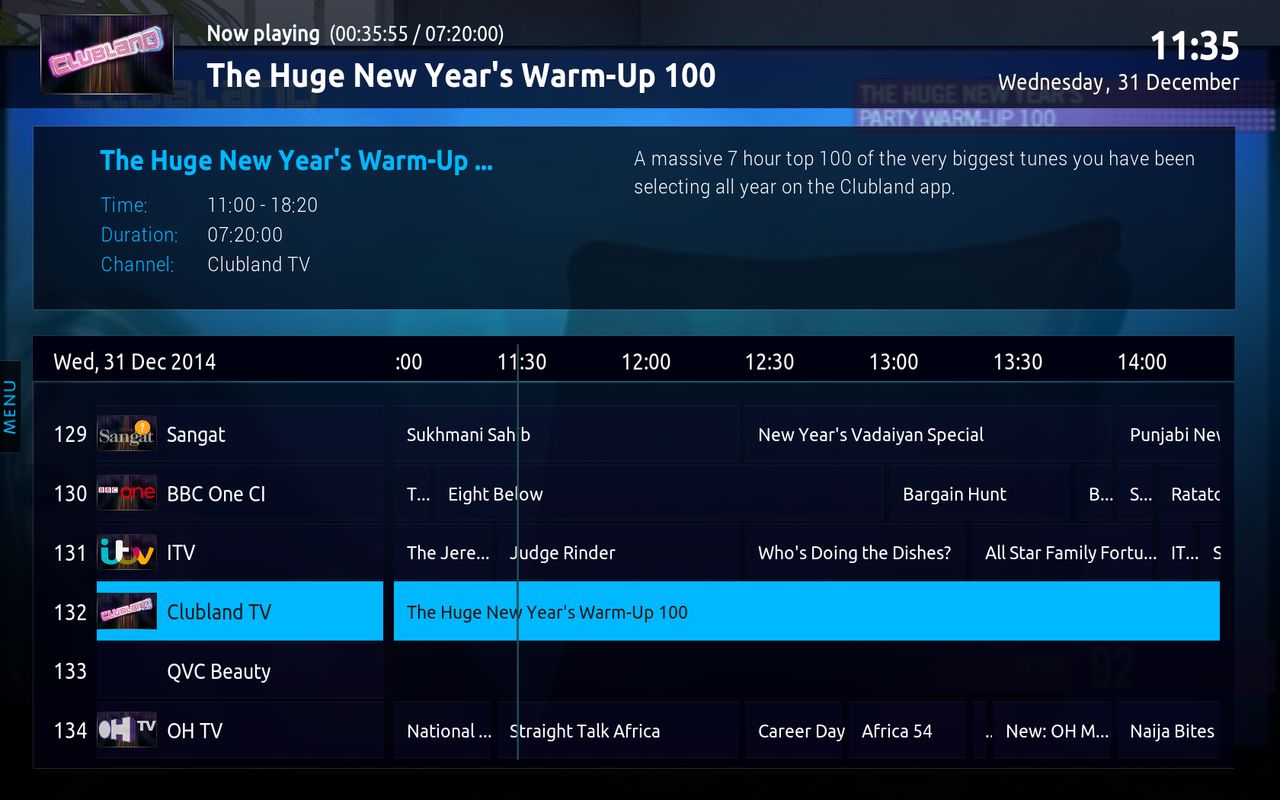

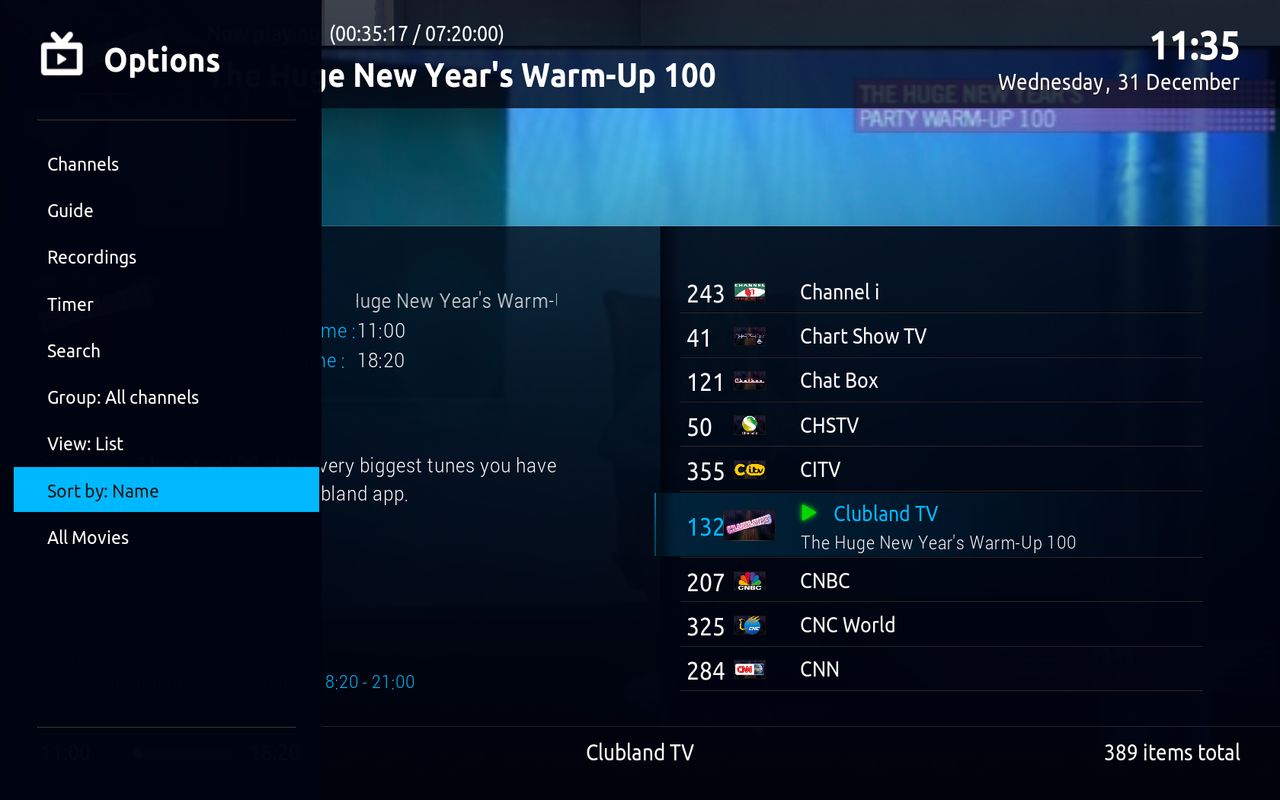

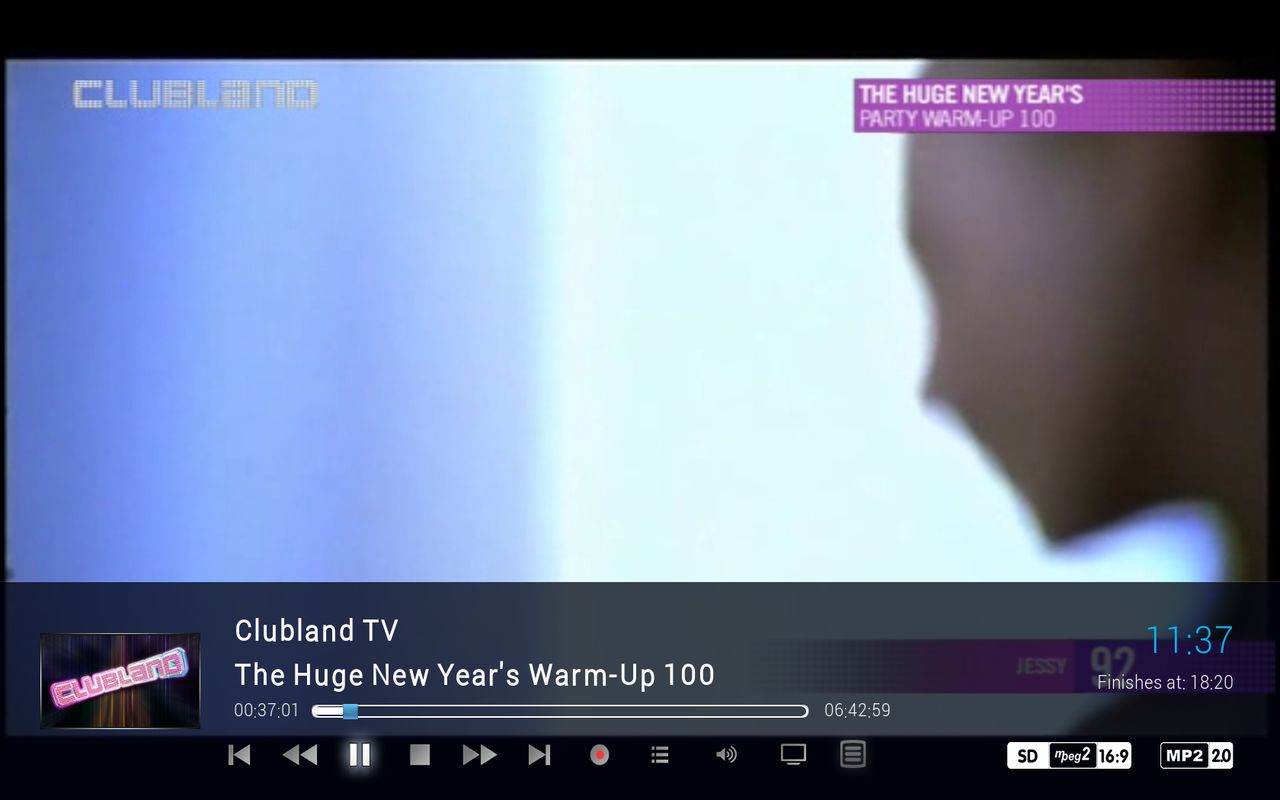
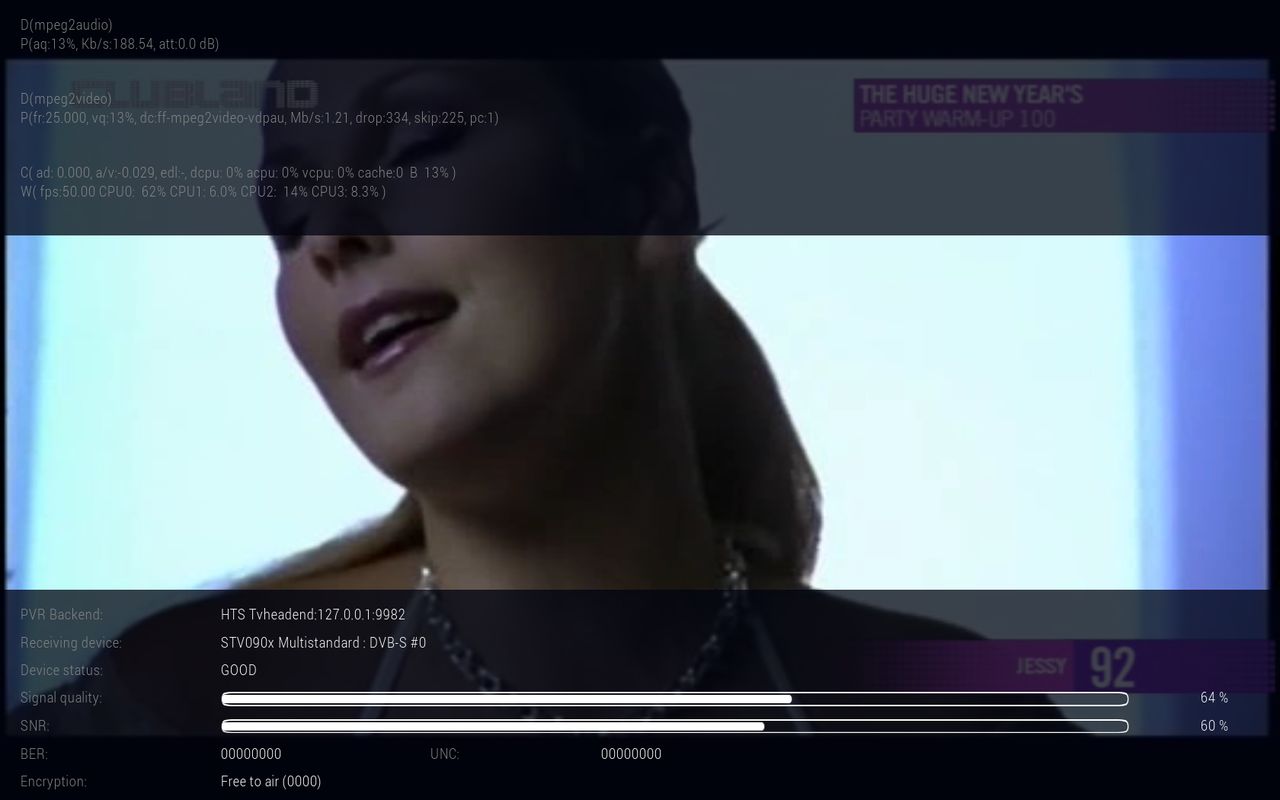
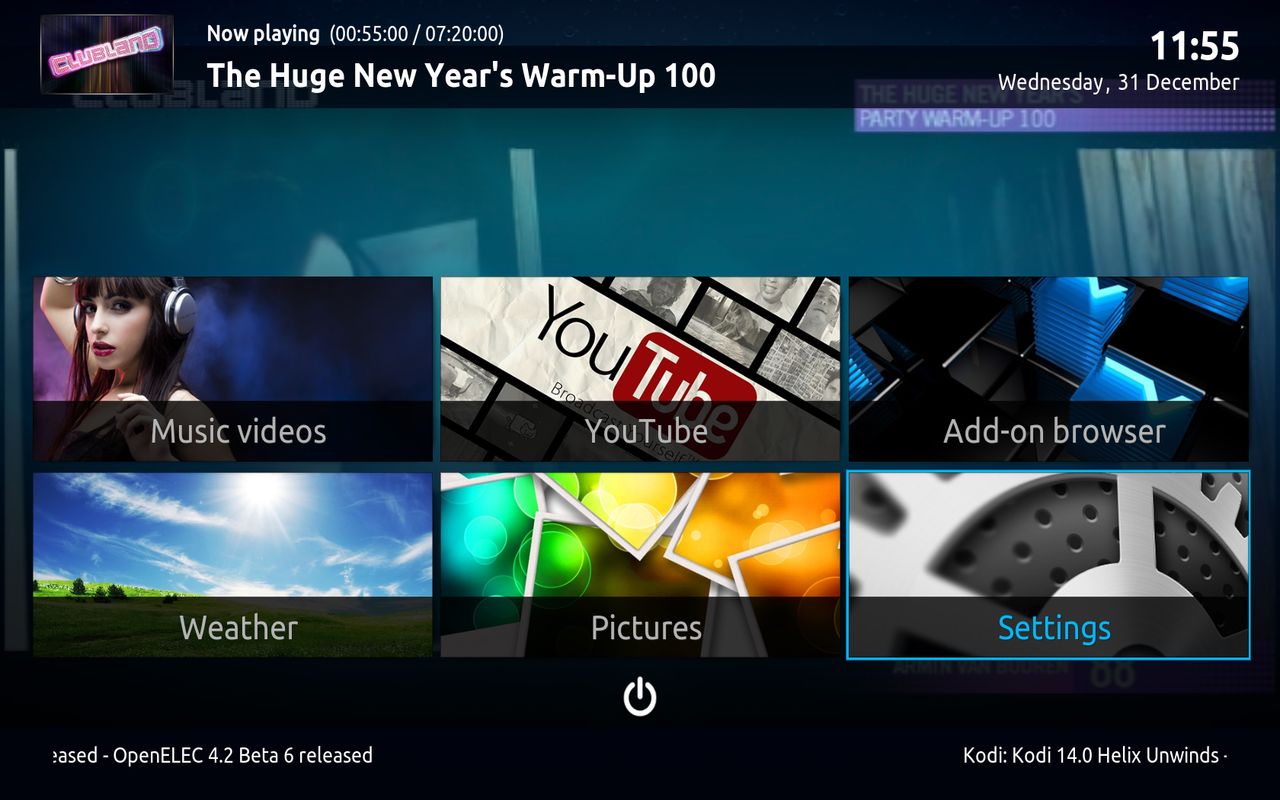
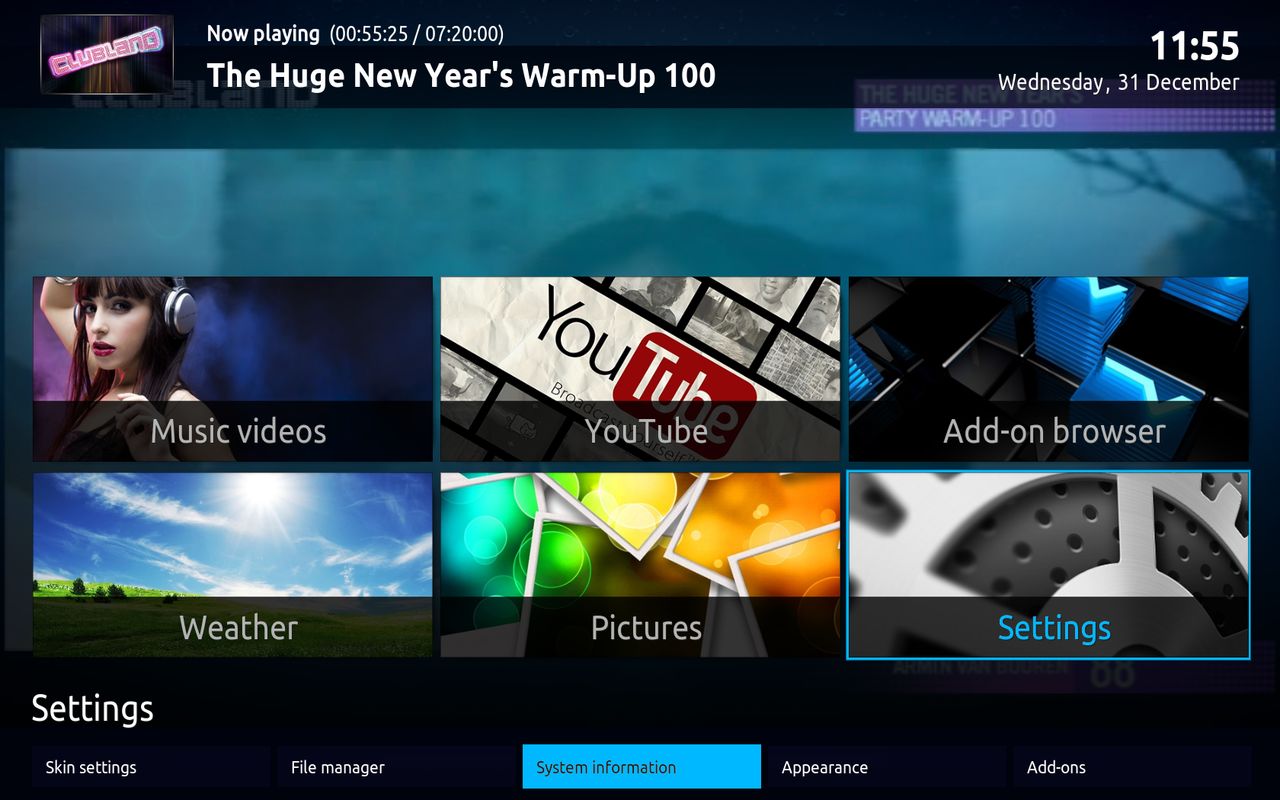
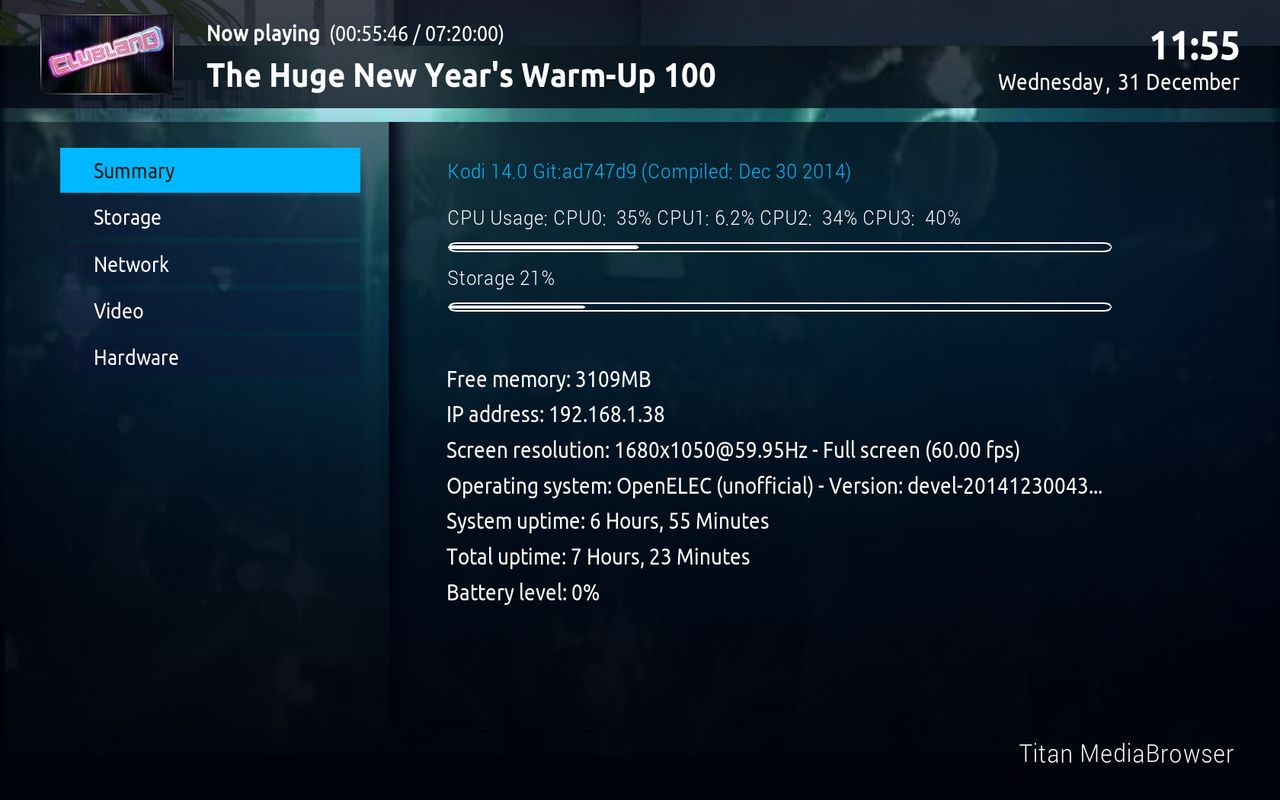
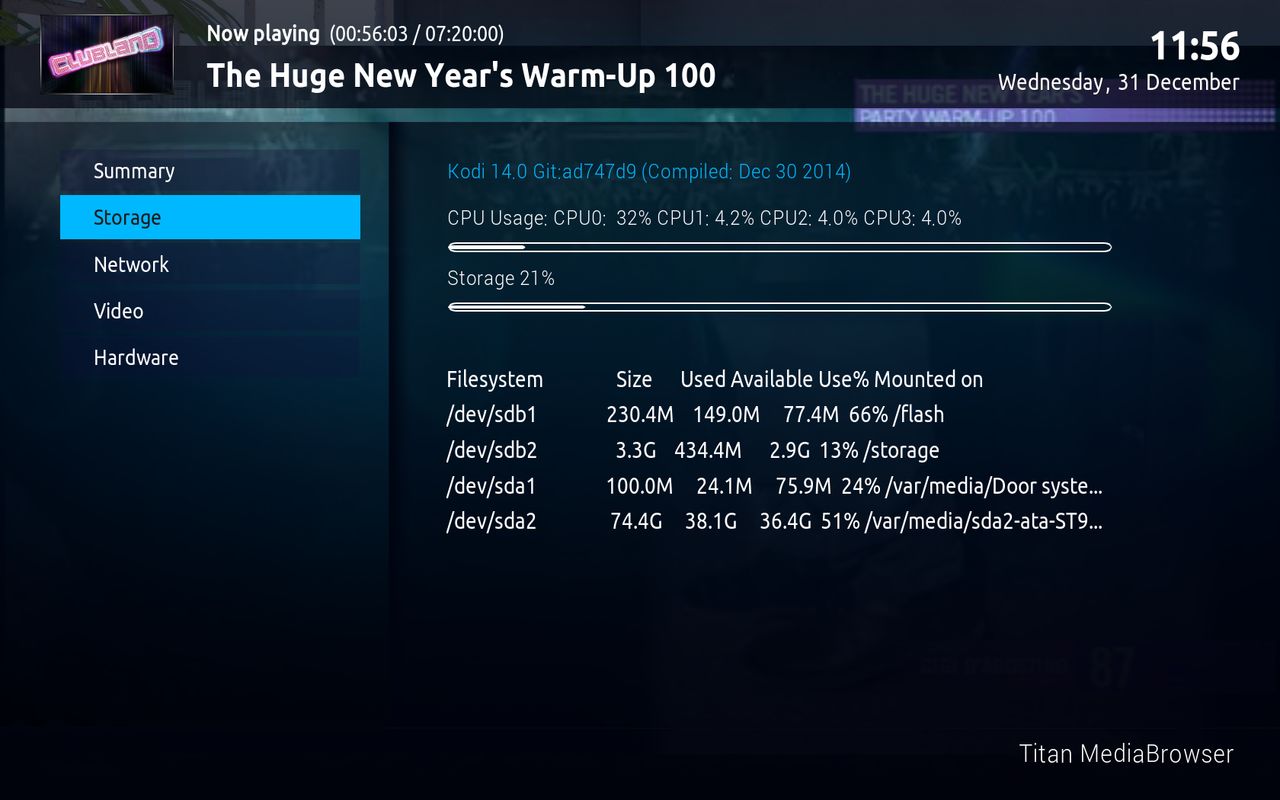
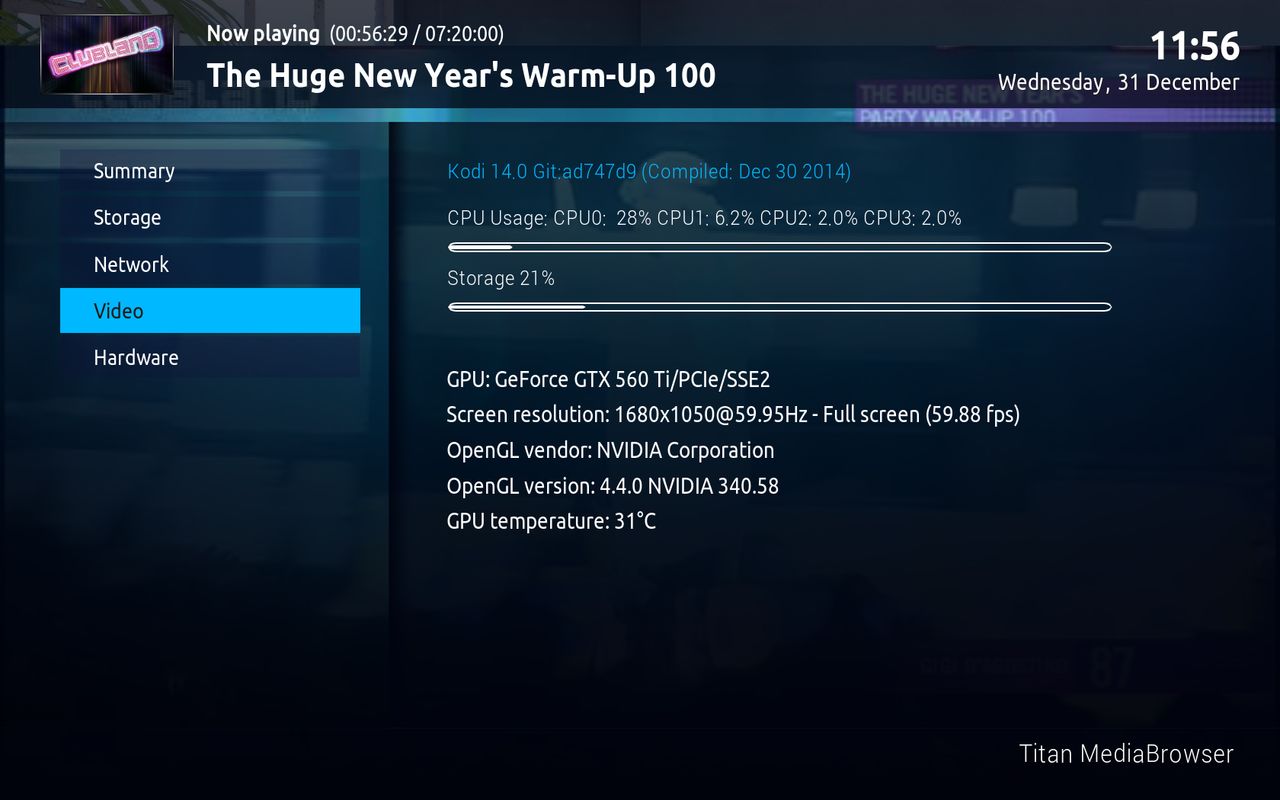
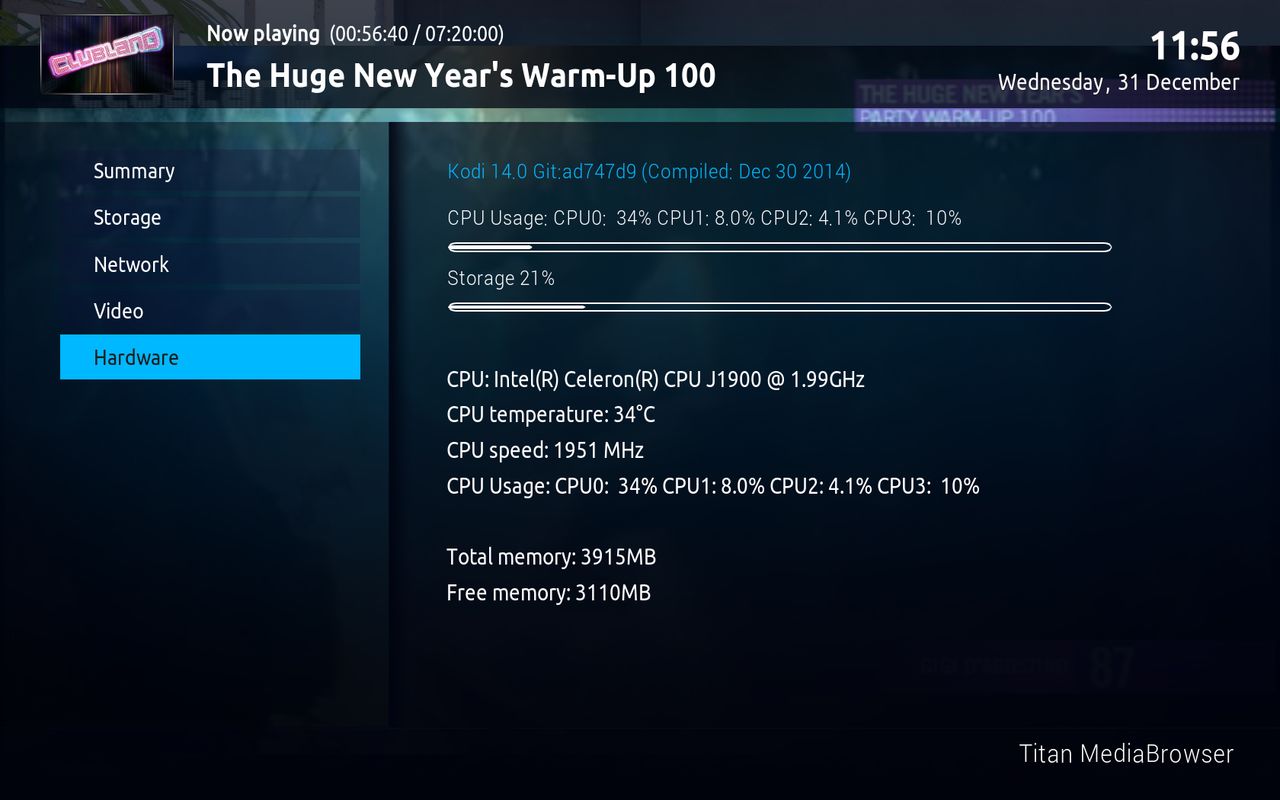
and many more :) options
-
mmh this is a little bit out of topic
openelec is not android
QuoteOpen Embedded Linux Entertainment Center (OpenELEC) is a small Linux distribution built from scratch as a platform to turn your computer into a Kodi (previously XBMC) media center. OpenELEC is designed to make your system boot fast, and the install is so easy that anyone can turn a blank PC into a media machine in less than 15 minutes.
you run openelec on the wetek, it runs from micro sd so you can run android or openelec
-
do you use openelec too ?
i use openelec almost 2 years and i like it better then the enigma 2 boxes
the link i know but i dont post thing what i not yet self have try -
WeTek Play Android Satellite Receiver Review
WeTek Play OpenELEC 4.2.0 -
yes it is fixed today
-
good question
i get this device next year so i'm not sure Openelec have oscam
the other builds have oscam
look my other topic OpenELEC pvr setup -
Introduction:
WeTek Play is Android TV device, which beside of Android, support booting of Linux based XBMC and OpenELEC
from NAND flash and Micro SD too.
Basically, if you are going to install Linux XBMC or OpenELEC to MicroSD, it means that you can always have
Android running on NAND flash, and Linux XBMC or OpenELEC running from MicroSD.
Prerequisites:
- WeTek Play
- Micro SD (minimum 4 GB)
- PC/Mac
Software and Tools:
- OpenELEC for WeTek Play - http://goo.gl/NgFSOM
- Win32 Disk Imagger - http://sourceforge.net/projects/win3...atest/download
- SD Formatter 4.0 for SD/SDHC/SDXC- https://www.sdcard.org/downloads/formatter_4/
- Free Winrar - http://freedownloadwinrar.net/all-languages
Installation:
1. Download SD Formatter 4.0 for SD/SDHC/SDXC
click on this link -> https://www.sdcard.org/downloads/formatter_4/
scroll down the page and click on this button then click on

click on saveid it done you see in the left under corner this

click on it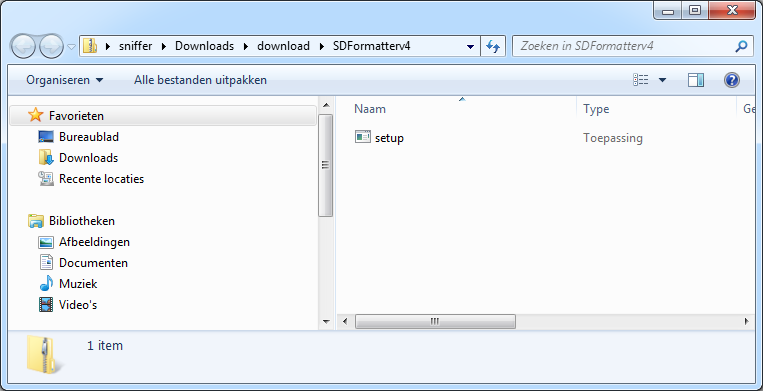
click on setup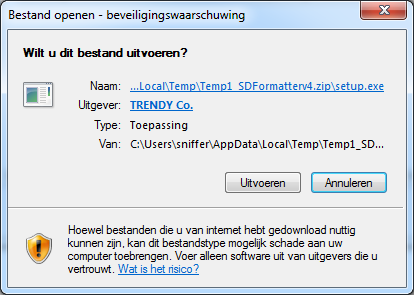
clicj the left button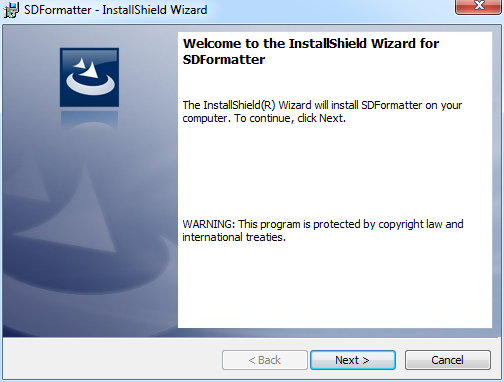
click next
click on next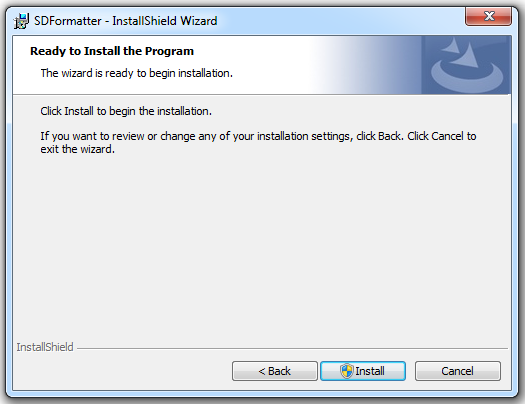
click on installyou get now a popop window click on yes


click on Finish
click on the icon on you desktop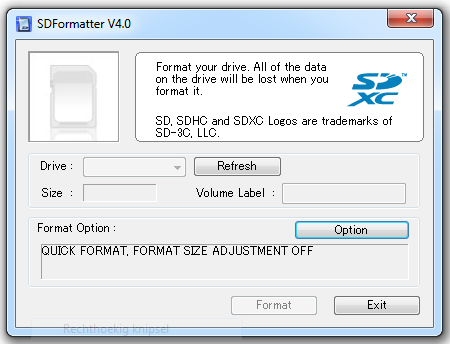
if you this get you have no card in your reader so put a card in your reader and clcik on Refresh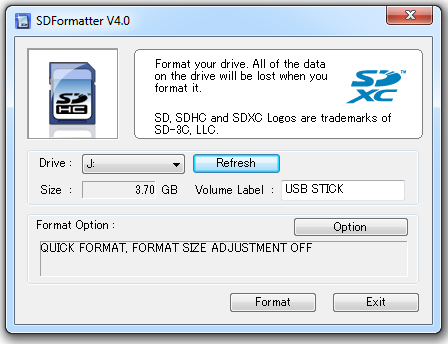
click on format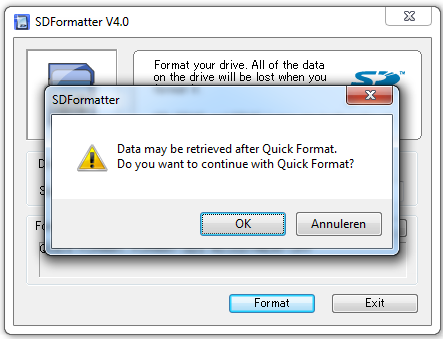
click on OK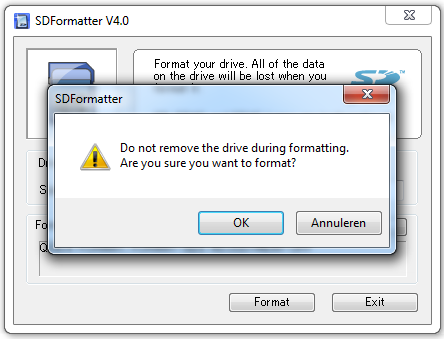
click on OK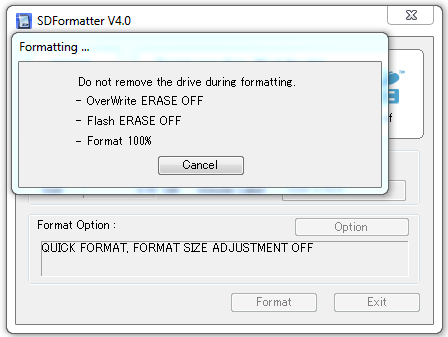

click on OK
now is your sd card Ready2. Download OpenELEC for WeTek from link above <<-- click here
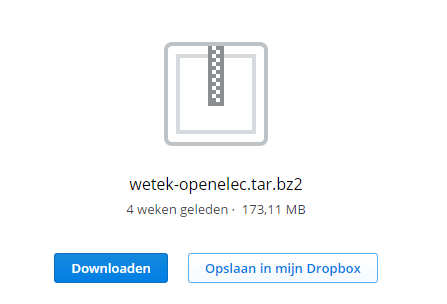
click Download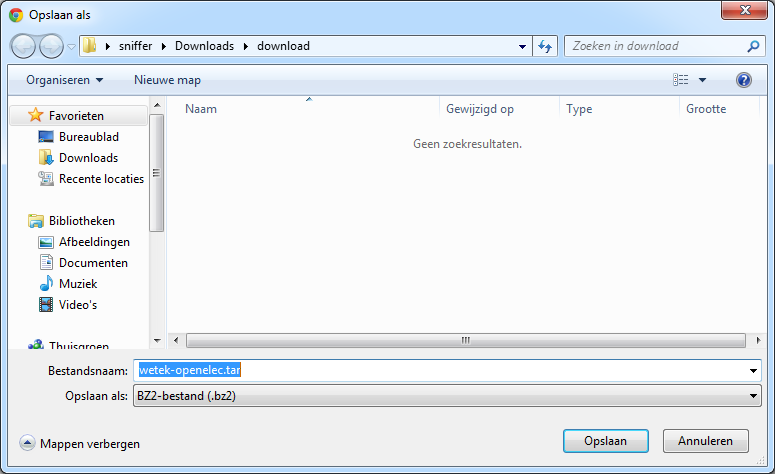
Click save (left tab)on the left bottem corner you see this if you use google chrome

click on it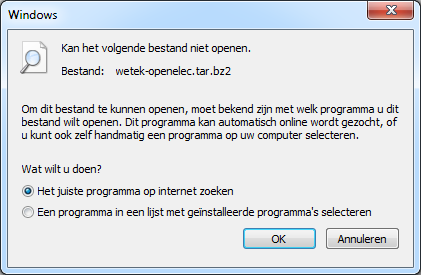
if you get this wondow it means you have no unpack programm for the tar.br2
so you need to install winzip or winrar we use the free version from winrarDownload http://freedownloadwinrar.net/all-languages
choose your language and click on it Example English (64 bit)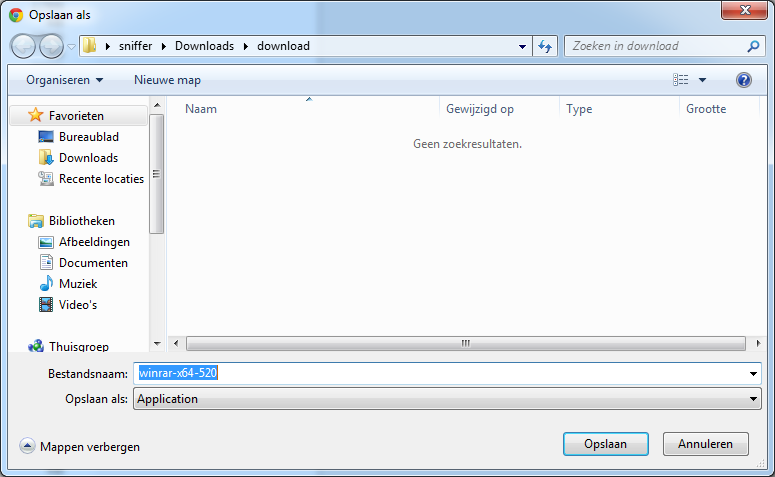
Click on Save
this you see on the bottem from your browser, click on it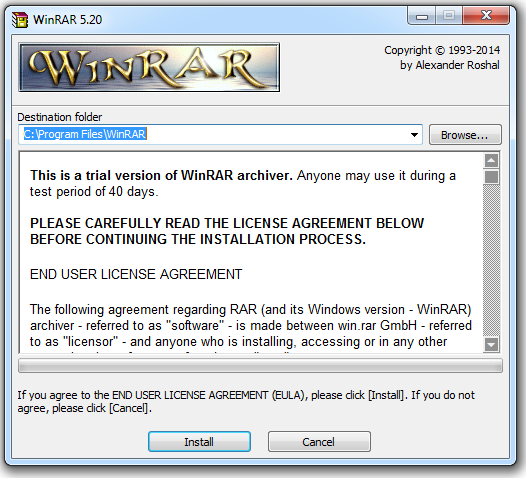
click on Install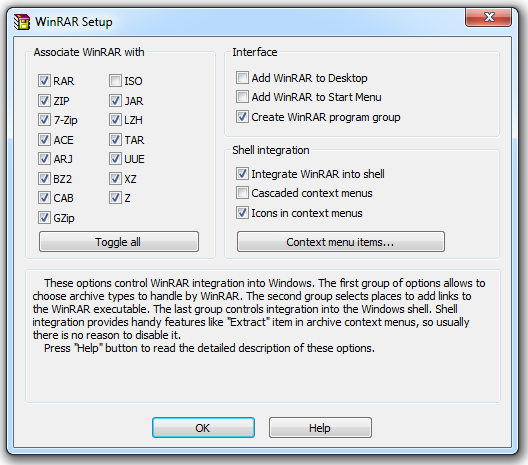
click on OK
click on Done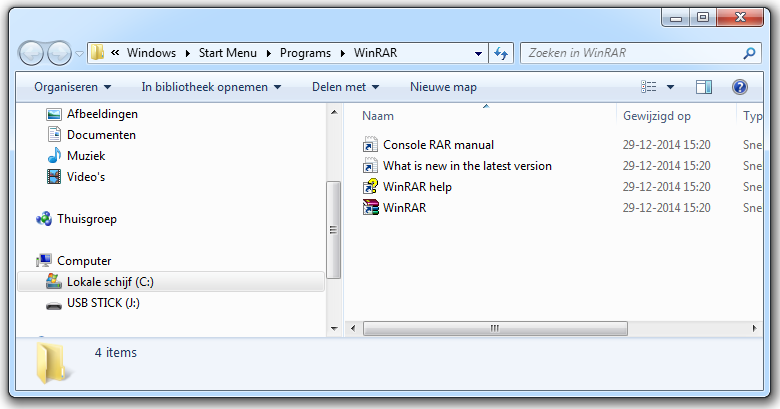
this window open automatic
browse to wetek-openelec.tar.bz2browse to the place you have download the wetek-openelec.tar.bz2 file
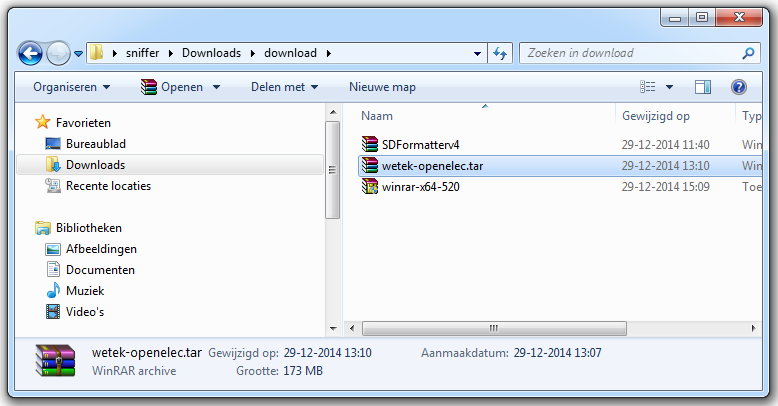
click with the recht mouse button and choose out the menu "Extract here"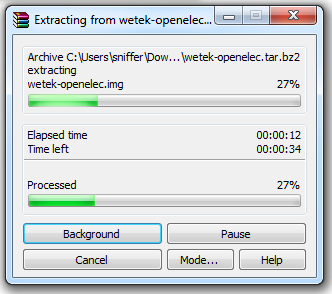
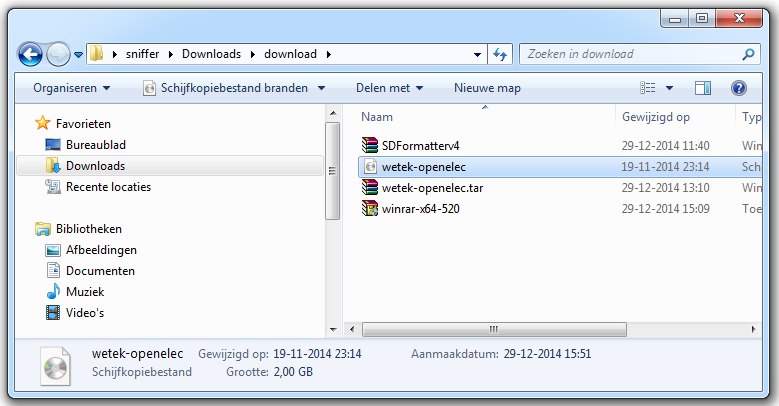
keep in mind location where you extracted this archive.3. Doawload Win32 Disk Imagger - http://sourceforge.net/projects/win3...atest/download
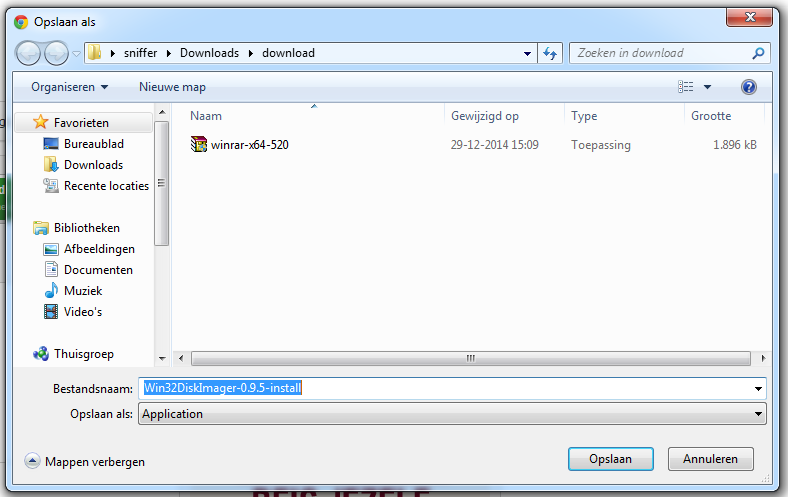
click on save
on the bottem from your browser you see this click on it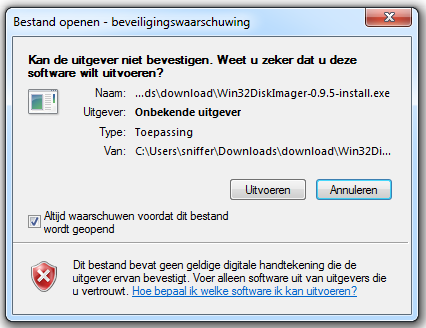
click on run then yes
click on next
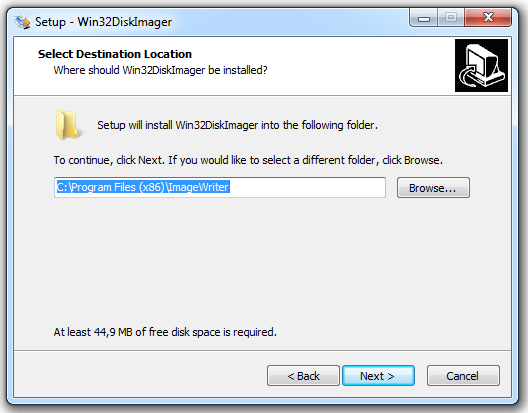
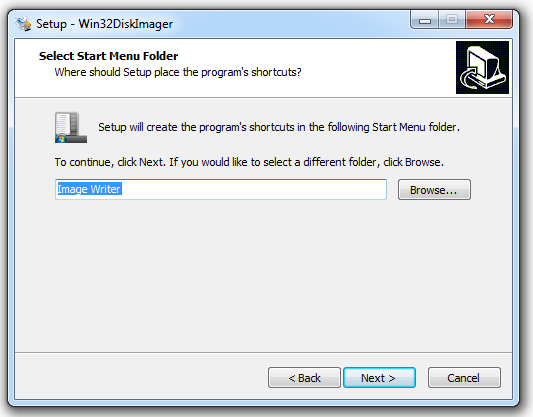
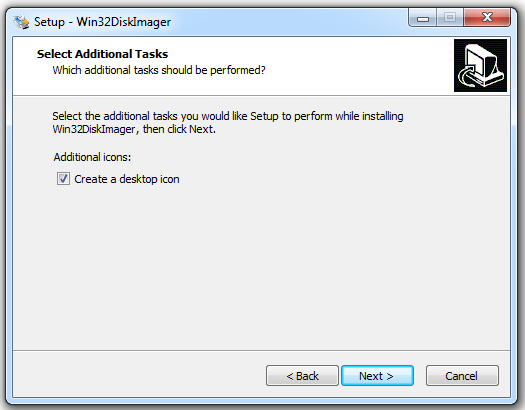
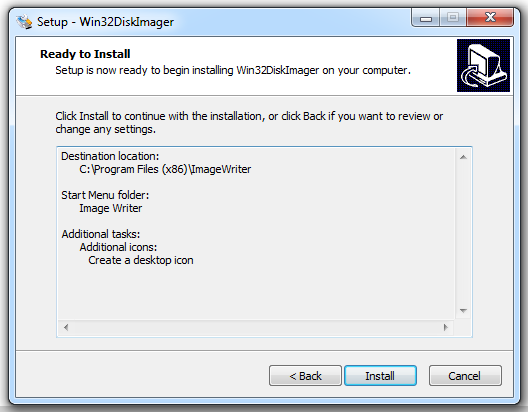

oops dont check launch win32Diskimage it dont works si i need admin rights
Right-click on app icon and select Run as Administrator)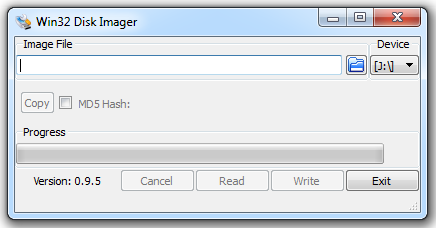
Note: After installation Win32 Disk Imager application is located at:
Windows 64 bit: C:\Program Files (x86)\ImageWriter
Windows 32 bit: C:\Program Files\ImageWriter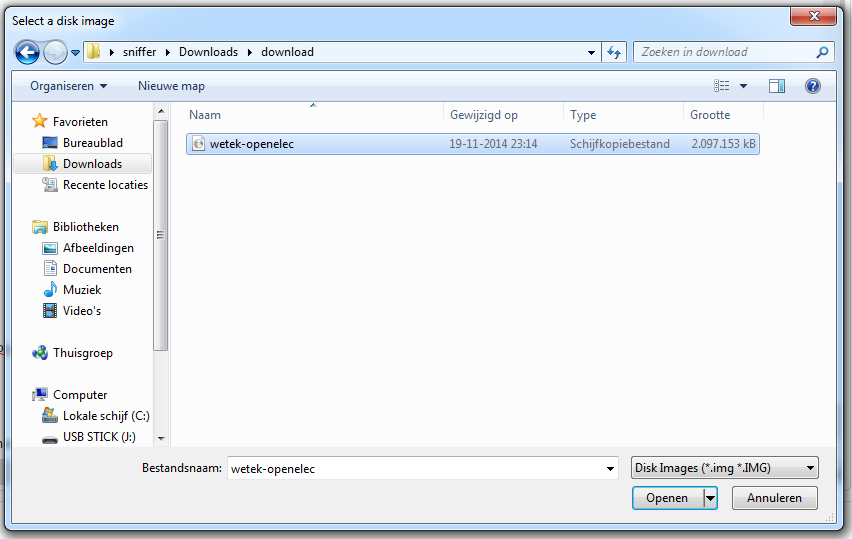
Click on blue Folder icon and browse for wetek-openelec folder, where inside you will find .img file, and select it.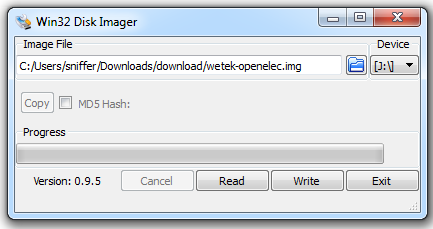
Now, you should select from Devices dropdown menu, letter which represents inserted Micro SD card
Once when You selected Micro SD card, click on Write, confirm everything what Image Wrier may ask
you and wait that application burn .img file to Micro SD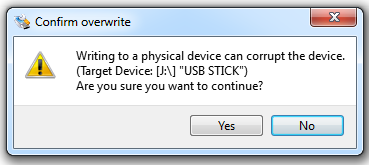
click on yes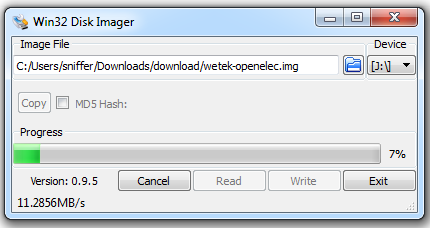

8. Once when burning process is done, remove Micro SD from PC, and insert it in WeTek Play
9. Reboot or turn ON WeTek Play and it will boot directly in OpenELEC.
10. In case you want to return to Android, just remove Micro SD, and reboot WeTek Play.
-
this video dont extit more :(
-

The OpenELEC team is proud to announce OpenELEC 5.0.
OpenELEC-5.0 is the next stable release, which is a feature release and the successor of OpenELEC-4.2.
The headline change is the update from XBMC 13 (Gotham) to Kodi 14 (Helix) and the big switch from XBMC to Kodi branding. Both project teams have conducted a major find/replace but if you spot residual mentions of XBMC anywhere please let us know. The name change affects more than the GUI; all references in code have been changed and in the OpenELEC filesystem /storage/.xbmc will be recreated as a symlink to /storage/.kodi to ensure hardcoded paths in addons or scripts continue to work. For information on Kodi 14 you can find on http://kodi.tv/kodi-14-0-helix-unwinds/ .
Due to the potential for typo-bugs and breakage from Kodi renaming YOU ARE STRONGLY ADVISED TO MAKE A FULL BACKUP before performing a manual update and perform a “Reset System Settings to defaults (Soft Reset)” after the update.
Please note many addons and skins remain to be ported by their developers. This is out with our control an until this happens they will either not work or be marked as broken by Kodi. If an addon or skin is essential to you please confirm with its developer prior to upgrade if it is compatible with Kodi (Helix).
Other notable “under the hood” changes include a version bump from v3.16 to v3.17 Linux kernel, and a switch from OpenSSL to LibreSSL following the heartbleed disclosure. TheLibreSSL package includes better licensing and allows OpenELEC to be simplified by removing support for other cryptographic libraries such as GnuTLS. -
Download the nightbuilds or the version from the openelec site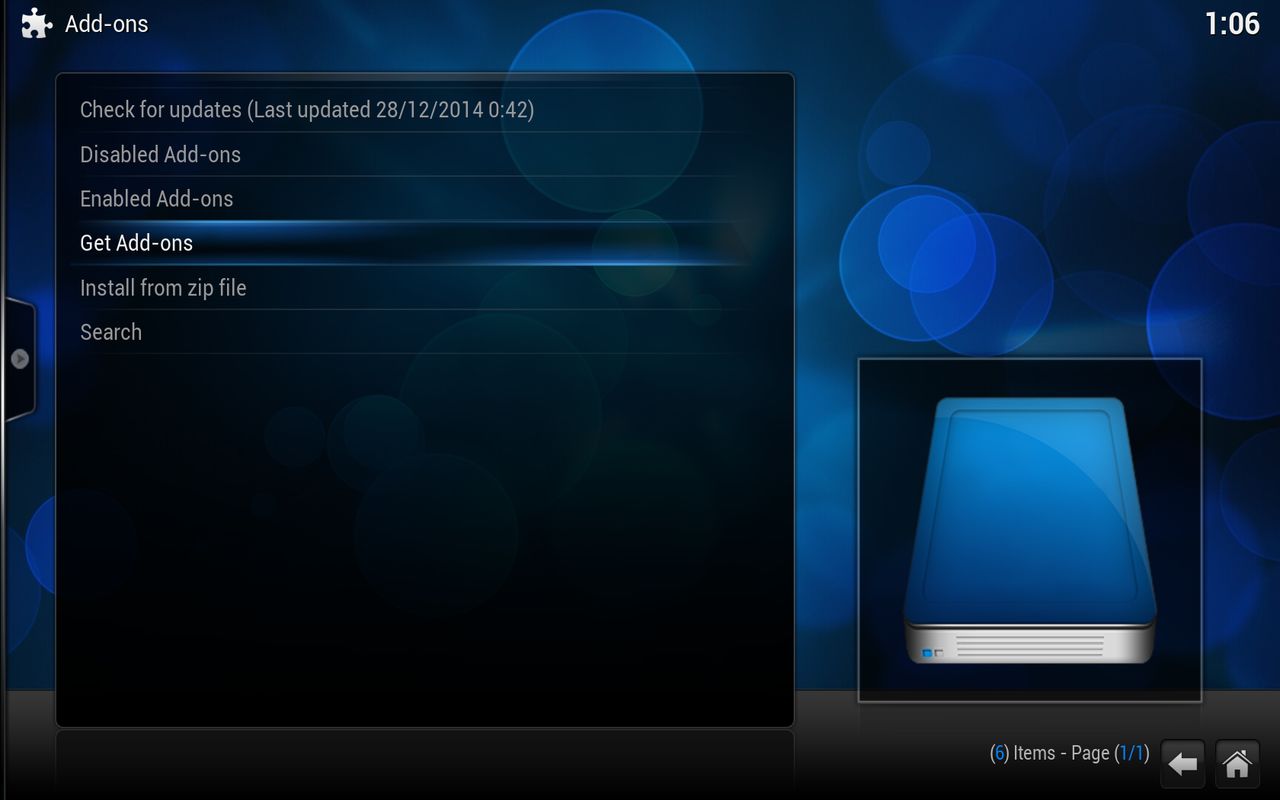
goto systeem> Add-ons> Get Add-ons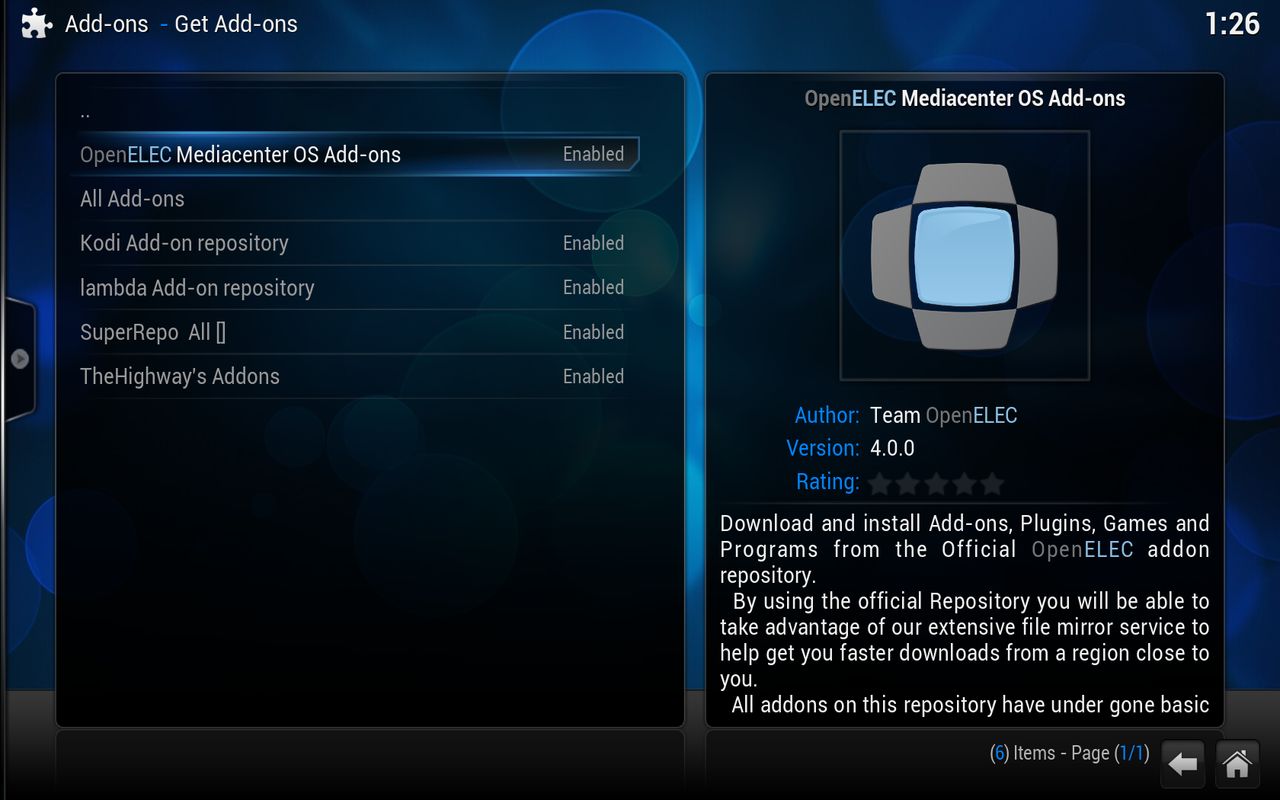
Enable openELEC Mediacenter ..... press enter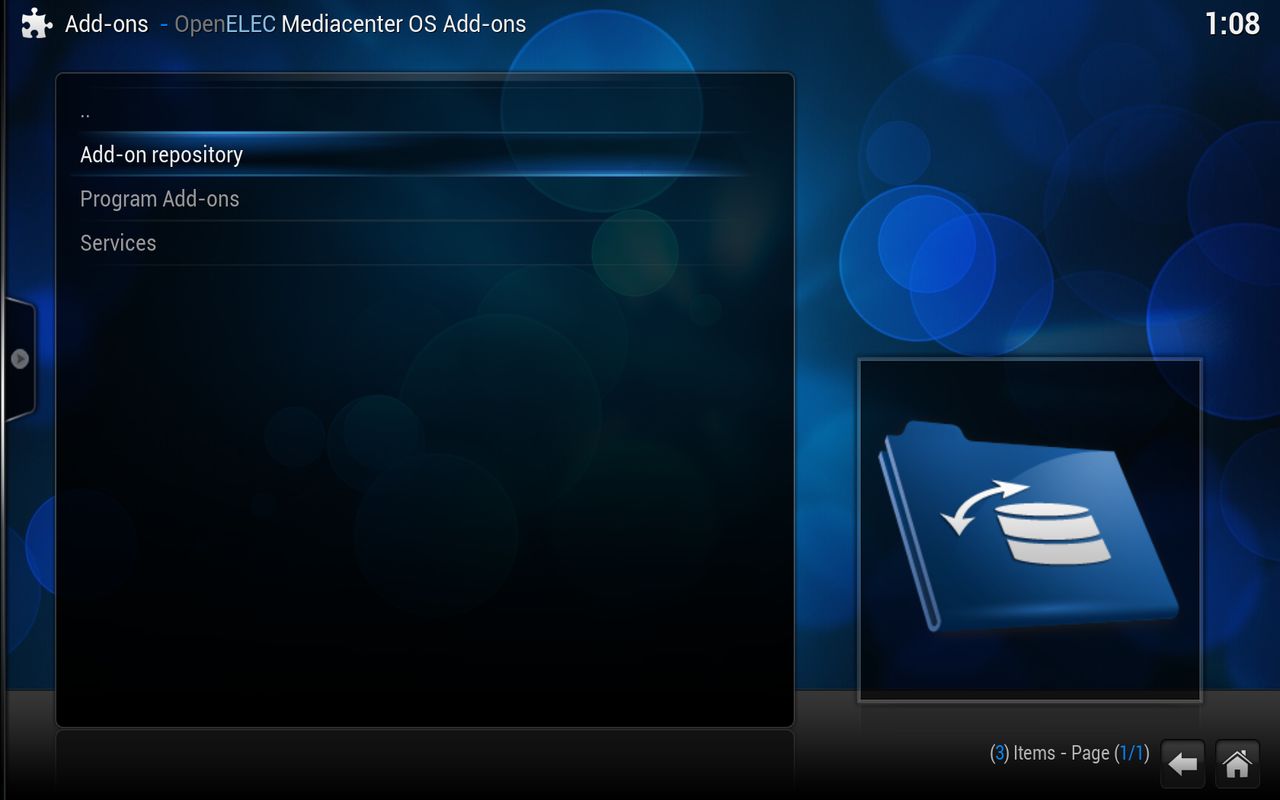
Goto Add-on repository and press enter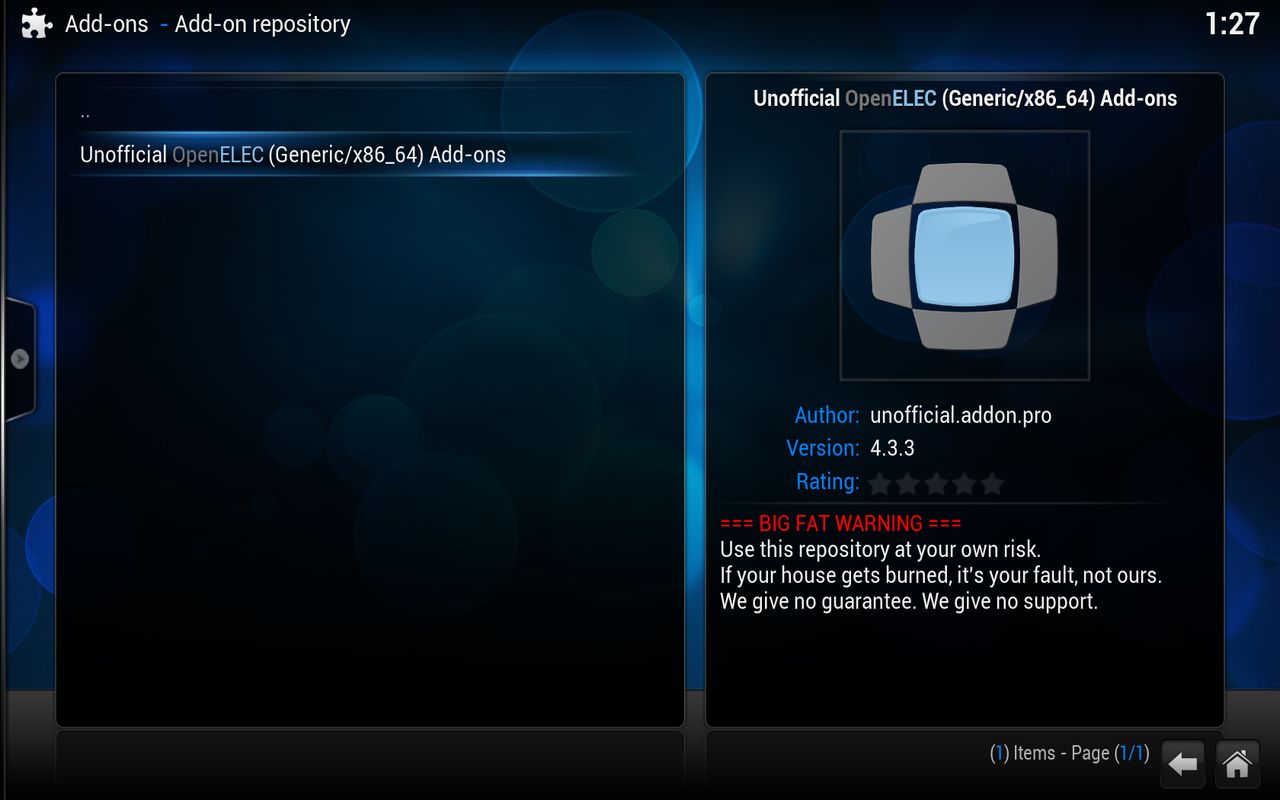
enable this one this is the repo where you can enable oscam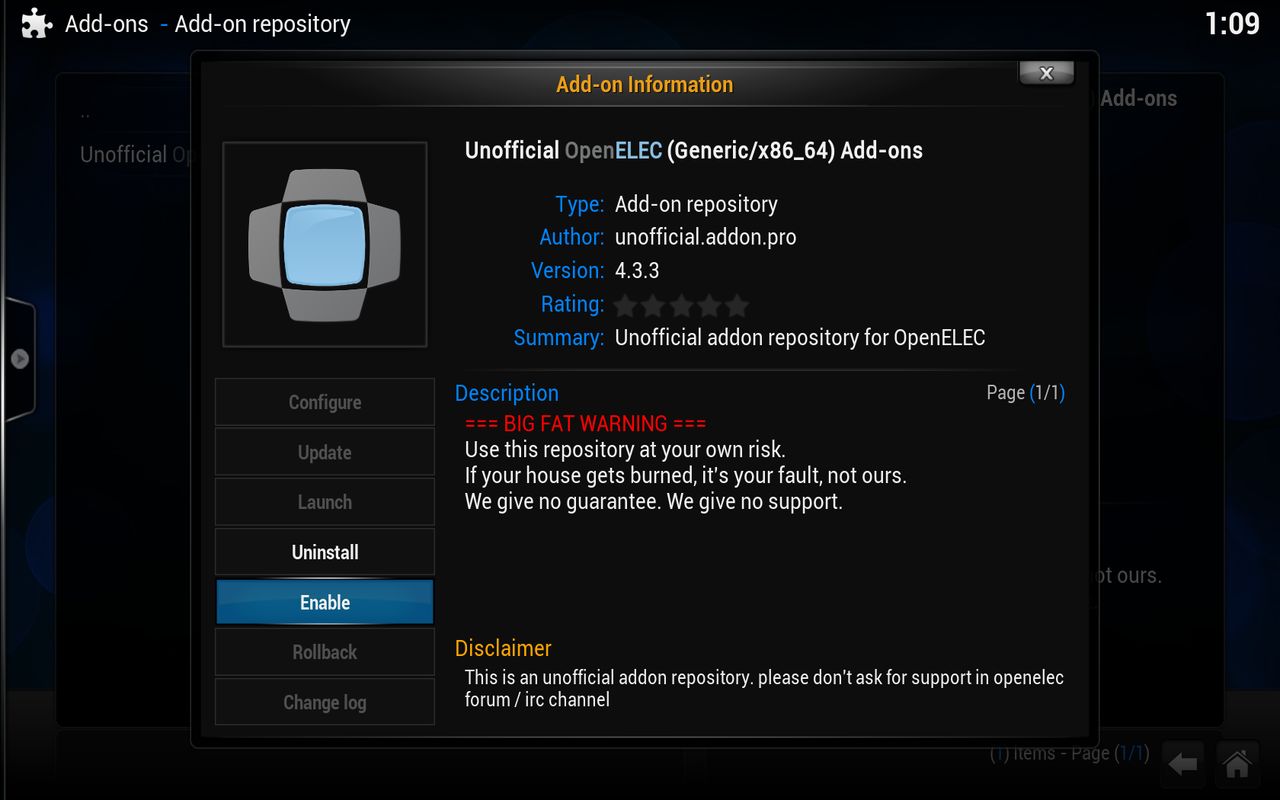
if you have it installed then press escape and then on the top of ..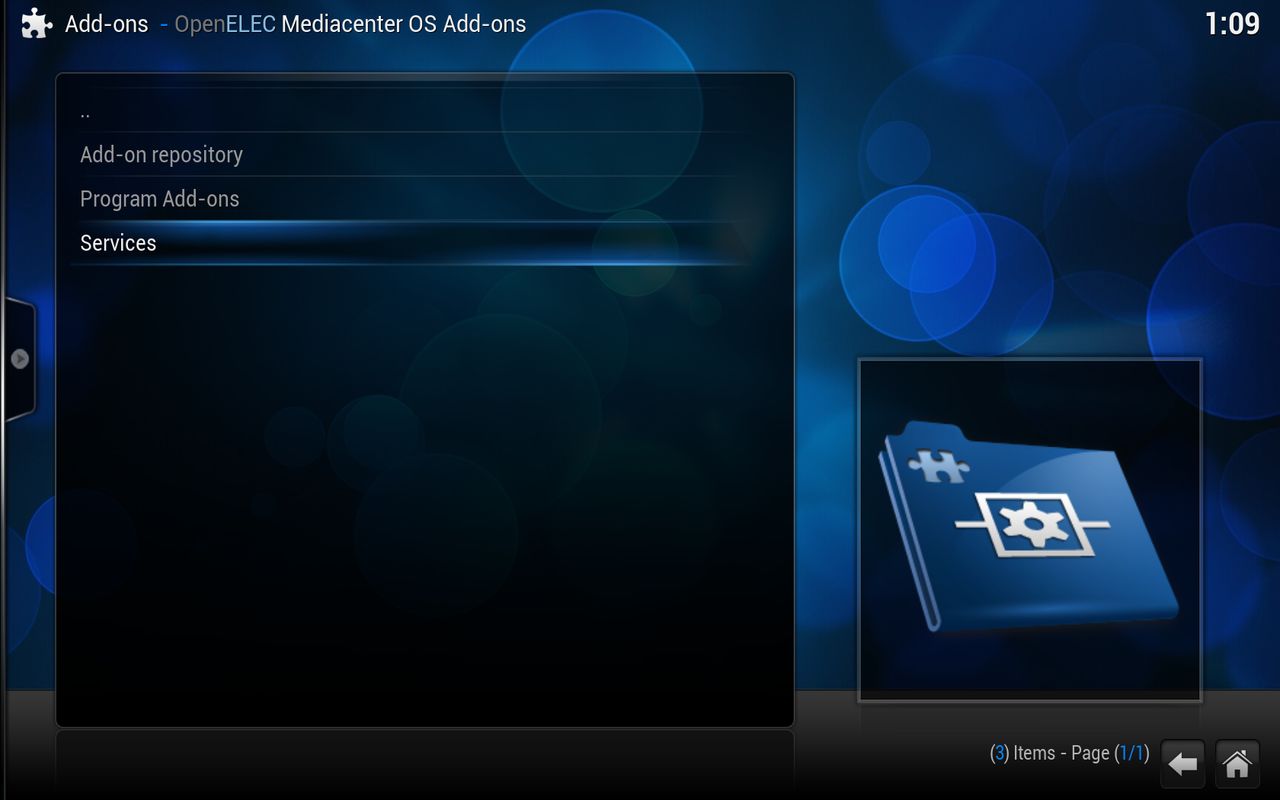
press on Services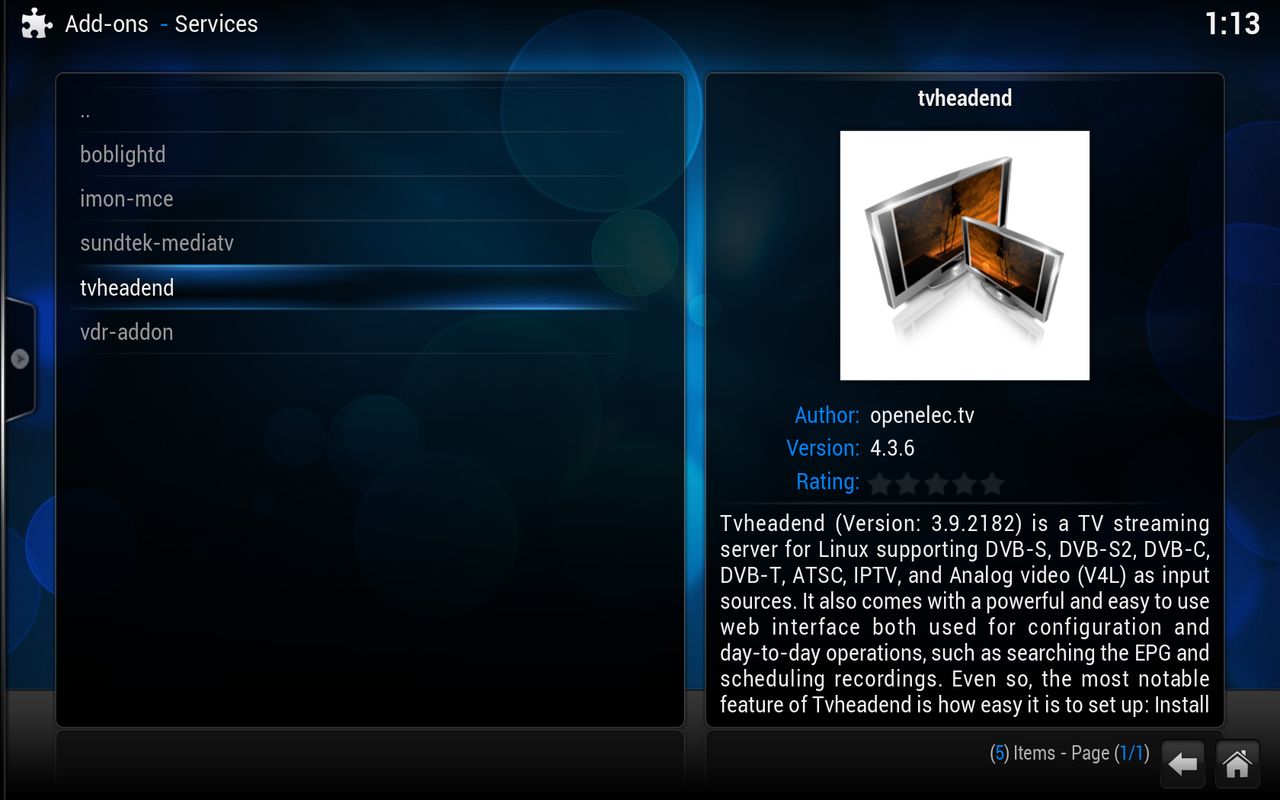
press on tvheadend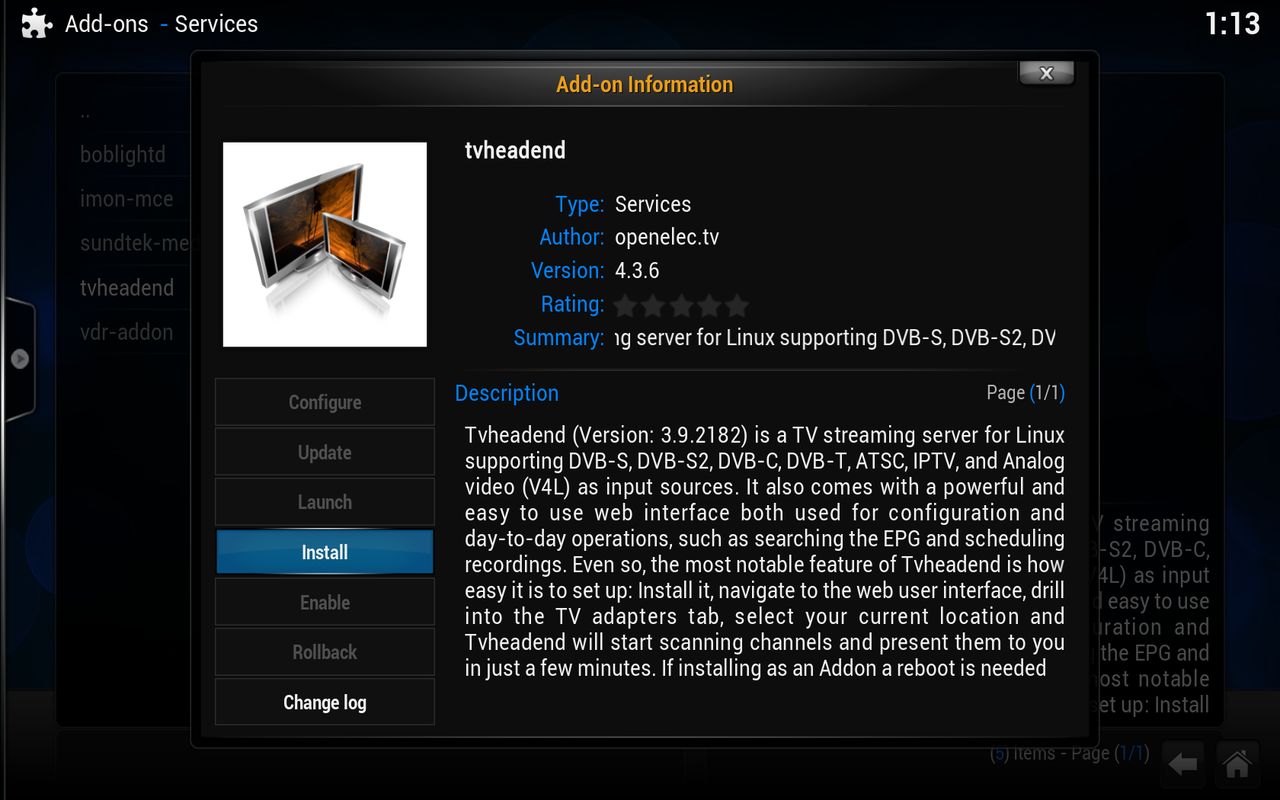
press on install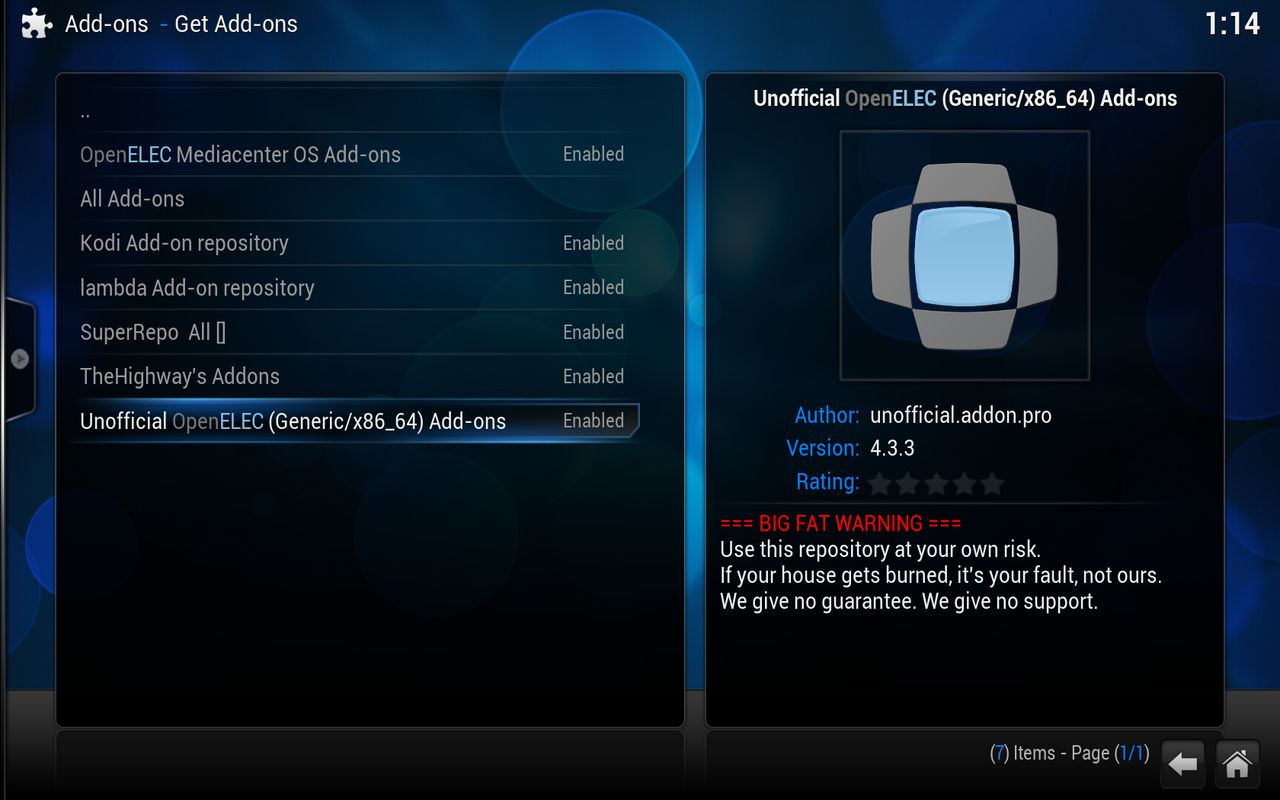
go all the way back so as in step 2 and click the unofficial ......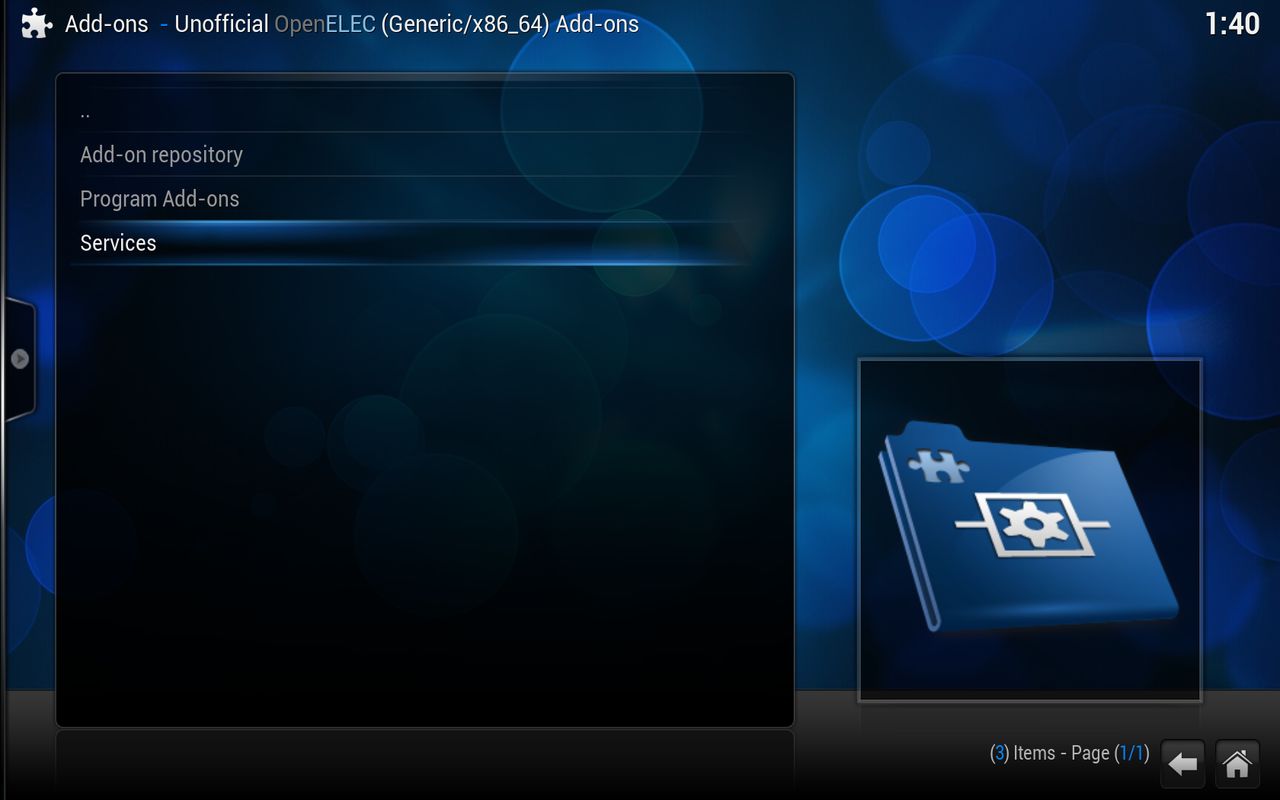
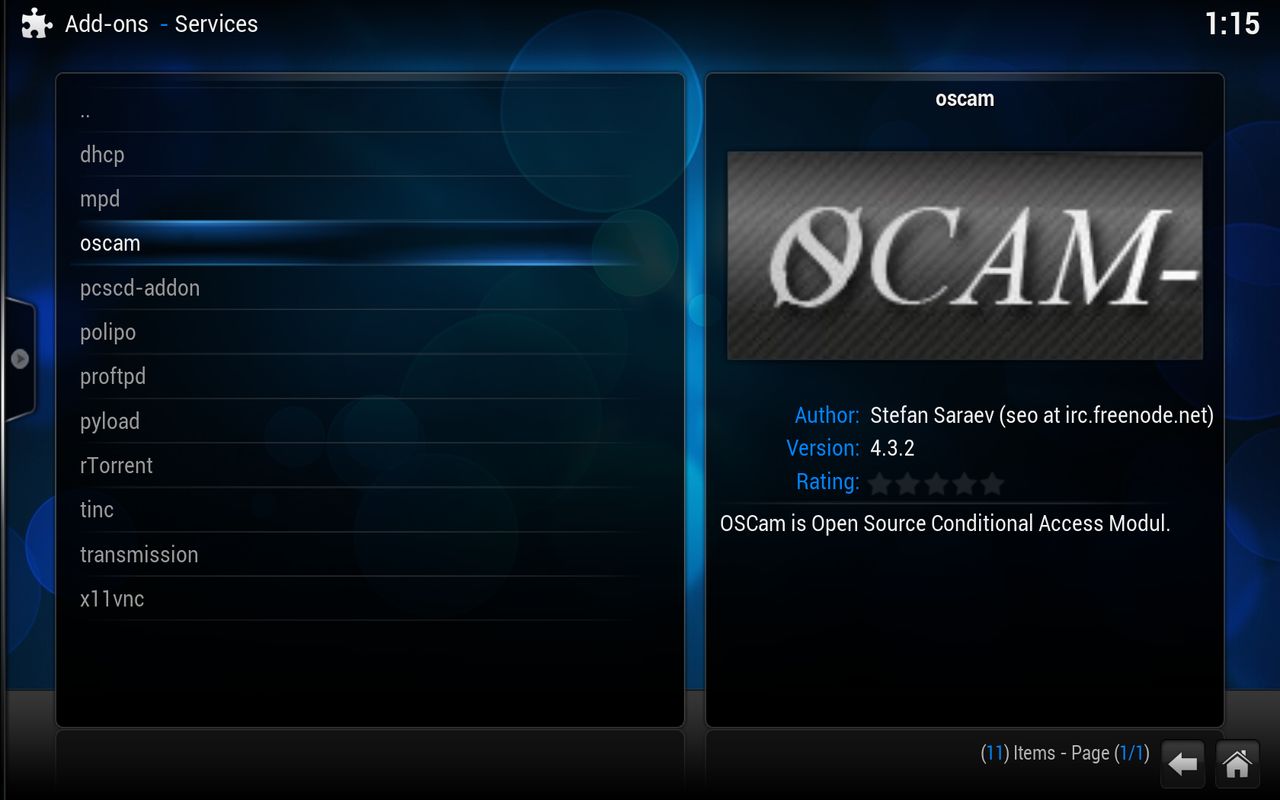
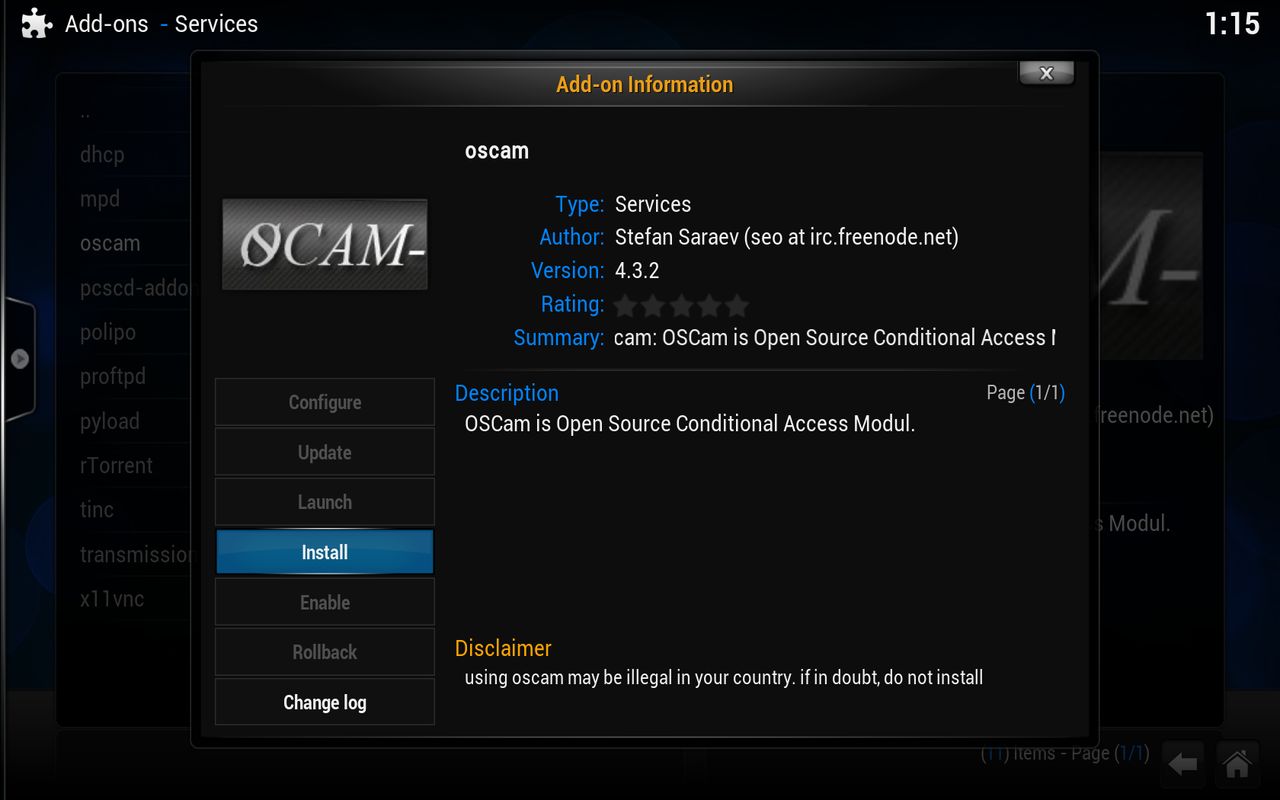
think that this is so obviously we have installed the add-ons that we need
end part 1
- - - Updated - - -
stand well Oscam
this is what i have type in my browser
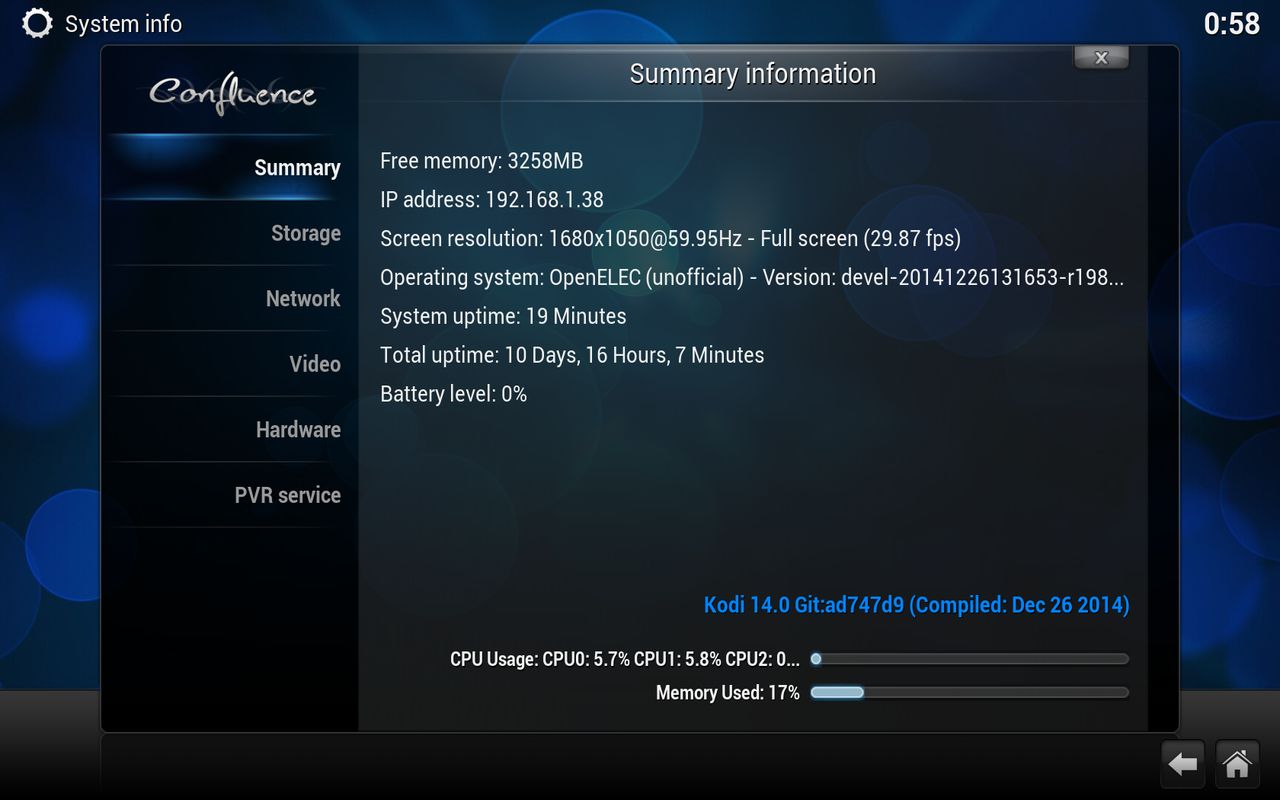
in systeminfo you can find your ip nrmber for openelec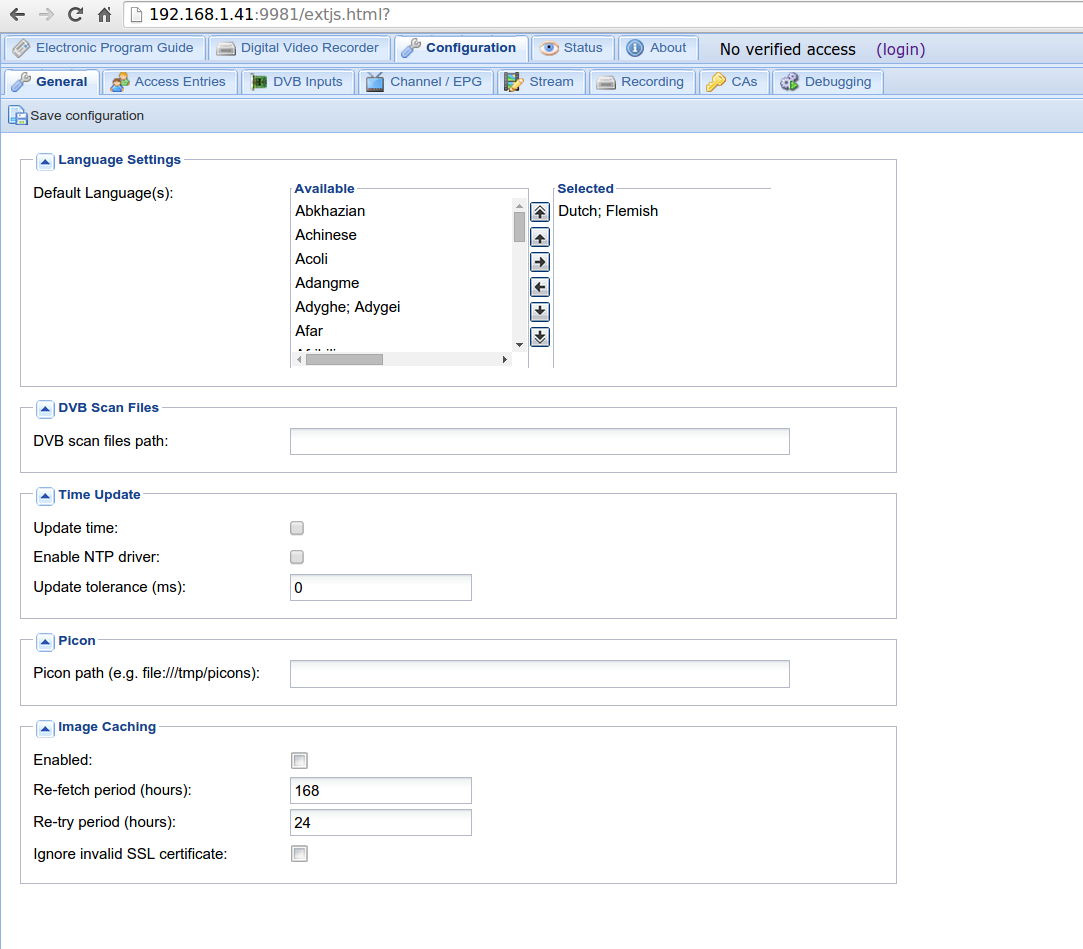
click configuration you will get this screen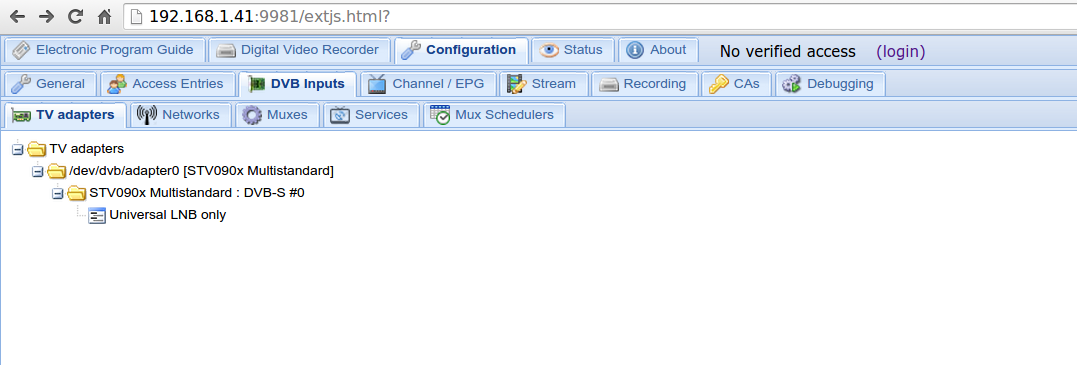
Click on DVB inputs
this you see if you have a *** star 2 express hd :)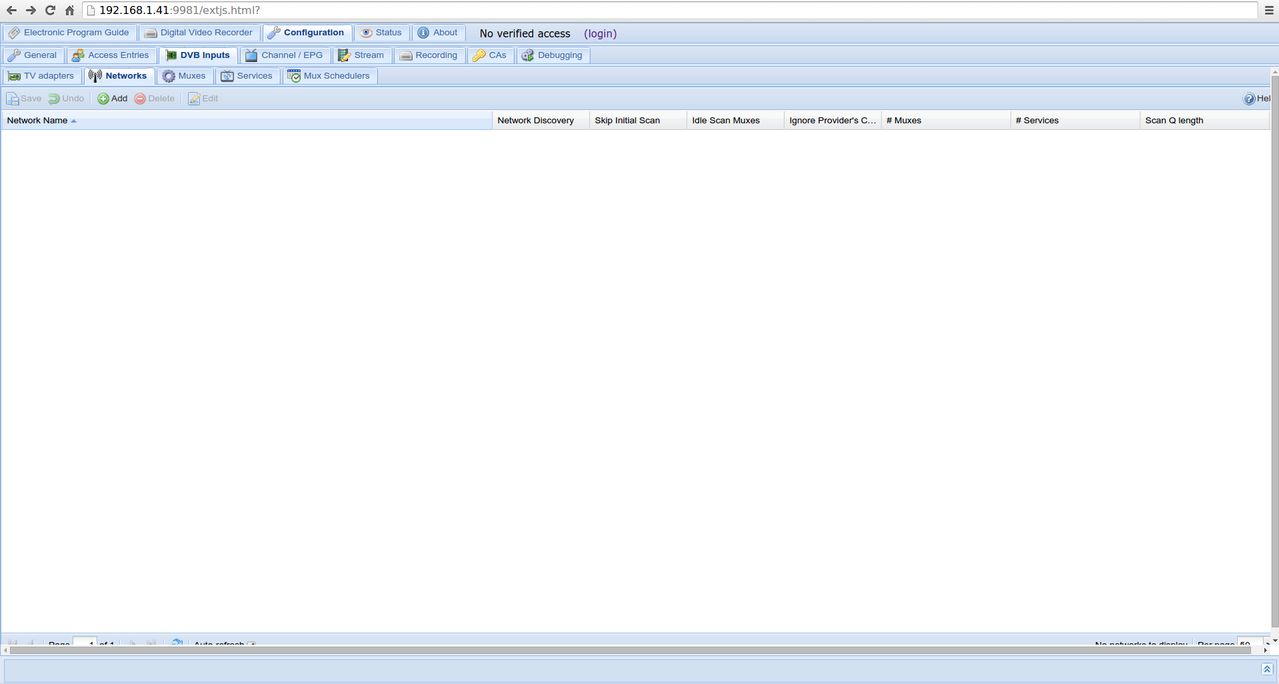
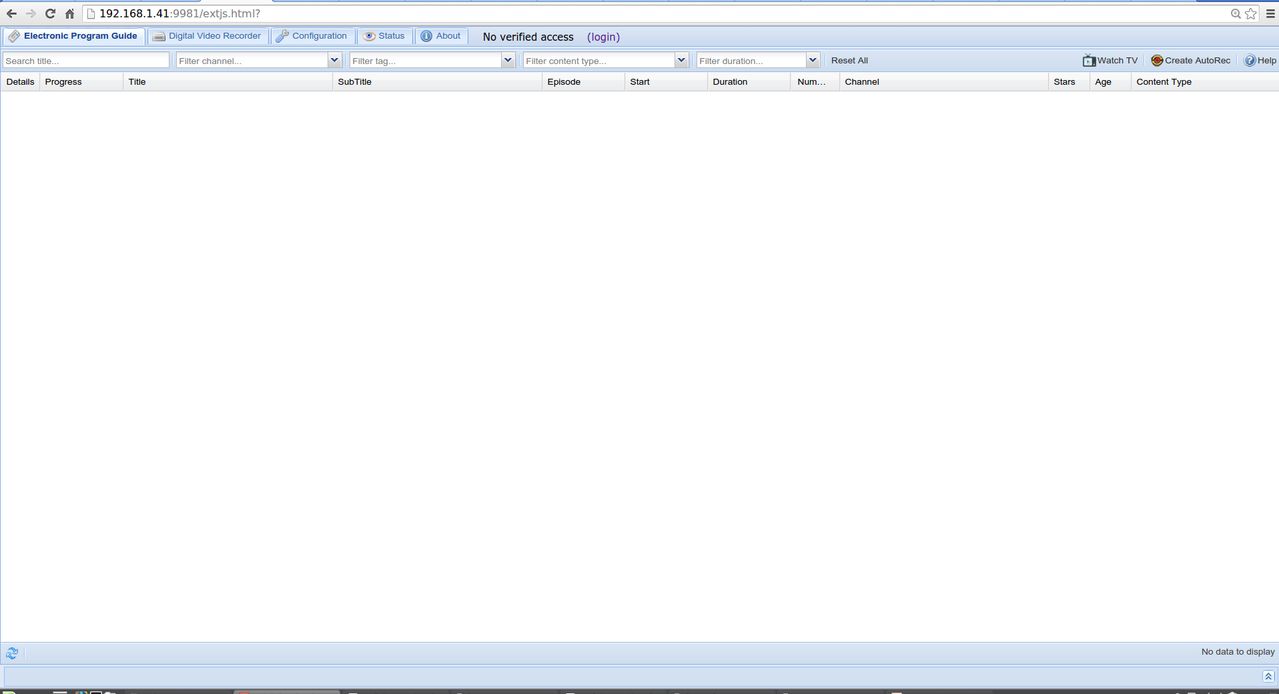
press Networks you will get this screen
you must create a network for each satellite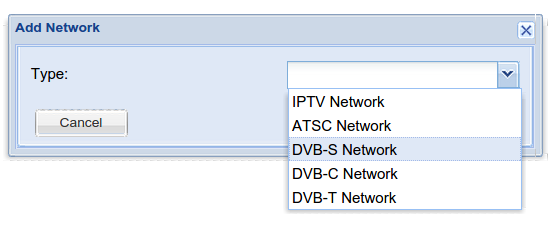
Click on add, you get this
Click on dvb-s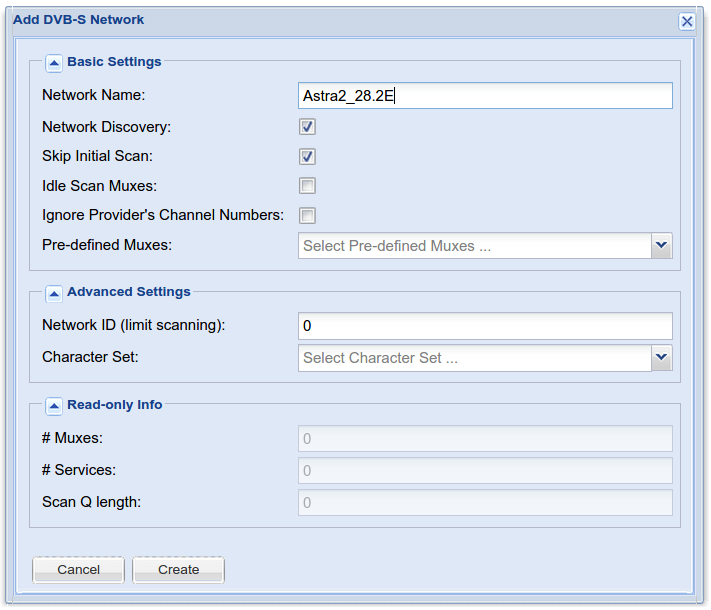
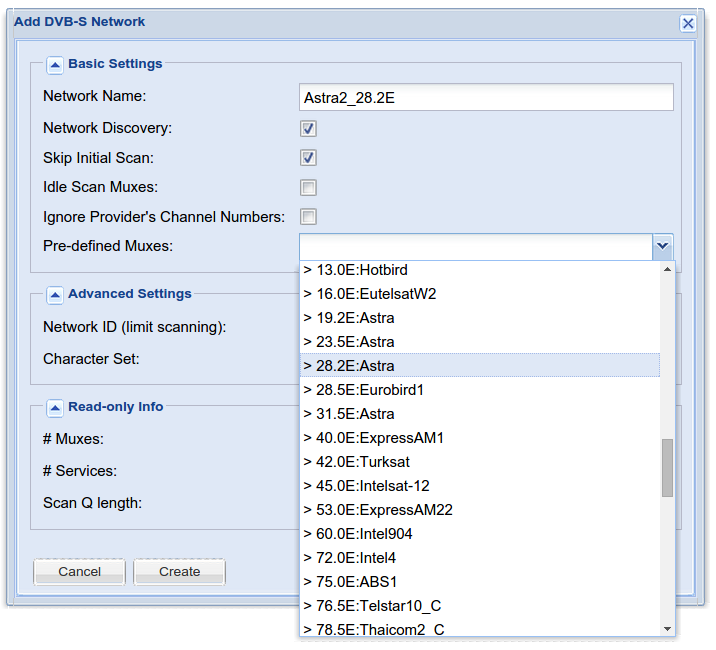
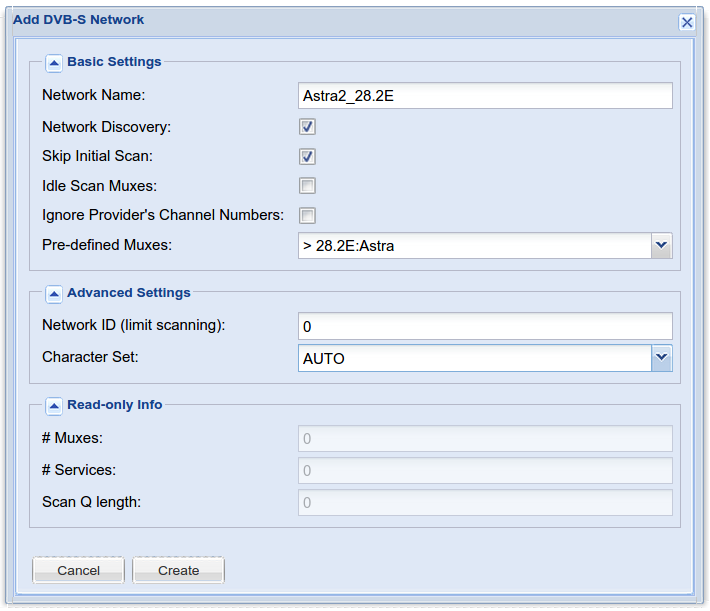
and click on create
do so as every satalite you want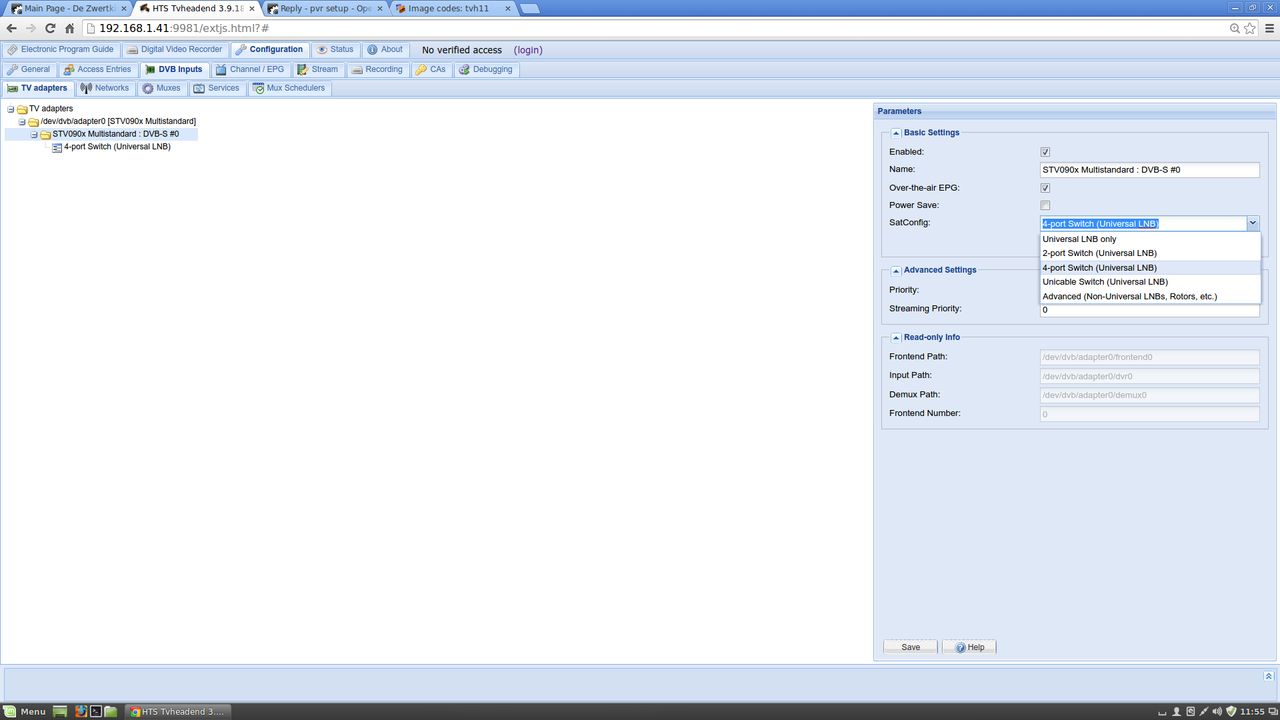
Click on tv adapters
Now if you see in this picture then you see him more than you think I use a disqC switch (4 ports)
dont forget to check enable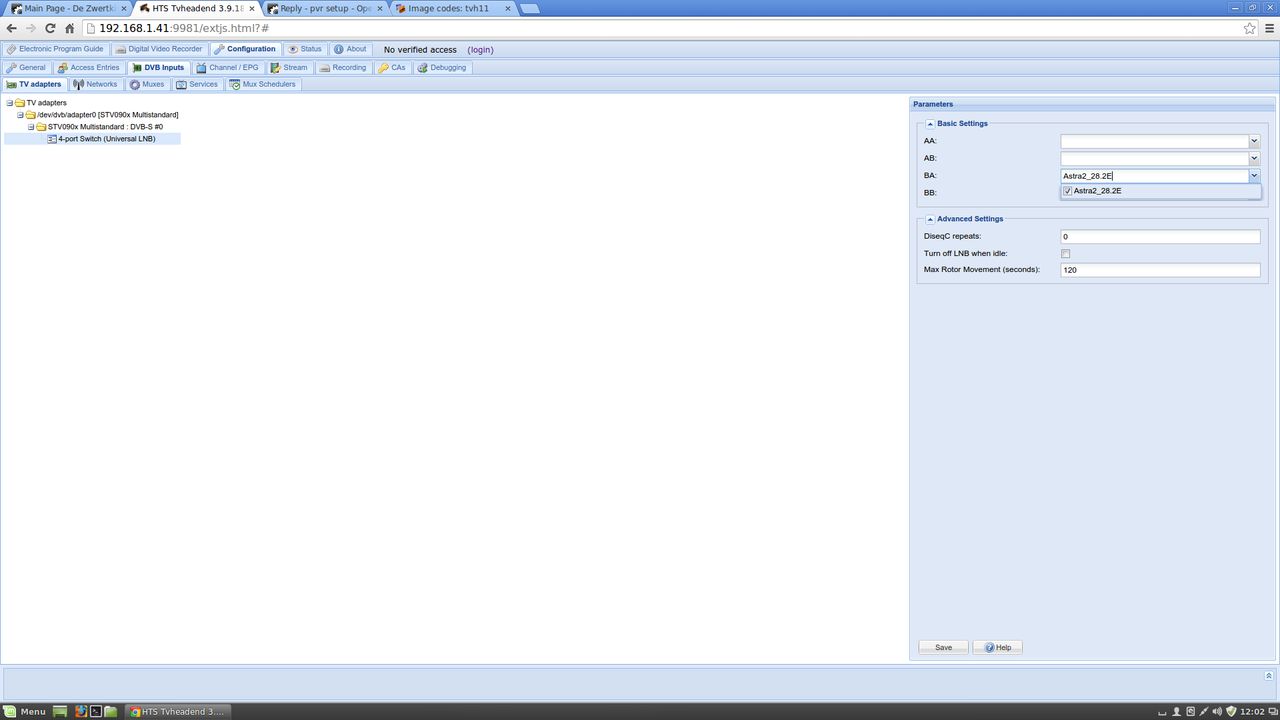
so as you can see astra 2 with me the 3rd lnb and press save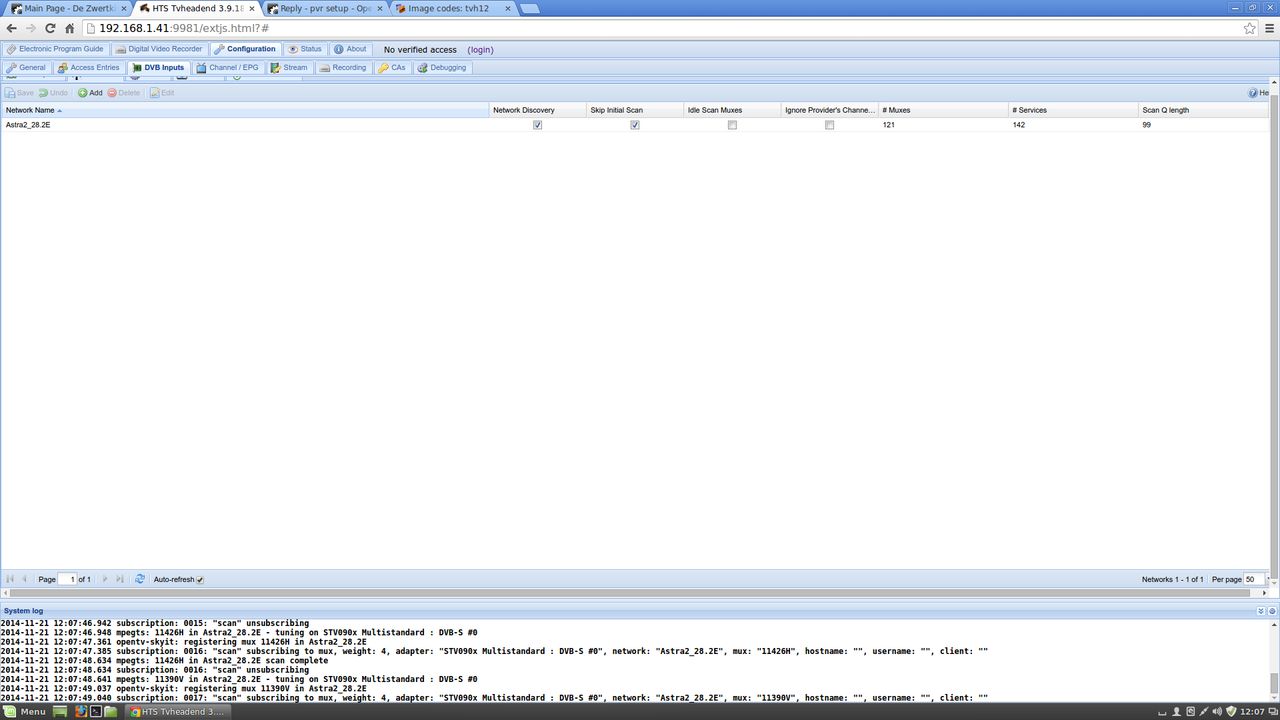
if all goes well, OpenELEC search automaticly may take 1 to 4 min
and who does not look ff whether you have the card Enablement
in the last column to 0 so OpenELEC has scanned everything and has 1146 channels found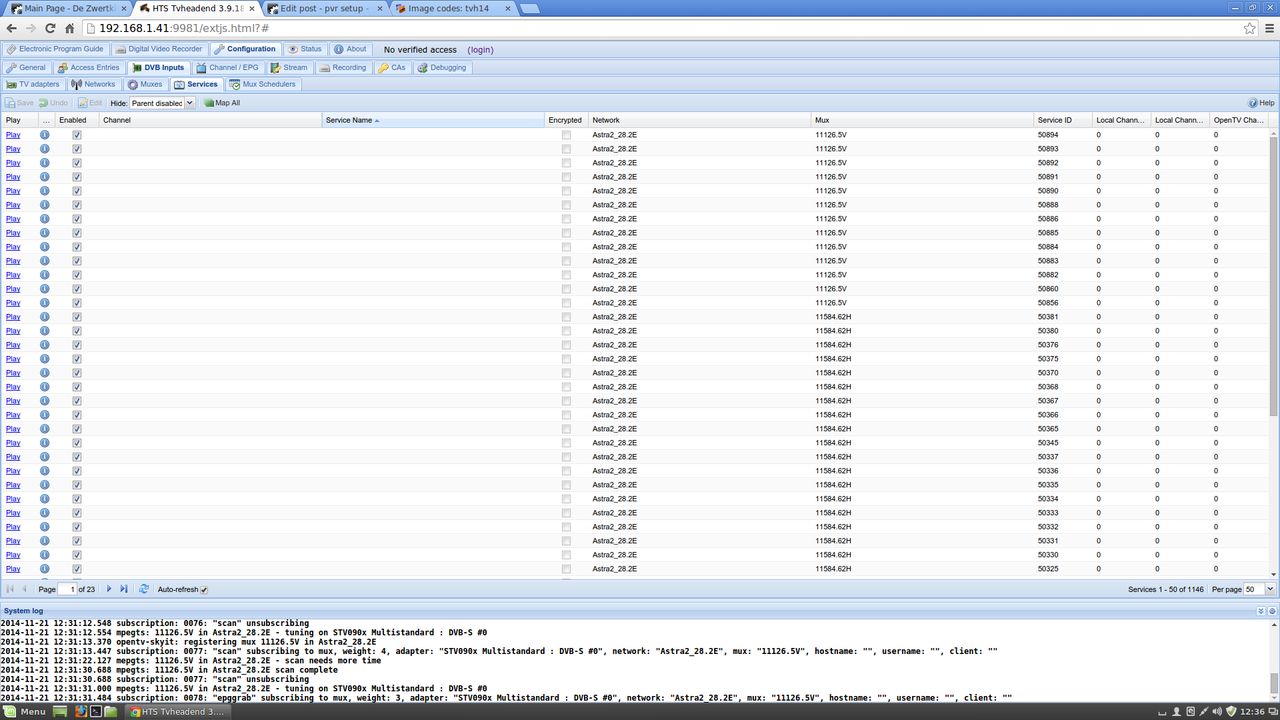
Now click on the Services tab, then you get this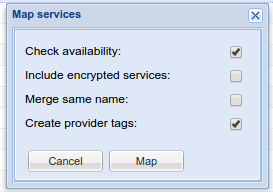
click on the tab map selectedwith this setting so that on the plate, the providers tags makes the channels come in the folder on the provider
and only the working channels, just takes some time before he checked everything but think this is useful
So now the only FTA channels that I did not had oscam configor check only create providers tag, with this you get all channel in your list
you must press map
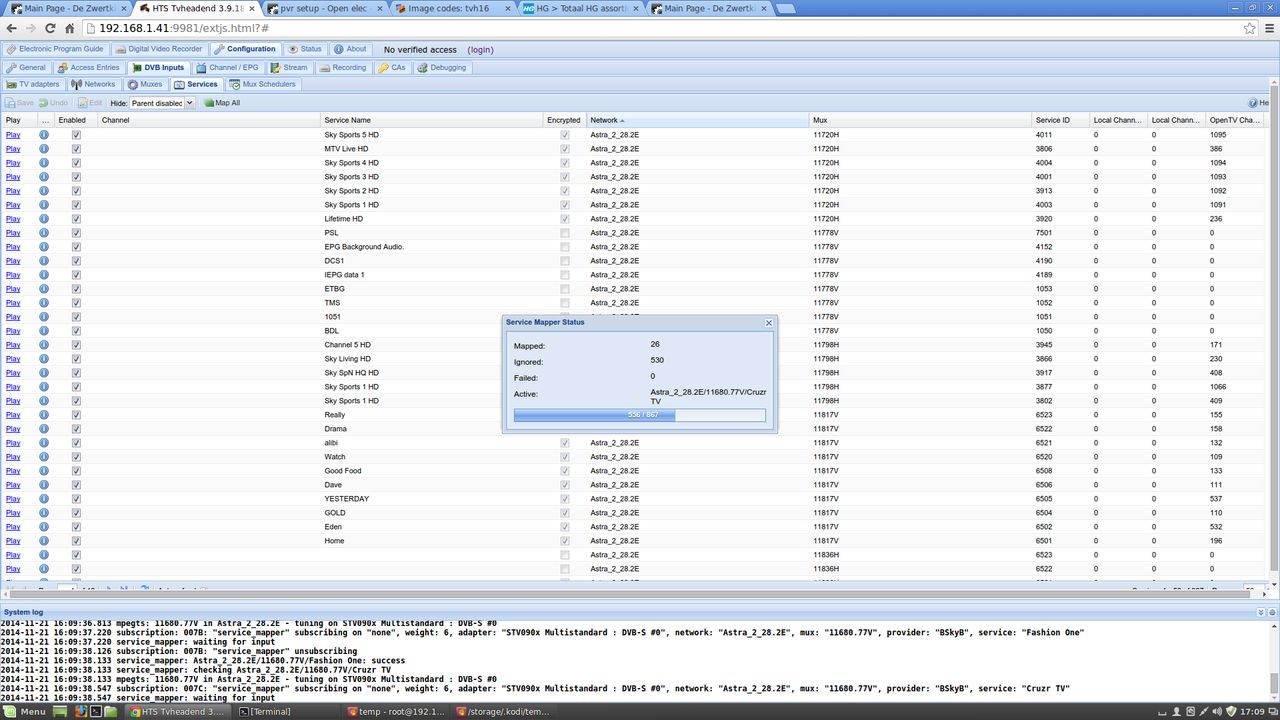
end part 2 this is the basic
here is the location for config oscam http://linuxsat-support.com/showthread.php?t=65420&p=244222&viewfull=1#post244222
-
-

projects/RPi/patches/linux: update RPi support patch …
sraue authored 5 hours ago
Commits on Dec 27, 2014-
Merge pull request #3722 from robho/fujitsu_siemens_scaleo_e_lcd …
sraue authored 6 hours ago -


replace duplicate KEY_OK with KEY_PLAY …
waldo22 authored on Jul 30 sraue committed 6 hours ago -
busybox: fails to build with GOLD support enabled with binutils-2.25 …
sraue authored a day ago -
binutils: update to binutils-2.25 …
sraue authored a day ago -
busybox: update to busybox-1.23.0 …
sraue authored a day ago -
ncurses: depends on package 'zlib' …
sraue authored a day ago -

Merge pull request #3720 from fritsch/ivb-flush-media-caches …
fritsch authored 7 hours ago -
The Fujitsu Siemens Scaleo E HTPC has a dm140 lcd with a different USB …
robho authored a day ago
OpenELEC-Generic.x86_64-devel-20141228040806-r19875-g98b89fa.tar- - - Updated - - -
by firefox and google chrome you get a warning "The site ahead contains malware"
http://anonym.to/?http://www75….com/v/26710003/file.html <---- if you remove anonym.to/? you get no warning http://www75.zippyshare.com/v/26710003/file.html
dont know why i get the same warning if i use google chrome by my own server is i in log in vitualmin very strange
-
-
Hi, code word client to connect tvheadend to oscam, campt?
i add this two cda but under oscam i can see nothing only root (server) anonymous (client)with tvheadend do you use it is change it now
much simpler- - - Updated - - -
this setup is fot kodi 14.0 en tvheadend-3.9.2182

1. open in browser and type your openelec ip adress :9981
2. click on Configuration
3. Click on CAs
4. Click on Add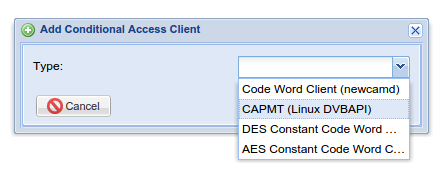
5. choose the 2de "CAPMT...."
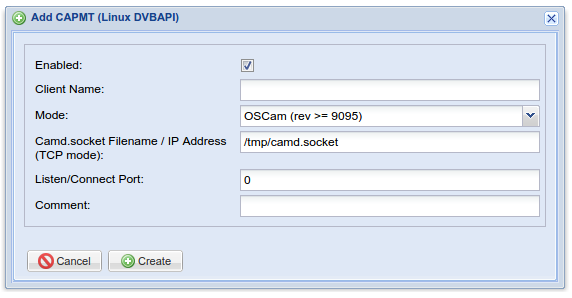
check enable
6. and press "Create"
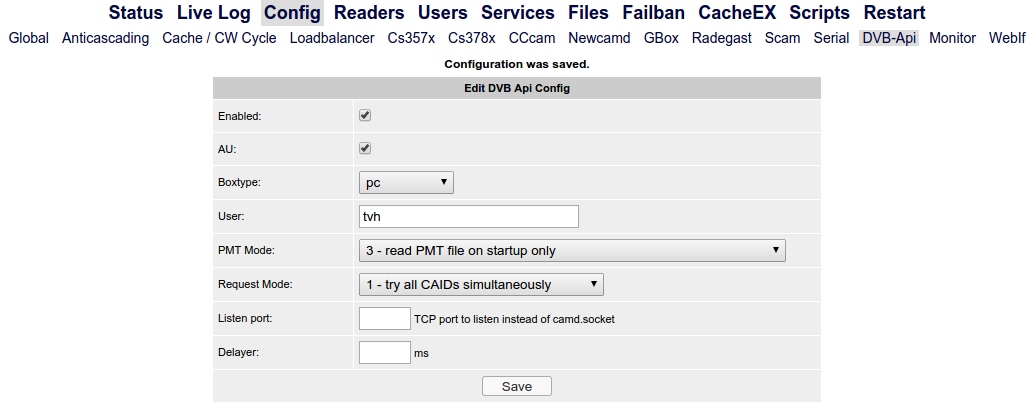
this stand by me in the de oscam config (config - DVB-Api)
7 save config
Now create a user in the Oscam it must the same user name that you have put in dvb-api
do not need a password
and enter the number of groups if you have 3 readers it is 1,2,3
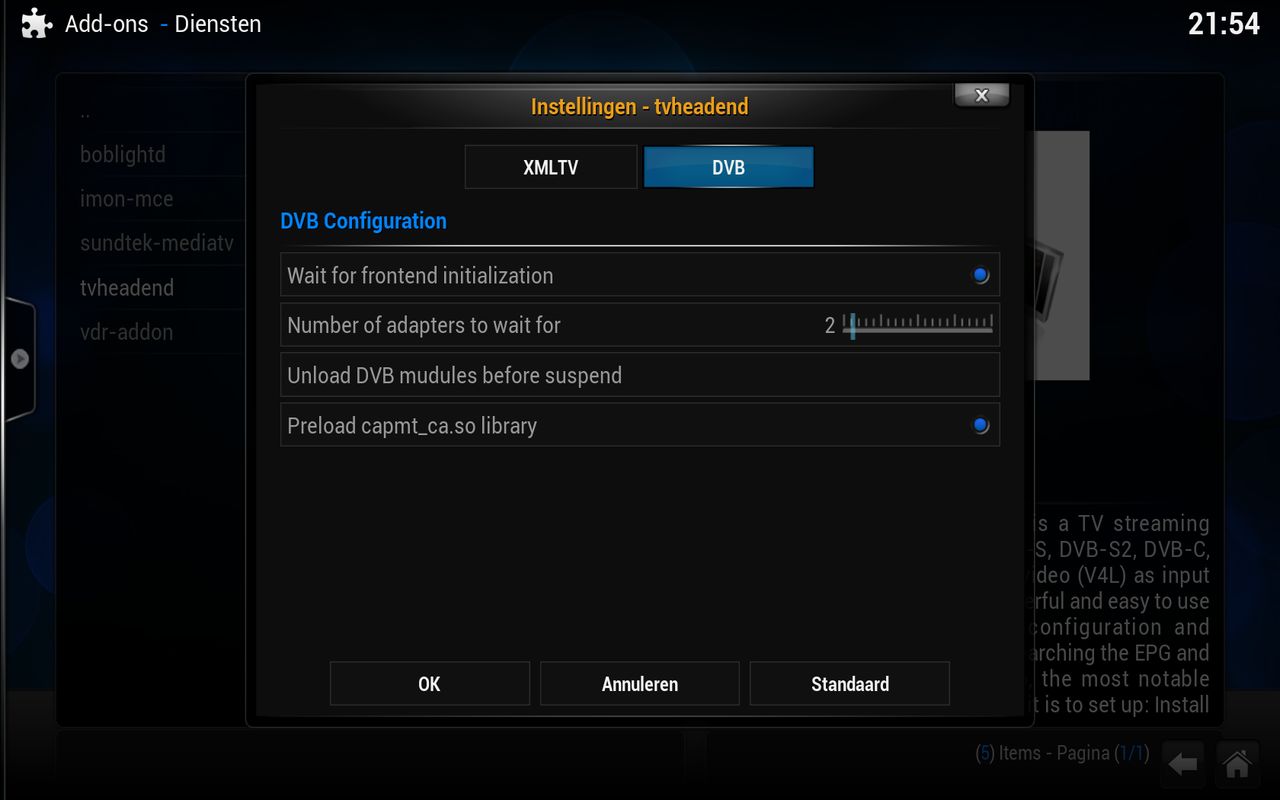
dont forget this you need do preload capmt_ca.so libraty put on
sorry for my bad english
- - - Updated - - -
oops i forget somting with this wil works but it wil show still anonymous we can change that we must in tvheadend make a userhttp://s14.postimg.org/xbasxmmdd/Screenshot_from_2014_12_28_03_47_02.png
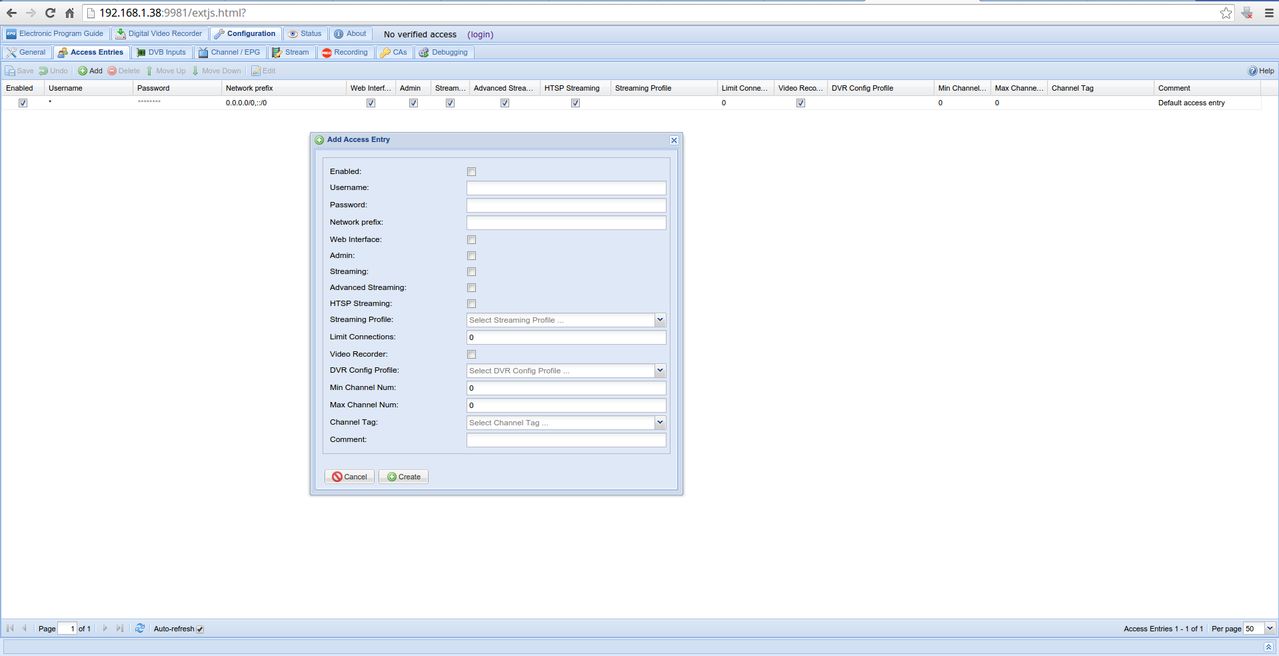
open a browser and type the ip from tvheadend http://192.168.1.38:9981/ this one is my :) all ways port 9981
click then op Configuration / Account entries then Add you get this screen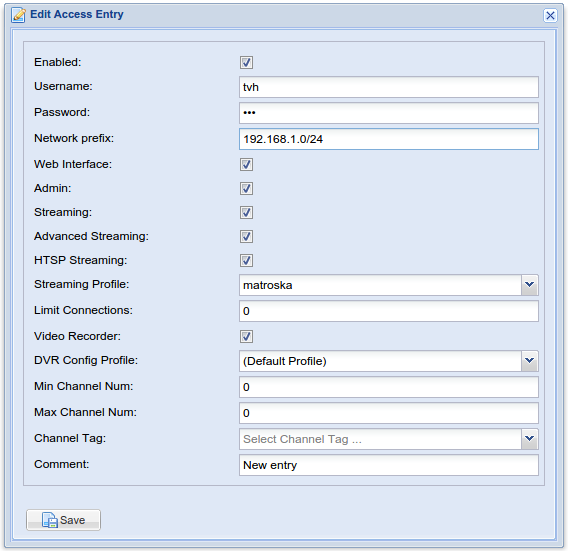
use the same name you have use by oscam
mine local netwerk begin with 192.168.1 so i do by networks prefix 192.168.1.0/24 look pic
click now on login
if you now looks by oscam you see no more anonymous -
this is the 32bits version looks very nice


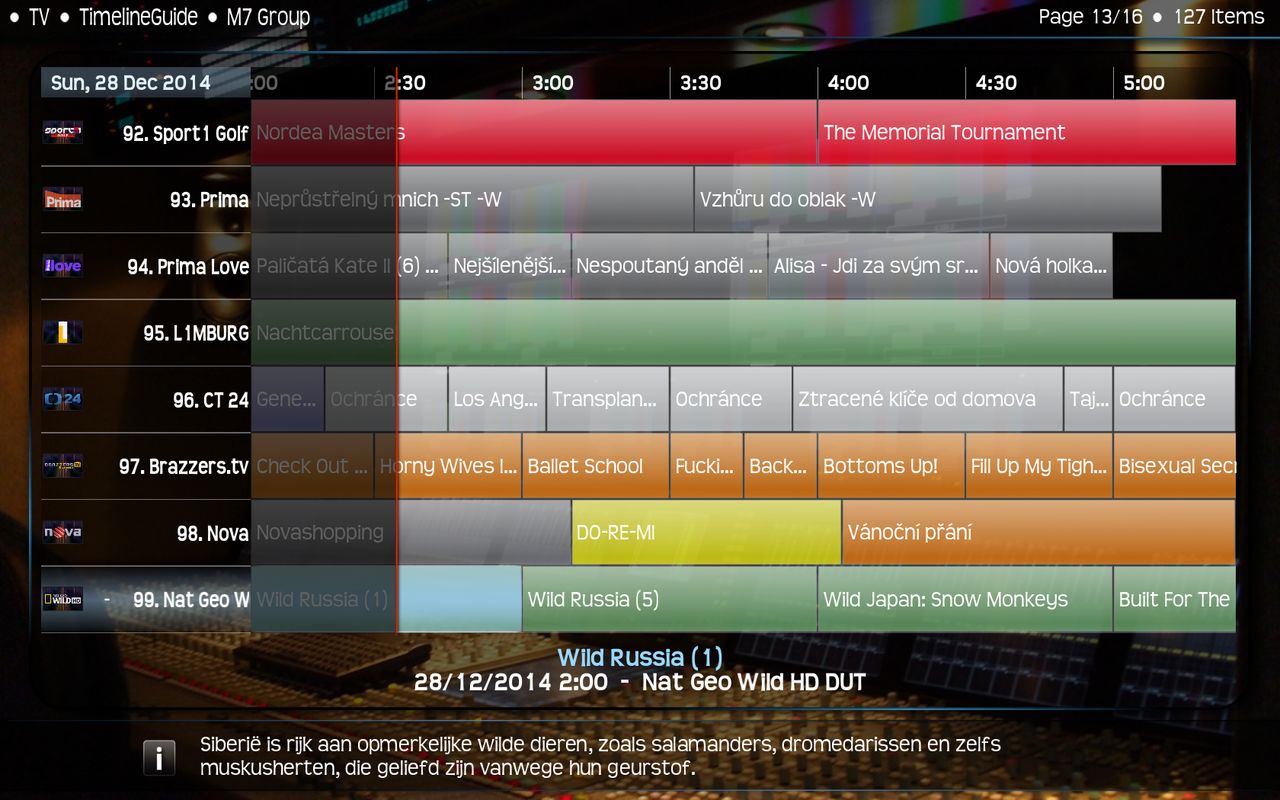
-
-
kodi: update to kodi-14-ad747d9, this fixes #3718 …
sraue authored 2 hours ago -
libpng: update to libpng-1.6.16 …
sraue authored 2 hours ago -
gettext: update to gettext-0.19.4 …
sraue authored 2 hours ago
- - - Updated - - -
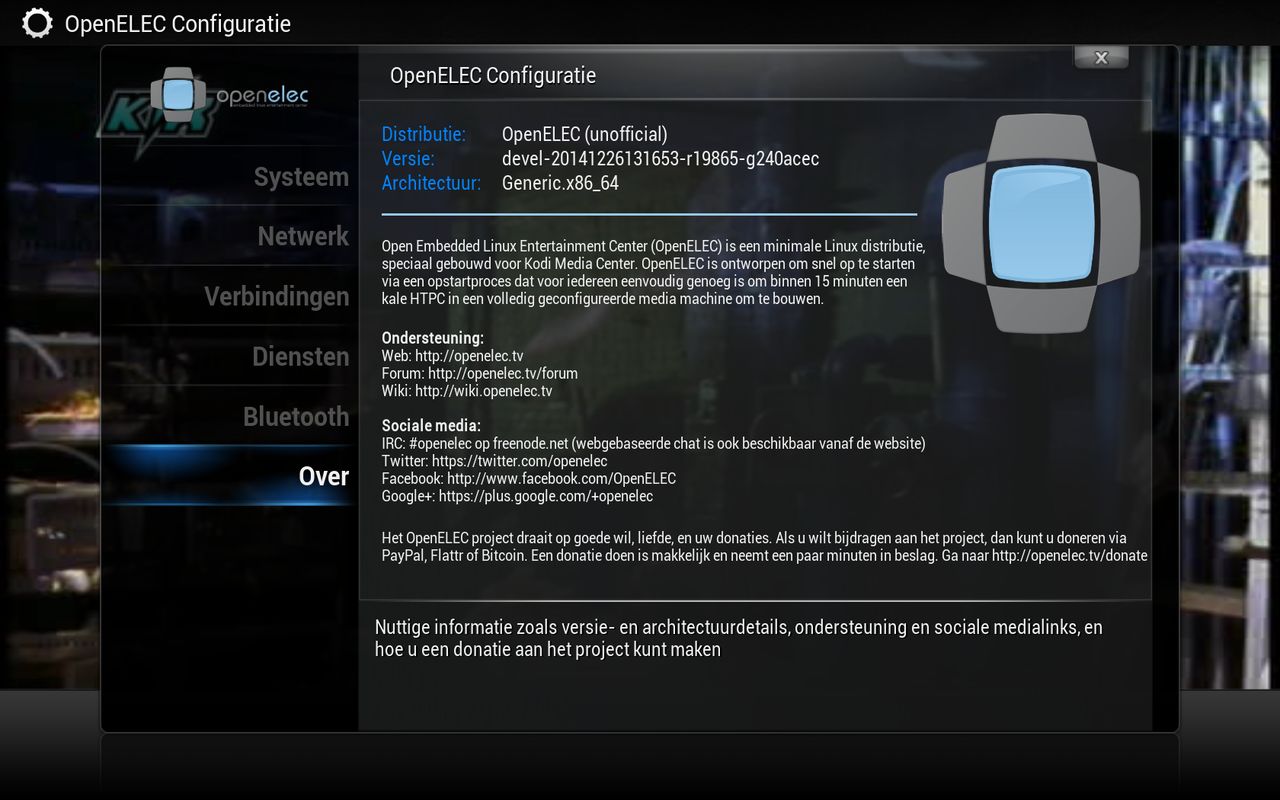
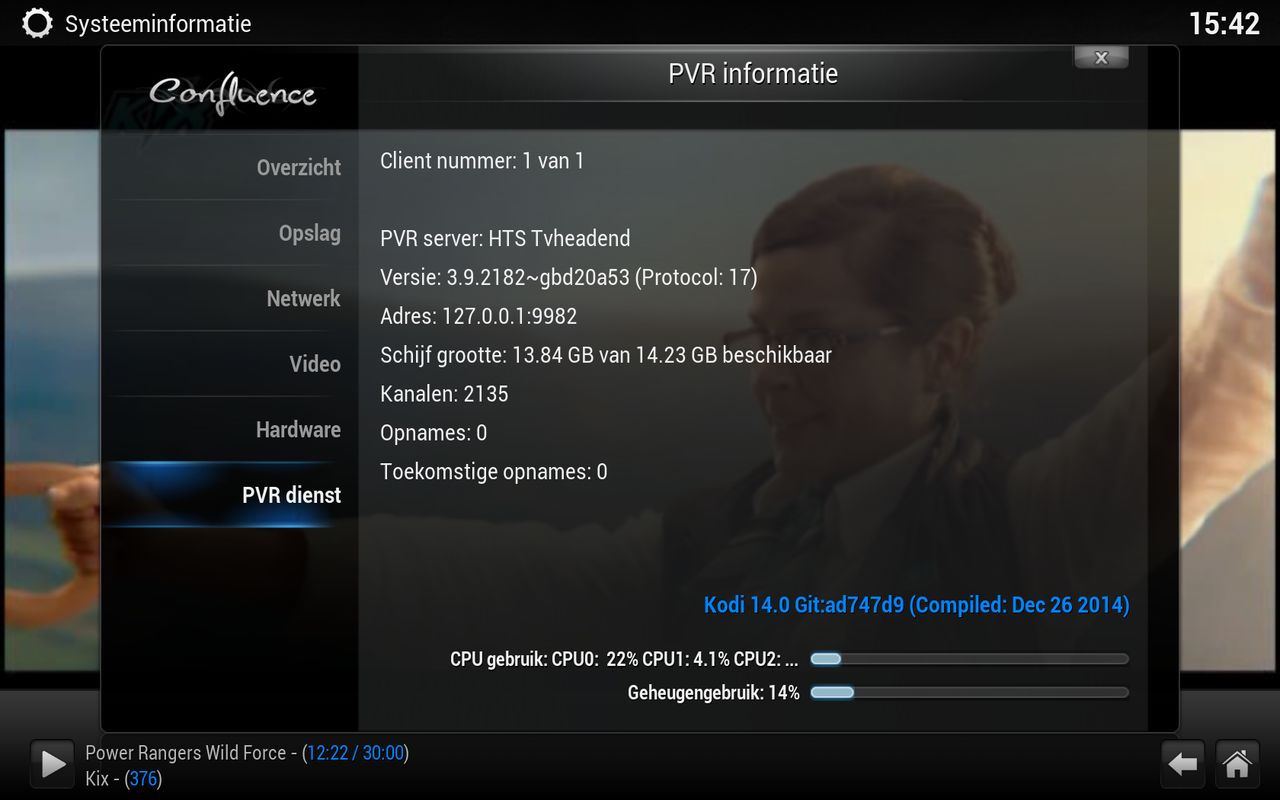
-
-

Merry Christmas and happy holidays, everyone! We are proud to announce the release of Kodi 14.0, which comes with a new name, a new logo, and a wide variety of new features, but underneath the new coat of paint remains the same software we all love.
A detailed changelog for Kodi 14 can be found under milestones on our code repository, should you be interested. With that said, let’s take a look at some of the features that come with Kodi 14.0.
-
-
Merge pull request #3711 from codesnake/bypass_uboot …
sraue authored 15 hours ago -
Merge pull request #3710 from codesnake/amremote_support …
sraue authored 15 hours ago -
Merge pull request #3713 from fritsch/imx-power2 …
sraue authored 15 hours ago -
IMX: Remove special handling via powermanager (user wish)
fritsch authored 16 hours ago -

u-boot: Do not build u-boot if $UBOOT_VERSION is not specified …
codesnake authored a day ago -
Add a package to support IR remote configuration utility for Amlogic-… …
codesnake authored a day ago
-
-
[RC] OpenELEC 5.0 RC 3 released

The OpenELEC team is proud to announce its 3rd Release Candidate of OpenELEC 5.0.
Internally this will be known by the less-catchy name OpenELEC 4.97.3.
The OpenELEC 4.97 release series are test releases (release candidates) for OpenELEC-5.0.
OpenELEC-5.0 will be the next stable release, which is a feature release and the successor of OpenELEC-4.2.
The headline change is the big switch from XBMC to Kodi branding. Both project teams have conducted a major find/replace but if you spot residual mentions of XBMC anywhere please let us know. The name change affects more than the GUI; all references in code have been changed and in the OpenELEC filesystem /storage/.xbmc will be recreated as a symlink to /storage/.kodi to ensure hardcoded paths in addons or scripts continue to work. For information on Kodi 14 you can find on http://kodi.tv/kodi-14-0-helix-beta-1-springs-forward/ .
Due to the potential for typo-bugs and breakage from Kodi renaming YOU ARE STRONGLY ADVISED TO MAKE A FULL BACKUP before performing a manual update and perform a “Reset System Settings to defaults (Soft Reset)” after the update.
Other notable “under the hood” changes include a version bump from v3.16 to v3.17 Linux kernel, and a switch from OpenSSL to LibreSSL following the heartbleed disclosure. TheLibreSSL package includes better licensing and allows OpenELEC to be simplified by removing support for other cryptographic libraries such as GnuTLS.Updated core Components (summary) since OpenELEC 4.97.2
- update to bcm2835-bootloader-2f9828c
- update to bcm2835-driver-2f9828c
- update to OpenELEC-settings-0.5.7
- update to kodi-14-8fb5660
- update to vdpauinfo-0.9
- update to boost-1_57_0
- update to libvdpau-0.9
- update to xorg-server-1.16.3
- update to ethtool-3.18
- update to rpcbind-0.2.2
- update to dbus-1.8.12
- update to dosfstools-3.0.27
- update to linux-3.17.7
- update to kodi-pvr-addons-9f63d1b
- update to arm-mem-2e6f275
- update to connman-1.27
- projects/RPi/patches/linux: update RPi support patch
- projects/RPi/patches/kodi: update RPi support patch
- IMX: Disable deinterlace by default (user can enable it manually)
- imx6: fixup reboot
- busybox: Increase the limit for the number of lines in less.
- util-linux: specify more configure options, build with losetup and libsmartcol support
- kodi: add patch to disable unsupported powerfunctions for iMX6 builds
- projects/*/linux: build RTSX USB and PCIe cardreader drivers statically
- init: warn on obvious KERNEL/SYSTEM mismatch
- Build BCM2708 watchdog driver as module for RPi
- linux: Port fixes for gpu hang to 3.17
- projects/imx6/options: dont setup firmwares twice, readd BT firmwares, this fixes non working BT on cubox-i & co.
For a full changelog on what's new, follow the link below:
https://github.com/OpenELEC/Op…v/compare/4.97.2...4.97.3this build is from 21-12-2014
-