Posts by ZYGA

    VU+ IPTV List Update: 11/01/2014


    hier das gefixte IPK. Damit sollte das Plugin mit den Links von HasBahCa wieder sauber funktionieren.


    Im Plugin sollte 1.30-10.01.14 angezeigt werden, ansonsten habt Ihr nicht die aktuelle Version!!!


    here the released a fixed IPK. In order for the plugin with the links of HasBahCa should work again clean.


    The plugin should 1.30-10.01.14 be displayed, otherwise you have not the latest version!


    Thx @ Nobody28 & HasBahCa>> Download <<

    Giant Addons Pack for PrismCube Ruby ver. 1.7 to webkurier


    What 's new?


    - Added Polish translation for dev version . 1.3.7/2014
    - Updated modified skin Aeon MQ 5
    - Updated list of channels 19 13 23 28 E per day 03.01.2014
    - Updated pikony


    [================================================== ===
    NOTE !
    Gap does not contain keys or emulators !
    After each change of a skin must restart the GUI.
    The author is not liable for any damage to the equipment .

    ==================================================


    Installation gap1.7_prismcube_bhp.tgz Black Hole 1.3.7


    1 File copy it to / tmp and install the Bh Addons , Bhp Install local package .
    2 When finished restart the GUI and select the skin Aeon MQ 5_mod


    Installation gap1.7_prismcube_bhp.tgz in the official software 1.3.7/2014


    1 Unpack the archive such as Winrar and copy all the files via ftp in accordance with the location of
    2 When you start to change the name of the file / usr/share/xbmc/addons/script.mbox/resources/skins/skin.aeonmq5/720p/SingleRootWindow.xml-official on SingleRootWindow.xml and replace it with the original
    3 When finished restart the GUI and select the skin Aeon MQ 5_mod >> Gap Prismcube Ruby ver. 1.7 <<


    >> Gigant settings for Prismcube Ruby 19+13+23+28E 03.01.2014<<[/COLOR]


    >> Picons Astra 28E <<[/COLOR] Added Polish translation for dev version. 1.3.7/2014
    - Updated modified skin Aeon MQ 5
    - Updated list of channels 19 13 23 28 E per day 03.01.2014
    - Updated pikony


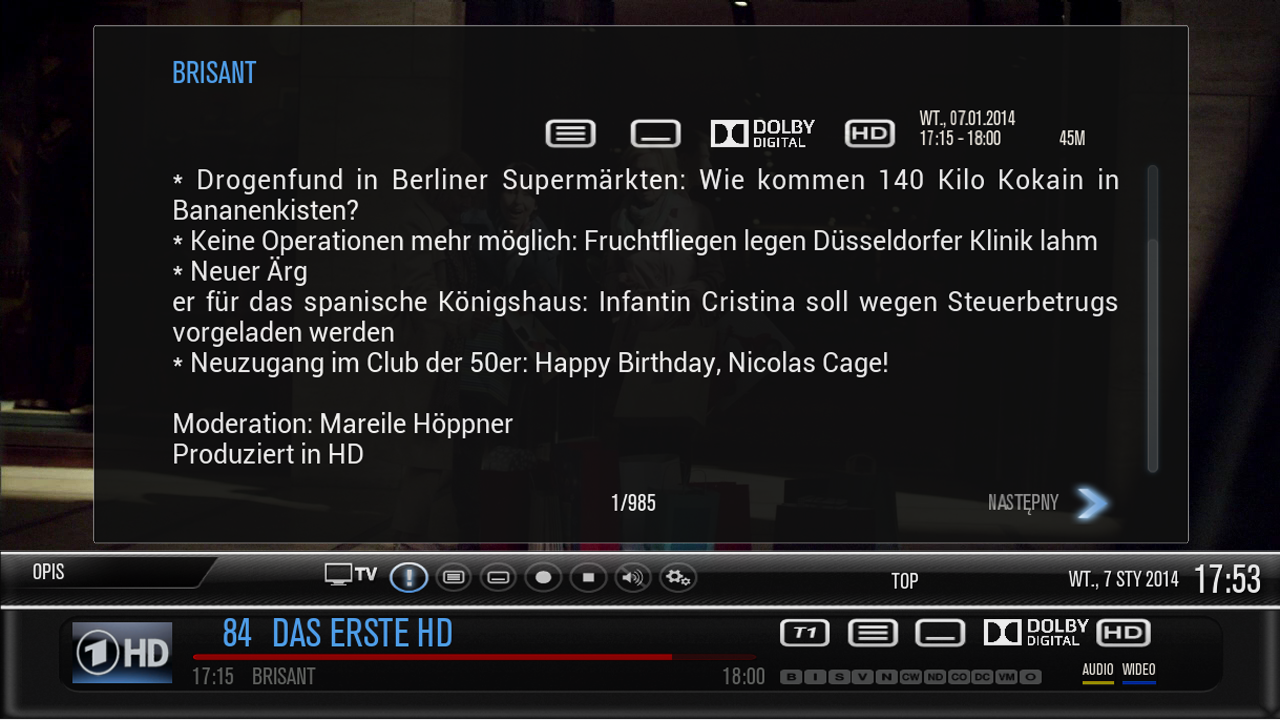
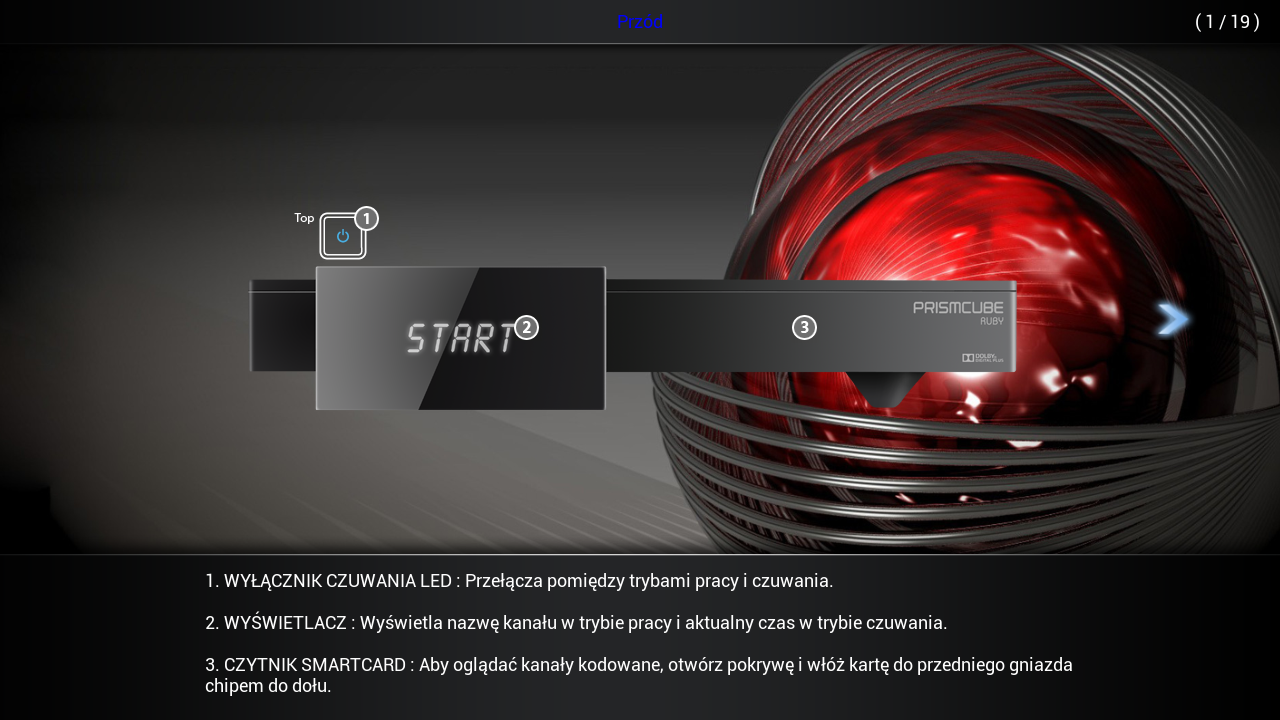
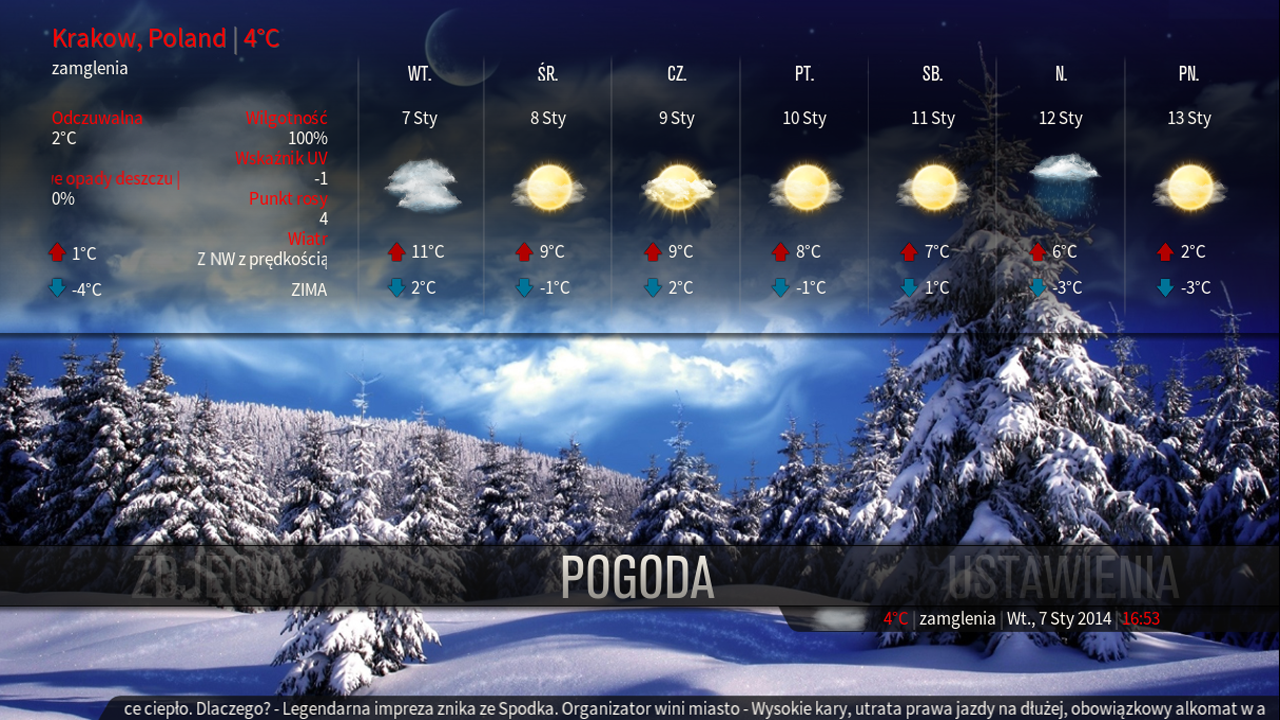
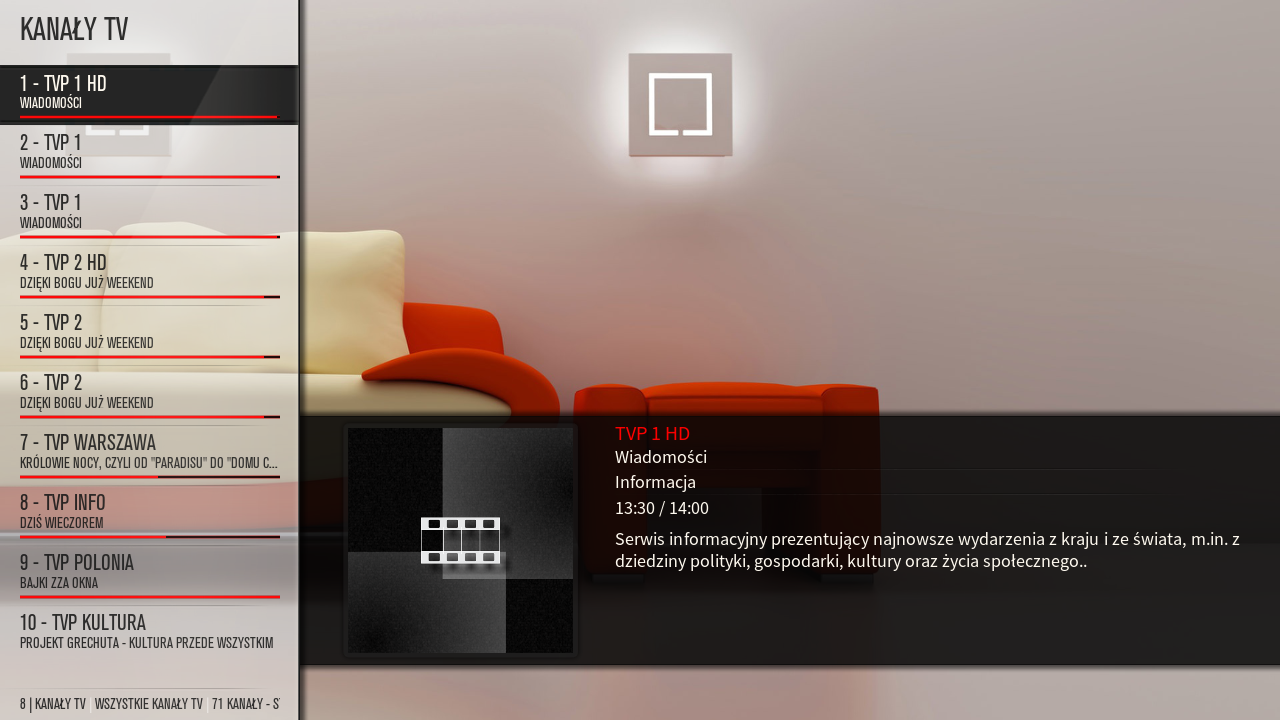
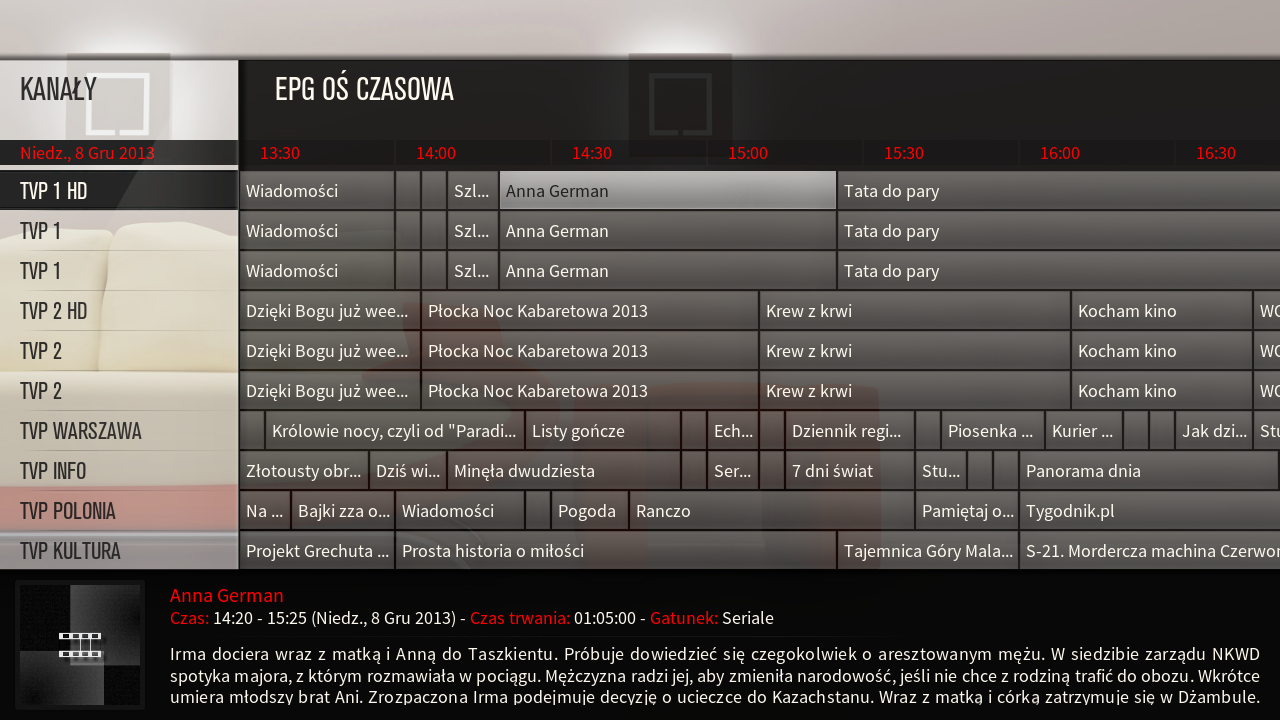
    This image has been resized. Click this bar to view the full image. The original image is sized 1280x720.


    The development version 1.3.7 applied acceleration speeds up loading of textures from the cache, which aeon mq5 it smoother. Support runs during the second and subsequent launch xbmc

    Giant Addons Pack for PrismCube Ruby ver. 1.6 to webkurier


    [SIZE = ' 3 '] [ COLOR = ' Deep***Blue '] Giant Addons Pack ( GAP ) is a collection of the most popular unofficial add-ons xbmc to PrismCube Ruby ver. 1.3.7 [/ COLOR ] [/ SIZE]


    By installing the gap receive a full crack dvb section and xbmc , displaying all Polish characters , and to display pikony for Polish channels .


    In addition, you will have access to the following additives xbmc :


    metadata.artists.universal
    metadata.common.allmusic.com
    metadata.common.amazon.de
    metadata.common.fanart.tv
    metadata.common.hdtrailers.net
    metadata.common.htbackdrops.com
    metadata.common.imdb.com
    metadata.common.last.fm
    metadata.common.musicbrainz.org
    metadata.common.theaudiodb.com
    metadata.common.themoviedb.org
    metadata.filmweb.pl
    net.rieter.xot.repository
    plugin.audio.listenliveeu
    plugin.audio.radiokolekcja.pl
    plugin.audio.mojepolskieradio.pl
    plugin.audio.open_FM
    plugin.audio.radio_de
    plugin.audio.xbmchubmusic
    plugin.image.flickr
    plugin.image.google
    plugin.image.mypicsdb
    plugin.image.picasa
    plugin.programm.xbmcmail
    plugin.superrepo.org.installer
    plugin.superrepo.org.installer
    plugin.video.1channel
    plugin.video.1 - linkmovies
    plugin.video.69area
    plugin.video.80smusicvideos
    plugin.video.adult -bay
    plugin.video.bmovies
    plugin.video.canada.on.demand
    plugin.video.cartoonworld
    plugin.video.collective
    plugin.video.crackle
    plugin.video.dailyflix
    plugin.video.demand5
    plugin.video.desitvforum
    plugin.video.discovery
    plugin.video.disneyjunior
    plugin.video.empflix
    plugin.video.espn3
    plugin.video.expattv
    plugin.video.fantasticc
    plugin.video.favorites
    plugin.video.filmibynaturex
    plugin.video.filmon
    plugin.video.footballreplays
    plugin.video.fox.sports
    plugin.video.free.cable
    plugin.video.fullmovies
    plugin.video.hornywhores
    plugin.video.hubmaintenance
    plugin.video.hubwizard
    plugin.video.hulu
    plugin.video.icefilms
    plugin.video.ipla.pl
    plugin.video.iplayer
    plugin.video.itv
    plugin.video.iwatchonline
    plugin.video.iwatchonline
    plugin.video.jtv.archives
    plugin.video.live.streams
    plugin.video.losmovies
    plugin.video.lubetube
    plugin.video.lubetube
    plugin.video.MikeysKaraoke
    plugin.video.mmline
    plugin.video.movie105
    plugin.video.movie25
    plugin.video.Movie2k
    plugin.video.moviekingdom
    plugin.video.mrknow
    plugin.video.mtv
    plugin.video.mtvshows
    plugin.video.muchmovies
    plugin.video.muchmovies.hd
    plugin.video.muzu.tv
    plugin.video.naughtyblog
    plugin.video.newvideodevil
    plugin.video.nickelodeon
    plugin.video.NoobRoom
    plugin.video.notfilmon
    plugin.video.OCM
    plugin.video.offside
    plugin.video.oneclickmoviez
    plugin.video.oneclickwatch
    plugin.video.pelisalacarta
    plugin.video.polishtv.live
    plugin.video.popcornflix
    plugin.video.pornorips
    plugin.video.projectfreetv
    plugin.video.putlockertv
    plugin.video.simply.player
    plugin.video.simplymovies
    plugin.video.singlelinkmoviez
    plugin.video.***mediatv
    plugin.video.***tv
    plugin.video.solarmovie.so
    plugin.video.sportsaholic
    plugin.video.SportsDevil
    plugin.video.talkwizard
    plugin.video.teledunet
    plugin.video.tgun
    plugin.video.tube8
    plugin.video.tubeplus
    plugin.video.tvalacarta
    plugin.video.tvlinks
    plugin.video.tvnplayer.pl
    plugin.video.tvondesizonex
    plugin.video.tv -release
    plugin.video.ustvnow
    plugin.video.veetle
    plugin.video.videodevil
    plugin.video.vimeo
    plugin.video.vod.tvp.pl
    plugin.video.watchhistory
    plugin.video.watchseries -online
    plugin.video.weeb.tv
    plugin.video.whatthefurk
    plugin.video.whufclee
    plugin.video.xbmc.tv.inter
    plugin.video.xbmchubmaintenance
    plugin.video.xstream
    plugin.video.you.jizz
    plugin.video.youtube
    plugin.video.zmovies
    pvr.iptvsimple
    repository.bluecop.xbmc -plugins
    repository.bstrdsmkr
    repository.CanadaOnDemand
    repository.carb0s
    repository.Coolwave
    repository.dk - xbmc - repaddon
    repository.dudehere.plugins
    repository.eldorado
    repository.filmweb.pl -lite
    repository.googlecode.anarchintosh -projects
    repository.googlecode.kozz -addons
    repository.googlecode.sparetime
    repository.Jas0npc
    repository.jools
    repository.Kinkin
    repository.mash2k3
    repository.MaxMustermann.xbmc
    repository.mikey1234 - repo
    repository.mortstar.addons
    repository.mrknow.pl
    repository.o9r1sh
    repository.offside
    repository.passion.xbmc.org.frodo
    repository.popeye
    repository.prismcube
    repository.sd - xbmc.org
    repository.smoothstreams
    repository.smuto
    repository.spoyser
    repository.StreamOn
    repository.systems - design.eu
    repository.t0mm0
    repository.The_Silencer
    repository.thehighway
    repository.the -one
    repository.TheYid
    repository.unofficial.polish
    repository.Vinnydude
    repository.voinage
    repository.whufclee
    repository.xbmc.abipbox
    repository.xbmc.tvm
    repository.xbmc -adult
    repository.xbmchub
    repository.xbmcplus.xbmc -plugins
    repository.xstream
    script.artistslideshow
    script.common.plugin.cache
    script.facebook.media
    script.forum.browser
    script.mtvguide
    script.navi - x
    script.pseudotv
    script.randomandlastitems
    script.rssclient
    script.rssclient - standalone
    script.SuperTV
    script.thunder.player
    script.web.viewer
    script.xbmc.pandora
    script.xbmc.subtitles
    script.xbmcbackup
    skin.confluence.custom.mod
    Transmission - XBMC -master


    ... and many , many others


    What 's new?


    - Added Polish translation for BH 1.3.7
    - Added a new section of a modified skin for PVR
    - Aeon MQ skin updated to version 5 . 1.9.0
    - Added a new customized font that supports all characters in Polish EPG
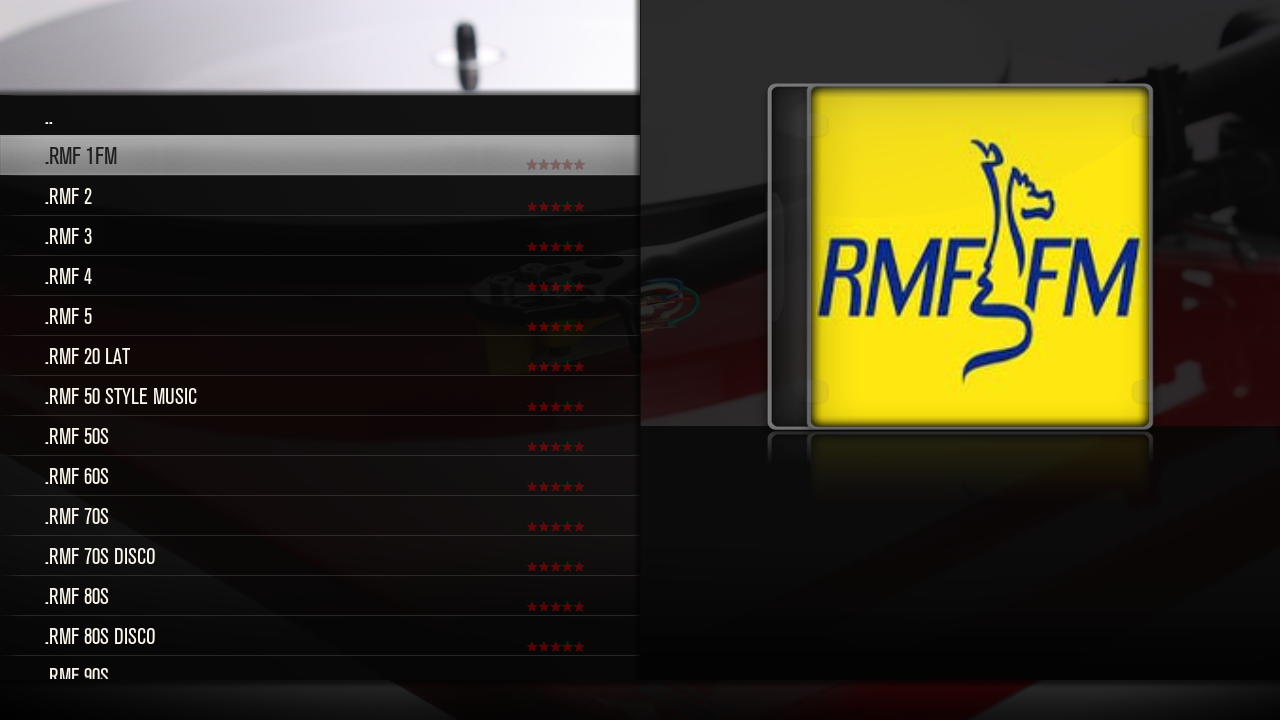
    - Added a collection of online radio stations ( base stations over 1000 Polish )
    - Updated plugins and repositories for xbmc ( on the basis of over 1,000 different additives )


    ================================================== ===
    NOTE !
    Gap does not contain keys or emulators !
    After each change of a skin must restart the GUI.
    The author is not liable for any damage to the equipment .
    ================================================[


    Set includes two files:


    - Gap1.6_prismcube_bhp.tgz , designed for PVR section Prismcube Ruby
    - Gap1.5_xbmc.tar.gz intended for section xbmc Prismcube Ruby , and for Windows, Linux, Apple iOS , Android , OpenELEC and Mac OS X


    I. Installation gap1.6_prismcube_bhp.tgz Black Hole :


    File copy it to / tmp and install the Bh Addons , Bhp Install local package . When finished restart the GUI and select the skin Aeon MQ 5_mod


    II. Installing xbmc gap1.5_xbmc.tar.gz additives in Prismcube

    Due to lack of space in flash , file, do not install from / tmp [/ B]


    1 File copy to a FAT32 formatted memory stick, insert the USB into the slot and reboot the receiver Prismcube
    3 When you start PuTTY open the console [URL = ' http://the.earth.li/ ~ sgtatham/putty/0.63/x86/putty.zip "] [ COLOR = 'Lime '] >> here [/ COLOR ] [ / URL ] connection type: SSH host name - IP address Prismcube port - 22 and press enter


    [ IMG ] http://s1.bild.me/bilder/260513/85437651.jpg [/ IMG ]


    4 After logging - user : root , password 0000 , enter the following command (copy - paste) and press enter :


    Code
    [COLOR='Magenta']cd / media/sdb1tar- xzvf / media/sdb1 / *. tar.gz -C /[/COLOR]


    [ IMG ] http://s1.bild.me/bilder/260513/21614662.jpg [/ IMG ]


    5 After installation, briefly remove and re-insert the plug.


    ]III. Installation gap1.6_prismcube_bhp.tgz in the official software 1.3.7

    1 Change the file extension to tar.gz
    2 Perform all steps for 2 - 5 as point II
    3 When you start to turn to rename the file / usr/share/xbmc/addons/script.mbox/resources/skins/skin.aeonmq5/720p/SingleRootWindow.xml-official on SingleRootWindow.xml and replace it with the original


    IV. Installing add-ons xbmc gap_xbmc_1.5.tar.gz in Windows XP, 7, 8


    1 Tar.gz file, unpack it with eg Winrar
    2 Press Start , Search, and type in the search box the following command:


    3 This opens the directory to the location of xbmc add-ons , which we copy the following folders from the unpacked archive gap : home \ root \. Xbmc \ addons , and userdata
    4 When you run configure xbmc and skin .
    5 At the end of the plug- in settings , select the download location


    V. Installation additives xbmc gap_xbmc_1.5.tar.gz in iOS (Apple ATV2 , iPhone , iPad )


    1 We connect through sftp with ATV2 - user : root , password : mobile
    2 Go to the directory / private / var / mobile / Library / Preferences / XBMC / to which we copy the following folders from the unpacked archive : home \ root \. Xbmc \ addons , and userdata
    3 When you run configure xbmc , and a skin .
    4 At the end of the plug- in settings , select the download location


    VII. Installing xbmc gap_xbmc_1.5.tar.gz additives in Android


    1 We combine in August with the device , usually xbmc is installed in the " sdcard " location : Android / org.xbmc.xbmc / files / .xbmc and copy into it the following folders from an unpacked archive : home \ root \. Xbmc \ addons , and userdata
    2 When you run configure xbmc , and a skin .
    3 At the end of the plug- in settings , select the download location


    VI. Installing x
    bmc gap_xbmc_1.5.tar.gz additives in Linux


    1 We are searching the directory of xbmc . Default : ~ / . Xbmc
    2 Copy to the following folders from the unpacked archive : home \ root \. Xbmc \ addons , and userdata
    3 When you run configure xbmc , and a skin .
    4 At the end of the plug- in settings , select the download location


    VI. Installing xbmc gap_xbmc_1.5.tar.gz additives in Mac OS X


    1 We function as Linux . Default directory : / Users / <your_user_name> / Library / Application Support / XBMC


    [size=12]VII. Installing xbmc gap1.5_xbmc.tar.gz additives in OpenELEC


    1 We function as Linux . Default directory : / storage / .xbmc /


    Tested on xbmc 12.2 Frodo , which you can download >> here[COLOR='Deep***Blue']


    >> Gap Prismcube Ruby ver. 1.6 <<


    [COLOR='Deep***Blue']>> Gap XBMC ver. 1.5 <<[/COLOR]


    >> Gigant settings for Prismcube Ruby 19+13+28E <<


    >> Picons Astra 28E <<


    [

    What 's new?


    - Added Polish translation for version 1.3.6 ( strings + help )
    - Added a new section of a modified skin for PVR
    - Aeon MQ skin updated to version 5 . 1.9.0
    - Added a new customized font that supports all characters in Polish EPG
    - Added a collection of online radio stations ( base stations over 1000 Polish )
    - Updated plugins and repositories for xbmc ( on the basis of over 1,000 different additives )


    Due to the fairly significant changes in Aeon MQ nod 5 for Ruby users Prismcube windows and other platforms collect the skin from the repository xbmc ( menu , settings, appearance, skin , download more ...


    After installation gap1.5 and replacing skins on Aeon MQ 5 must restart the receiver !


    Note ! Polish language version of the official software dev . 1.3.6 contains errors and is different from the black hole 1.3.6 . Installing gap1.5 in dev . 1.3.6 must first secure the original file / usr / share / xbmc / addons / script.mbox / resources / language / English / strings.xml , or use the English language

    Giant Addons Pack for PrismCube Ruby ver. 1.5 to webkurier


    [COLOR='Deep***Blue']Giant Addons Pack ( GAP ) is a collection of the most popular unofficial add-ons xbmc to PrismCube Ruby ver. 1.3.6 [/COLOR]


    By installing the gap receive a full crack dvb section and xbmc , displaying all Polish characters , and to display pikony for Polish channels .


    In addition, you will have access to the following additives xbmc :


    metadata.artists.universal
    metadata.common.allmusic.com
    metadata.common.amazon.de
    metadata.common.fanart.tv
    metadata.common.hdtrailers.net
    metadata.common.htbackdrops.com
    metadata.common.imdb.com
    metadata.common.last.fm
    metadata.common.musicbrainz.org
    metadata.common.theaudiodb.com
    metadata.common.themoviedb.org
    metadata.filmweb.pl
    net.rieter.xot.repository
    plugin.audio.listenliveeu
    plugin.audio.radiokolekcja.pl
    plugin.audio.mojepolskieradio.pl
    plugin.audio.open_FM
    plugin.audio.radio_de
    plugin.audio.xbmchubmusic
    plugin.image.flickr
    plugin.image.google
    plugin.image.mypicsdb
    plugin.image.picasa
    plugin.programm.xbmcmail
    plugin.superrepo.org.installer
    plugin.superrepo.org.installer
    plugin.video.1channel
    plugin.video.1 - linkmovies
    plugin.video.69area
    plugin.video.80smusicvideos
    plugin.video.adult -bay
    plugin.video.bmovies
    plugin.video.canada.on.demand
    plugin.video.cartoonworld
    plugin.video.collective
    plugin.video.crackle
    plugin.video.dailyflix
    plugin.video.demand5
    plugin.video.desitvforum
    plugin.video.discovery
    plugin.video.disneyjunior
    plugin.video.empflix
    plugin.video.espn3
    plugin.video.expattv
    plugin.video.fantasticc
    plugin.video.favorites
    plugin.video.filmibynaturex
    plugin.video.filmon
    plugin.video.footballreplays
    plugin.video.fox.sports
    plugin.video.free.cable
    plugin.video.fullmovies
    plugin.video.hornywhores
    plugin.video.hubmaintenance
    plugin.video.hubwizard
    plugin.video.hulu
    plugin.video.icefilms
    plugin.video.ipla.pl
    plugin.video.iplayer
    plugin.video.itv
    plugin.video.iwatchonline
    plugin.video.iwatchonline
    plugin.video.jtv.archives
    plugin.video.live.streams
    plugin.video.losmovies
    plugin.video.lubetube
    plugin.video.lubetube
    plugin.video.MikeysKaraoke
    plugin.video.mmline
    plugin.video.movie105
    plugin.video.movie25
    plugin.video.Movie2k
    plugin.video.moviekingdom
    plugin.video.mrknow
    plugin.video.mtv
    plugin.video.mtvshows
    plugin.video.muchmovies
    plugin.video.muchmovies.hd
    plugin.video.muzu.tv
    plugin.video.naughtyblog
    plugin.video.newvideodevil
    plugin.video.nickelodeon
    plugin.video.NoobRoom
    plugin.video.notfilmon
    plugin.video.OCM
    plugin.video.offside
    plugin.video.oneclickmoviez
    plugin.video.oneclickwatch
    plugin.video.pelisalacarta
    plugin.video.polishtv.live
    plugin.video.popcornflix
    plugin.video.pornorips
    plugin.video.projectfreetv
    plugin.video.putlockertv
    plugin.video.simply.player
    plugin.video.simplymovies
    plugin.video.singlelinkmoviez
    plugin.video.***mediatv
    plugin.video.***tv
    plugin.video.solarmovie.so
    plugin.video.sportsaholic
    plugin.video.SportsDevil
    plugin.video.talkwizard
    plugin.video.teledunet
    plugin.video.tgun
    plugin.video.tube8
    plugin.video.tubeplus
    plugin.video.tvalacarta
    plugin.video.tvlinks
    plugin.video.tvnplayer.pl
    plugin.video.tvondesizonex
    plugin.video.tv -release
    plugin.video.ustvnow
    plugin.video.veetle
    plugin.video.videodevil
    plugin.video.vimeo
    plugin.video.vod.tvp.pl
    plugin.video.watchhistory
    plugin.video.watchseries -online
    plugin.video.weeb.tv
    plugin.video.whatthefurk
    plugin.video.whufclee
    plugin.video.xbmc.tv.inter
    plugin.video.xbmchubmaintenance
    plugin.video.xstream
    plugin.video.you.jizz
    plugin.video.youtube
    plugin.video.zmovies
    pvr.iptvsimple
    repository.bluecop.xbmc -plugins
    repository.bstrdsmkr
    repository.CanadaOnDemand
    repository.carb0s
    repository.Coolwave
    repository.dk - xbmc - repaddon
    repository.dudehere.plugins
    repository.eldorado
    repository.filmweb.pl -lite
    repository.googlecode.anarchintosh -projects
    repository.googlecode.kozz -addons
    repository.googlecode.sparetime
    repository.Jas0npc
    repository.jools
    repository.Kinkin
    repository.mash2k3
    repository.MaxMustermann.xbmc
    repository.mikey1234 - repo
    repository.mortstar.addons
    repository.mrknow.pl
    repository.o9r1sh
    repository.offside
    repository.passion.xbmc.org.frodo
    repository.popeye
    repository.prismcube
    repository.sd - xbmc.org
    repository.smoothstreams
    repository.smuto
    repository.spoyser
    repository.StreamOn
    repository.systems - design.eu
    repository.t0mm0
    repository.The_Silencer
    repository.thehighway
    repository.the -one
    repository.TheYid
    repository.unofficial.polish
    repository.Vinnydude
    repository.voinage
    repository.whufclee
    repository.xbmc.abipbox
    repository.xbmc.tvm
    repository.xbmc -adult
    repository.xbmchub
    repository.xbmcplus.xbmc -plugins
    repository.xstream
    script.artistslideshow
    script.common.plugin.cache
    script.facebook.media
    script.forum.browser
    script.mtvguide
    script.navi - x
    script.pseudotv
    script.randomandlastitems
    script.rssclient
    script.rssclient - standalone
    script.SuperTV
    script.thunder.player
    script.web.viewer
    script.xbmc.pandora
    script.xbmc.subtitles
    script.xbmcbackup
    skin.confluence.custom.mod
    Transmission - XBMC -master


    ... and many , many others


    What 's new?


    - Added Polish translation for version 1.3.6 ( strings + help )
    - Added a new section of a modified skin for PVR
    - Aeon MQ skin updated to version 5 . 1.9.0
    - Added a new customized font that supports all characters in Polish EPG
    - Added a collection of online radio stations ( base stations over 1000 Polish )
    - Updated plugins and repositories for xbmc ( on the basis of over 1,000 different additives )


    ================================================== ===
    NOTE !
    Gap does not contain keys or emulators !
    When you change a skin for Aeon MQ5_mod restart the GUI .
    The author is not liable for any damage to the equipment .

    ================================================== ====


    Set includes two files:


    - Gap1.5_prismcube_bhp.tgz , designed for PVR section Prismcube Ruby
    - Gap1.5_xbmc.tar.gz intended for section xbmc Prismcube Ruby , and for Windows, Linux, Apple iOS , Android , OpenELEC and Mac OS X


    I. Installation gap1.5_prismcube_bhp.tgz Black Hole :


    File copy it to / tmp and install the Bh Addons , Bhp Install local package . When finished restart the GUI and select the skin Aeon MQ 5_mod


    II. Installing xbmc gap1.5_xbmc.tar.gz additives in Prismcube


    Due to lack of space in flash , file, do not install from / tmp


    1 File copy to a FAT32 formatted memory stick, insert the USB into the slot and reboot the receiver Prismcube
    3 When you start PuTTY open the console [URL = ' http://the.earth.li/ ~ sgtatham/putty/0.63/x86/putty.zip "] [ COLOR = 'Lime '] >> here [/ COLOR ] [ / URL ] connection type: SSH host name - IP address Prismcube port - 22 and press enter


    [ IMG ] http://s1.bild.me/bilder/260513/85437651.jpg [/ IMG ]


    4 After logging - user : root , password 0000 , enter the following command (copy - paste) and press enter :


    Code
    [COLOR='DarkOrange']cd / media/sdb1tar- xzvf / media/sdb1 / *. tar.gz -C /[/COLOR]


    [ IMG ] http://s1.bild.me/bilder/260513/21614662.jpg [/ IMG ]


    5 After installation, briefly remove and re-insert the plug.


    III. Installing add-ons xbmc gap1.5_prismcube_bhp.tgz in the official software 1.3.2


    1 Change the file extension to tar.gz
    2 Perform all steps for 2 - 5 as point II
    3 When you start to turn to rename the file / usr/share/xbmc/addons/script.mbox/resources/skins/skin.aeonmq5/720p/SingleRootWindow.xml-official on SingleRootWindow.xml and replace it with the original


    IV. Installing add-ons xbmc gap_xbmc_1.5.tar.gz in Windows XP, 7, 8


    1 Tar.gz file, unpack it with eg Winrar
    2 Press Start , Search, and type in the search box the following command:


    3 This opens the directory to the location of xbmc add-ons , which we copy the following folders from the unpacked archive gap : home \ root \. Xbmc \ addons , and userdata
    4 When you run configure xbmc and skin .
    5 At the end of the plug- in settings , select the download location


    V. Installation additives xbmc gap_xbmc_1.5.tar.gz in iOS (Apple ATV2 , iPhone , iPad )


    1 We connect through sftp with ATV2 - user : root , password : mobile
    2 Go to the directory / private / var / mobile / Library / Preferences / XBMC / to which we copy the following folders from the unpacked archive : home \ root \. Xbmc \ addons , and userdata
    3 When you run configure xbmc , and a skin .
    4 At the end of the plug- in settings , select the download location


    VII. Installing xbmc gap_xbmc_1.5.tar.gz additives in Android


    1 We combine in August with the device , usually xbmc is installed in the " sdcard " location : Android / org.xbmc.xbmc / files / .xbmc and copy into it the following folders from an unpacked archive : home \ root \. Xbmc \ addons , and userdata
    2 When you run configure xbmc , and a skin .
    3 At the end of the plug- in settings , select the download location


    VI. Installing xbmc gap_xbmc_1.5.tar.gz additives in Linux


    1 We are searching the directory of xbmc . Default : ~ / . Xbmc
    2 Copy to the following folders from the unpacked archive : home \ root \. Xbmc \ addons , and userdata
    3 When you run configure xbmc , and a skin .
    4 At the end of the plug- in settings , select the download location


    VI. Installing xbmc gap_xbmc_1.5.tar.gz additives in Mac OS X


    1 We function as Linux . Default directory : / Users / <your_user_name> / Library / Application Support / XBMC


    VII. Installing xbmc gap1.5_xbmc.tar.gz additives in OpenELEC


    1 We function as Linux . Default directory : / storage / .xbmc /


    Tested on xbmc 12.2 Frodo , which you can download >>here [COLOR='Deep***Blue'][/COLOR]>> Gap Prismcube Ruby ver. 1.5 <<


    [COLOR='Deep***Blue']>> Gap XBMC ver. 1.5 <<[/COLOR]


    >> Gigant settings for Prismcube Ruby 19+13+28E <<


    >> Picons Astra 28E <<

    VU+MP3 Browser for
    Version 1.5rc2:


    Thx kashmir


    ipk enigma2-plugin-extensions-mp3browser_1.5rc2_mips32el.ipk (730.3 KB, >> Download <<

    VU+ iSettingE2 3.1.3


    The changelog:


    * Aggiunta una condizione di controllo sul tuner per verificare se abilitato o meno;


    * Corretto del problema dell'aggiornamento del plugin con il firmware HDMU;


    gz enigma2-plugin-extensions-isettinge2-3.1.3-oe2.0-mips32el.tar.gz (759.4 KB,
    ipk enigma2-plugin-extensions-isettinge2-3.1.3-oe2.0-mips32el.ipk (760.5 KB,
    * ipk enigma2-plugin-extensions-isettinge2-3.1.3-oe1.6-mipsel.ipk (760.0 KB,

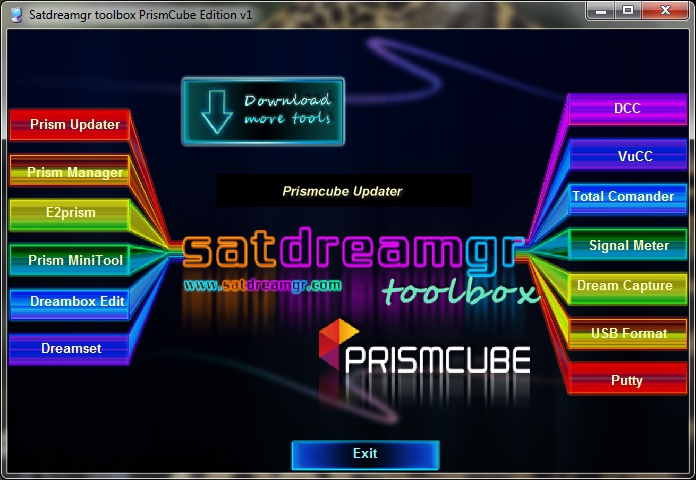
    Satdreamgr toolbox PrismCube edition v1


    Satdreamgr Τeam is proud to present you its first PrismCubeToolbox


    You can find everything you need for your Ruby PrismCube receiver.


    You don't need to install any program because everything is available within the main application.


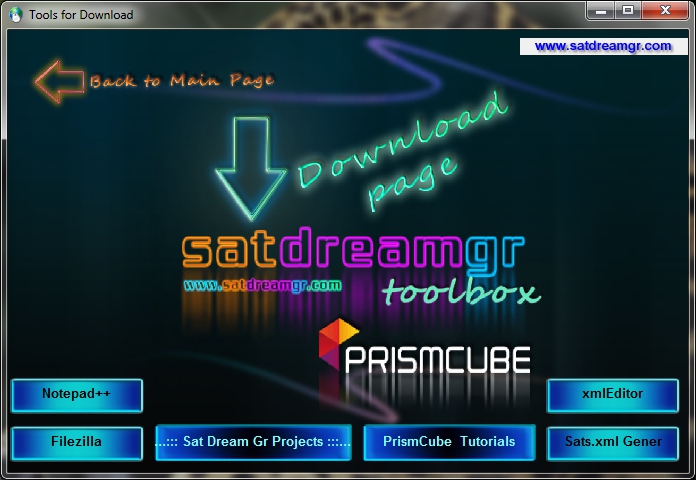
    On the first page there are basic programs and on the second there are other useful tools for download from their official sites.


    Tools


    Prismcube Updater


    Prism Manager


    E2prism


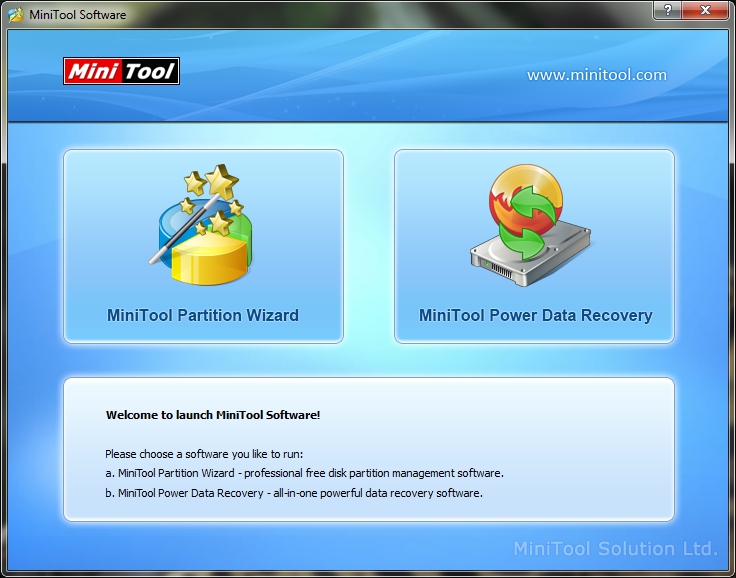
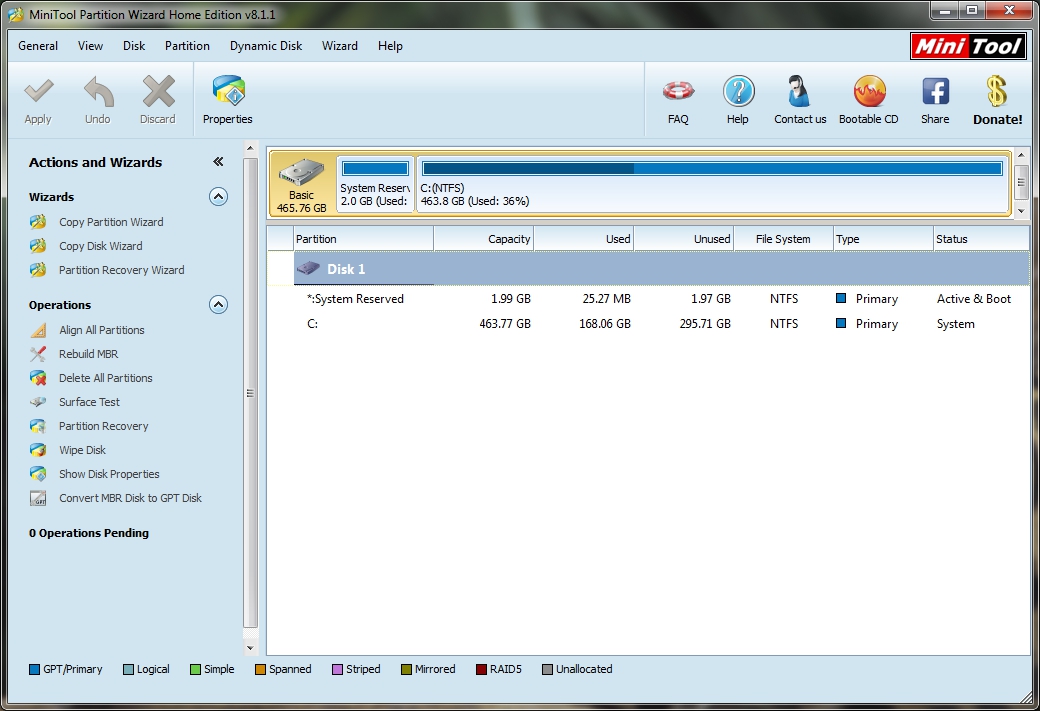
    Prismcube MiniTool


    Dreambox Edit


    Dreamset


    DCC


    VuCC


    Total Comander


    Signal Meter


    Dream Capture


    USB Format Tool


    Putty


    We hope you like it
    Your Satdreamgr Team


    Download Satdreamgr toolbox PrismCube edition v1

    Gigant Addons Pack for PrismCube Ruby ver. 1.4 to webkurier
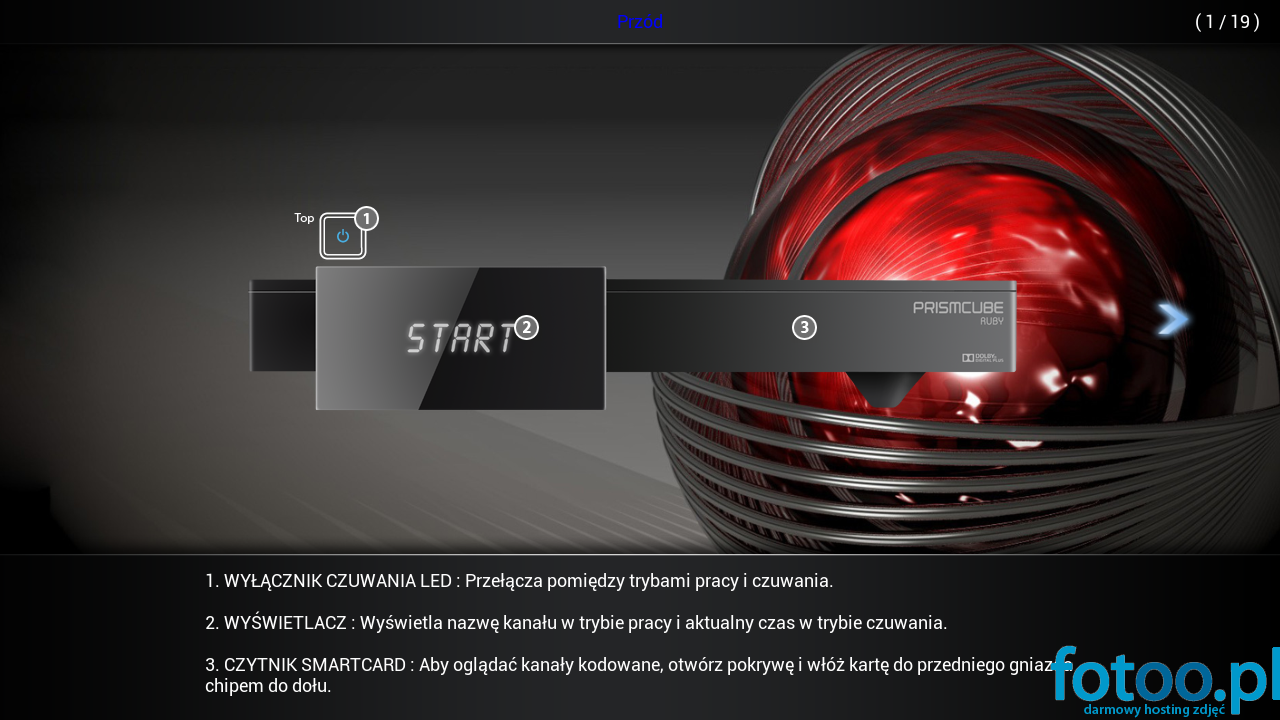
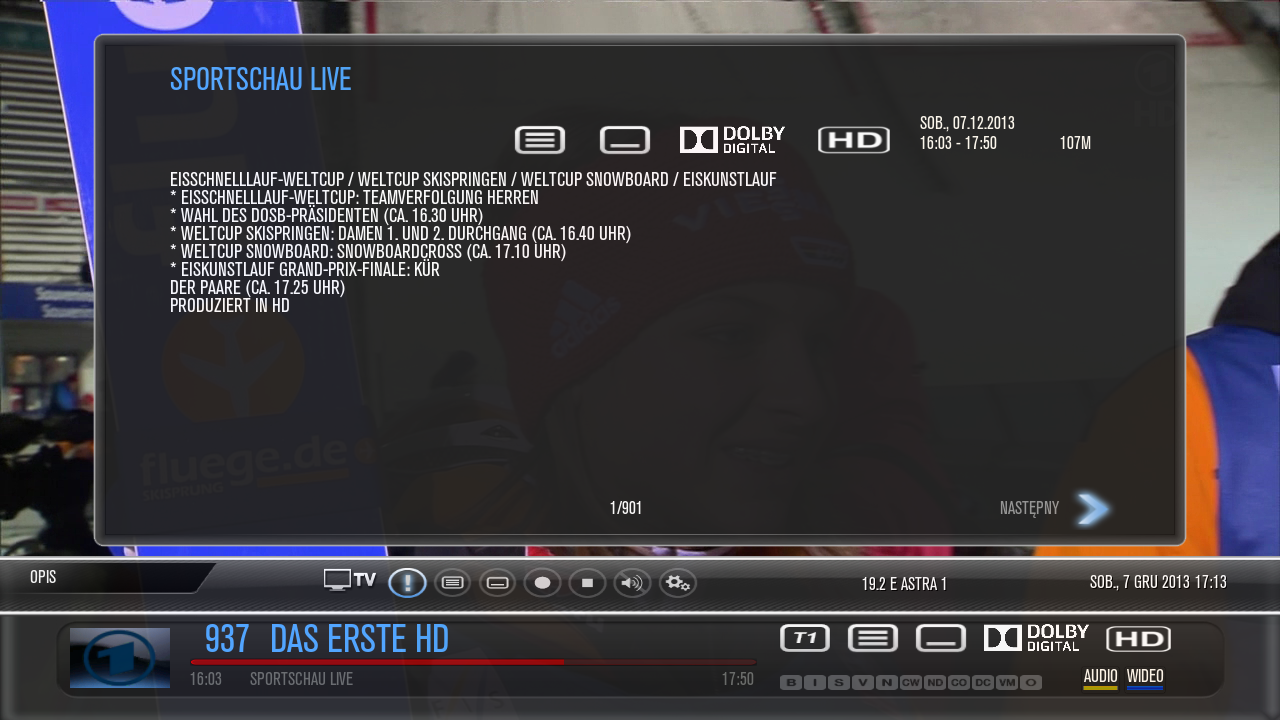

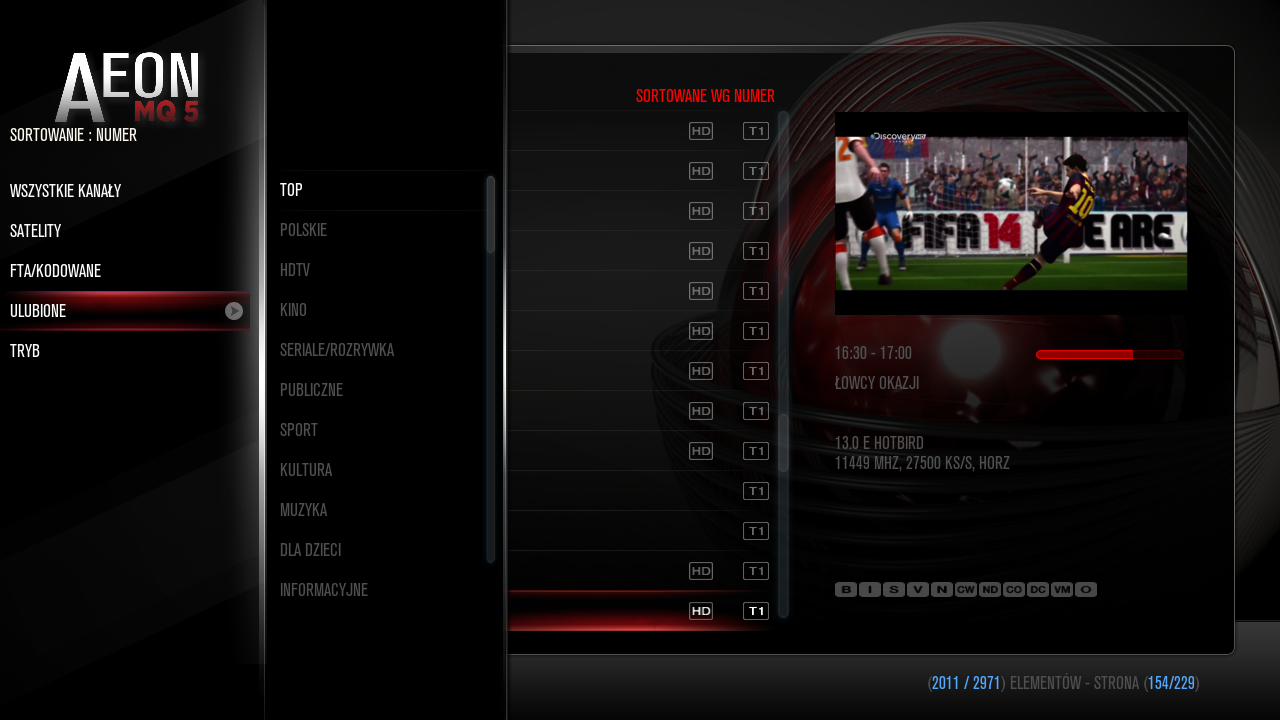

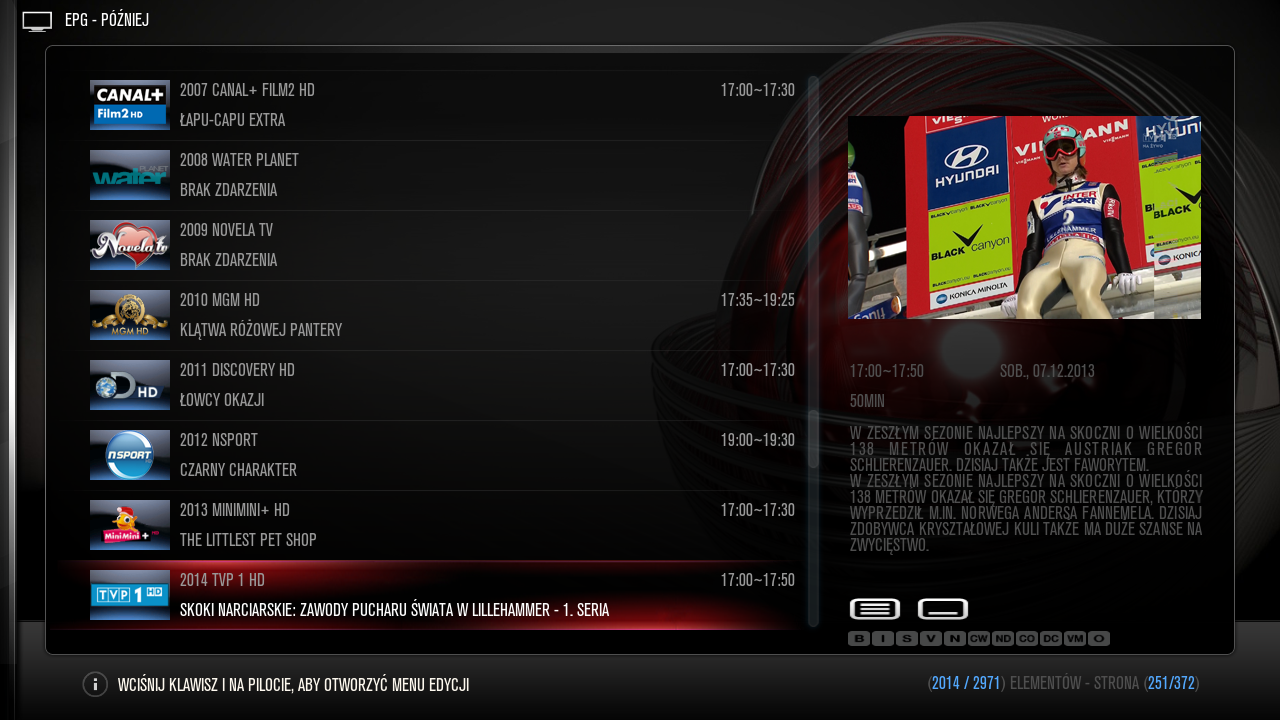
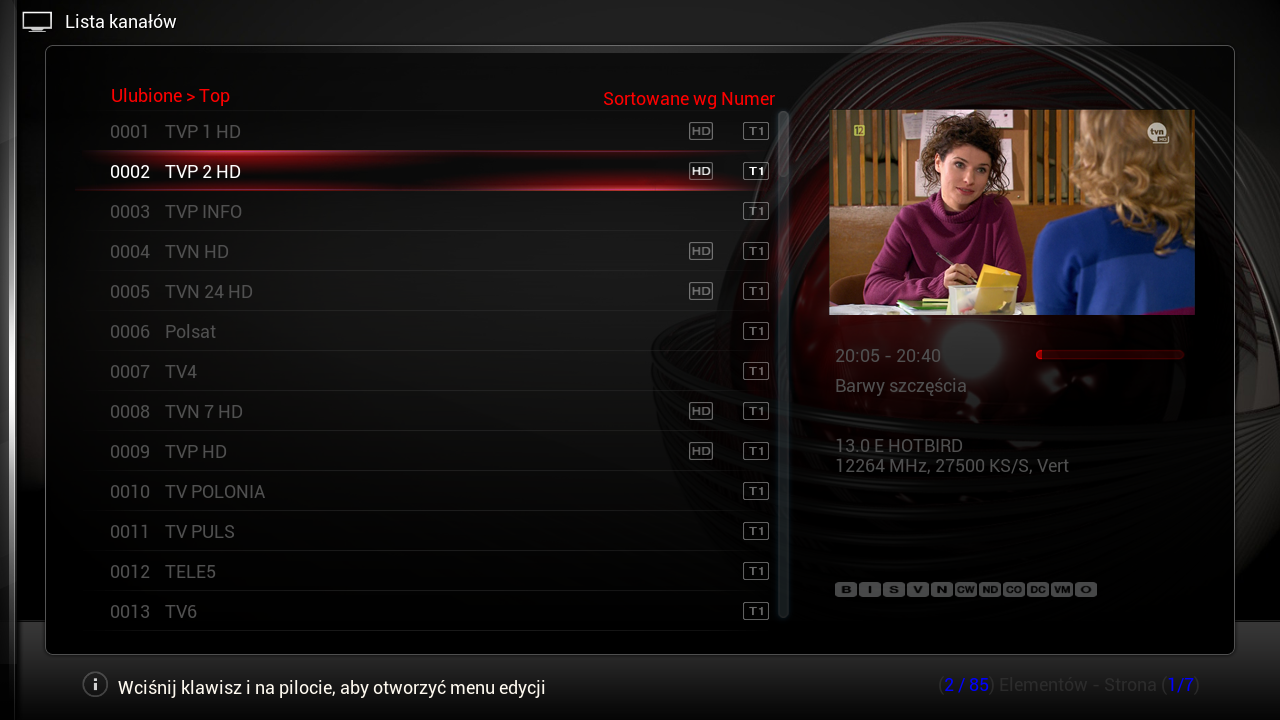


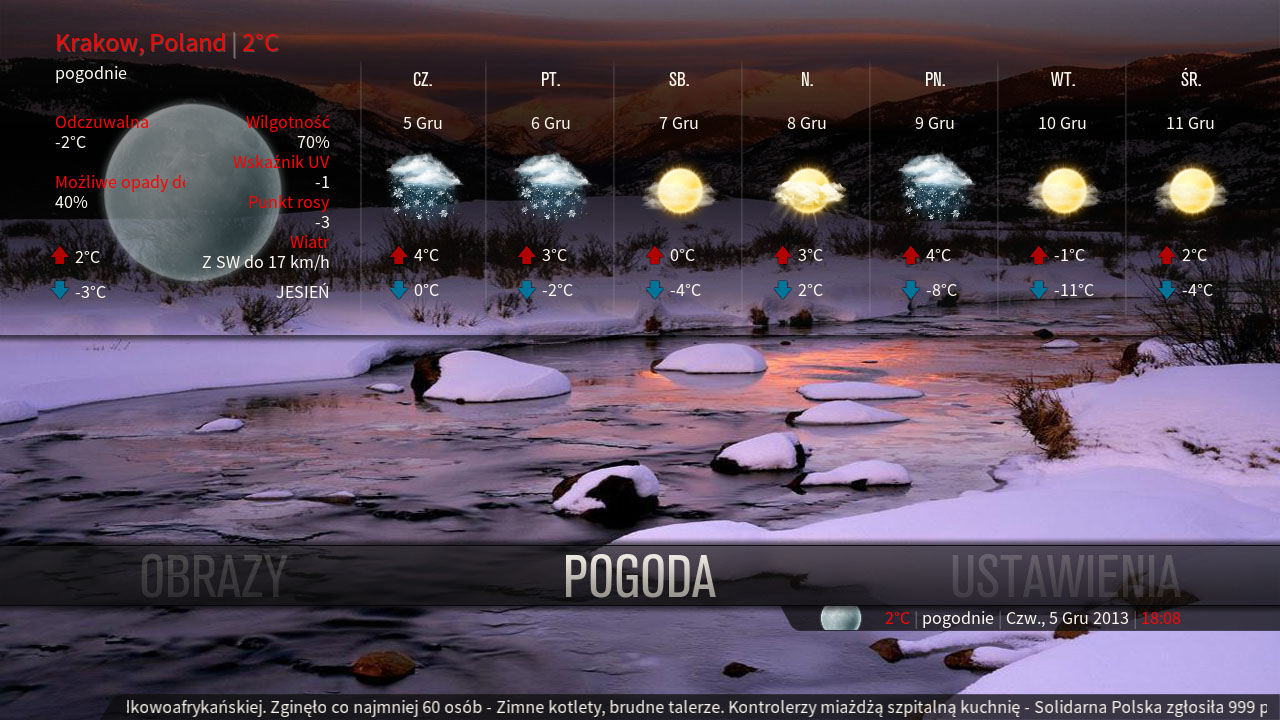
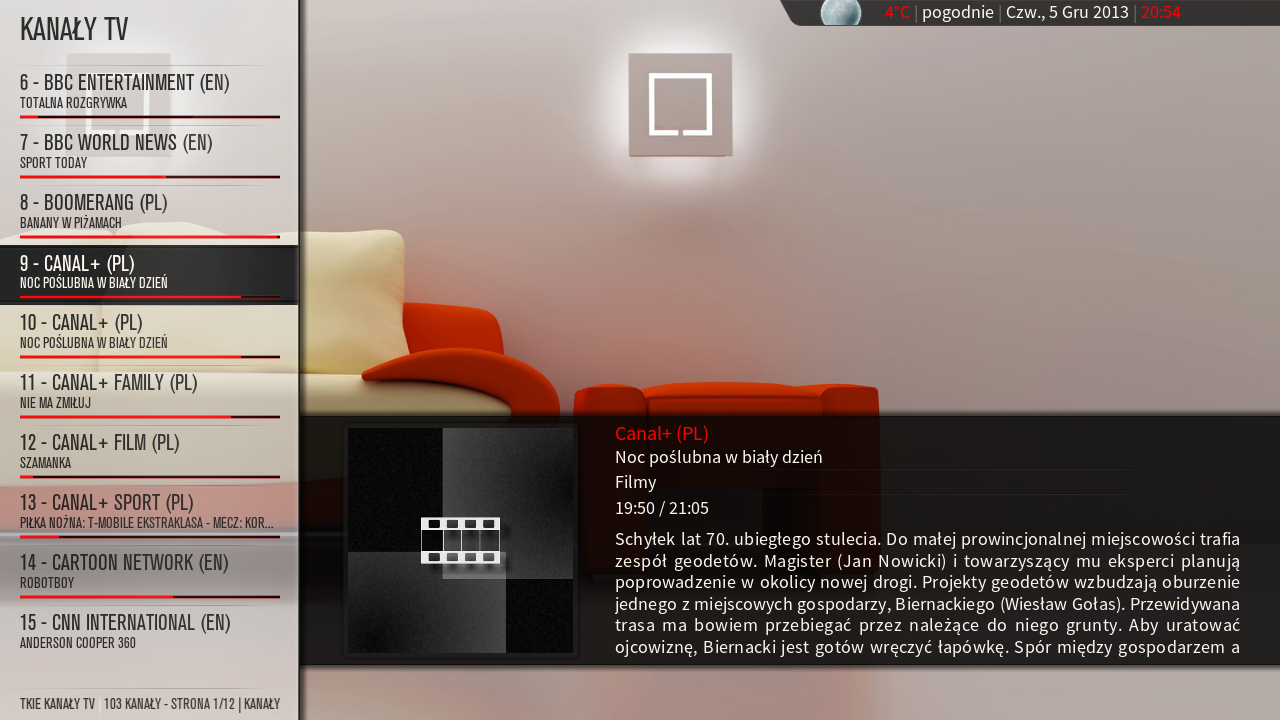
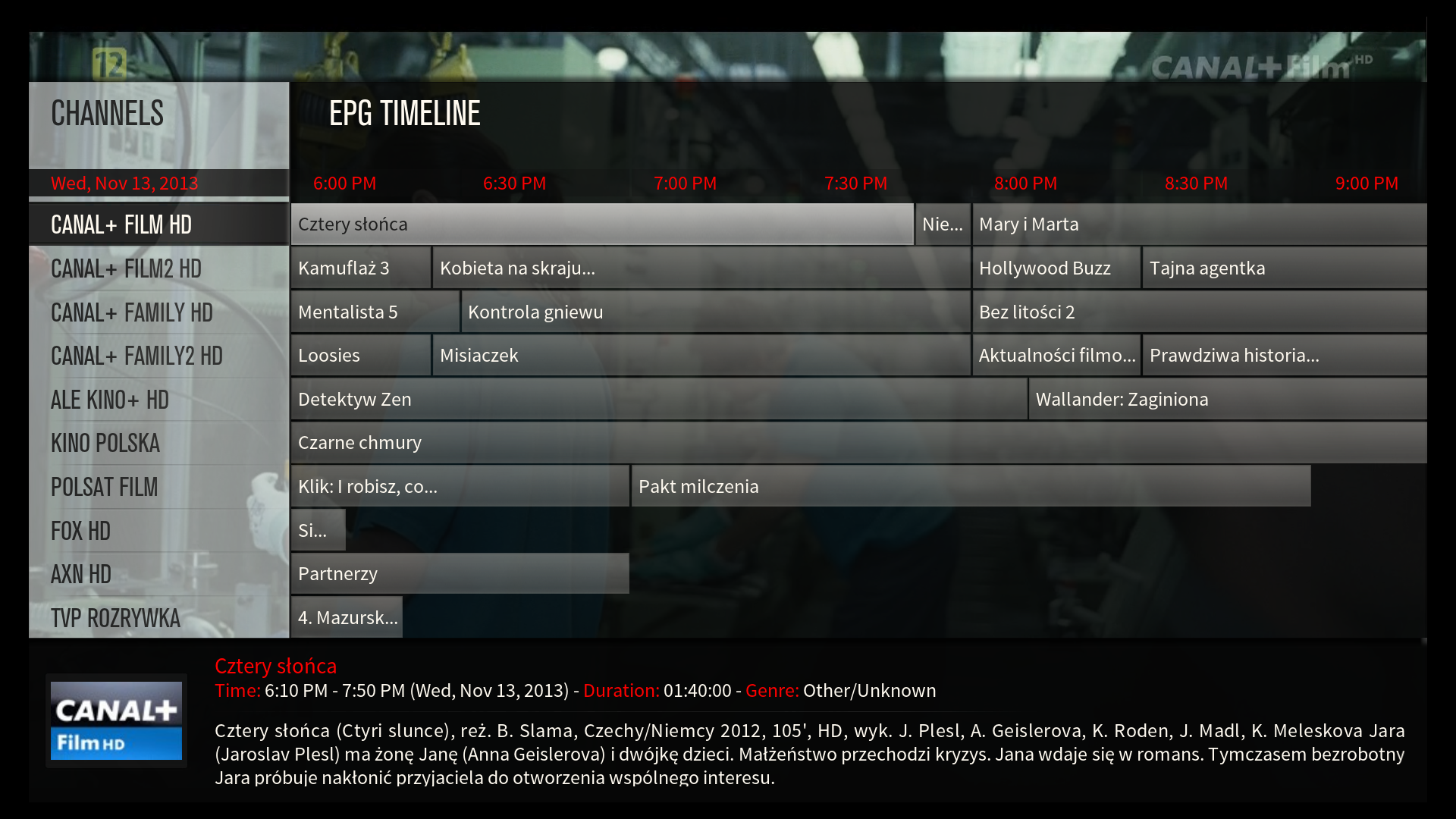
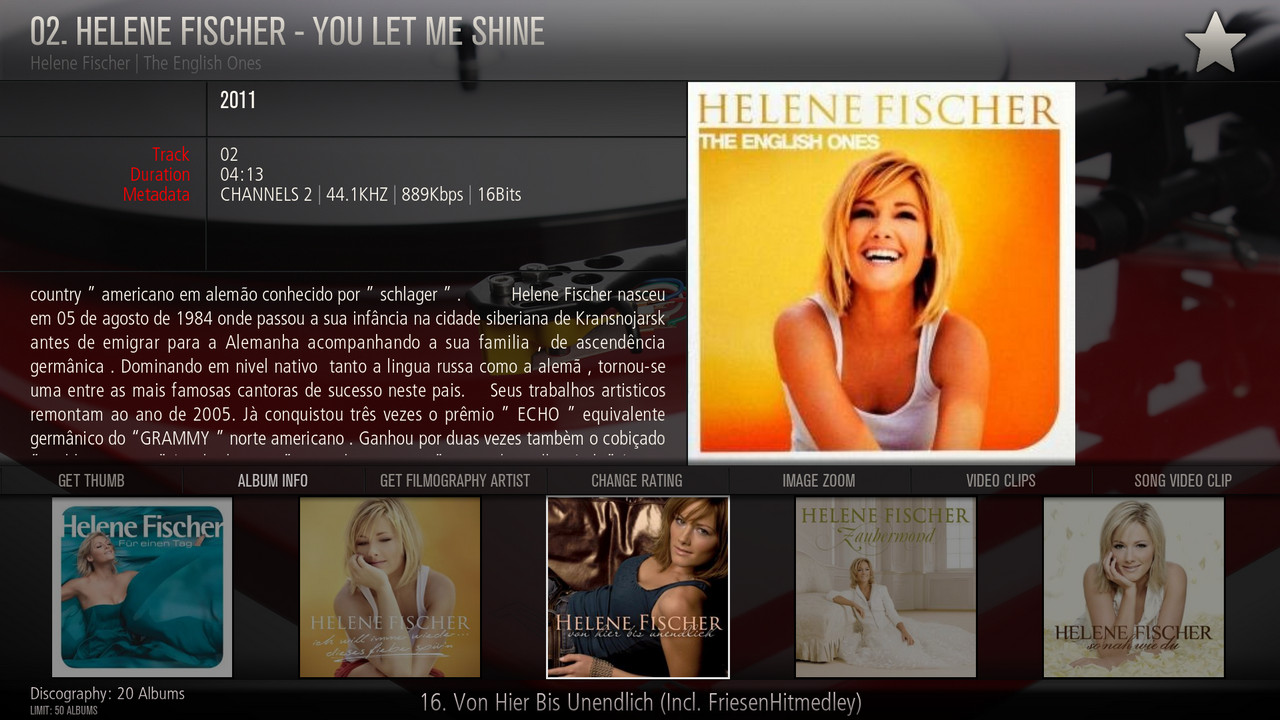
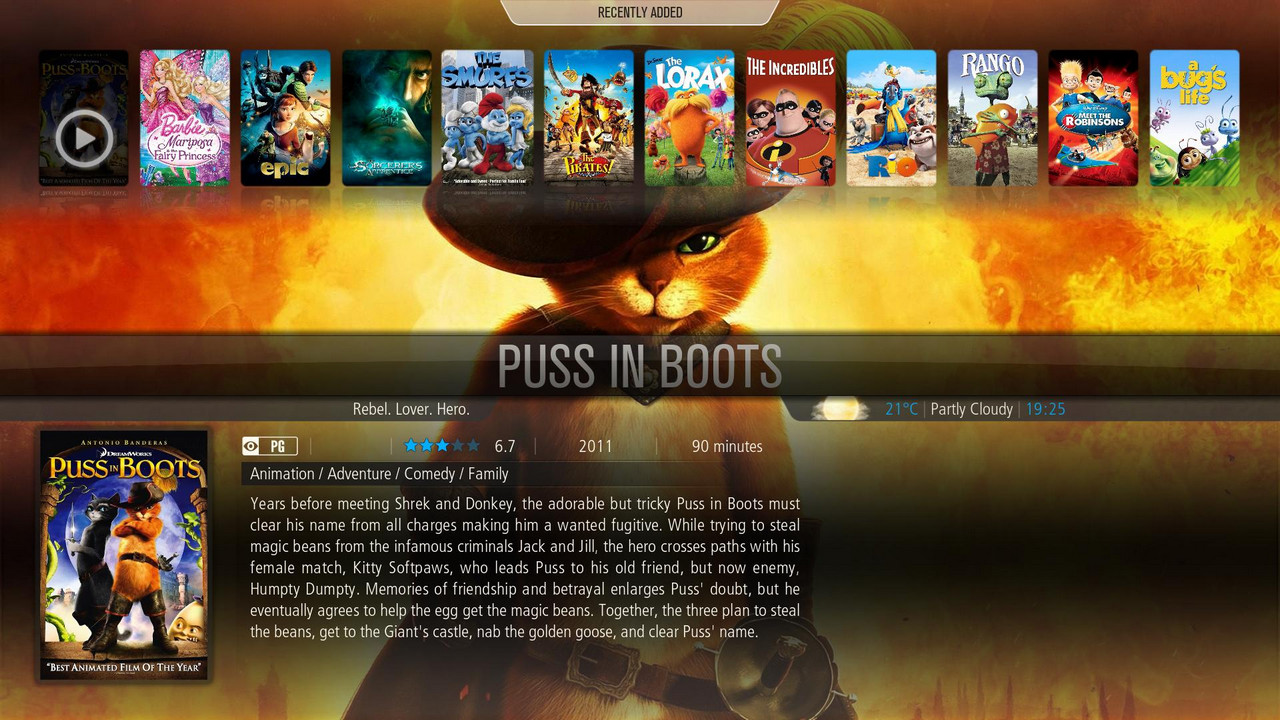
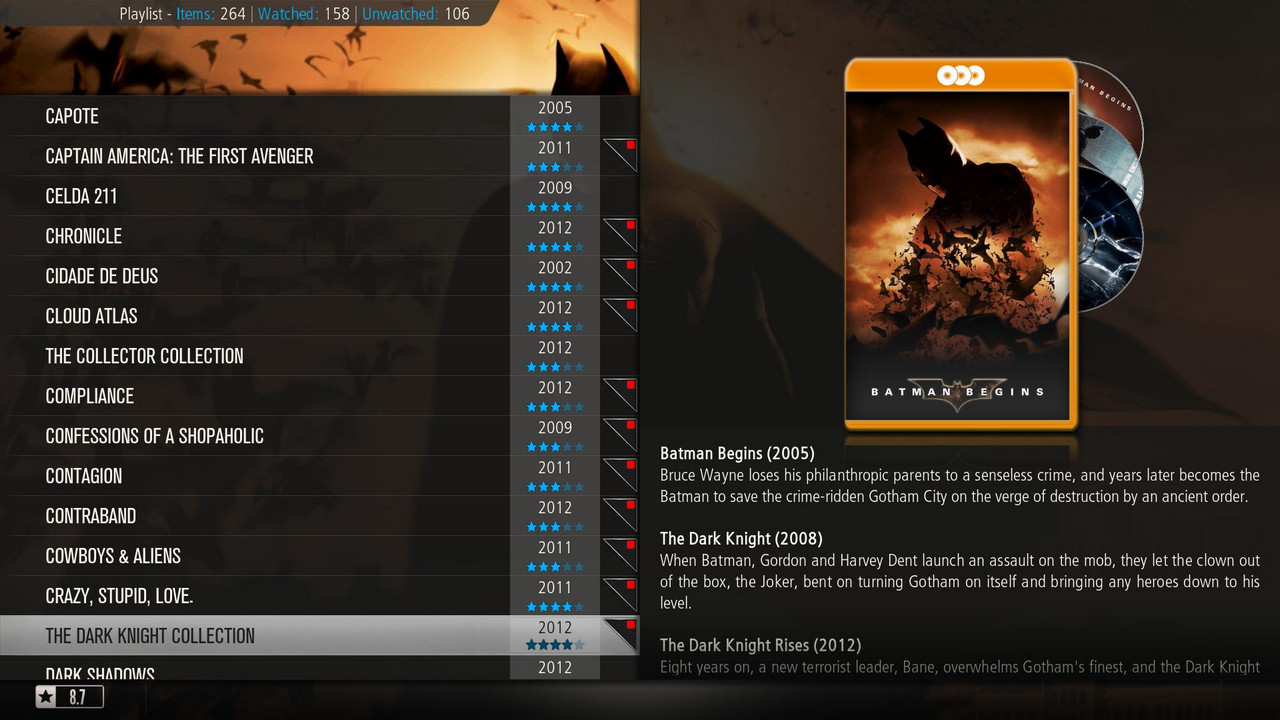
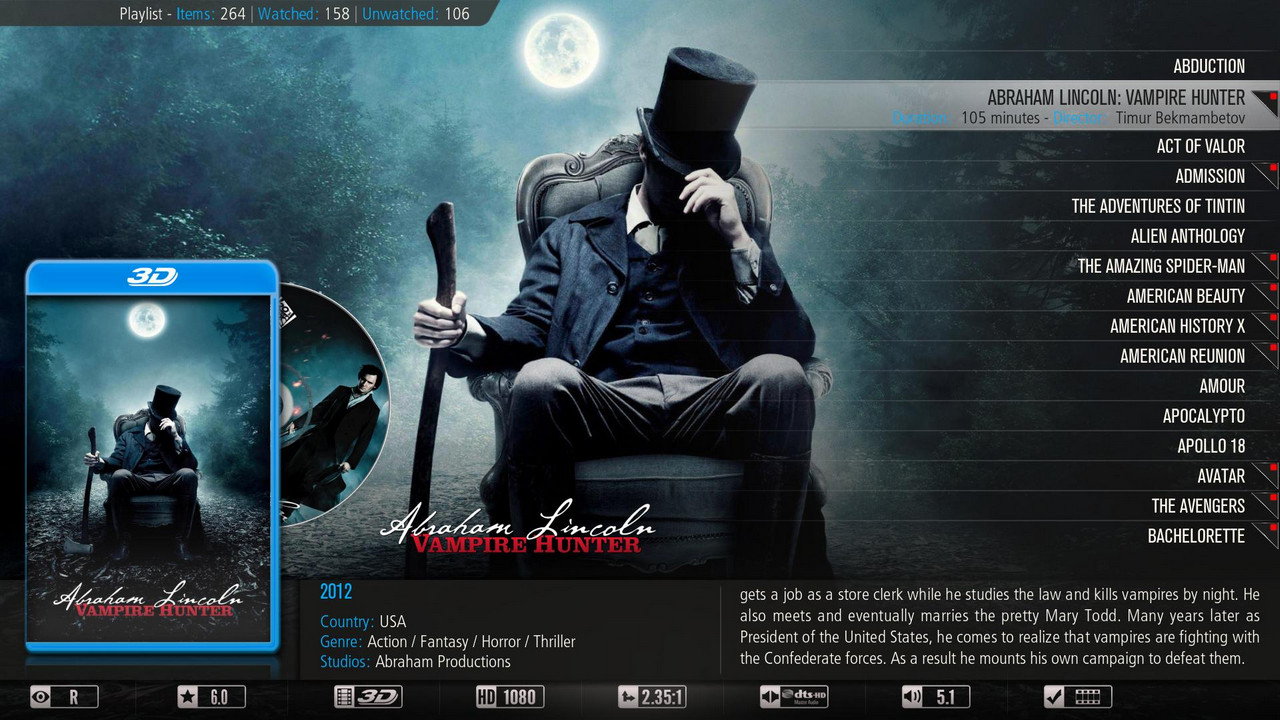




    Christmas pikony :


    [COLOR='Deep***Blue']Giant Addons Pack ( GAP ) is a collection of the most popular unofficial add-ons xbmc to PrismCube Ruby ver. 1.3.2[/COLOR]


    By installing the gap receive a full crack dvb section and xbmc , displaying all Polish characters , and to display pikony for Polish channels .


    In addition, you will have access to the following additives xbmc :


    metadata.artists.universal
    metadata.common.allmusic.com
    metadata.common.amazon.de
    metadata.common.fanart.tv
    metadata.common.hdtrailers.net
    metadata.common.htbackdrops.com
    metadata.common.imdb.com
    metadata.common.last.fm
    metadata.common.musicbrainz.org
    metadata.common.theaudiodb.com
    metadata.common.themoviedb.org
    metadata.filmweb.pl
    net.rieter.xot.repository
    plugin.audio.listenliveeu
    plugin.audio.mojepolskieradio.pl
    plugin.audio.open_FM
    plugin.audio.radio_de
    plugin.audio.xbmchubmusic
    plugin.image.flickr
    plugin.image.google
    plugin.image.mypicsdb
    plugin.image.picasa
    plugin.programm.xbmcmail
    plugin.superrepo.org.installer
    plugin.superrepo.org.installer
    plugin.video.1channel
    plugin.video.1 - linkmovies
    plugin.video.69area
    plugin.video.80smusicvideos
    plugin.video.adult -bay
    plugin.video.bmovies
    plugin.video.canada.on.demand
    plugin.video.cartoonworld
    plugin.video.collective
    plugin.video.crackle
    plugin.video.dailyflix
    plugin.video.demand5
    plugin.video.desitvforum
    plugin.video.discovery
    plugin.video.disneyjunior
    plugin.video.empflix
    plugin.video.espn3
    plugin.video.expattv
    plugin.video.fantasticc
    plugin.video.favorites
    plugin.video.filmibynaturex
    plugin.video.filmon
    plugin.video.footballreplays
    plugin.video.fox.sports
    plugin.video.free.cable
    plugin.video.fullmovies
    plugin.video.hornywhores
    plugin.video.hubmaintenance
    plugin.video.hubwizard
    plugin.video.hulu
    plugin.video.icefilms
    plugin.video.ipla.pl
    plugin.video.iplayer
    plugin.video.itv
    plugin.video.iwatchonline
    plugin.video.iwatchonline
    plugin.video.jtv.archives
    plugin.video.live.streams
    plugin.video.losmovies
    plugin.video.lubetube
    plugin.video.lubetube
    plugin.video.MikeysKaraoke
    plugin.video.mmline
    plugin.video.movie105
    plugin.video.movie25
    plugin.video.Movie2k
    plugin.video.moviekingdom
    plugin.video.mrknow
    plugin.video.mtv
    plugin.video.mtvshows
    plugin.video.muchmovies
    plugin.video.muchmovies.hd
    plugin.video.muzu.tv
    plugin.video.naughtyblog
    plugin.video.newvideodevil
    plugin.video.nickelodeon
    plugin.video.NoobRoom
    plugin.video.notfilmon
    plugin.video.OCM
    plugin.video.offside
    plugin.video.oneclickmoviez
    plugin.video.oneclickwatch
    plugin.video.pelisalacarta
    plugin.video.polishtv.live
    plugin.video.popcornflix
    plugin.video.pornorips
    plugin.video.projectfreetv
    plugin.video.putlockertv
    plugin.video.simply.player
    plugin.video.simplymovies
    plugin.video.singlelinkmoviez
    plugin.video.***mediatv
    plugin.video.***tv
    plugin.video.solarmovie.so
    plugin.video.sportsaholic
    plugin.video.SportsDevil
    plugin.video.talkwizard
    plugin.video.teledunet
    plugin.video.tgun
    plugin.video.tube8
    plugin.video.tubeplus
    plugin.video.tvalacarta
    plugin.video.tvlinks
    plugin.video.tvnplayer.pl
    plugin.video.tvondesizonex
    plugin.video.tv -release
    plugin.video.ustvnow
    plugin.video.veetle
    plugin.video.videodevil
    plugin.video.vimeo
    plugin.video.vod.tvp.pl
    plugin.video.watchhistory
    plugin.video.watchseries -online
    plugin.video.weeb.tv
    plugin.video.whatthefurk
    plugin.video.whufclee
    plugin.video.xbmc.tv.inter
    plugin.video.xbmchubmaintenance
    plugin.video.xstream
    plugin.video.you.jizz
    plugin.video.youtube
    plugin.video.zmovies
    pvr.iptvsimple
    repository.bluecop.xbmc -plugins
    repository.bstrdsmkr
    repository.CanadaOnDemand
    repository.carb0s
    repository.Coolwave
    repository.dk - xbmc - repaddon
    repository.dudehere.plugins
    repository.eldorado
    repository.filmweb.pl -lite
    repository.googlecode.anarchintosh -projects
    repository.googlecode.kozz -addons
    repository.googlecode.sparetime
    repository.Jas0npc
    repository.jools
    repository.Kinkin
    repository.mash2k3
    repository.MaxMustermann.xbmc
    repository.mikey1234 - repo
    repository.mortstar.addons
    repository.mrknow.pl
    repository.o9r1sh
    repository.offside
    repository.passion.xbmc.org.frodo
    repository.popeye
    repository.prismcube
    repository.sd - xbmc.org
    repository.smoothstreams
    repository.smuto
    repository.spoyser
    repository.StreamOn
    repository.systems - design.eu
    repository.t0mm0
    repository.The_Silencer
    repository.thehighway
    repository.the -one
    repository.TheYid
    repository.unofficial.polish
    repository.Vinnydude
    repository.voinage
    repository.whufclee
    repository.xbmc.abipbox
    repository.xbmc.tvm
    repository.xbmc -adult
    repository.xbmchub
    repository.xbmcplus.xbmc -plugins
    repository.xstream
    script.artistslideshow
    script.common.plugin.cache
    script.facebook.media
    script.forum.browser
    script.mtvguide
    script.navi - x
    script.pseudotv
    script.randomandlastitems
    script.rssclient
    script.rssclient - standalone
    script.SuperTV
    script.thunder.player
    script.web.viewer
    script.xbmc.pandora
    script.xbmc.subtitles
    script.xbmcbackup
    skin.confluence.custom.mod
    Transmission - XBMC -master


    ... and many , many others

    What 's new?


    - Added Polish translation for version 1.3.2
    - Added a new section of a modified skin for PVR
    - Aeon MQ skin updated to version 5 . 1.8.1
    - Added new Paws Default Logo
    - Added a new standard font that supports all characters in Polish EPG
    - Updated plugins and repositories for xbmc ( on the basis of over 1,000 different additives )


    ================================================== ===
    NOTE !
    Gap does not contain keys or emulators !
    When you change a skin for Aeon MQ5_mod restart the GUI .
    The author is not liable for any damage to the equipment .
    ================================================== ====


    Set includes two files:


    - Gap1.4_prismcube_bhp.tgz , designed for PVR section Prismcube Ruby
    - Gap1.4_xbmc.tar.gz intended for section xbmc Prismcube Ruby , and for Windows, Linux, Apple iOS , Android , OpenELEC and Mac OS X


    I. Installing gap1.4_prismcube_bhp.tgz in the Black Hole :


    File copy it to / tmp and install the Bh Addons , Bhp Install local package . When finished restart the GUI and select the skin Aeon MQ 5_mod


    II. Installing xbmc gap1.4_xbmc.tar.gz additives in Prismcube


    Due to lack of space in flash , file, do not install from / tmp


    1 File copy to a FAT32 formatted memory stick, insert the USB into the slot and reboot the receiver Prismcube
    3 When you start PuTTY open the console >> here connection type: SSH host name - IP address Prismcube port - 22 and press enter
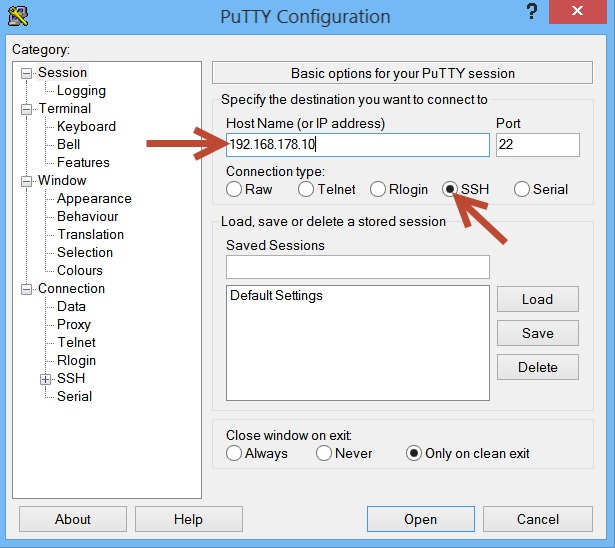


    4 After logging - user : root , password 0000 , enter the following command (copy - paste) and press enter :


    Code
    [COLOR='Red']cd / media/sdb1
    tar- xzvf / media/sdb1 / *. tar.gz -C /
    [/COLOR]
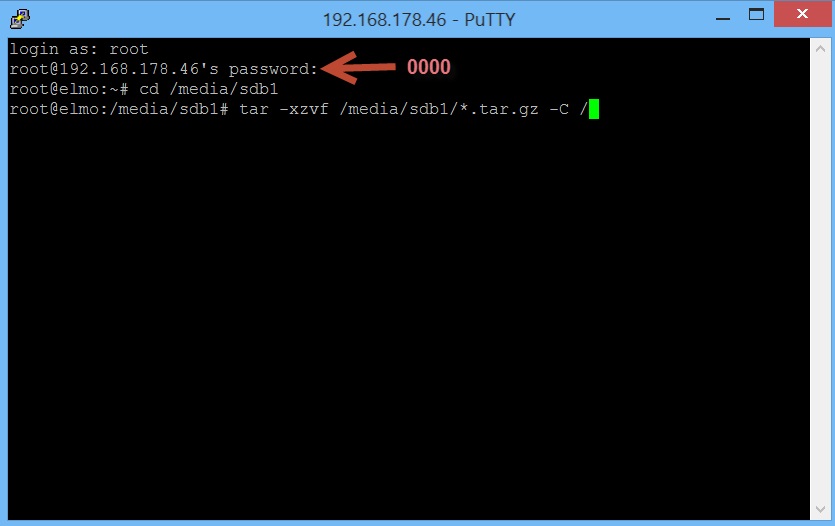


    5 After installation, briefly remove and re-insert the plug.


    III. Installing add-ons xbmc gap1.4_prismcube_bhp.tgz in the official software 1.3.2


    1 Change the file extension to tar.gz
    2 Perform all steps for 2 - 5 as point II
    3 When you start to turn to rename the file / usr/share/xbmc/addons/script.mbox/resources/skins/skin.aeonmq5/720p/SingleRootWindow.xml-official on SingleRootWindow.xml and replace it with the original


    IV. Installing add-ons xbmc gap_xbmc_1.4.tar.gz in Windows XP, 7, 8


    1 Tar.gz file, unpack it with eg Winrar
    2 Press Start , Search, and type in the search box the following command:


    3 This opens the directory to the location of xbmc add-ons , which we copy the following folders from the unpacked archive gap : home \ root \. Xbmc \ addons , and userdata
    4 When you run configure xbmc and skin .
    5 At the end of the plug- in settings , select the download location


    V. Installation additives xbmc gap_xbmc_1.4.tar.gz in iOS (Apple ATV2 , iPhone , iPad )


    1 We connect through sftp with ATV2 - user : root , password : mobile
    2 Go to the directory / private / var / mobile / Library / Preferences / XBMC / to which we copy the following folders from the unpacked archive : home \ root \. Xbmc \ addons , and userdata
    3 When you run configure xbmc , and a skin .
    4 At the end of the plug- in settings , select the download location


    VII. Installing xbmc gap_xbmc_1.4.tar.gz additives in Android


    1 We combine in August with the device , usually xbmc is installed on the memory card location : Android / data / org.xbmc.xbmc / files / .xbmc / userdata / and copy it to the following folders from the unpacked archive : home \ root \. Xbmc \ addons and userdata
    2 When you run configure xbmc , and a skin .
    3 At the end of the plug- in settings , select the download location


    VI. Installing xbmc gap_xbmc_1.4.tar.gz additives in Linux


    1 We are searching the directory of xbmc . Default : ~ / . Xbmc
    2 Copy to the following folders from the unpacked archive : home \ root \. Xbmc \ addons , and userdata
    3 When you run configure xbmc , and a skin .
    4 At the end of the plug- in settings , select the download location


    VI. Installing xbmc gap_xbmc_1.4.tar.gz additives in Mac OS X


    1 We function as Linux . Default directory : / Users / <your_user_name> / Library / Application Support / XBMC


    VII. Installing xbmc gap1.4_xbmc.tar.gz additives in OpenELEC


    1 We function as Linux . Default directory : / storage / .xbmc /


    Tested on xbmc 12.2 Frodo , which can be downloaded >> here[COLOR='Deep***Blue']


    Coming soon ...
    Report Post
    Edit / Delete Message Reply with Quote Multi- Quote This Post Quick reply [/COLOR]
    to this messageComing soon...>> Gap Prismcube Ruby ver. 1.4 <<


    [COLOR='Deep***Blue']>> Gap XBMC for Prismcube Ruby ver. 1.4 <<[/COLOR]


    >> Gigant settings for Prismcube Ruby 19+13+28E 23.10.2013 <<


    [URL='']>> Picons Astra 28E <<[/URL]

    How to take a Screenshot on Prismcube.


    1} Press the Menu button on your Remote control, in the Prismcube Menu, select Black Hole.
    0.JPG
    2} Press " Down" on your remote, and from the submenu select " Bh tools "
    1.JPG
    3} Now in this menu select " Map screenshot to rc button"
    2.JPG
    4} In this menu, you will see the option to select which button "XBMC" or " Mute " that you would like to use. After once you have picked one, just press OK
    3.JPG
    5} Now your setup must be saved, press OK and wait for the Prismcube to reboot.
    4.JPG
    Now you have the ability to take a screenshot, using your chosen button, but please remember it can only capture OSD, and not the tv picture.

    HOW PrismCube select the language to filmówże many of you have videos on your hard drive Prismcube, sometimes English is not your first language, but you want to watch the latest movies. XBMC Subtitles can help you with this problem.


    1} Please go to the extras on your Prismcube and then see " Get add-ons "
    0.jpg
    Press the OK button and you will see a section subtitles , go there XBMC Subtitles
    1.JPG


    2.JPG
    3} Now select the Setup menu, the first episode will be possible to determine what language you prefer , you also have the ability to use 2 or 3 selected language , jeśli1 . or 2 are not available .
    3.JPG
    4} Now you can choose what services will be charged , most languages are supported in 4-5 different services. Please select more services will be 2-3 gives you a chance to find a higer subtitles in one language selection.
    4.JPG
    4} In the last section of the settings that can be ordered services will be looked at to get subtitles
    5.JPGIMG]http://www.fotoszok.pl/upload/65d359a0.jpg[/IMG]


    6.jpg
    There are more advanced settings in this section if you want to use them.
    5} Now select the movie you want to watch
    7.jpg
    then find the option in the menu to download subtitles
    8.jpg
    6} Terazdodatek will look for subtitles with rules that fit the setting .
    9.JPG
    When he subtitles only choose the ones that will be best for you
    10.JPG
    7} After wybraniufilmu starts subtitle language
    11.JPG

    HOW PrismCube copy movies , pictures, music file manager . 1} Please go to the XBMC and select the system and file manager
    1.JPG
    2} Now you can see that the File Manager offers a simple way to mange your folders, files , ... etc. You can see that you have a choice of where to look for files and where you want to copy them too.
    2.JPG
    In my example will copy the " screenshot003.png " to the folder / mnt/hdd0/media/do/DoDatki
    3.JPG
    3} If the left side of the screen , then press the "i" button on the remote control and the menu will appear that gives you several options . Select " Copy" , and on the right side of the screen , select the folder you want the file to be copied too.
    4.JPG
    4} Press the OK button on the remote control , and when asked to choose " Yes" to confirm what you want to do .
    5.JPG
    Now you can see , the file is copied to the correct location ( / mnt/hdd0/media/do/DoDatki / in this example) .
    6.jpg
    5} File Manager also gives you the option to delete , move, copy or create folders ( see the screenshot option available for all) .
    7.jpg
    One great option is " to create a folder "
    6} Simply select where chceszbyć a directory and give it a name.
    8.jpg
    7} After this , select "Done" and the folder will be crested in / mnt/hdd0/media/do/DoDatki
    9.JPG

    HOW Instructions to install packages on PrismCube BlackHole .


    1} First, make sure that the plug is the correct format , please xxx.bhp.tgz .
    Please copy the file to the / tmp directory in your inbox
    0.jpg
    2} Now press the Menu button , you will see Prismcube menu in the menu, select Black Hole
    1.JPG
    3} Press the " down " button on the remote control , you can go to a sub menu , now select " BH Addons "
    2.JPG
    4} Then press the "OK" button on the remote control , the next menu , select " Install BH "
    3.JPG
    4} You will now see the " Add-Ins available " in the menu , it shows all the extras that are ready to install
    4.JPG
    5} Now, choose a supplement that you want to install , you will be prompted to confirm the installation , select " YES" and will install your add-ons .
    5.JPG
    6} It appears that your supplement has been successfully installed, you can go to the main menu and start using additives.
    6.jpg
    7} If you want to remove this add-on , jestjej removal , go to the " " Uninstall and remove addonn
    7.jpg

    HOW PrismCube This creature Libary.1 private media . First, create folders in / mnt/hdd0/media with different names of films , television programs, music, concerts ...
    1.0.JPG
    and upload to these folders media files. The Videos Your collection of videos with subtitles in your music mp3, FLAC, etc. , etc.
    1.1.JPG
    You can use subfolders , such as album titles if you want.


    2 . Now select XBMC and navigate to the Video section , and then Files
    2.0.JPG
    mobile devices ( media)
    2.1.JPG
    And you will see your new folder is created.
    2.2.JPG
    3 . Now choose " Add Video"
    3.0.JPG
    and then press the "Info" button on the remote control
    3.1.JPG
    follow the instructions step by step , press the Browse button to find folders with files
    3.2.JPG


    After selecting the folder " Videos Test " you can change the name of the movie if you want.
    3.4.JPG
    and select " Define content "
    3.5.JPG
    Set the folder Movies , Music for the set .... etc.


    4 . If you previously installed scrapers , the window on the right should be available in scrapers [ jestplugin scraper that gets the description of the content of the database ] .
    4.0.JPGIMG]http://www.fotoszok.pl/upload/dc14a97e.jpg[/IMG]
    Now you need to refresh the Libary
    4.1.JPG
    If you do not have scrapers , you need to install them with additives.


    5 . The end result will look like this:
    in music :
    5.1.JPG


    Video:
    5.3.JPG


    This is only an example of how the basic function of xbmc part of the image may be used . If you spend more time on configuration and find the best strippers for your needs , then you will end up with a better configuration.

    How to convert settings from E2 to format PrismCube and E2.


    1} First, make sure that the settings are correctly formatted E2 must have all satellite.xml bouquet and files .
    Copy all the files to a folder named " enigma2 " and then send the folder to the / tmp directory on PrismCube .
    0.jpg
    2} , press MENU , and then tap BH Tools
    1.JPG
    In this menu, you can see two options :
    2.JPG
    - Import settings E2
    E2 - Export settings


    I} Import Settings E2


    Settings ia } Select Import E2 , if the settings are not correct format (ie tmp/enigma2 directory ) you will get an error message.
    3.JPG
    If all is well this PrismCube begin work on converting the settings , it can take an average of 10-15 minutes, but it was clear that more than 45 minutes , with a full list of settings motorized .
    4.JPG
    I.B } When in the course you will see the information
    5.JPG
    After completion of konwersjiPrismCube update the channel list
    6.jpg
    C } You will be prompted to restart PrismCube to reload those changes
    7.jpg
    C } Now, the new settings are ready to work on new PrismCube
    8.jpg


    II } Settings Export E2
    ILa } This menu gives you the ability to convert to a format settings PrismCube Enigma2 , so you can use the setup channels such as dbedit , dreamset etc.
    The converted files will be found / tmp / export_settings
    9.JPG
    ILb } Choose the export settings E2 will be asked to confirm that you want to start converting now , and say that it wil take about 10-20 minutes to convert
    10.JPG
    II.c } After using the ftp program and go to the directory / tmp / export_settings .
    Copy the folder to your computer and edit with channel configuration favorite bouquets .