Posts by musogeek

    Yes this happened to me - the problem is that tsmedia 2.5 seems to affect system files that are vital for other plugins to work during uninstall. Updating to 2.8 forces an uninstall and install, and this gets rid of things you need. I don't think this was intentional, I think it is a mistake in the uninstall process. Anyway, it is always best to do a backup incase this happens. Strangely enough, I did, and so I can send you the Openssl folder, that contains your missing files. You may need to change the permissions - 755 will do I assume.


    You already know the location as to where you put the files, because that is in the message;


    /usr/lib/python2.6/site-packages/Openssl/rand.so


    The 1channel plugin doesn't seem to be on the server, and running the opkg update removed this plugin from the feeds (for a while anyway!)

    really? i used the dns on my last router so if it didnt refresh id b the first to know?


    Dns doesn't work for me (at least it didn't last time I tested this on my old router) - I would always use internal IP address, and if you looked around at the various threads in the forum you will find this is quite the usual thing to do.

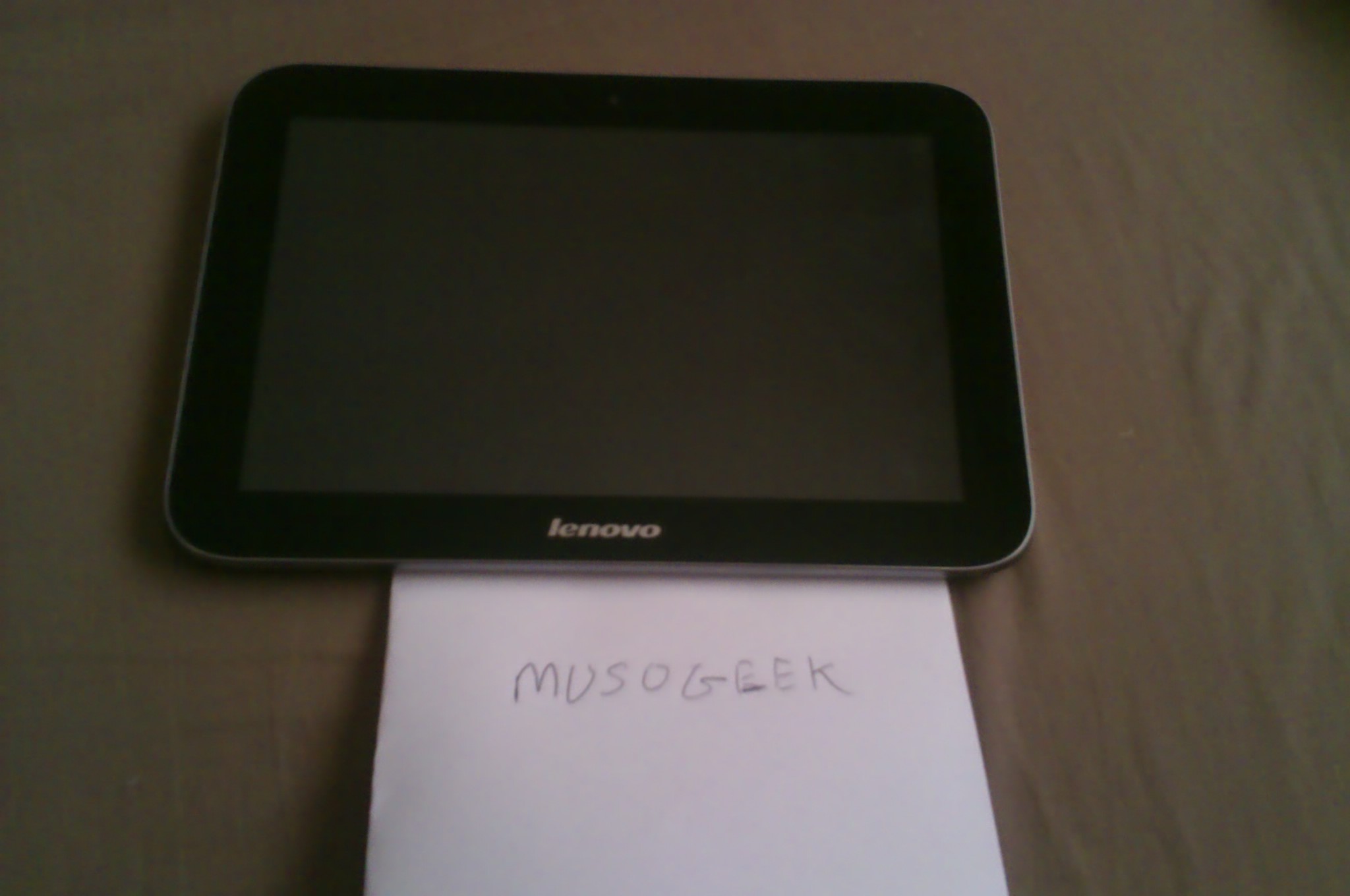
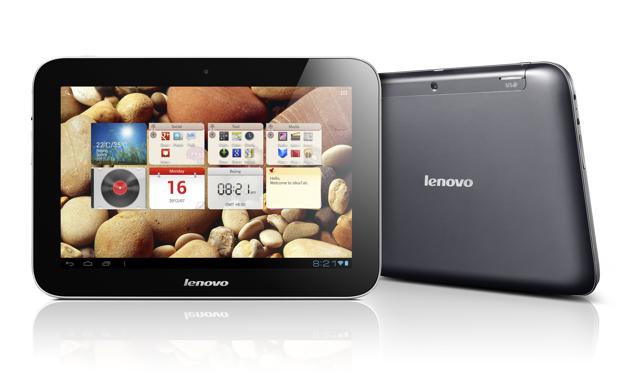
    For sale is my Lenovo IdeaTab A2109. I have updated the OS to Android Jellybean, and although I have reset this to factory default settings, It is rootable as I have rooted it before with not too much effort.


    This retails at £170 now in Currys, but I am selling it with an 8GB micro SD installed, a 3 metre Micro HDMI lead, and a case/stand (cheap from China but was made for this tablet)


    specs;
    Highlights:
    Tegra T30SL quad core @ 1.3 GHz
    9” screen – 1280x800 - TN
    1 GB RAM
    16 GB flash ROM
    Micro-SD card slot (under speaker cover)
    GPS
    Android ICS 4.04 (I have updated this as I said to 4.1.1 JB)
    1.3 MP front facing camera
    3.0 MP rear facing camera
    Mic
    Stereo speakers w/ SRS sound
    Micro HDMI port
    Micro USB 2.0 port
    Bluetooth 3.0
    8 hour battery life (6000 mah battery)
    9.3”x6.5”x.46” – 20.1 oz
    Quadrant score = 4047
    Google play store & Lenovo app shop


    It is complete - boxed, but at the moment I can't find the manual - I will send if I find it, but in the meantime, you can get this online as a PDF


    have a look here

    Code
    http://forums.lenovo.com/t5/IdeaPad-IdeaTab-Slate-Tablets/A2109-Info-Thread/td-p/852287


    It is in good condition apart from when I installed the Micro-SD card, there is a groove to pull out the speaker cover in order to insert the micro-sd, which was almost impossible to prise off, and in the process, there was slight damage to the finish around this groove.


    This is quite usual and I would imagine most of those who attempted installing some extra storage would have suffered the same problem. It is now much easier to get off than before, but still a bit of an effort! - anyway, the case/stand that comes with it covers this up, and it really isn't that bad!


    All of this - I will sell for £140 delivered - payment by Paypal gift only - remember it includes a case, 8gb micro sd and HDMI lead, so £30 quid worth of accessories which you won't get if you paid £170 to get it brand new.


    hi theaog like u having hd trouble about 80% hd channels judder jitter lag did u ever fix ur problem and what was it im going to look at the capacitors that been mentioned here see if it them my box cam pre installed and now 6 mth later hd channels giving trouble cheers


    firstly post an intro as per forum rules
    Introductions
    secondly - look at my latest post on this thread before you start messing with capacitors
    http://linuxsat-support.com/nb…lp-please.html#post125931

    Yeah I did see


    Problem is a lot of people's TV's only support 50 and 60hz


    I have a new set a lg cinema 3d that fully supports 3d but there is no option for 25hz
    And in the nbox settings it only give you 50 or 60 unless I am mistaken


    The NBOX will will give you 25hz option if you set it to 1080p in the NBOX's A/V settings - I have LG cinema 3D as well - you don't choose the refresh rate on the TV, you set it on the receiver and if the TV supports it then it will work, and having a similar or same TV as you have, I would imagine your TV will support it. Those who's TV is not full HD will be the ones who will have problems with this.

    I am sure I posted this yesterday, but clearly not! - I started getting a lot of juddering on several HD channels after a few minutes of viewing, and after following some information I found on another thread about juddering on SH4 receivers in general, I set my receiver to 1080p 25hz, and the juddering has gone.


    -edit - I did post this but on a different thread!


    That is pretty much all you need to do to install the image. I had issues when I had two different images installed on HDD partitions, one on sda1 and one on sda2 - selecting HDD1 led to nothing - then after this, I installed just one image on SDA1 - swap on SDA2 and rest of HDD on SDA3 - this did the trick. You can run Hyperion from HDD while Nebula is on NAND, it is just you will get a box that comes up on your screen when you enter plugins menu saying a couple don't work, because, for me, it used my flash settings on the image installed on SDA1.


    I noticed my mini guide on this thread appear on another forum:lmao:


    If this was my true internet speed, you will get my reply in about 5 years time:lol:

    Esguk did you do this following the above instructions in post 12? Can you give me any tips please as have been trying to do this for ages and not succeeded. However, not tried this method yet but glad to hear someone has done it as the box runs a lot more smoothly from HDD. You mention Hyperion 2, it this due out? I have Hyperion in Nand memory but I think its just the Nand one, hence why it wont work. Apart from the above is there a step by step instruction sequence? Do you know if iplayers will run from this or TSmedia?


    If things are going wrong, then let us know where you are falling over. It is pretty much a simple process so you must be doing something wrong somewhere - how far did you get up to?

    Checking the obvious first is a good place to start. Is it connected to the network? you can run a network test in settings/network - also check the IP address of your main receiver to ensure this hasn't changed. Have you checked your softcam settings to see if it is active? - next thing once the obvious is checked is to look at both configs to ensure that the server and client details add up so that the client can connect to the server.


    Can't be more specific as there is not much to go on, so these are general things you should be checking first.

    Yes this seems the same problem on all sh4 boxes trying to use 28.2 , as i understand the chipset makes are working on a fix, this only affects the enigma side so if you run spark, mipsel boxes etc the judder is not there. Hopefully there will be a fix soon.


    Setting the resolution to 1080p 25hz seems to have cured the juddering for me.

    As i pointed out, when you have more options than the page allows, then you have to keep scrolling down for the next page of options to show. I am not sure why you couldn't find it, I know it is in Polish, it is still following common logic!:lmao:

    ensure that the HDD is still selected as the EPG location and you don't have problems with this being mounted, if there are any issues, then the location will default back to other locations. I have found with various receivers and images that external USB drives (especially 2.5" that get power from USB) sometimes fall asleep and are not there. Not had this issue with powered/internal drives. If you can be sure that this is not the issue, then have a look here;
    http://linuxsat-support.com/cr…r-restart-vix-solved.html

    HI, could i ask how to find this folder on my nbox, im trying to put an nline onto it im sorry for asking as a newby but i have trawled loads of forums but am just not understanding where this folder is on my nbox, ps great forum


    You need to connect to the NBOX with a PC using an ftp client such as winscp or filezilla. You need to know the IP address of the receiver. the username is root and the password is pkteam - then you need to browse to /var/keys, and edit the oscam.server file. If you have oscam installed and working already, then you can log on to oscam webinterface from your browser and do it from there - to do this, you have to type in the ip address of the receiver and the port of webinterface - which is 8888 - for example - 192.168.1.100:8888

    right i have done all of the above.
    and i still have every satellite under the sun in my bouquets


    all i want in there at the minute is the 28.2e bouqets and nothing else
    please help, where am i going wrong ?


    niall_b73


    Updating the satellites.xml file does not change the amount of satellites available in your bouquets, it defines the satellites and transponders that will be available for example, when you carry out a service search. If you already have saved service searches or existing bouquets, (either previously downloaded settings or previous searches) they will still show, albeit the ones not included in your satellites.xml file will be blanked out. If you want do get rid of existing bouquet entries, then you will need to delete them.

    Yes I haven't tried it as a hdd replacement yet but that was the next step as I don't have a internal hard drie in the dm800se


    I don't have samba on the client receiver though just on the server receiver and seems to work fine


    If you are using NFS then you won't need SAMBA client, SAMBA is for CIFs shares - I use SAMBA because I find it more useful to get everything linked up to my windows PCs as well. Some images would have the protocols installed by default, but ViX for example, you need to install them if you need them, which is simple enough and on the options.

    I have a similar scenario - basically on the server receiver, you need to enable SAMBA server, and on the client - again you need SAMBA installed, then you just use network browser. This can be used further. Say for example, the client receiver has not got a HDD, you can set it up so the share you have mounted from your server receiver to your client is a HDD replacement. This can then enable you to view the recordings as if they were on a local HDD, and you can also record and timeshift, if your infrustructure is up to it. Ultimately, which is how I have set it up, If your client receiver supports remote channel stream converter http://linuxsat-support.com/vu…eam-converter-plugin.html then you can also use it to seemlessly view channels as if it was connected direct to a sat feed, and you can even set up the EPG to feed directly from the server. My second receiver in the upstairs room is plugged in to the mains, and has a WiFi dongle and that is it, and it acts like the downstairs receiver that is connected to my dishes!
    It is possible as you can see, to have a second receiver that feeds entirely off the first one!



