

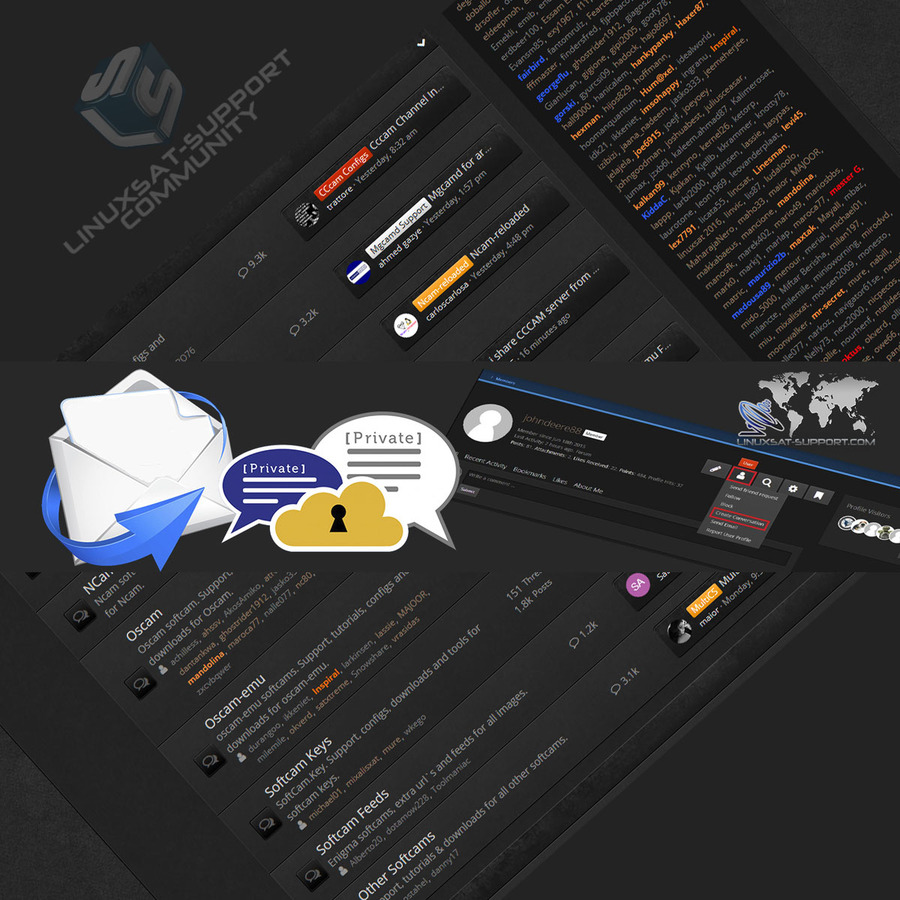
There are several ways to start a conversation (private message) with another member on the forum.
From a Member's Profile
Open the member's profile, click the User icon, then select Create Conversation.
d8b7c256dd97d.jpgFrom a Post
Hover over the member's username in any post. A pop-up window appears — click the Create Conversation icon.
991059996595b87c19513ec9e.jpgFrom the Conversations Menu
Click the Conversations icon at the top right of the forum, then click the icon to create a new conversation.
9c4c5a87d96441cde736.jpgAdding Participants
Start typing a member's name in the Participants field and suggestions will appear. You can include multiple participants in a single conversation.
6204b9.jpg
