....:: CiefpYouTube v1.1 ::....
📌 What's New in v1.1
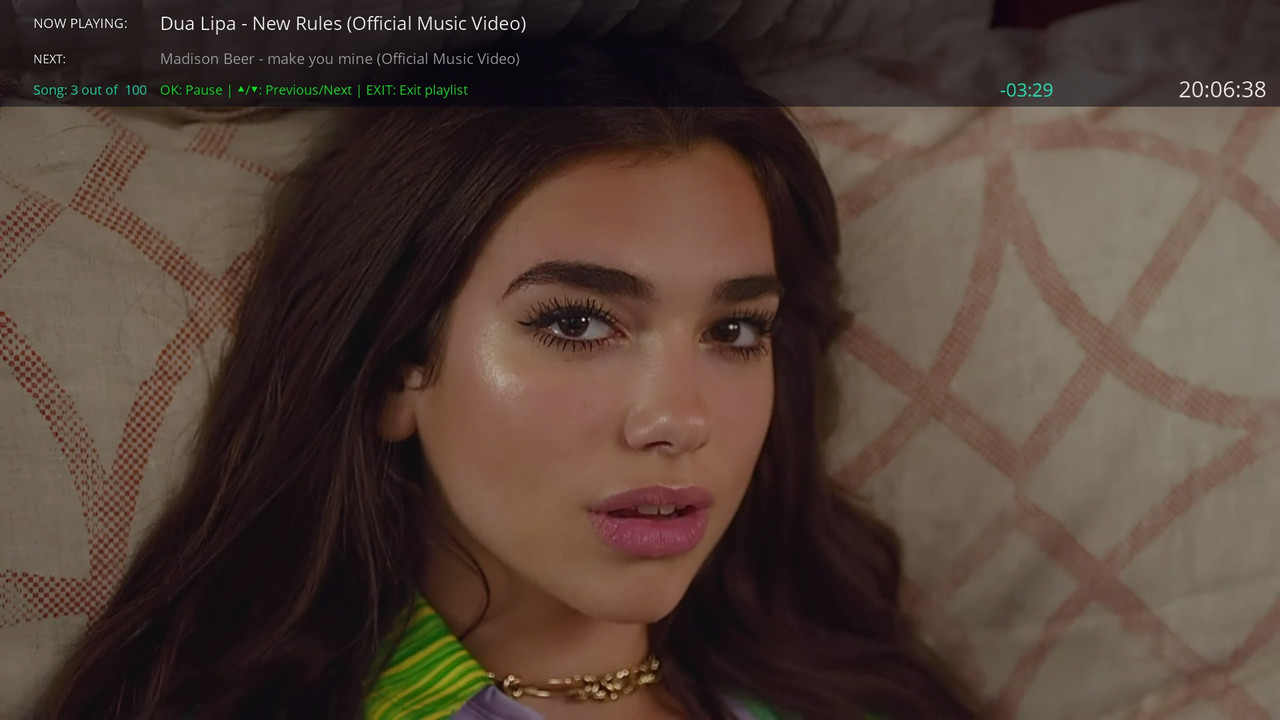
🎨 Mini Skin Transparency
Added configurable opacity for the Mini Skin (0% - 100%)
Settings can be adjusted via the Settings menu (Yellow button)
Default opacity: 50% for optimal visibility
🗑️ Playlist Management
Delete All – Remove all saved playlists at once
Delete Select – Choose and delete individual playlists
Access these options from the Settings screen
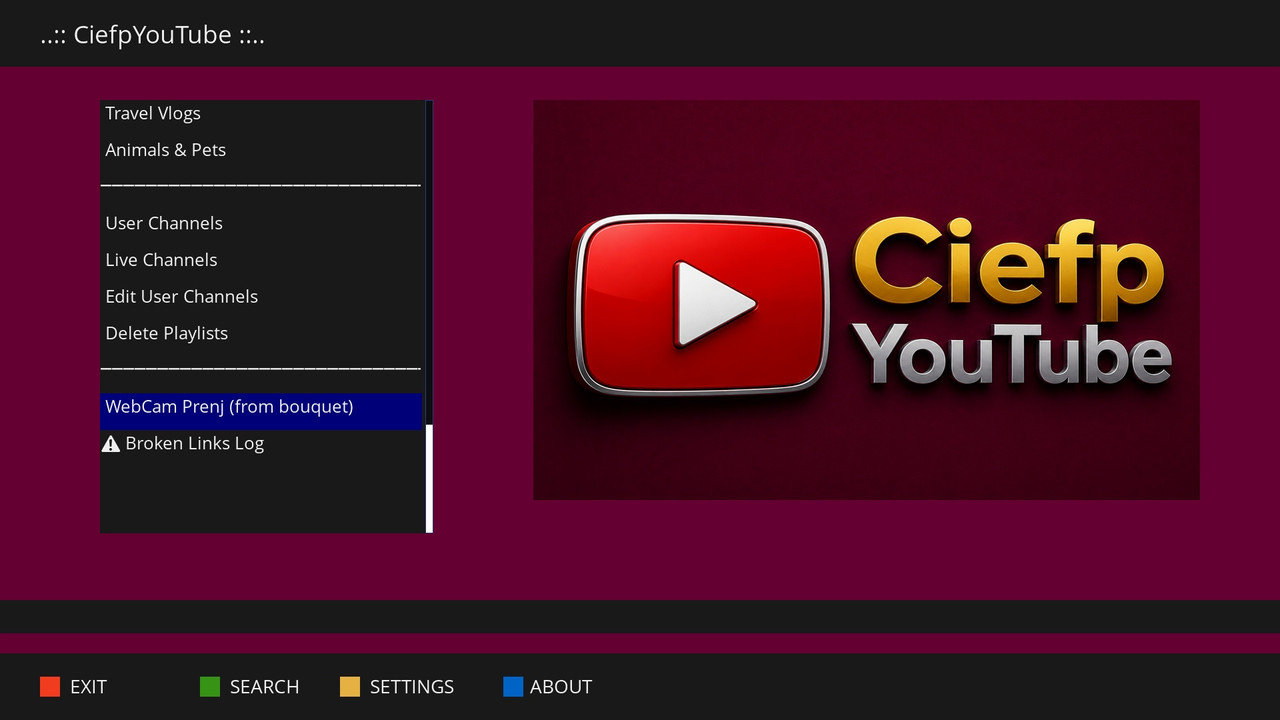
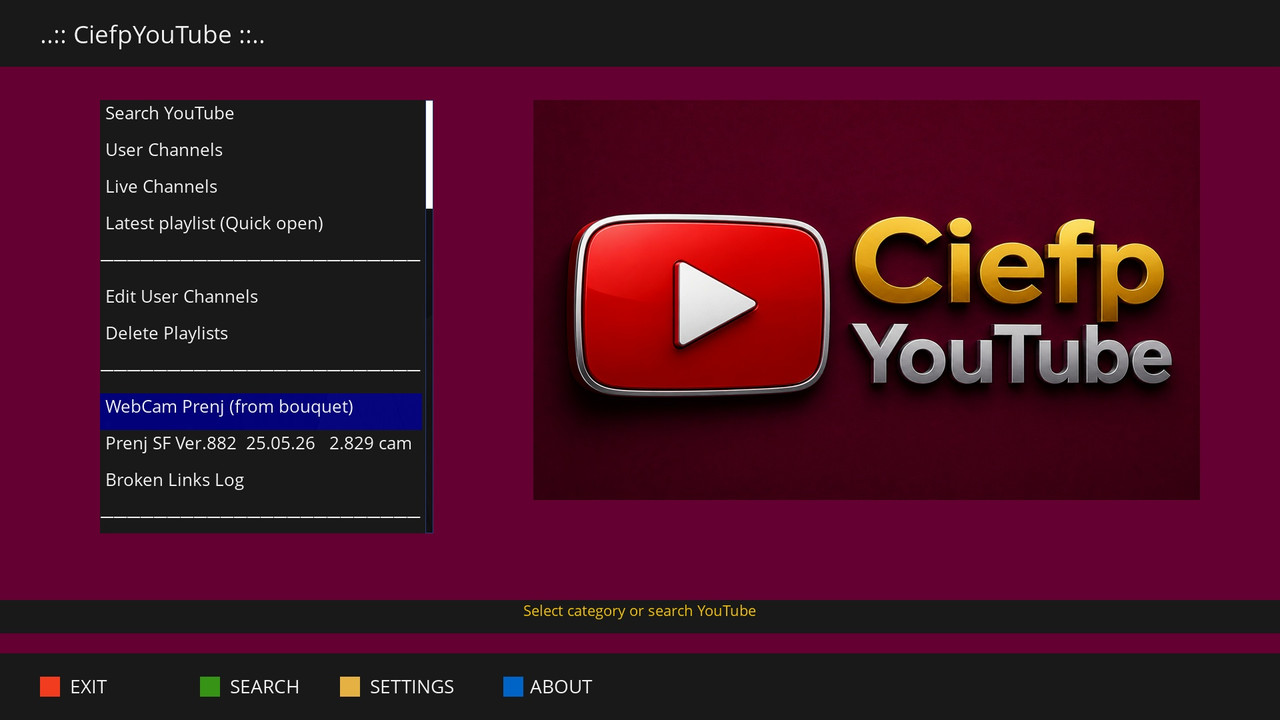
📺 WebCam Prenj Bouquet Support
Load YouTube streams directly from /etc/enigma2/userbouquet.web_cam____prenj___.tv
Automatically parses and extracts YouTube links from the bouquet
Saves as a playlist for quick access
Shows error message if bouquet file is missing
⚠️ Broken Links Logger
Automatically logs failed YouTube streams to /tmp/ciefp_youtube_broken_links.log
Includes timestamp, video title, URL, and error message
View, clear, or check log location from the main menu
🕐 Mini Skin Time Display
Real-time clock display in the Mini Skin (HH:MM:SS)
Helps track time while watching playlists
✨ Existing Features
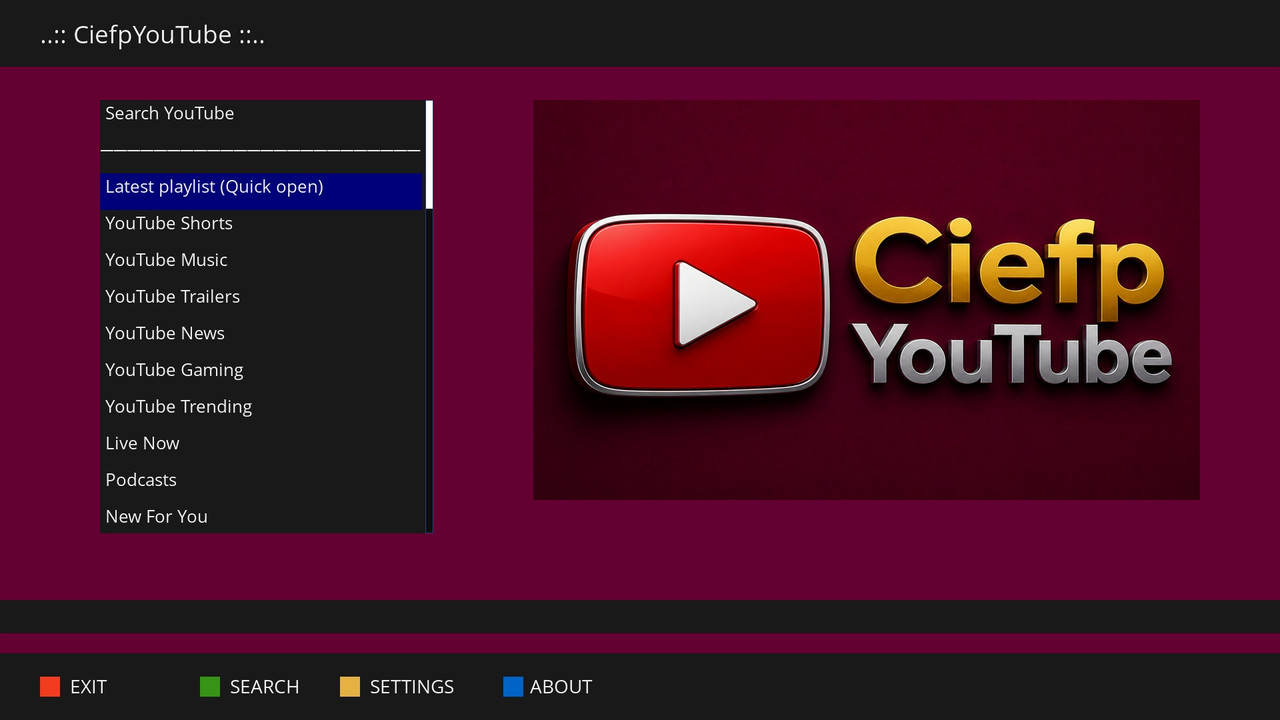
YouTube Search – Search any video on YouTube
Categories – Shorts, Music, Trailers, News, Gaming, Trending, Live, Podcasts, New
Entertainment – Comedy, Movie Reviews
Educational – Educational, Science & Tech, Documentaries, Programming, Math & Physics
Sports – Sports Highlights, NBA/Basketball, Football/Soccer
Lifestyle – Fitness, Art, DIY, Cooking
Reviews & Travel – Tech Reviews, Car Reviews, Travel Vlogs, Animals & Pets
User Channels – Save and manage your favorite YouTube channels
Live Channels – Save and manage live streams
Saved Playlists – Automatically saves search results as playlists
🔧 Technical Details
Version: 1.1
Python 3 only (OpenATV, Pure2, OpenSPA, OpenPLi)
Requires: yt-dlp, python3-requests, python3-json
Settings saved: /usr/lib/enigma2/python/Plugins/Extensions/CiefpYouTube/settings.json
Playlists saved: /usr/lib/enigma2/python/Plugins/Extensions/CiefpYouTube/playlists/
📝 How to Use
Search – Press Green button, enter search term
Settings – Press Yellow button to adjust quality, results, or opacity
WebCam Prenj – Select from main menu to load YouTube streams from bouquet
Playlist – Choose "Play entire playlist" for Mini Skin with opacity settings
Delete Playlists – Use Settings → Delete All or Delete Sel
🐛 Known Issues
Single video playback may leave the selection window open (will be fixed in future version)
👨💻 Author
Ciefp
© 2026
🙏 Special Thanks
Community for testing
Gemini AI for development support