Posts by ciefp

    ciefp added a new version:

    ciefp added a new file:

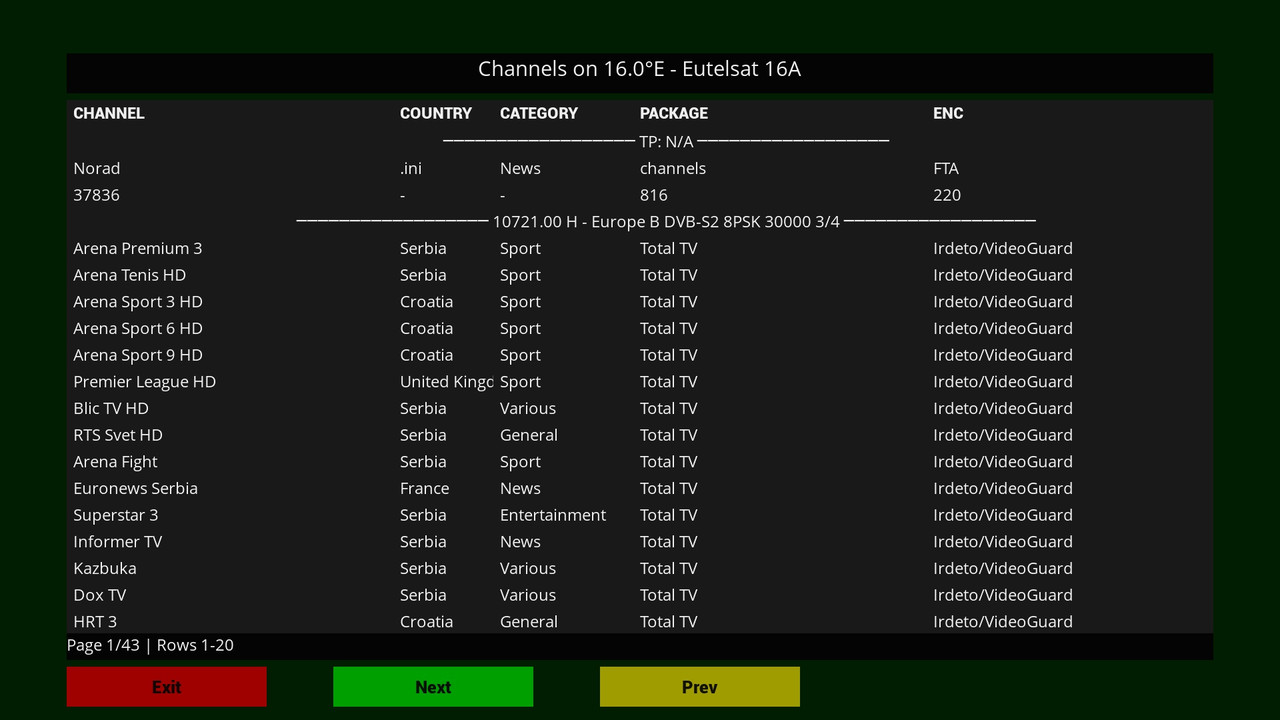
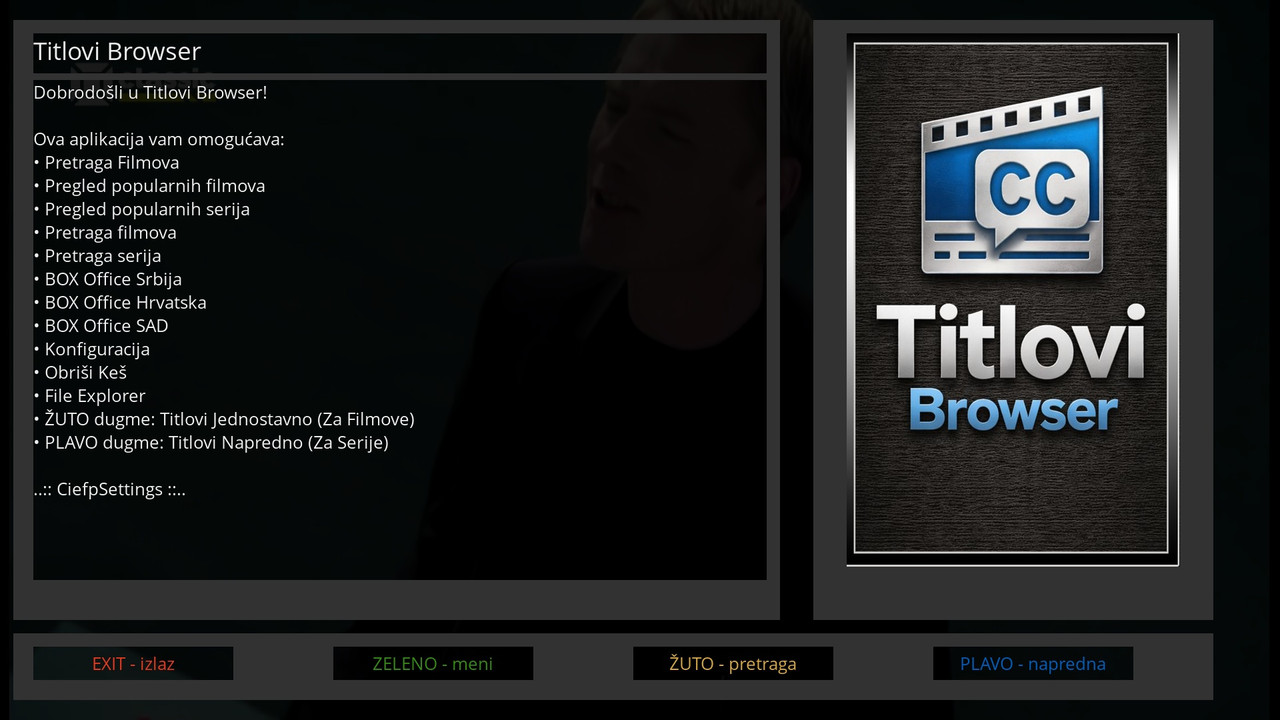
    The new version is already in preparation, with a completely new look, tabular view, pagination, pages are scrolled to the next or previous.

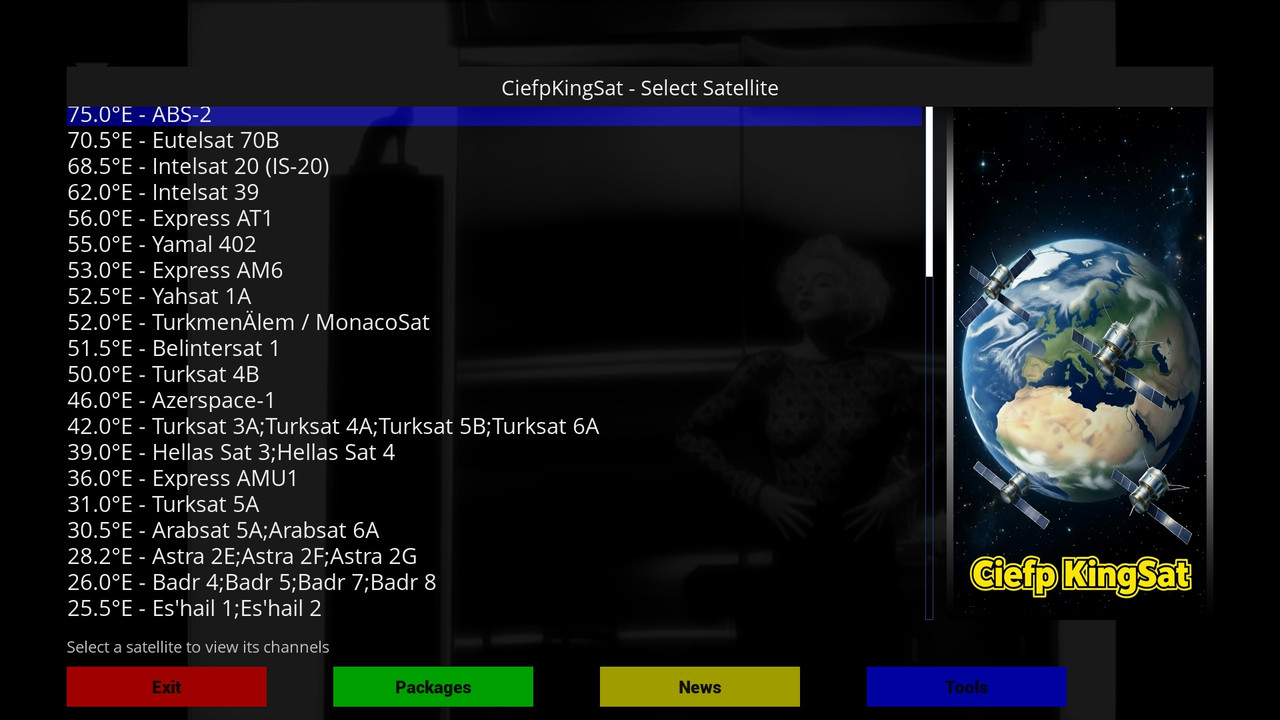
    ciefp I must say thank you for your great work , my question is do you have qautri ciefp sat settings which comprises of 13e, 19.2 e,23.5e and 28.2 e ? Please i would like if you can make this possible .

    Install the CiefpselectSatellite plugin. With this plugin you can make any version.

    ciefp added a new version:

    ciefp added a new file:

    ciefp added a new file:

    ciefp added a new version:

    I have plans to add some more functions, I tested some. The idea was to show a short video in a loop in the background instead of an image. Unfortunately, enigma2 does not support this, so that an mkv or mp4 or gif can be played in the background, and at the same time music can be played in mp3. But it could be set to change the background images at a certain interval. I also thought about adding a screensaver. We'll see

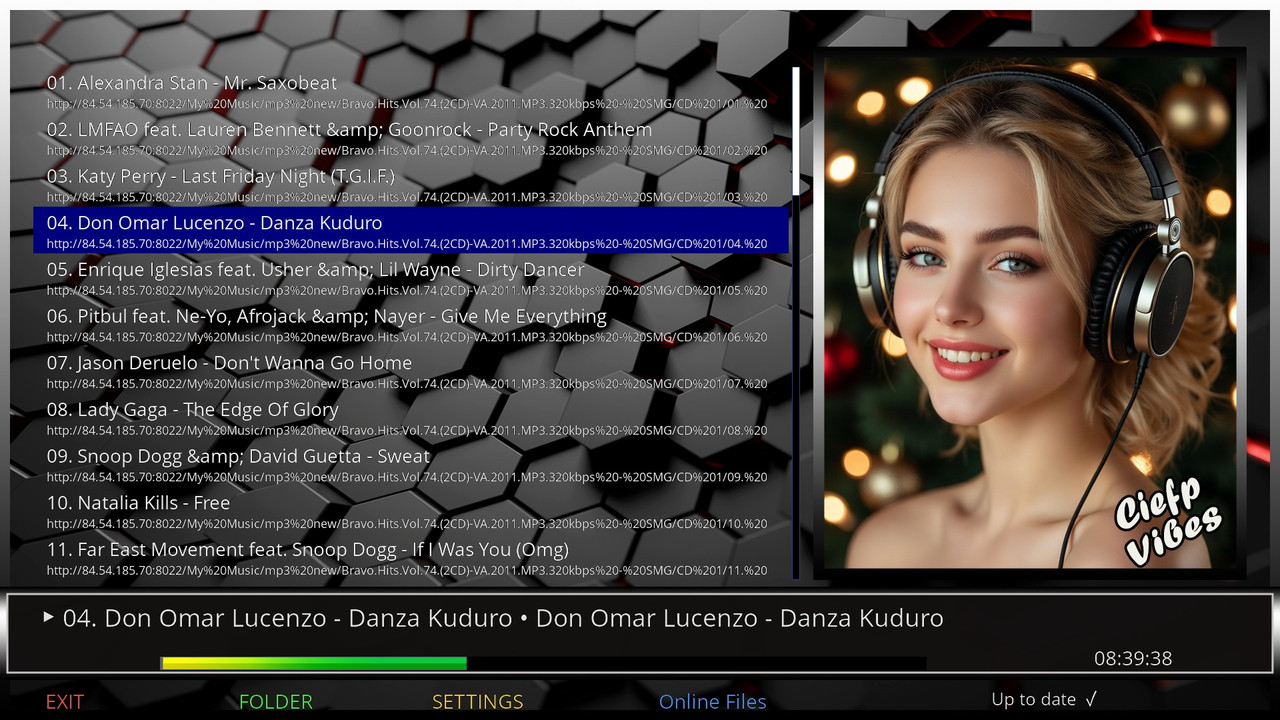
    ..:: CiefpVibes ::..


    What's new in version 1.7


    New background images and infobars

    Clock display in infobar


    New online m3u category layout:

    - M3U ARTIST

    - M3U MIX

    4097-0-0-0-0-0-0-0-0-0-20260118083938.jpg

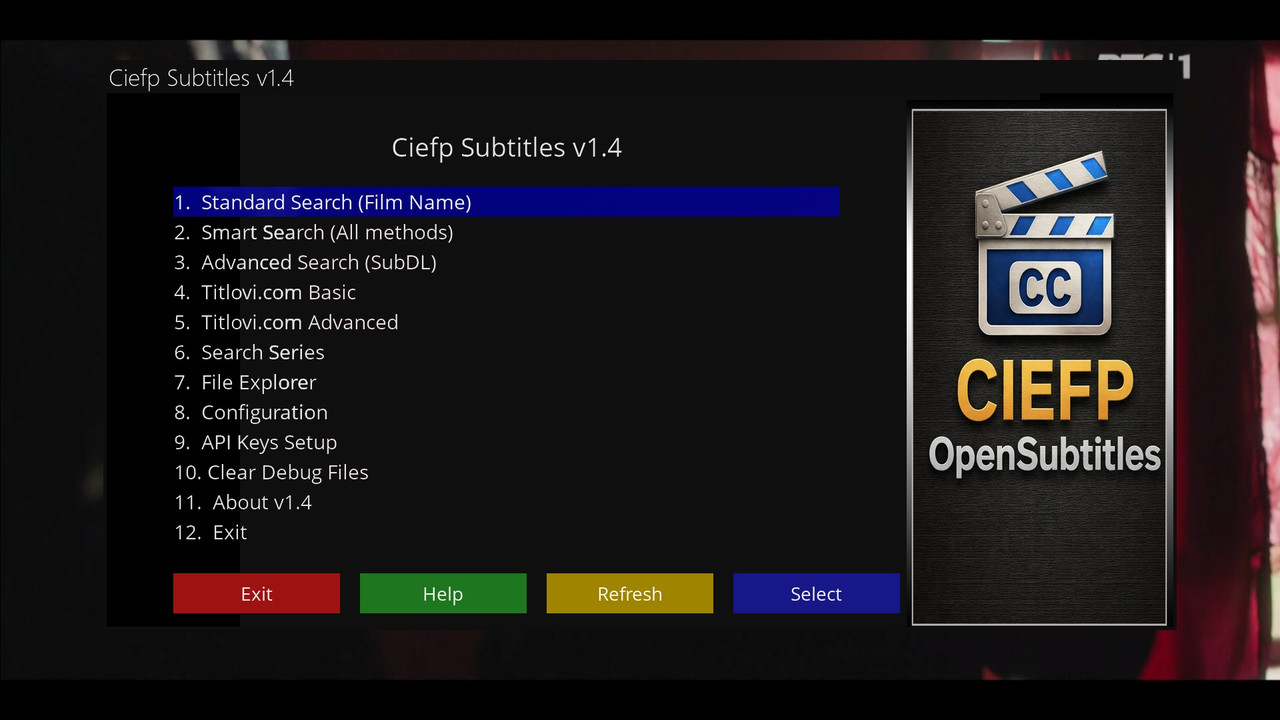
    ..:: CiefpOpenDirectories ::..


    📋 Features of version 1.4

    Online update


    1. Main screen

    List of Open Directory URLs

    Context menu (MENU button) with options:

    - Scrape this URL

    - Scrape from Content Screen

    - Delete the URL

    - Edit URL

    Adding new URLs

    Automatic update check


    2. Content Screen

    Navigation through folders and files

    Folder selection (green button in normal mode) - automatically adds all files from the folder

    Folder Scrape (green button in scrape mode) - starts a deep folder scan

    Manual selection of files

    Creating M3U playlists or Enigma2 bouquets


    3. Scrape Screen

    Deep scan of Open Directory

    Depth control (1-3 levels or unlimited)

    File filter (video/audio/all)

    Progress bar and statistics

    Ability to cancel (CANCEL)


    4. Settings

    Setting the default playlist name

    Include date/time in name

    Adjusting the scraping depth

    File filter (video/audio/all)


    🚀 How to use:

    To scrape URLs:

    1. Select URL in the main menu

    2. Press MENU → "Scrape this URL"

    3. Or: Press the BLUE button


    To scrape folders from the Content Screen:

    Select the URL in the main menu

    1. Press MENU → "Scrape from Content Screen"

    2. Navigate to the folder you want to scrape

    3. Press the GREEN button (now it's for scrape in this mode)

    4. Select the scraping depth

    The plugin will scan the entire folder and subfolders


    For folder selection (adding files):

    1. Open Content Screen (OK to URL)

    2. Navigate to the folder

    3. Press the GREEN button (in normal mode)

    The plugin will add ALL files from that folder and subfolders


    💡 Tips for use:

    Filter settings: Always check the filter in Settings before scrapping:

    "video" for video files (.mp4, .mkv, .avi)

    "audio" for audio files (.mp3, .flac)

    "all" for all files


    Scraping depth:

    - Level 1: current folder only

    - Level 2: current + direct subfolders

    - Level 3: up to 3 levels of depth

    - Unlimited: be careful - it can take a long time!


    For large directories:

    Use CANCEL to abort if it takes too long

    Start with a smaller depth (1-2 levels)

    I haven't implemented Auto epg yet.

    Try using the New Virtual Keyboard, it has google suggestions, making it easier to use.

    Sometimes two or three letters are enough.

    Check the api keys, the test apikeys function does not work properly yet. Check manually whether you inserted the keys correctly in etc/enigma2/ciefpopensubtitles.

    The format for both files is:

    apikey=xxxxxxxxxxxxxxxxxxx

    ciefp added a new version:

    ciefp added a new version:

    I use this script, anyone can use it, save the address. Enter username, password, click connect, click grab screenshot, click save screenshot, right click save as.

    https://htmlpreview.github.io/…efs/heads/main/index.html

    thank u very much , when run the script all is ok but when i try to grab screen shots , i got a massage " loading screenshot" and nothing happen for long time


    Br

    Enter username, password, click connect, click grab screenshot, click save screenshot, right click save as.

    CiefpTMDBSearch 2.2


    📢 New version 2.2 is here!

    Date: January 6, 2026


    ✅ What's new?

    Now you can easily switch between channel groups (bouquets) using the ▲/▼ or "CH+/CH-" buttons on the remote.

    When you change the group, the screen automatically refreshes - you will see the exact channel name and EPG data immediately.

    You will always be shown the current channel and program guide as soon as you open the screen - without manual start.

    💡 Ideal for those who want faster navigation.


    🙏 Acknowledgements

    Thanks to my colleague mrvica who suggested these improvements - working together makes Enigma2 better!