ciefp added a new version:

📦 What's New in v2.0
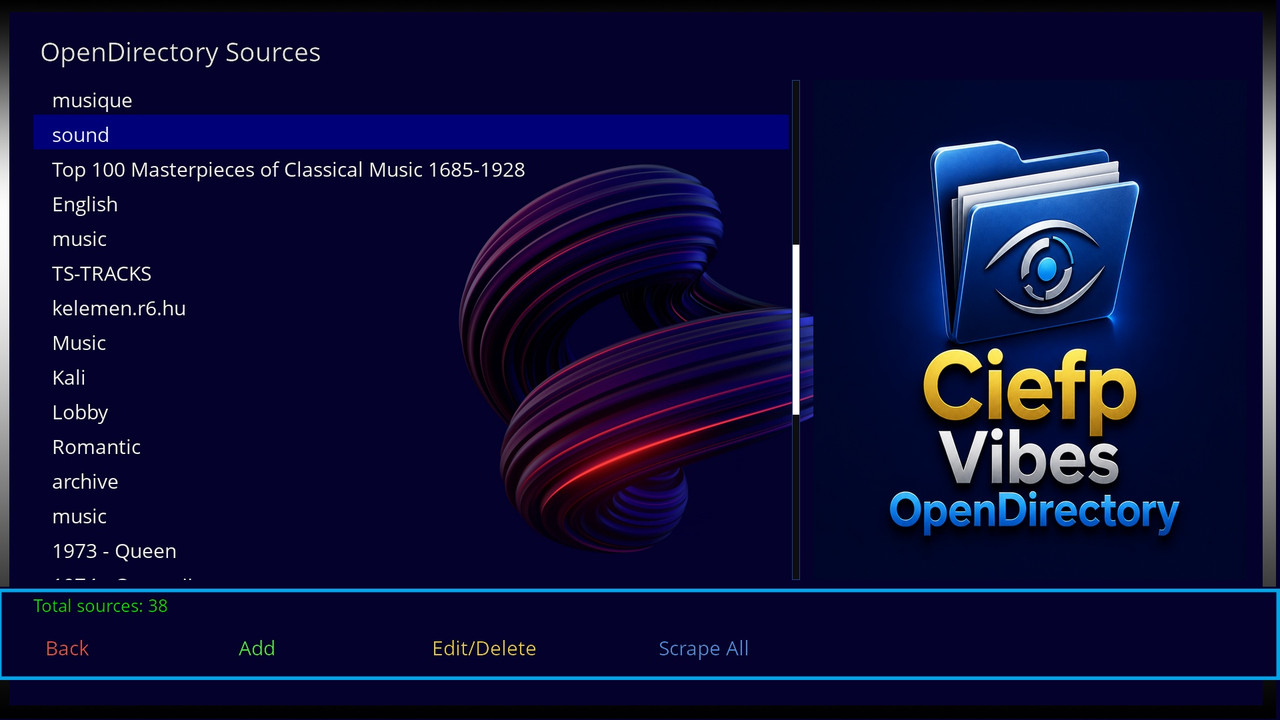
🌐 OpenDirectory Browser (Major New Feature)
Browse online directories - Access and scrape music from public HTTP directories
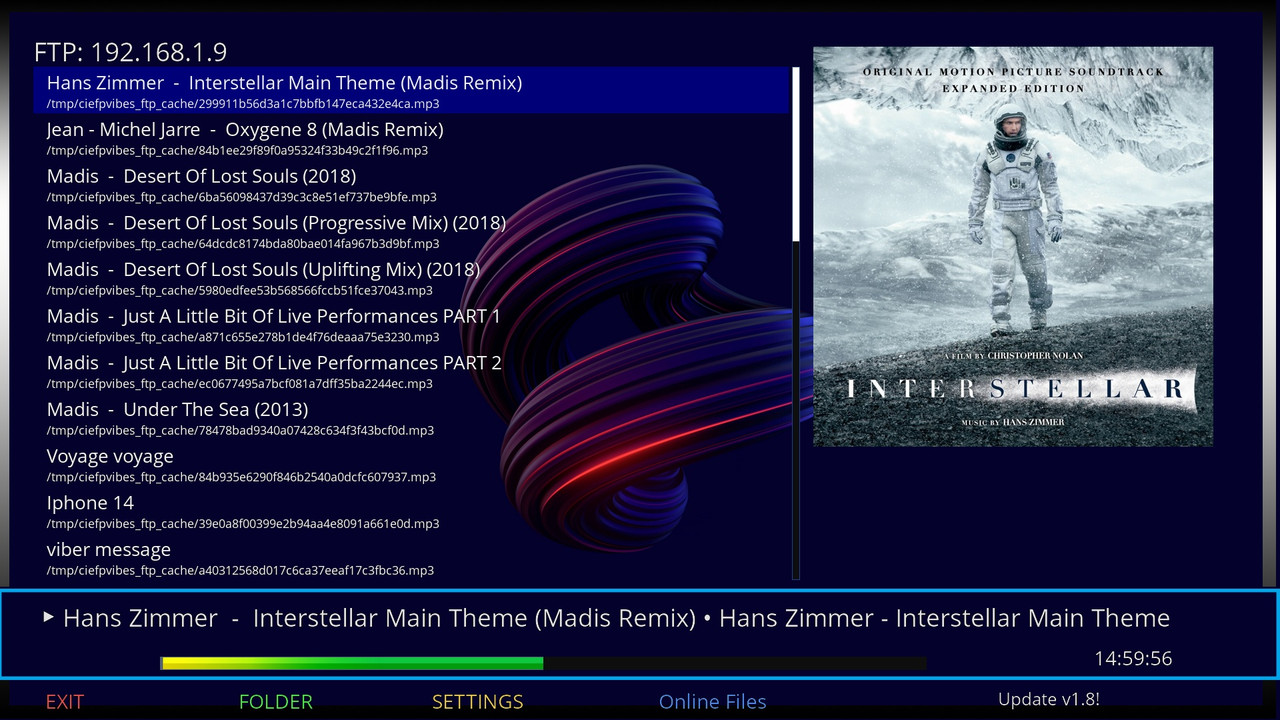
Save playlists to USB/HDD - Playlists persist after reboot
Smart scraping - Only scans folders with audio content (MP3, FLAC, M4A, AAC, WAV, OGG)
Partial scan saving - Cancel scan and save already discovered files
Real-time progress - Shows percentage, folders scanned, files found
Multiple scraping modes:
Scrape All - Full…
QuoteDisplay More🎉 CiefpVibes v2.0 - Release Notes 🎉
📦 What's New in v2.0
🌐 OpenDirectory Browser (Major New Feature)
Browse online directories - Access and scrape music from public HTTP directories
Save playlists to USB/HDD - Playlists persist after reboot
Smart scraping - Only scans folders with audio content (MP3, FLAC, M4A, AAC, WAV, OGG)
Partial scan saving - Cancel scan and save already discovered files
Real-time progress - Shows percentage, folders scanned, files found
Multiple scraping modes:
Scrape All - Full source scan (can take time)
Scrape Folder - Scan selected folder and subfolders
Load Folder - Quick load of current folder only
Play Selected - Create playlist from manually selected files
📁 Playlist Management
Persistent storage - Playlists saved to USB/HDD in CiefpVibes_M3U/ folder
Smart naming - Files named by source/folder name + date
No duplicates - Checks existing files before overwriting
🎵 Audio Format Support
Added M4A support (proper parsing without trailing /)
Maintains all existing formats (MP3, FLAC, AAC, WAV, OGG)
🎨 UI Improvements
FHD ready - Full 1920x1080 support
New icons - OpenDirectory browser icon integrated
Better navigation - Intuitive button mapping for all functions
🎮 Button Mapping
Ekran Dugme Funkcija
Main Screen MENU OpenDirectory Browser
Online Files BLUE OpenDirectory (option 5)
OpenDirectory Sources GREEN Add new source
YELLOW Edit/Delete source
BLUE Scrape All selected source
OK/BLUE Browse source
Content Screen OK Toggle file selection
GREEN Play selected files
YELLOW Load current folder
BLUE Scrape selected folder
RED Back
Scrape Screen RED/CANCEL Stop and save partial results
📋 What works
✅ Local music playback (MP3, FLAC, M4A, AAC, WAV, OGG)
✅ Online stream playback
✅ FTP / SMB / NFS network shares
✅ GitHub playlist browser
✅ Album cover search (iTunes API)
✅ 10 backgrounds / infobars / posters
✅ Repeat / Shuffle modes
✅ OpenDirectory browser with scraping
✅ Persistent playlist storage on USB/HDD
✅ FHD skin (1920x1080)
📁 New Files
text
CiefpVibes/
├── OpenDir.py # OpenDirectory module
├── opendir.txt # User's open directory sources
└── opendir.png # Optional icon image
Default opendir.txt location: plugin folder
All existing functionality preserved
OpenDirectory is an optional module - plugin works without it
🐛 Fixed
M4A files no longer have trailing / in URLs
Scraper doesn't loop through empty folders
Progress percentage now accurate (0-100%)
Cancel saves partial results instead of discarding everything
Source names displayed without %20 encoding
📊 Tested Scenarios
Scenario Result
Scrape 1000+ files ✅ Success
M4A playback ✅ Working
USB playlist storage ✅ Persistent
Cancel during scan ✅ Saves partial
Load folder ✅ Instant
Play selected ✅ Creates playlist
🙏 Credits
CiefpVibes v1.9 original code (4000+ lines, stable)
OpenDirectory parser adapted from CiefpOpenDirectories plugin
📝 Version Info
python 3
PLUGIN_VERSION = "2.0"