

- What you get
- Step 1 – Open the Shop and go to Memberships
- Step 2 – Pick your tier and click Buy
- Step 3 – Review your cart, then proceed to checkout
- Oops — added the wrong item? Remove it from your cart
- Step 4 – Accept the terms and choose a payment method
- Prefer crypto? Step 5 – Pay with cryptocurrency
- Step 6 – That's it! What happens next
Want to support LinuxSat-Support and unlock member perks? This beginner-friendly guide walks you through buying a membership in our Shop, step by step — and shows how to pay with cryptocurrency if you prefer.
What you get
Every membership directly funds the community — server hosting, download bandwidth and ongoing development — and unlocks perks like unlimited downloads, enhanced messaging, the VIP lounge and ad-free browsing. Choose from four tiers:
- Bronze – £4 (2 months) — first-time supporters
- Silver – £11 (6 months) — regular members
- Gold – £17 (1 year) — most popular
- Platinum – £40 (lifetime) — lifetime supporters
Just want to make a one-off contribution without a membership? See our separate guide: Support the Upgrade.
Step 1 – Open the Shop and go to Memberships
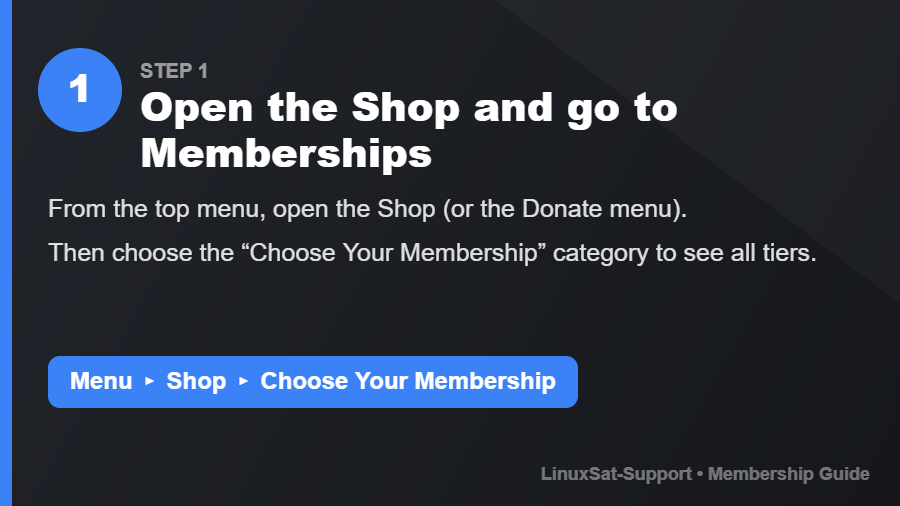
From the top menu, open Shop (or the Donate menu), then choose Choose Your Membership to see all the tiers side by side.
Step 2 – Pick your tier and click Buy
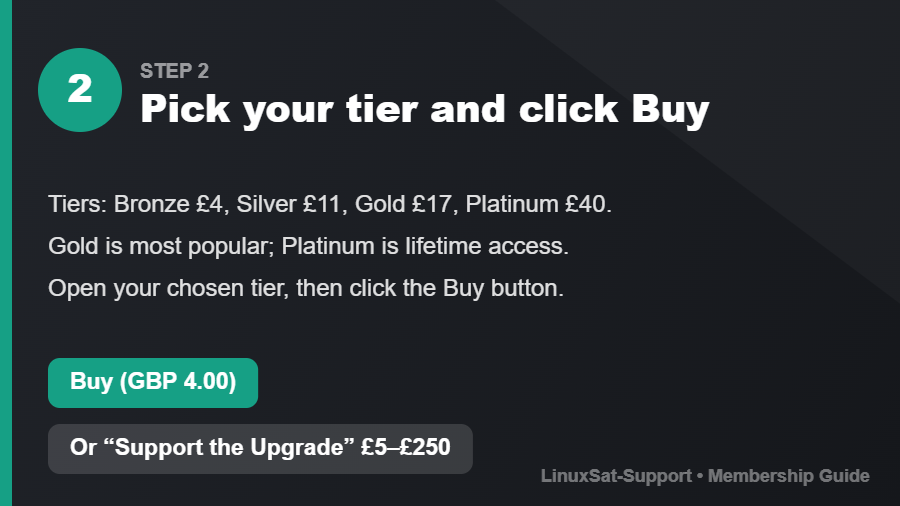
Open the tier you want. On the product page, click the Buy button — it shows the price, for example Buy (GBP 4.00).
Step 3 – Review your cart, then proceed to checkout
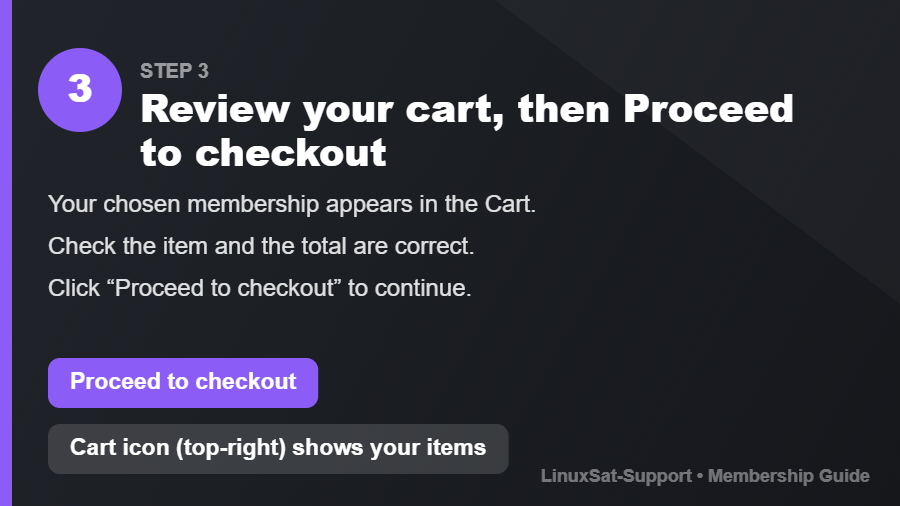
Your membership is added to the Cart (see the cart icon, top-right). Check the item and total are correct, then click Proceed to checkout.
Oops — added the wrong item? Remove it from your cart
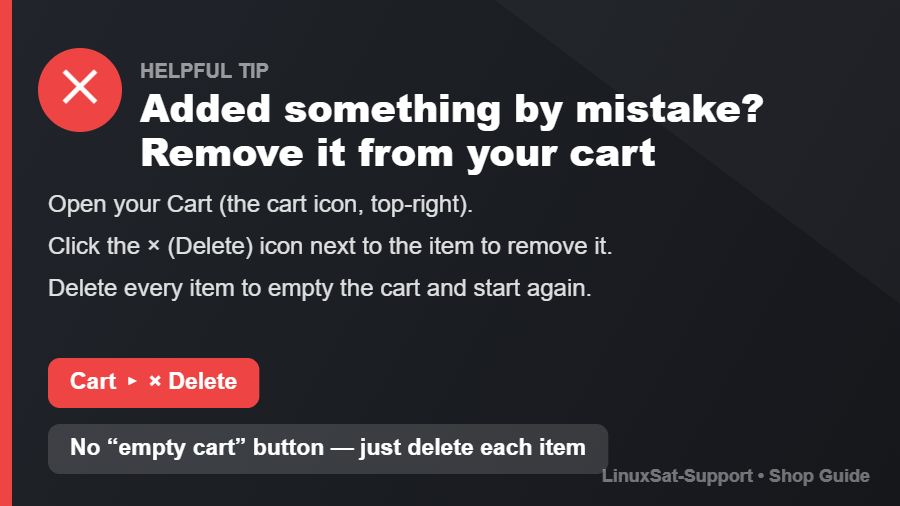
Made a mistake? It's easy to fix before you pay. Open your Cart (the cart icon, top-right), then click the × (Delete) icon next to the item you want to remove. There's no single “empty cart” button — just delete each item, and once they're all gone your cart is empty and you can start again.
Step 4 – Accept the terms and choose a payment method
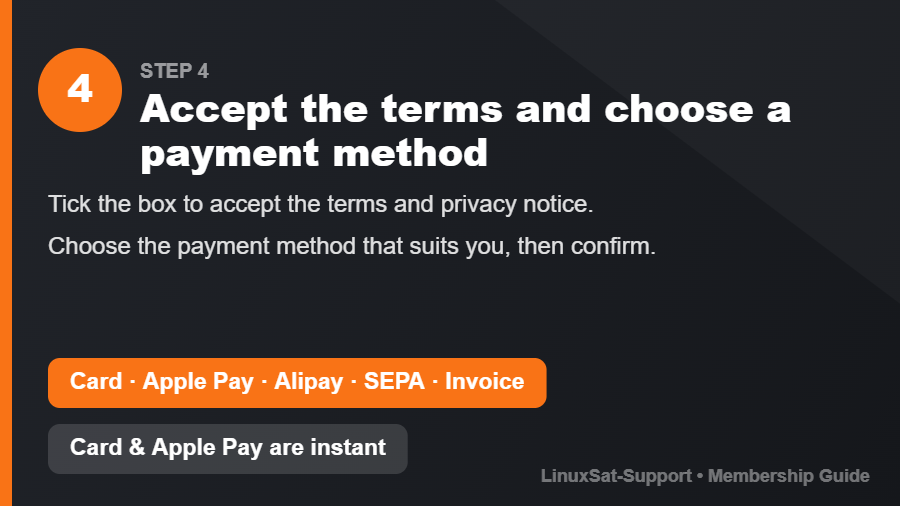
Tick the box to accept the terms and privacy notice, then choose how you'd like to pay:
- Credit Card or Apple Pay — fastest, usually instant
- Alipay
- SEPA Debit (bank transfer)
- Invoice
Confirm to complete your payment.
Prefer crypto? Step 5 – Pay with cryptocurrency
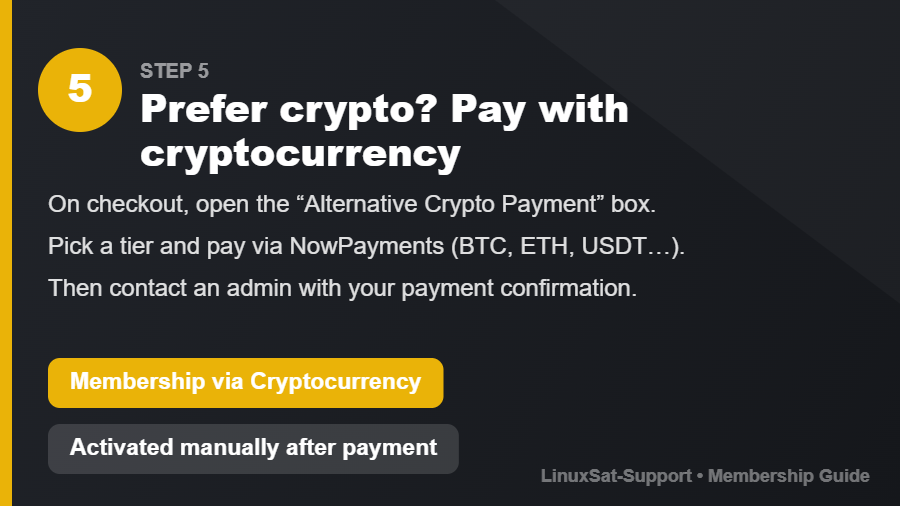
On the checkout page you'll also find an “Alternative Crypto Payment” box (Membership via Cryptocurrency). Pick your tier and pay securely — Bitcoin, Ethereum, USDT, Litecoin and many more are supported.
Important: crypto payments are confirmed manually and are not instant. After paying, please contact an administrator with your payment confirmation so we can activate your membership.
Step 6 – That's it! What happens next
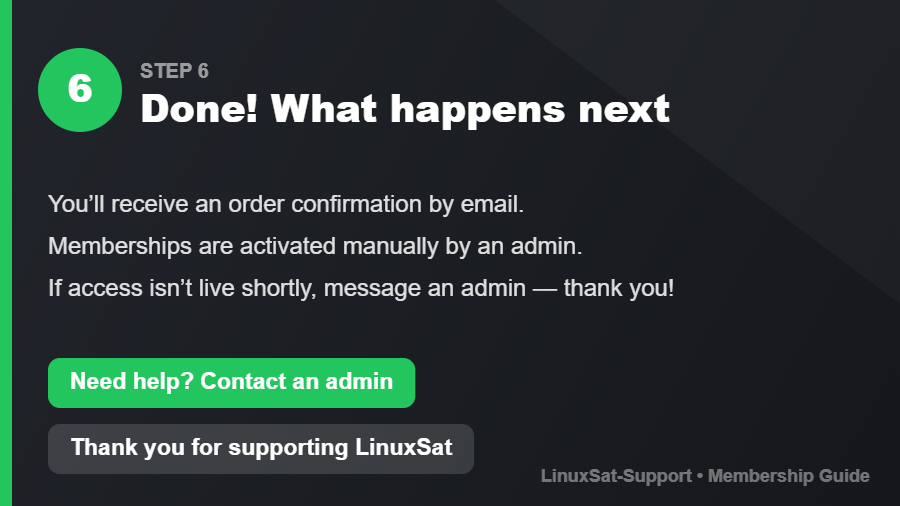
You'll receive an order confirmation by email. Memberships are activated by an admin — if your badge or access isn't live shortly after payment, just contact an admin and we'll sort it out.
Thank you for supporting LinuxSat-Support! Every membership helps keep the community fast, independent and online for everyone.
Related guides: Support the Upgrade (one-off contribution) · Advertise on LinuxSat-Support

