

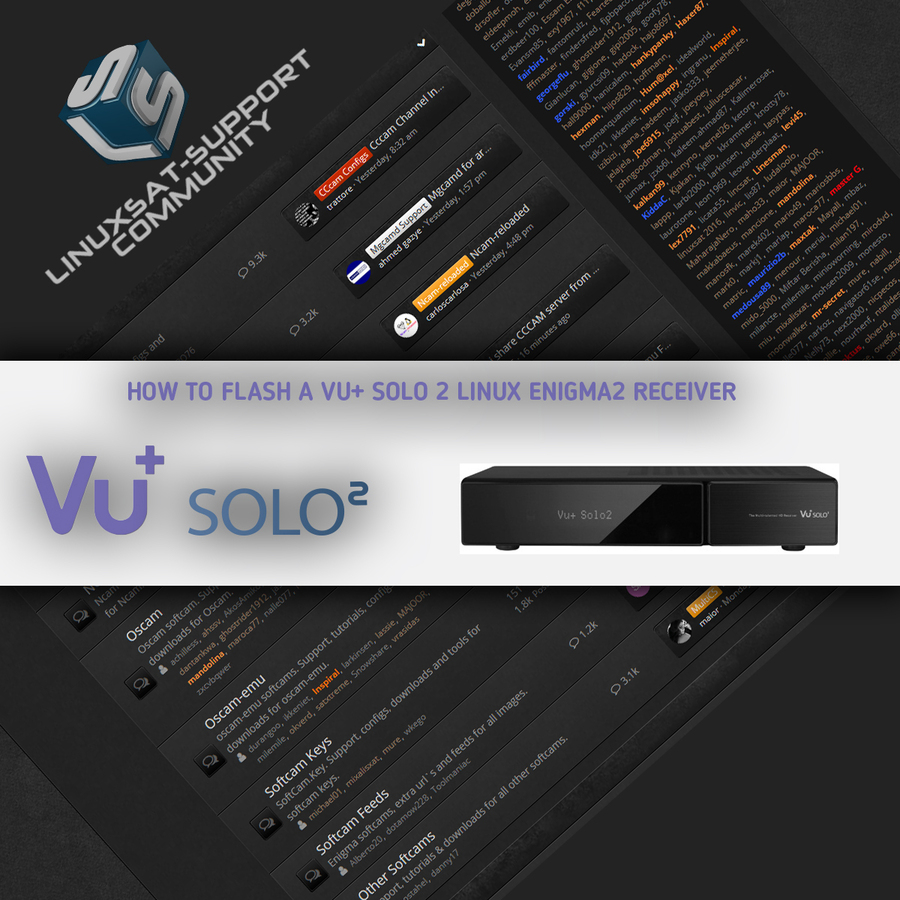
Flashing a fresh Enigma2 image onto your VU+ Solo2 from a USB stick only takes a few minutes. Work through the steps below carefully and your receiver will boot straight into the new image.
Flashing the receiver
- Fully power the receiver down via the rocker switch at the rear.
- Make sure no USB devices are plugged into the receiver.
- Insert the USB stick containing the image files into one of the USB ports.
- Power the receiver on from the rear rocker switch and await instructions.
- As the Solo2 powers up, a prompt appears asking you to press the power button. Press the power button on the front of the receiver — the blue circle to the left of the front panel, which is touch-sensitive.
⚠️ Do not interrupt the flash. While the receiver is flashing, do not power it down for any reason — doing so can cause serious or permanent damage.
If it doesn't flash
If, instead of the prompt, you see the message "starting", the receiver hasn't detected the USB stick, the image files, or both. Start again from the beginning, or try another USB stick, image, or USB port on the receiver.
If all goes well, flashing takes about 2 minutes. If your chosen image doesn't contain the "reboot.update" file in the image folder, the display sits on "update complete" and you'll need to power the receiver off and on manually to reboot. If the file is present, the receiver reboots itself automatically once flashing finishes.
Good to know: you'll always see the prompt to press the power button when the receiver detects a viable image on the inserted media at boot. It's perfectly safe — and advisable — to keep an image on your USB stick for backup. The image only flashes if you press the power button; ignore the prompt and the receiver boots as normal.
📄 Full guide (PDF): Download the step-by-step PDF


Replies 37
szytom3
What files do I need to download to run vu+ solo 2
master G
Which files?
Do you mean which images or firmware still work on the solo2?
szytom3
Tak dzial enigma2 startuje uruchamia się ale później przy jakikolwiek zapisaniu czegoś uruchamia się na nowo . Potrzebuje pomocy . Na nowo zrobić istalken.
Yes, the enigma2 department starts up, but then when you save something, it starts again. I need help . Remake istalken.
master G
The flash memory is probably full. Try removing old plugins or reflash a fresh image and start again.
https://blackhole-community.co…ole-3-1-0-vu-solo2.41543/
https://images.mynonpublic.com….1/index.php?open=vusolo2
https://images.openbh.net/?b=5.0%2Fvuplus%2Fvusolo2
https://openpli.org/download/vuplus/Solo2
https://openspa.webhop.info/#D…1genes%2FVuplus%2Fvusolo2
https://images.openvision.dedy…table/CMD/VuPlus/vusolo2/
https://www.openvix.co.uk/inde…vu-plus-images/vu-solo-2/
https://www.pur-e2.club/OU/images/index.php?dir=6.5/vuplus/
https://sgcpm.com/satdreamgr-images-8/vu/vusolo2/
https://vuplus-support.org/wbb4/vtisoftware/
szytom3
przepraszam ze tak pytam czy byłbyś w stanie pomóc mi w jakiś sposób aby ogarnąć wszystko ?
master G
What help do you need?
Download a new image from the list i just provided and follow the instructions for flashing from the guide in the first post.
master G
EPG data and picons should always be saved to an external USB device.
Flash memory can be expanded to allow more space for extra plugins and skins with PluginSkinMover.
For a bit more into the flash memory.
The plugin installed plugins shifts between Flash and USB stick (mount only / media / usb) and linked this.
Disclaimer:
The user must ensure that sufficient memory space in the respective memory is free to move.
For data loss and GS, I accept no responsibility!
updates:
(Quote)
Thx Schomi
* menu: plugins: PluginSkinMover:
linuxsat-support.com/cms/attachment/33597/
* Preferably using an attached HDD, Or a Fast USB Stick.
* Rollover the module you want to move: PRESS GREEN BUTTON OR OK BUTTON:
linuxsat-support.com/cms/attachment/33598/
* Now exported:
linuxsat-support.com/cms/attachment/33599/
Press green button or OK again to move back.
To check free memory telnet:
(Code, 1 line)
Free flash memory of box is in top line, middle, under: Available
Or
TSpanel:
seagen
szytom3 please only post in English language in thsi thread,
-----------------------------------------------------------------------------------------------------------
Post by sxytom3
I was looking for online help if possible
could there be something wrong with the installation?
----------------------------------------------------------------------------------------------------------
szytom3
I played the list via drembox I need how to upload it through this cccam program?
master G
I`ve no idea which list or program you are asking about.