

How to flash a Gigablue HD 800 SOLO Linux Enigma2 Receiver
- world-of-satellite.co.uk
- 0 Replies
- 1,188 Views
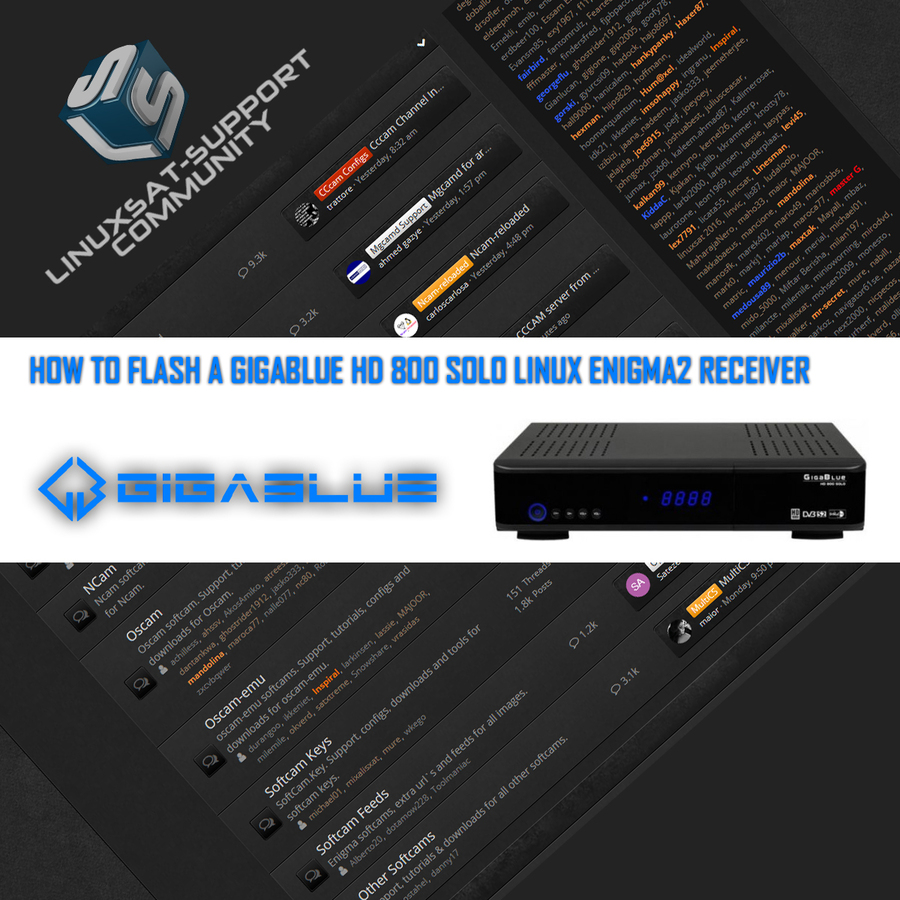
This guide explains how to flash a new Enigma2 image onto the Gigablue HD 800 SOLO using a USB stick and the receiver's USB/CONF recovery method.
Flashing the Receiver
- Power off the receiver.
- Ensure no other USB devices are plugged into the receiver while flashing.
- Insert the USB stick containing the image files into one of the USB ports on the receiver — the rear USB port is advised if possible.
- Power the receiver on.
- When the receiver powers up, you will see USB then CONF on the receiver's display.
- As soon as you see CONF, press the OK button behind the front flap of the receiver to start the flashing process.
- If successful, the receiver will reboot itself once the flashing process has completed.
- Remove the USB stick that contains the image files.
Printable PDF Guide
A downloadable PDF version of this guide is available below.

