

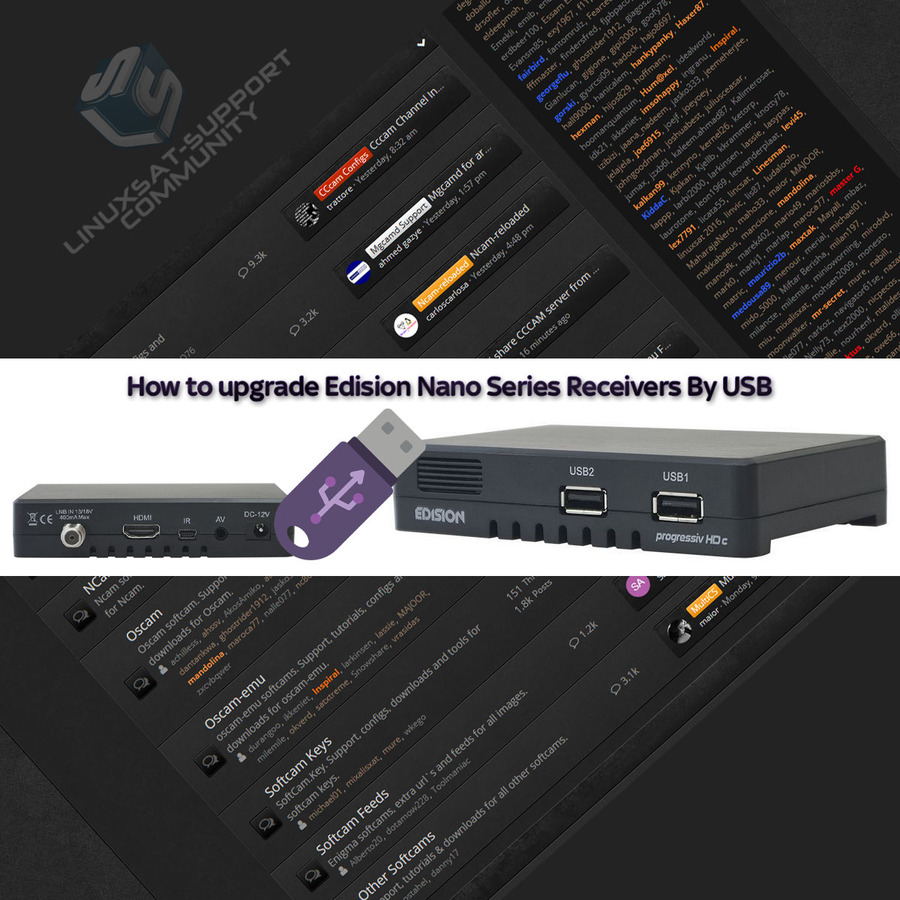
You can upgrade your Edision Nano-series receiver from a USB stick through the on-screen menu.
Upgrading by USB
- Extract the zip file and place its contents in the root of the USB stick (not inside a folder).
- On the receiver, go to Menu → Conditional → Software Update → Upgrade By USB.
- Set Upgrade File to your image (e.g. Progressiv_NANO_v.xxxx.abs) and Upgrade Mode to All SW & bootloader.
- Press Start.
- The receiver reboots — it's ready.




Replies 1
W@Rp
Discussion of article How to upgrade Edision Nano Series Receivers By USB: