
look good on the pic you see on the top 2 .. click on the 2.. or 1 time press esc or button 4 on the remote
no you dont need install openelec agian you can do factory reset


look good on the pic you see on the top 2 .. click on the 2.. or 1 time press esc or button 4 on the remote
no you dont need install openelec agian you can do factory reset
Hi and thanks for all the information. I am normally ok at these things but I am not getting the options you show at add ons/services, including tvheadend. I am runnng openlec 5.0.5 from sd card. Any advice please
if you do a clear install then you must get this
i am busy with manual make a list like enigma2
is many many works
wirh the xpicons by oktus
[01]
first you need install tvheadend http://linuxsat-support.com/showthread.php?t=78011&p=255684#post255684 if you have already install it skip this step
[02]
we need to know the ip number from openelec
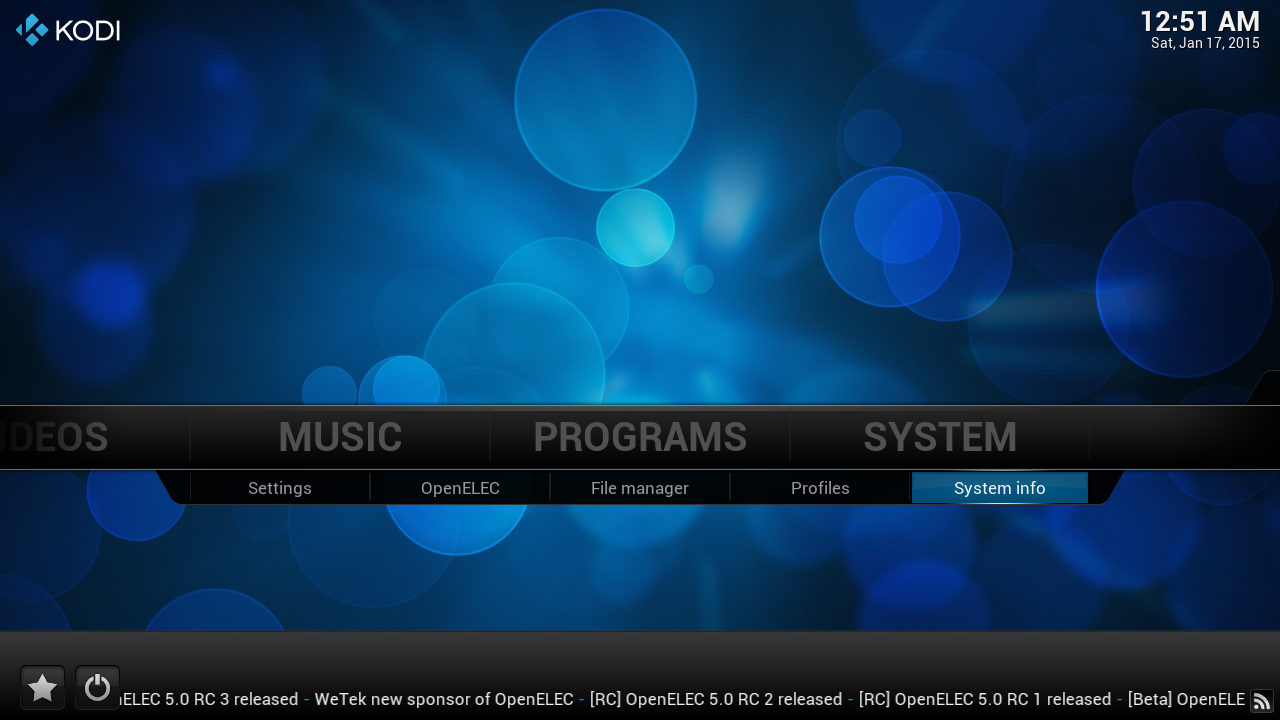
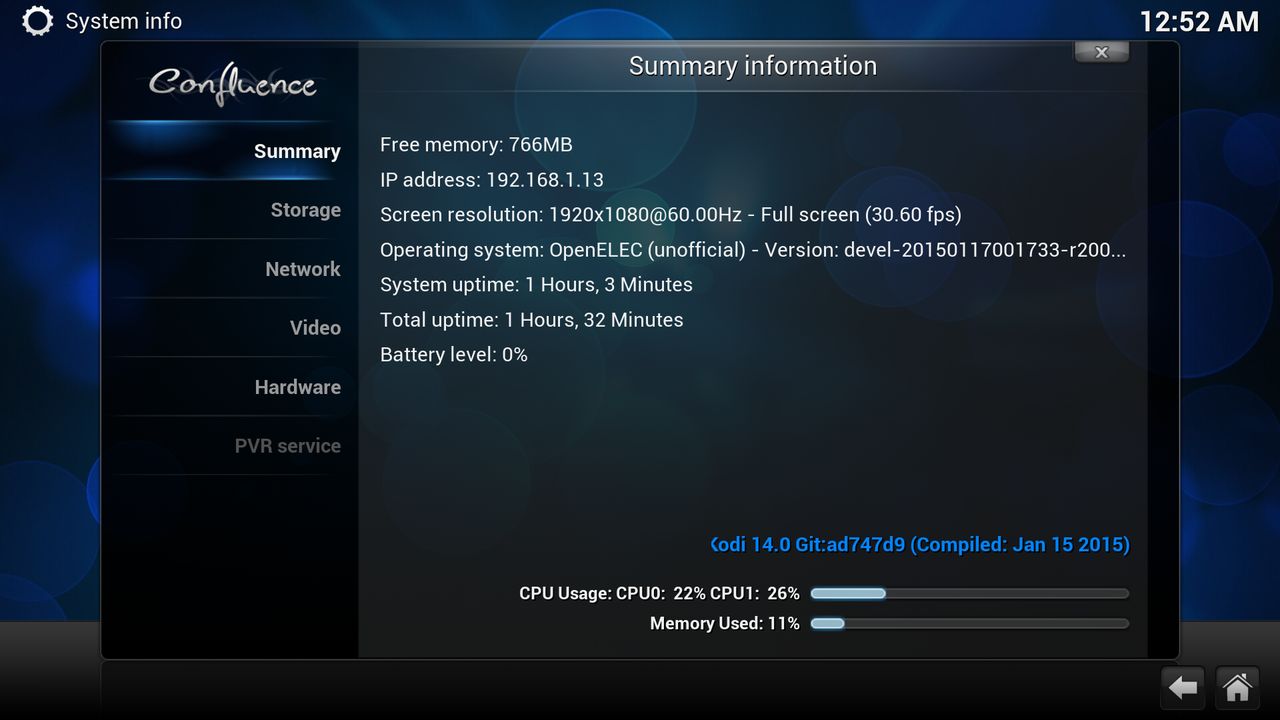
on the second line you see your ip number
open a webrowser and type http://your ipnumber:9981
replace the ipnumber with your own

[03]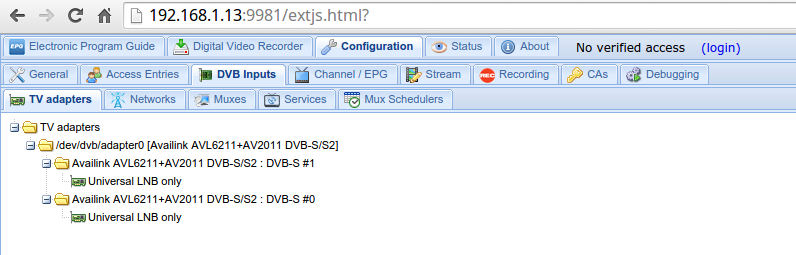
Click on "Configuration" then click on "DVB input"

Click on Networks

Click on "Add"
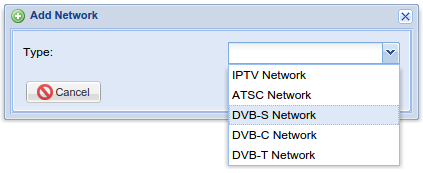
i have have a wetek with 2 satellite tuners so i need to click on "dvb-s Network"
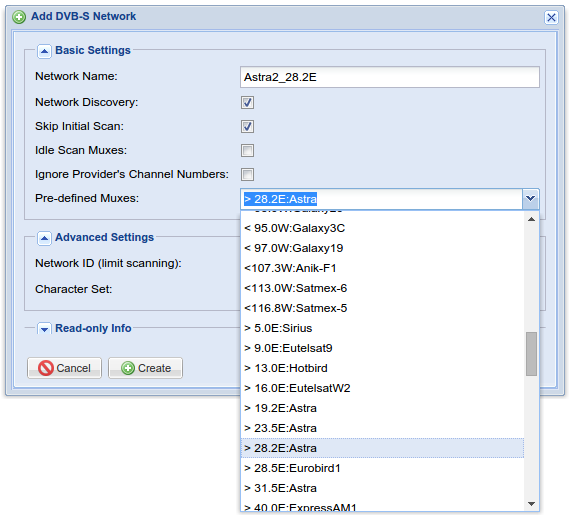
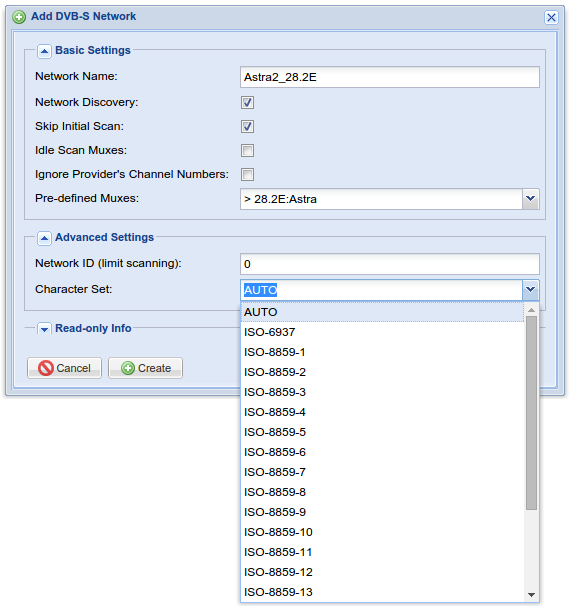
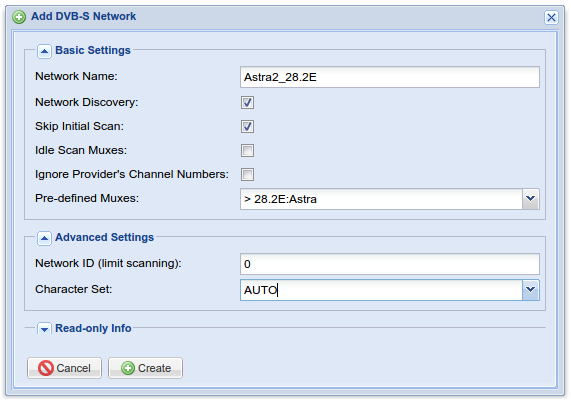
Click on "Create"

Do this for each Satellite
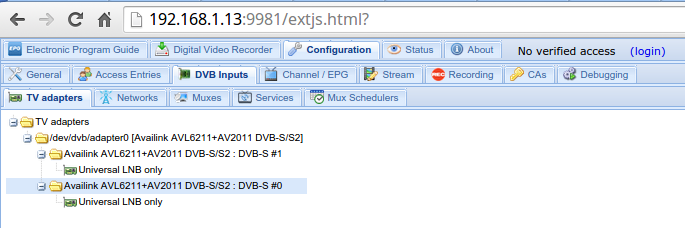
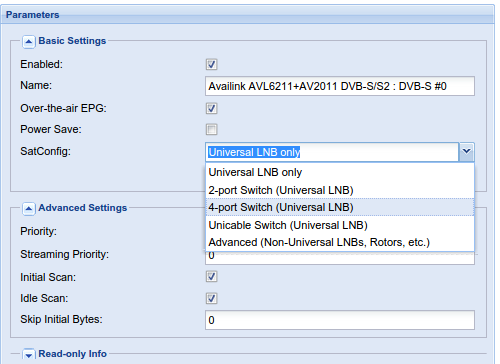
I have a 4-port Switch
Don't forget to check "Enabled"
Click on save
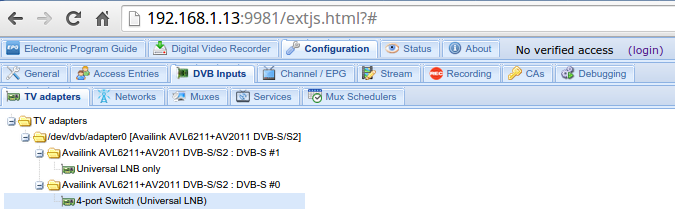
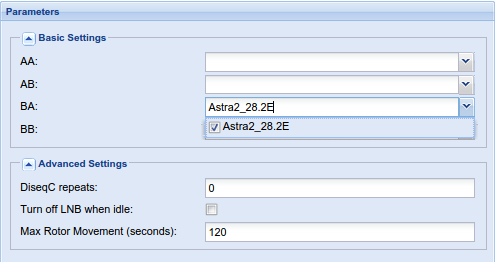
i have Astra2 on LNB 3
Click on save
go back to networks
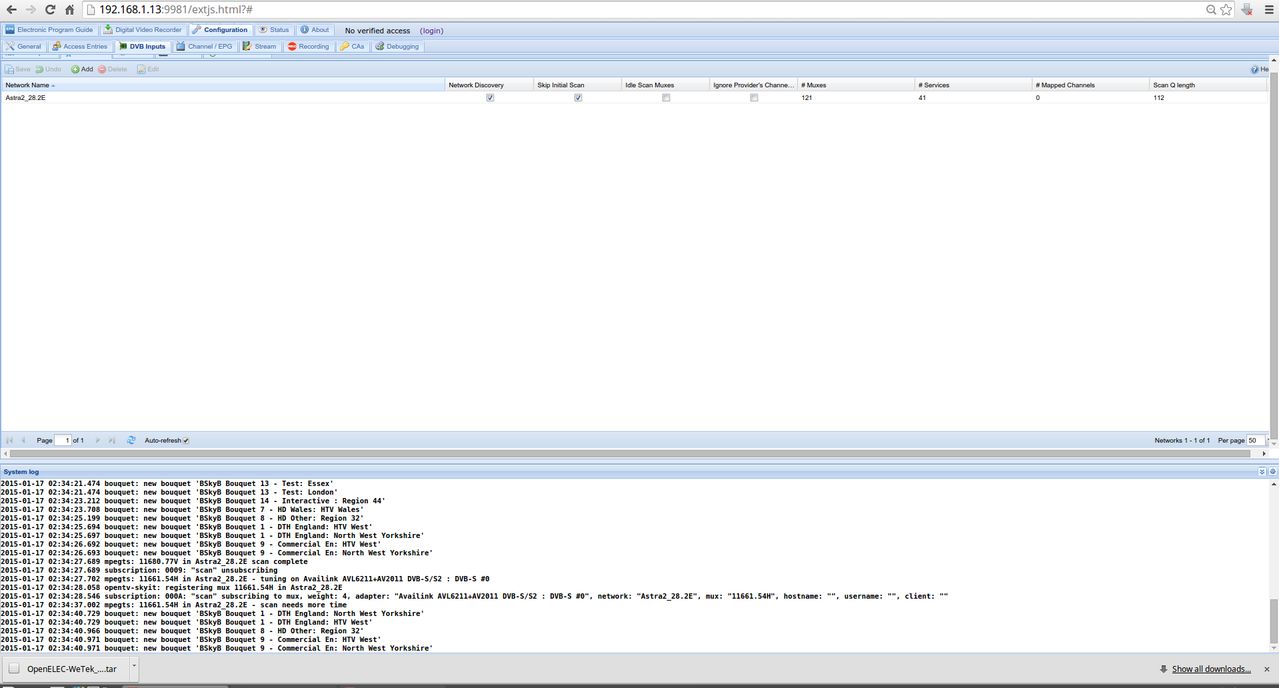
it just takes a while, have patience

this looks good we need now only need to map the free to air channel

Goto Services and click then on Map All
[03]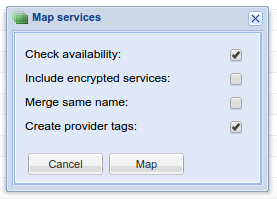
and click on Map

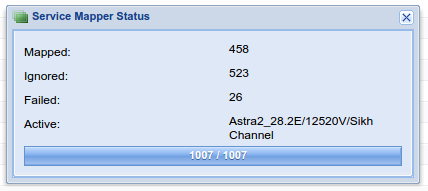
we are here done :)
for this [TUTORIAL] you need a smartcard reader the http://www.hidglobal.com/products/readers/omnikey and a working smartcard from your provider
[01] Install tvheadend
[02] config tvheadend addon
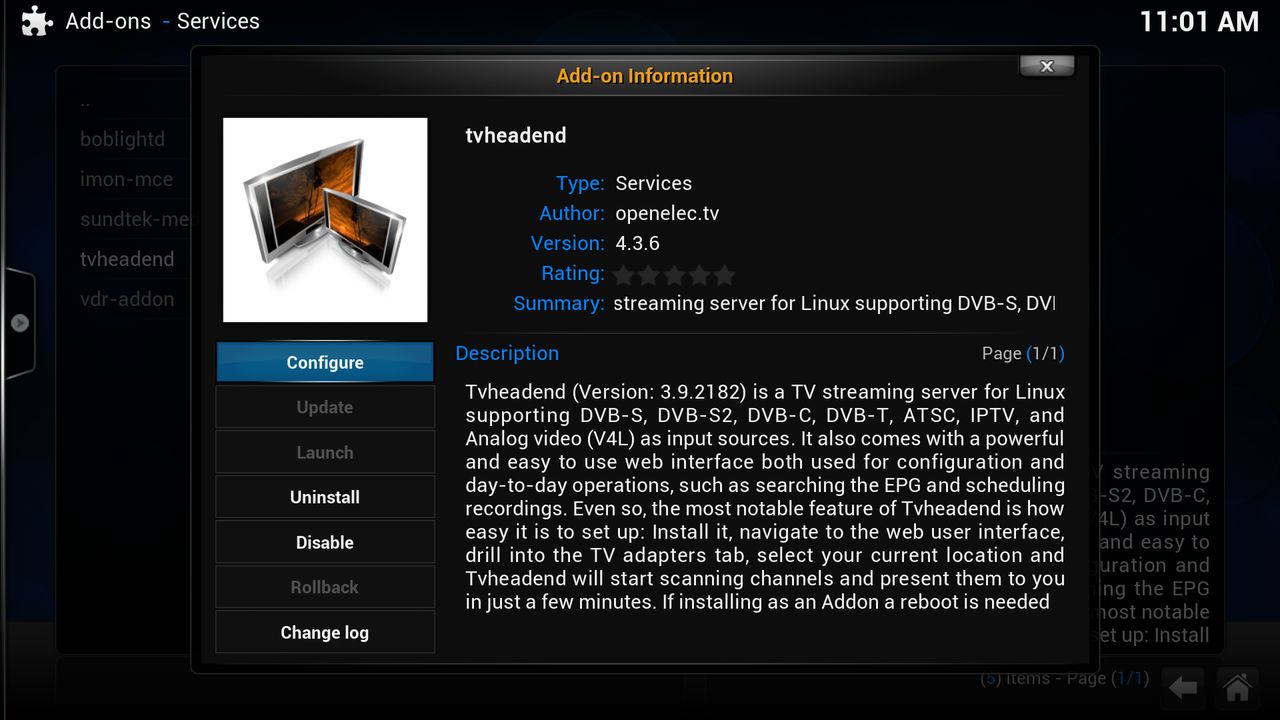
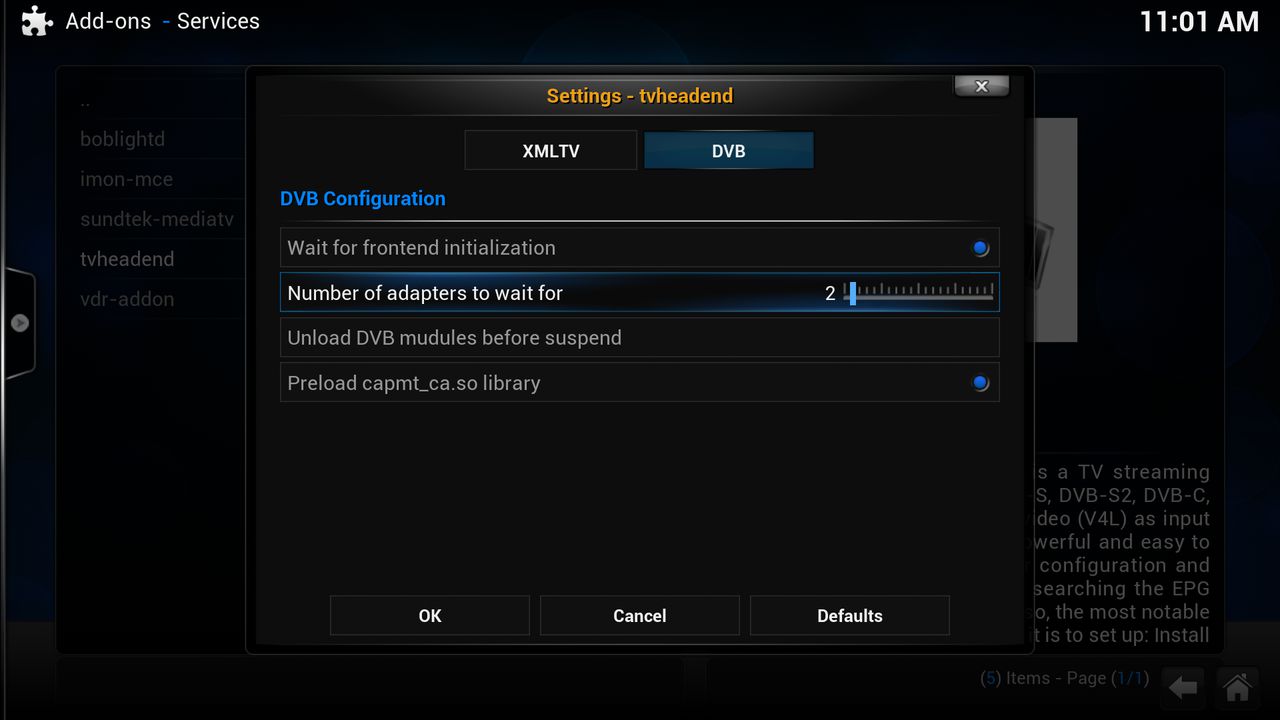
Wait- for frontend initialization if you have 2 tuners active then can you do it on by one you can it let it off
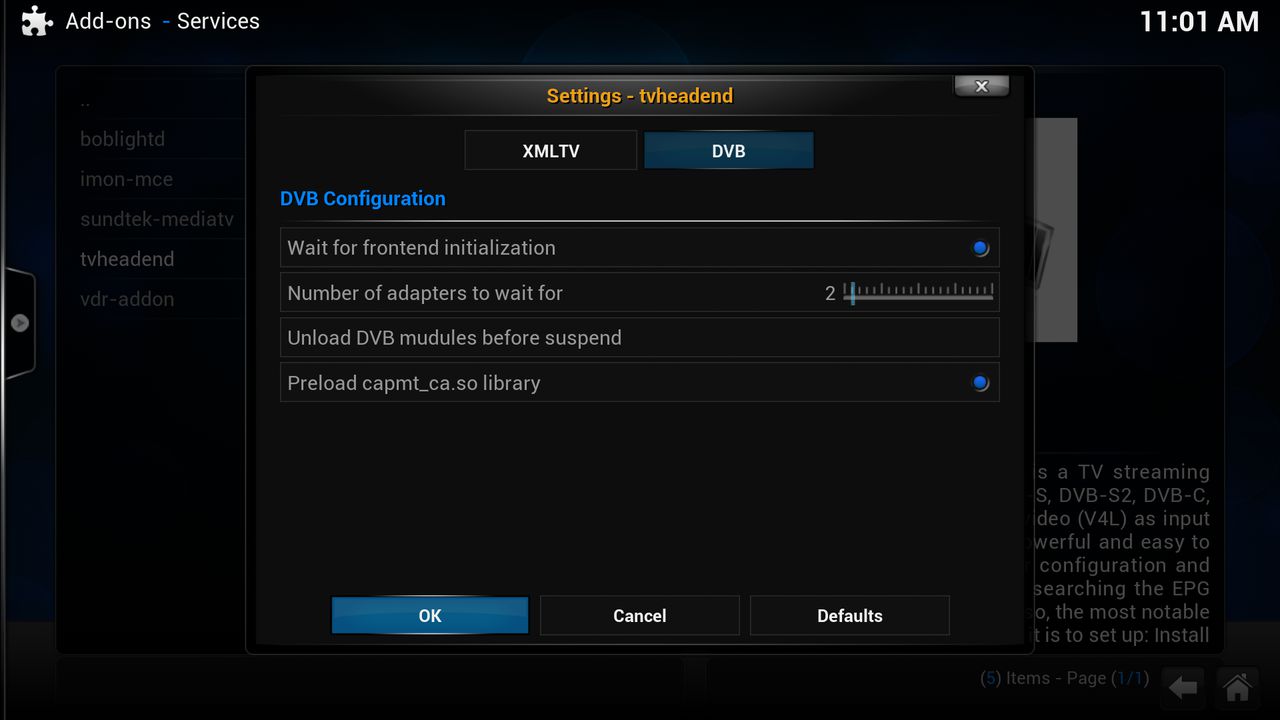
[03] Install pcscd-addon
[04] Install Oscam
[05] Config Oscam addon
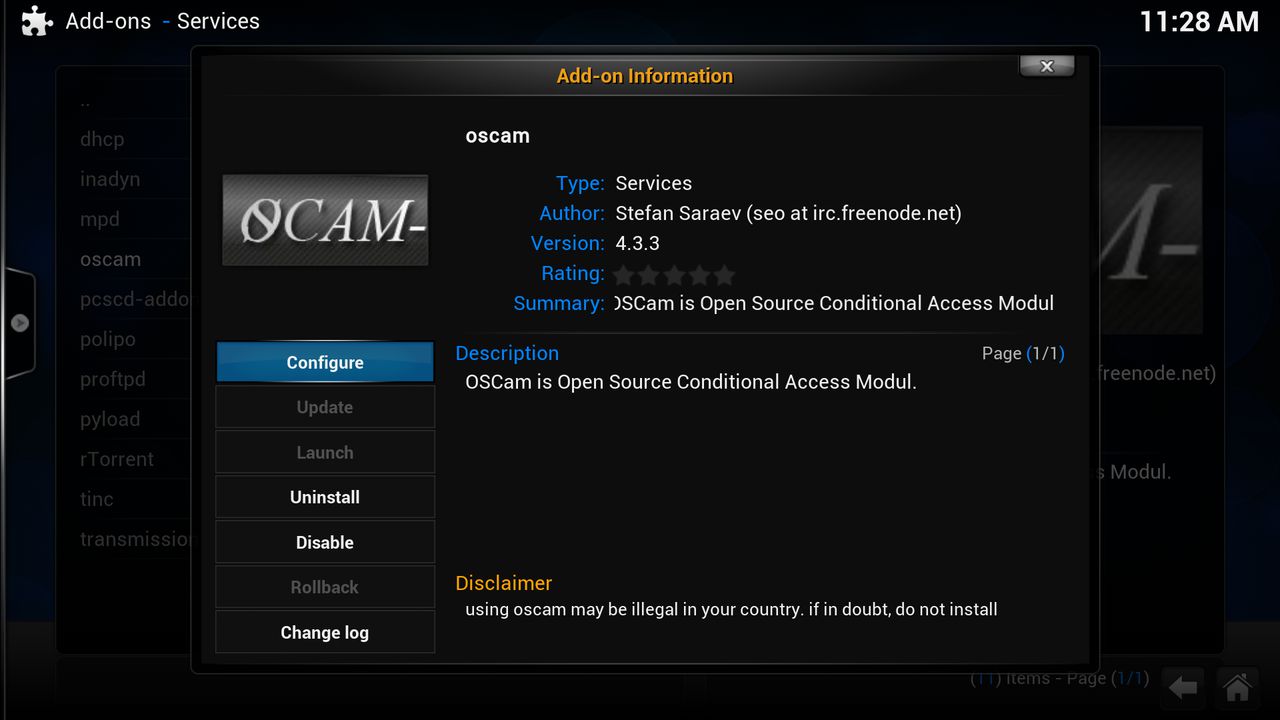
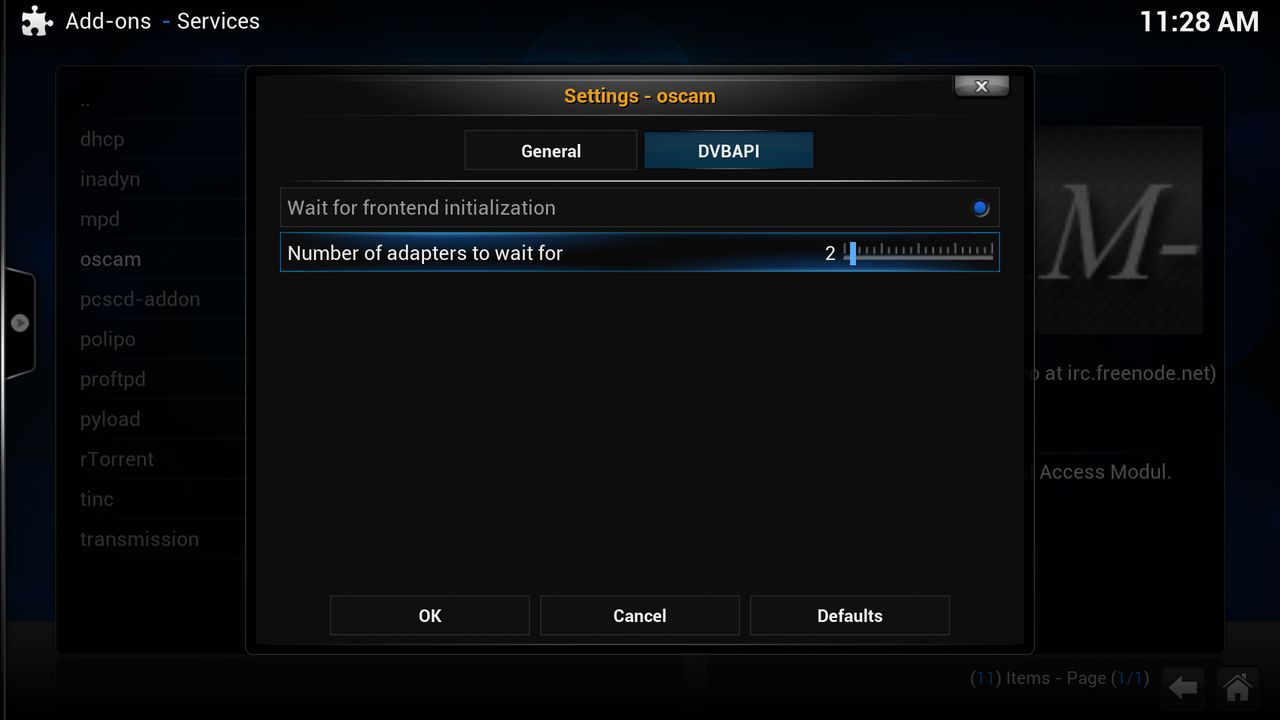
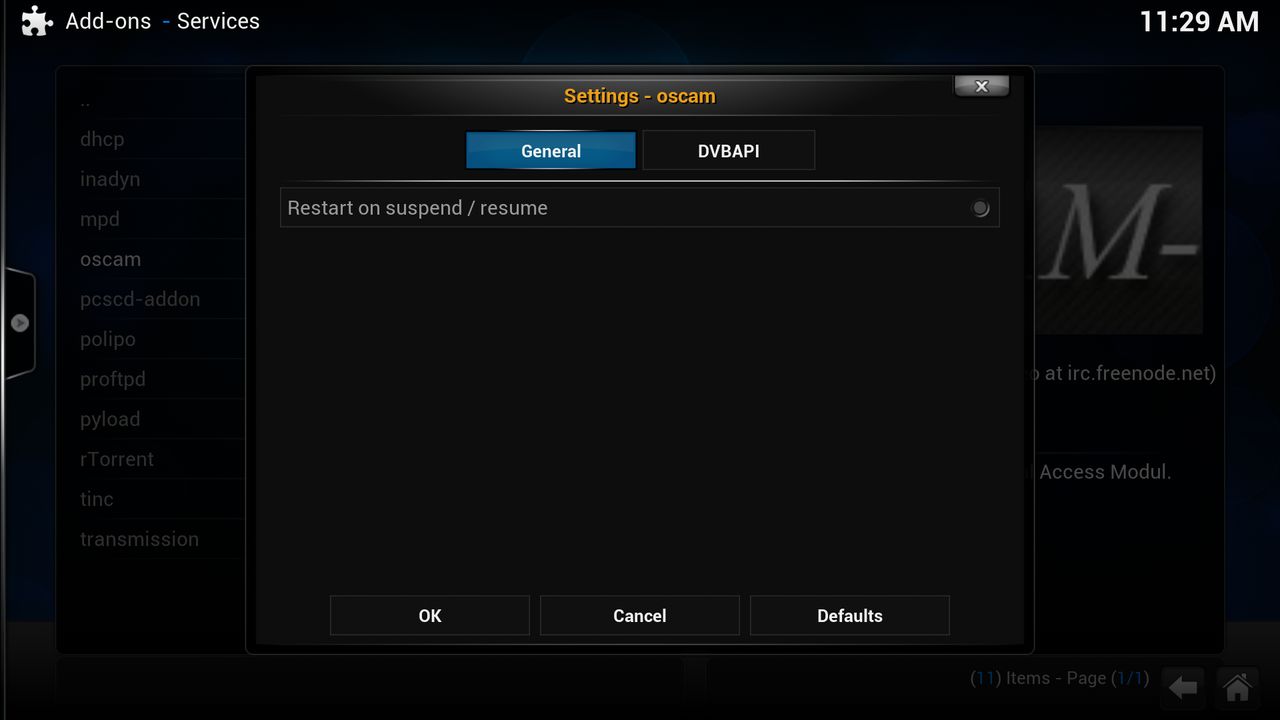
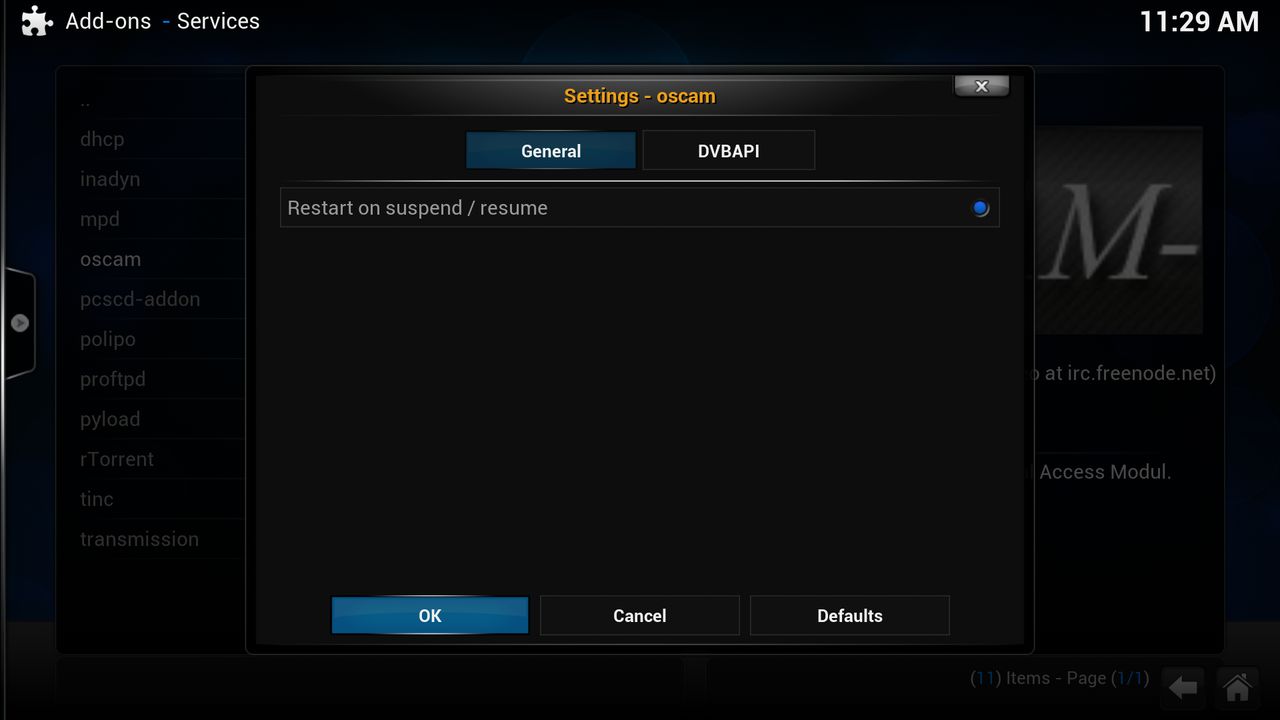
[06] Config Tvheadend follow step [01] and [02] from this http://linuxsat-support.com/showthread.php?t=78016&p=255691#post255691

Click on Configuration then on CAs

Click on "Add"
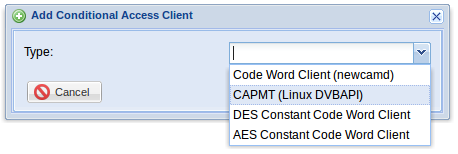
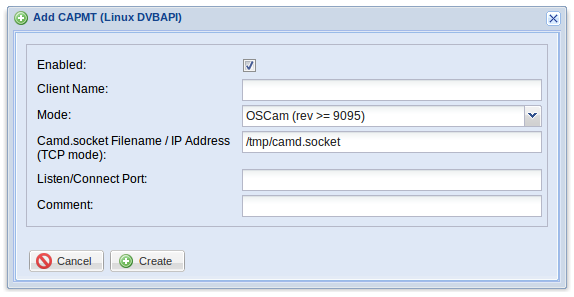
Don't forget check "Enabled"
Click on "Create"

if you get this restart your wetek

if you see now this then we are done with this config
[07] Config Oscam
change now the port number in :8888
(change ip in your ip :8888)
Quoteinlog name = oscam
password = oscam

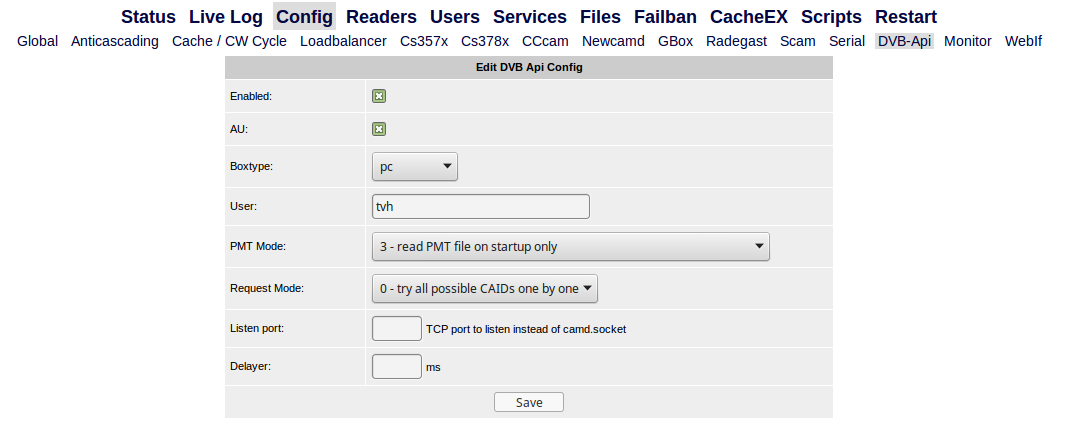
click on save

click on "Ädd"
[reader]
label = Reader-0
protocol = pcsc
device = 0
mhz = 480
cardmhz = 369
caid  = 0100
detect  = cd
ident  = 0100:000000,00006A
group  = 1
auprovid = 00006A
emmcache  = 1,1,2
this is for my Dutch Canaldigitaal saca 3 card
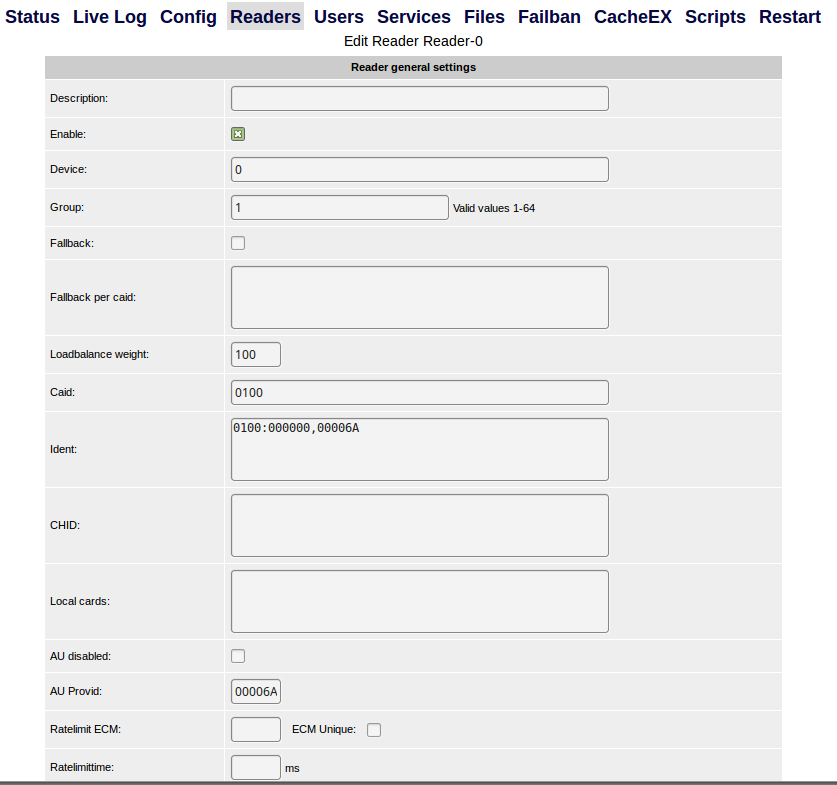
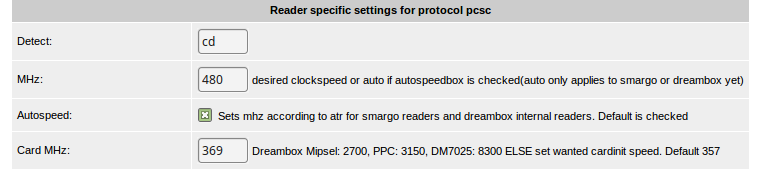
then click on save

click on "Add"
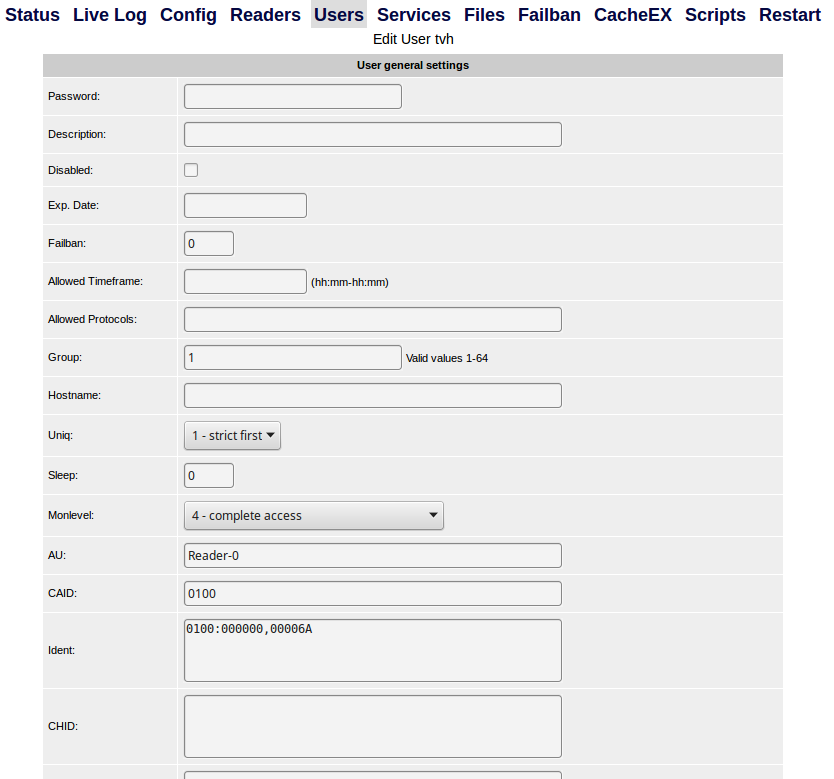
then click on save
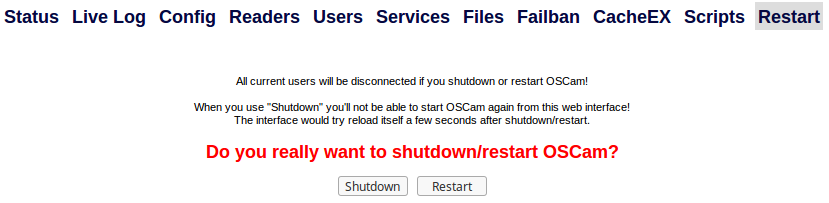
click on restart
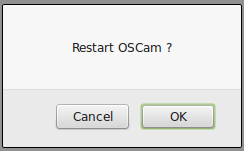
Click on "OK"
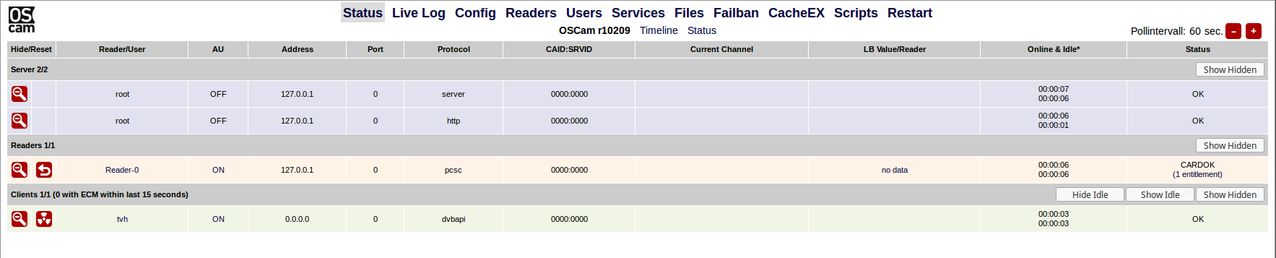
QuoteDisplay More
2015/01/17 14:50:08 0 s >> OSCam << cardserver started, version 1.20-unstable_svn, build r10209 (armv7a-openelec-linux-gnueabi)
2015/01/17 14:50:08 0 s System name = Linux
2015/01/17 14:50:08 0 s Host name = OpenELEC-WeTek
2015/01/17 14:50:08 0 s Release = 3.10.61
2015/01/17 14:50:08 0 s Version = #1 SMP PREEMPT Sat Jan 17 12:41:59 CET 2015
2015/01/17 14:50:08 0 s Machine = armv7l
2015/01/17 14:50:08 0 s creating pidfile /tmp/.oscam/oscam.pid with pid 5574
2015/01/17 14:50:08 0 s services reloaded: 0 services freed, 0 services loaded, rejected 0
2015/01/17 14:50:08 0 s userdb reloaded: 1 accounts loaded, 0 expired, 0 disabled
2015/01/17 14:50:08 0 s signal handling initialized
2015/01/17 14:50:08 0 s monitor: initialized (fd=6, port=988)
2015/01/17 14:50:08 0 s Reader-0 [pcsc] creating thread for device 0
2015/01/17 14:50:08 0 s loadbalancer: can't read from file /tmp/.oscam/stat
2015/01/17 14:50:08 0 s waiting for local card init
2015/01/17 14:50:08 12FBD8 r Reader-0 [pcsc] Reader initialized (device=0, detect=cd, mhz=480, cardmhz=369)
2015/01/17 14:50:08 B6200468 h webif: decompressed 157447 bytes back into 373152 bytes
2015/01/17 14:50:08 B6200468 h HTTP Server running. ip=0.0.0.0 port=8888
2015/01/17 14:50:09 12FBD8 r Reader-0 [pcsc] PCSC was opened with handle: 933042141
2015/01/17 14:50:09 12FBD8 r Reader-0 [pcsc] card detected
2015/01/17 14:50:09 12FBD8 r Reader-0 [pcsc] ATR: 3B F7 11 00 01 40 96 70 70 0A 0E 6C B6 D6
2015/01/17 14:50:10 12FBD8 r Reader-0 [pcsc] detect seca/nagra tunneled card
2015/01/17 14:50:10 12FBD8 r Reader-0 [pcsc] ATR: 3B FF 95 00 FF 50 80 1C 44 4E 41 53 50 34 30 30 20 52 65 76 49 34 41
2015/01/17 14:50:10 12FBD8 r Reader-0 [pcsc] Nagra layer found
2015/01/17 14:50:10 12FBD8 r Reader-0 [pcsc] Rom revision: DNASP400 RevI4A
2015/01/17 14:50:10 12FBD8 r Reader-0 [pcsc] ATR: 3B F7 11 00 01 40 96 70 70 0A 0E 6C B6 D6
2015/01/17 14:50:10 12FBD8 r Reader-0 [pcsc] type: SECA, caid: 0100, serial: #########, card: Mediaguard v10.0
2015/01/17 14:50:10 12FBD8 r Reader-0 [pcsc] found card system seca
2015/01/17 14:50:10 12FBD8 r Reader-0 [seca] THIS WAS A SUCCESSFUL START ATTEMPT No 1 out of max alloted of 1
2015/01/17 14:50:10 12FBD8 r Reader-0 [seca] Request provider 1
2015/01/17 14:50:10 12FBD8 r Reader-0 [seca] provider 1: 0000, valid: 1, name: MANAGMENT, expiry date: 2015/02/27
2015/01/17 14:50:10 12FBD8 r Reader-0 [seca] SA: ########
2015/01/17 14:50:10 12FBD8 r Reader-0 [seca] PBM for provider 1: XXXXXXXXXXXXX
2015/01/17 14:50:10 12FBD8 r Reader-0 [seca] Request provider 2
2015/01/17 14:50:10 12FBD8 r Reader-0 [seca] provider 2: 006A, valid: 1, name: CANALDIGITAAL, expiry date: 2015/02/28
2015/01/17 14:50:10 12FBD8 r Reader-0 [seca] SA: ########
2015/01/17 14:50:10 12FBD8 r Reader-0 [seca] PBM for provider 2: XXXXXXXXXXXXXXXX
2015/01/17 14:50:11 0 s init for all local cards done
2015/01/17 14:50:11 0 s anti cascading disabled
2015/01/17 14:50:11 134FD8 c plain dvbapi-client granted (tvh, au=on (1 reader))
2015/01/17 14:50:11 0 >> OSCam << cardserver log switched, version 1.20-unstable_svn, build r10209 (armv7a-openelec-linux-gnueabi)
2015/01/17 14:50:11 134FD8 c dvbapi channelcache loaded from /storage/.kodi/userdata/addon_data/service.softcam.oscam/config/oscam.ccache
2015/01/17 14:50:11 134FD8 c [DVBAPI] Detected /dev/dvb/adapter0/demux0 Api: 0, userconfig boxtype: 11
click on "Live Log" then this you see
now gobach to tvheadend
Goto Services and click then on Map All
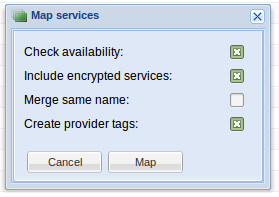
click on Map
now tvh map the fta and the encryped you can see on your card the other he want not map
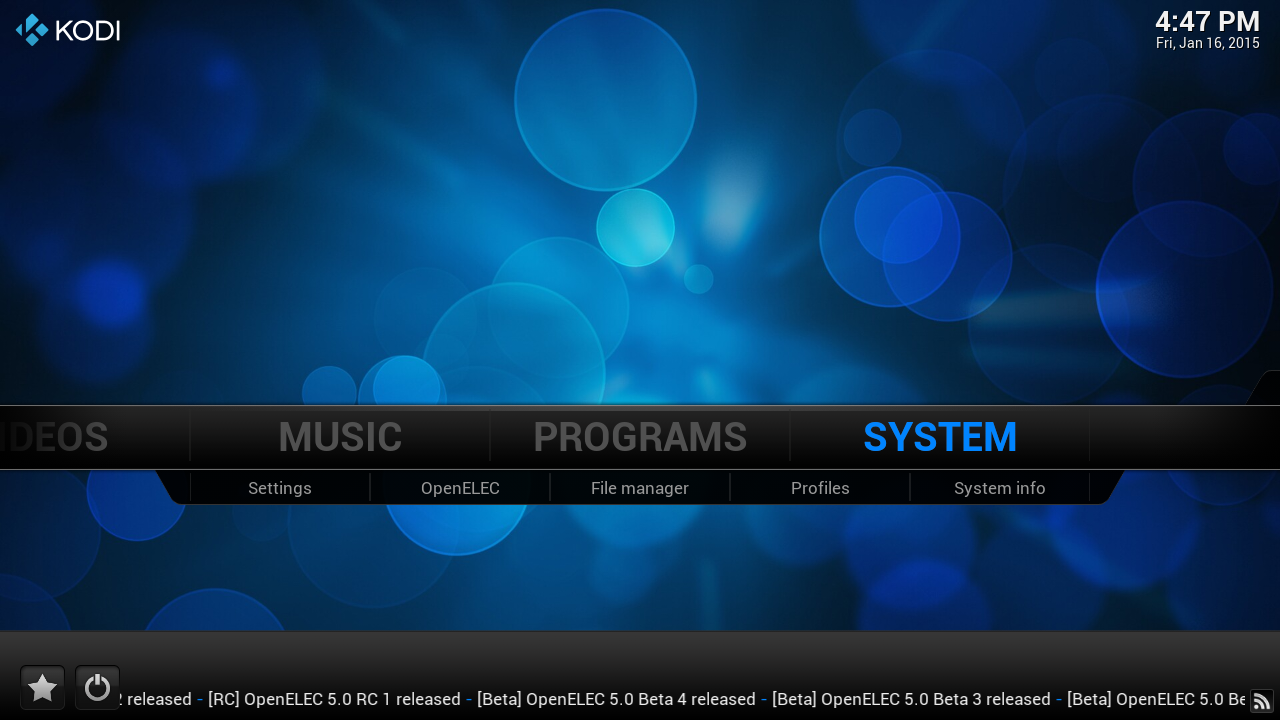
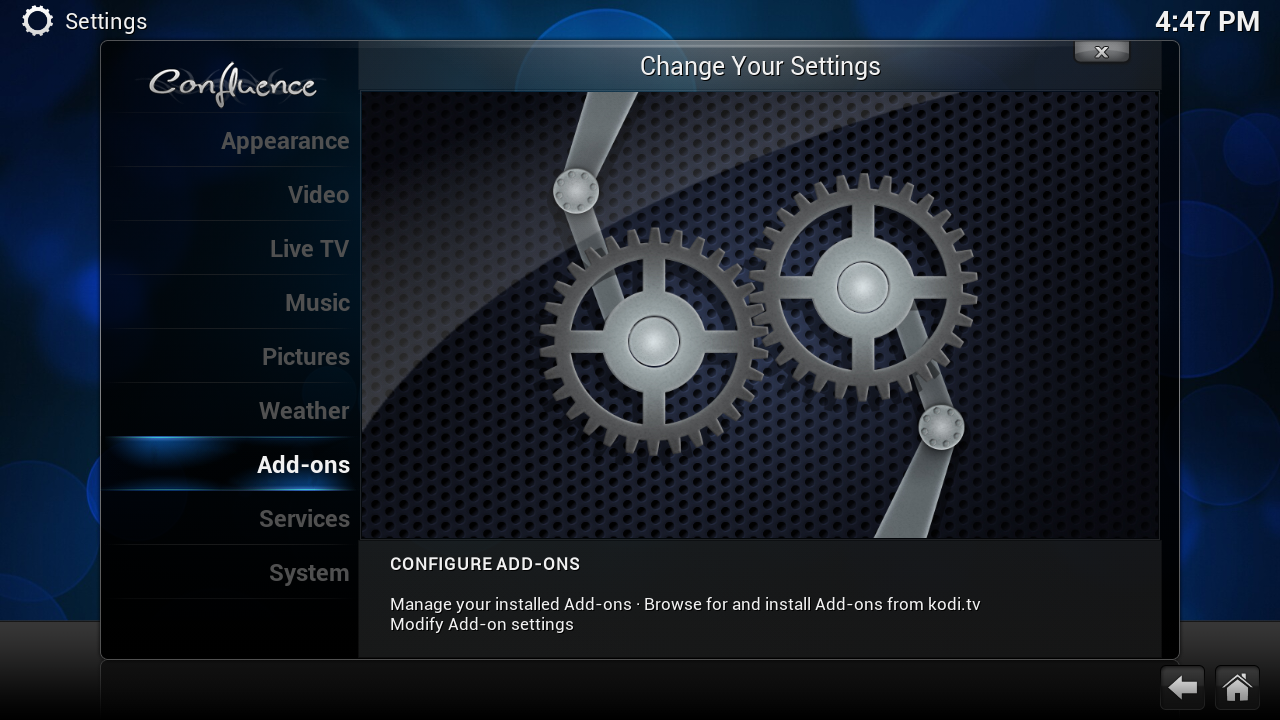
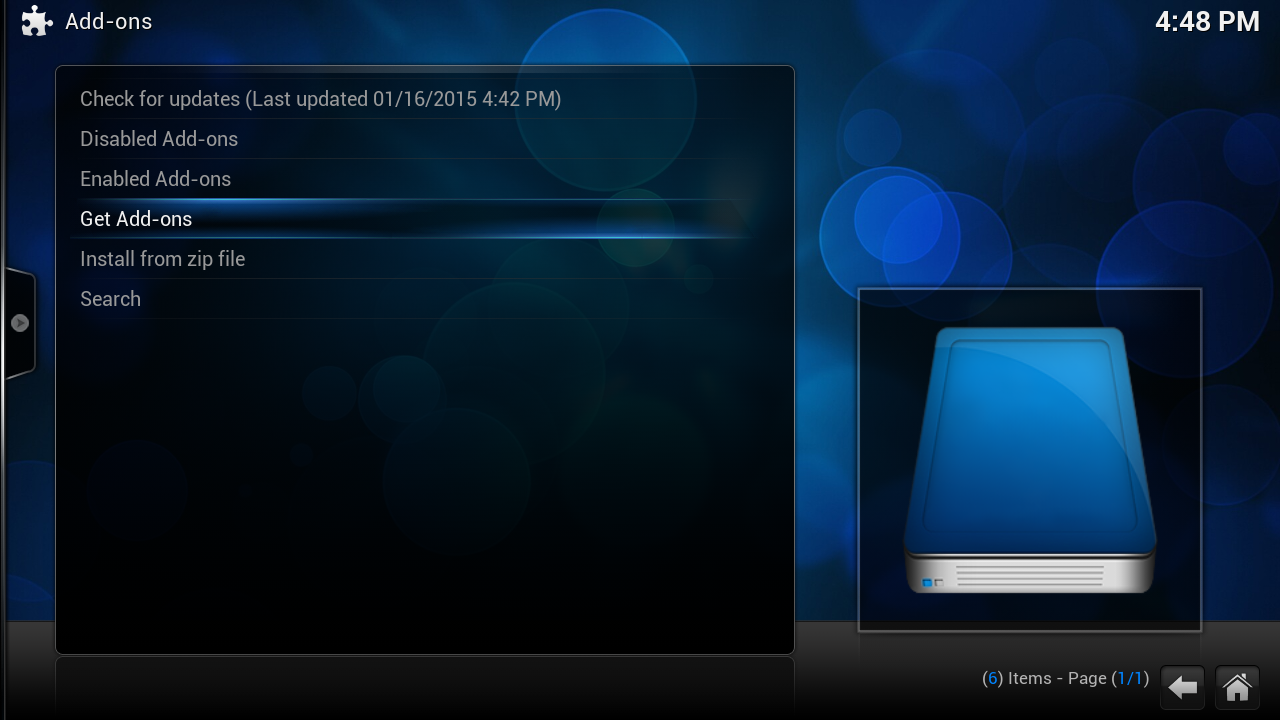
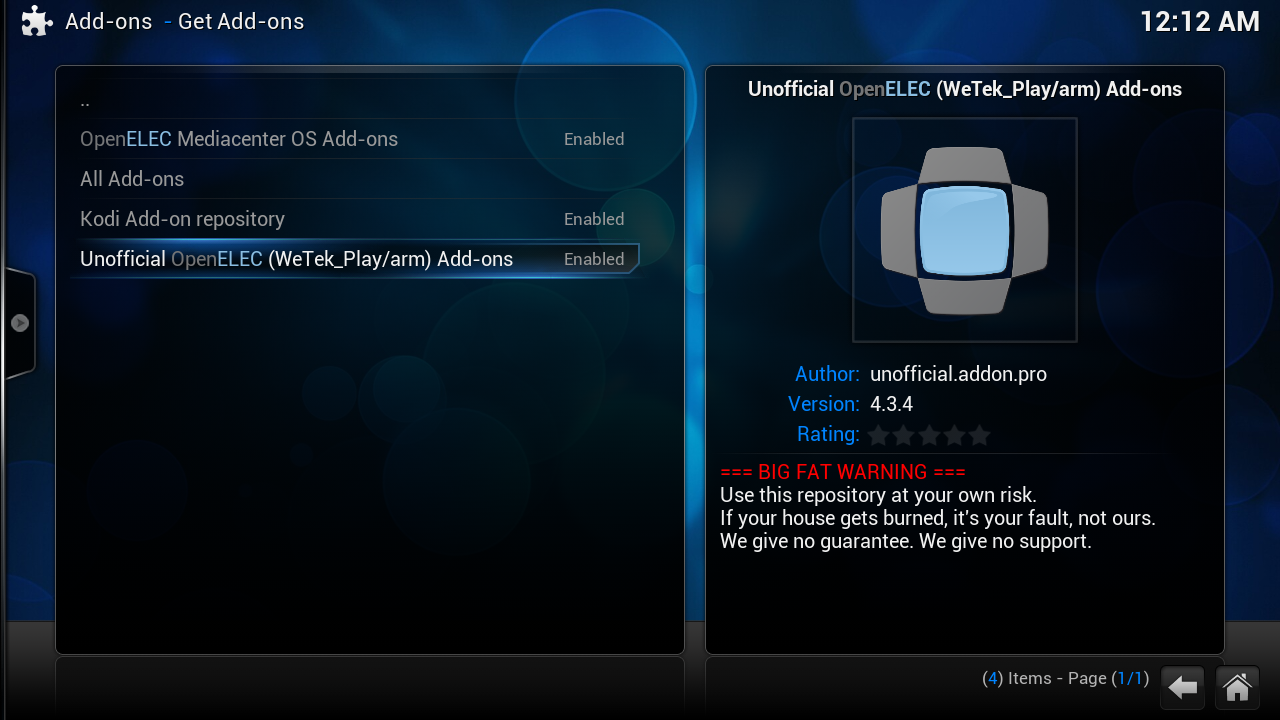
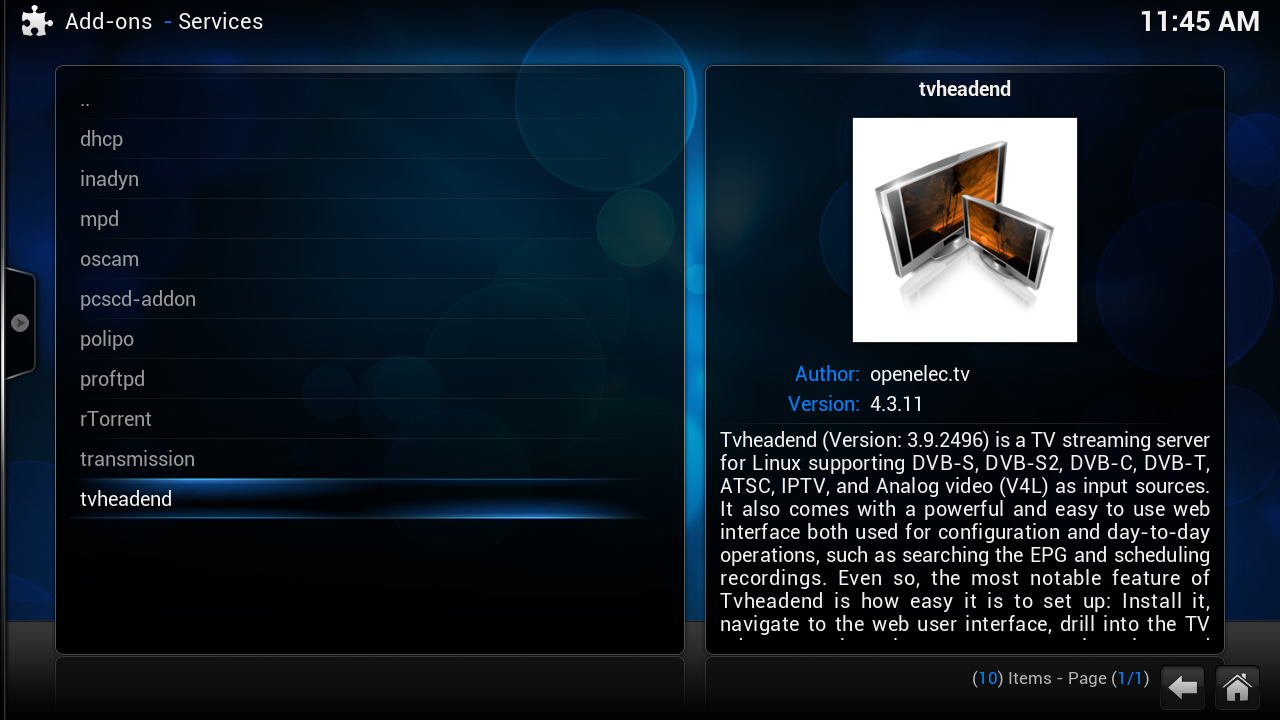
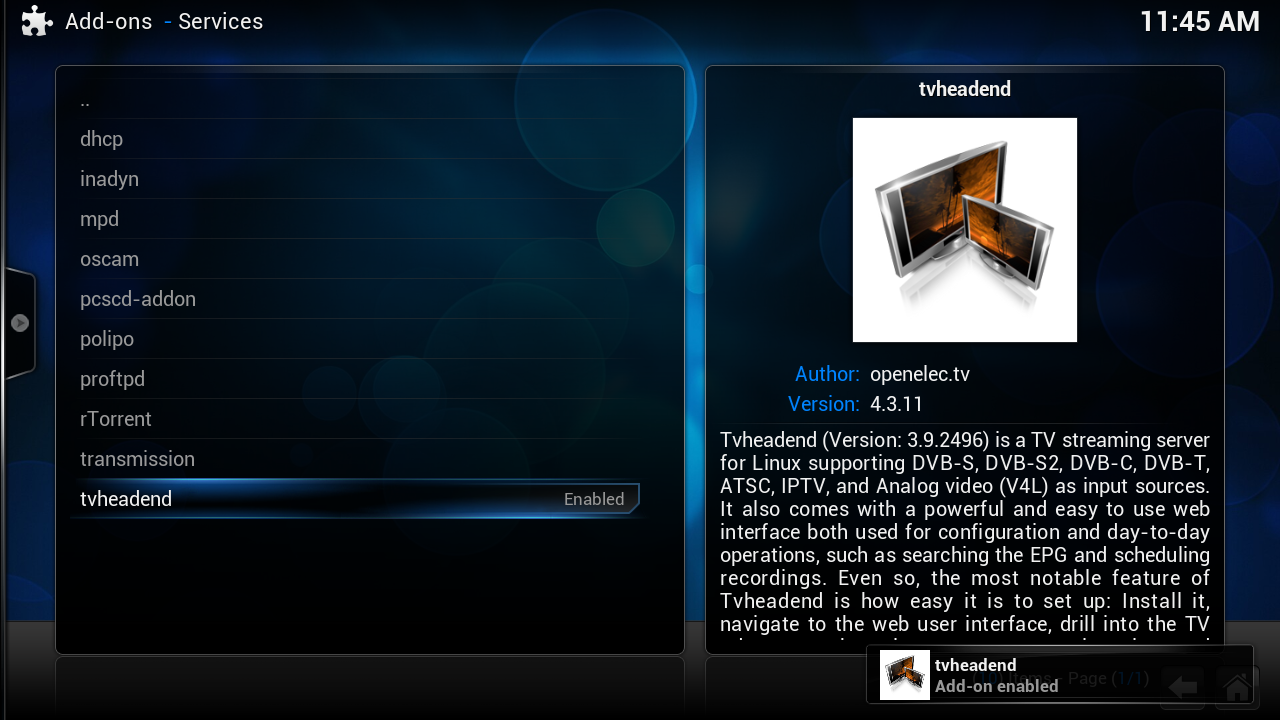
if you not have this in your menu goto here http://linuxsat-support.com/showthread.php?t=78011&p=255684#post2556
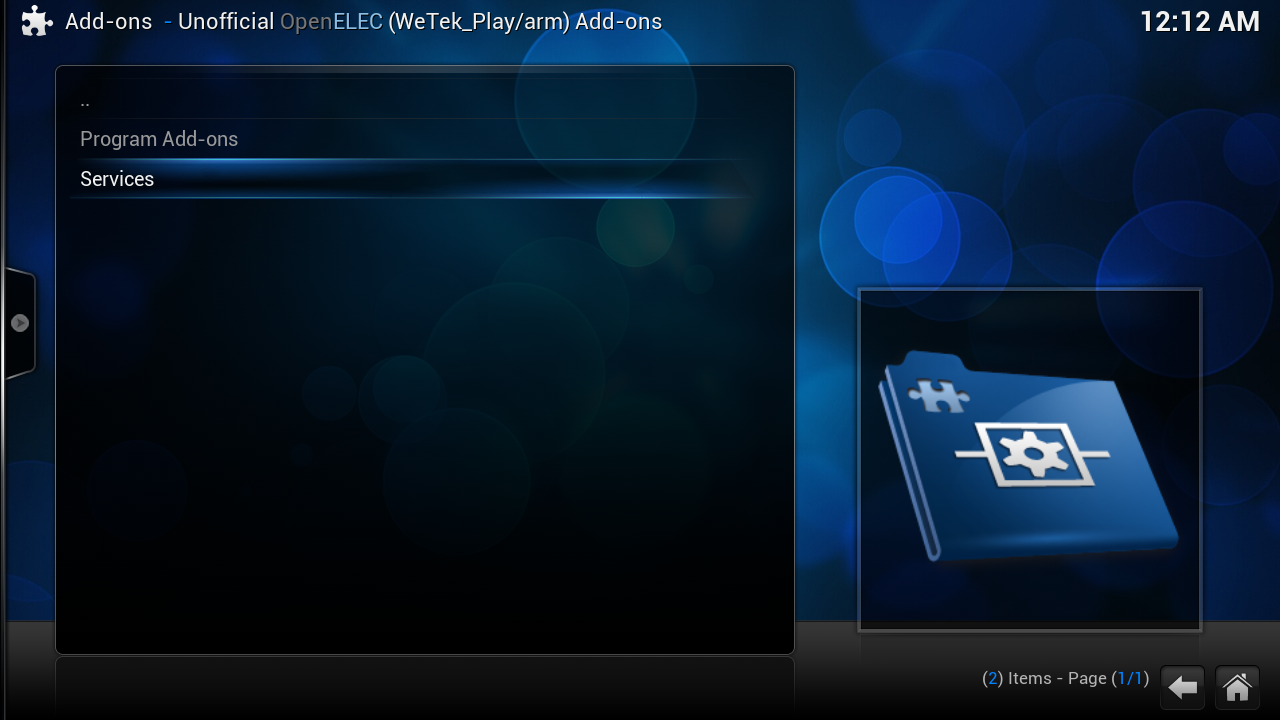
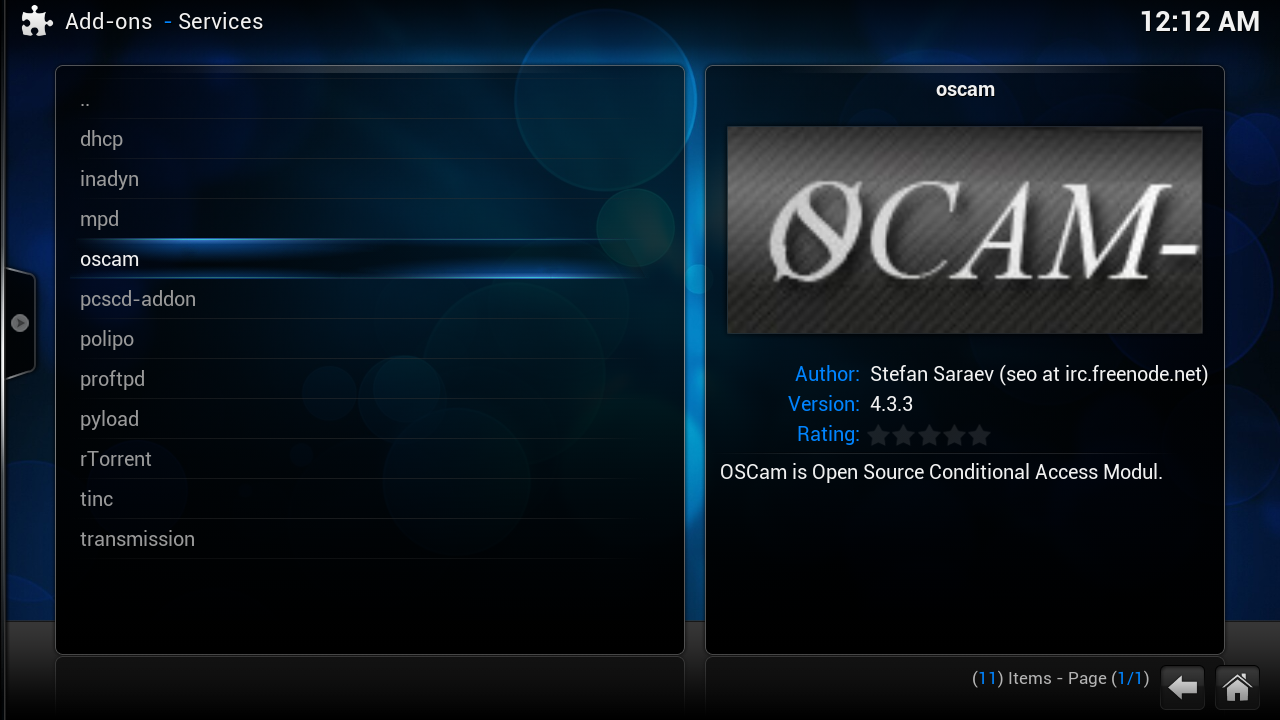
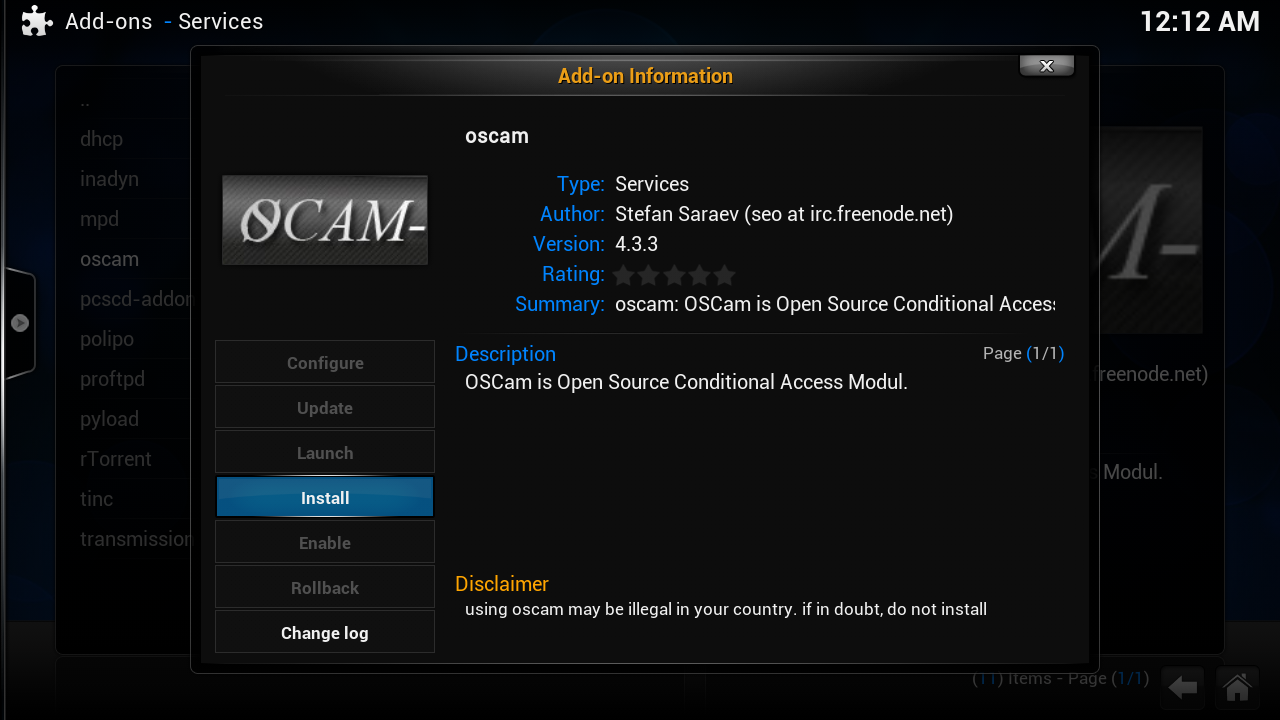
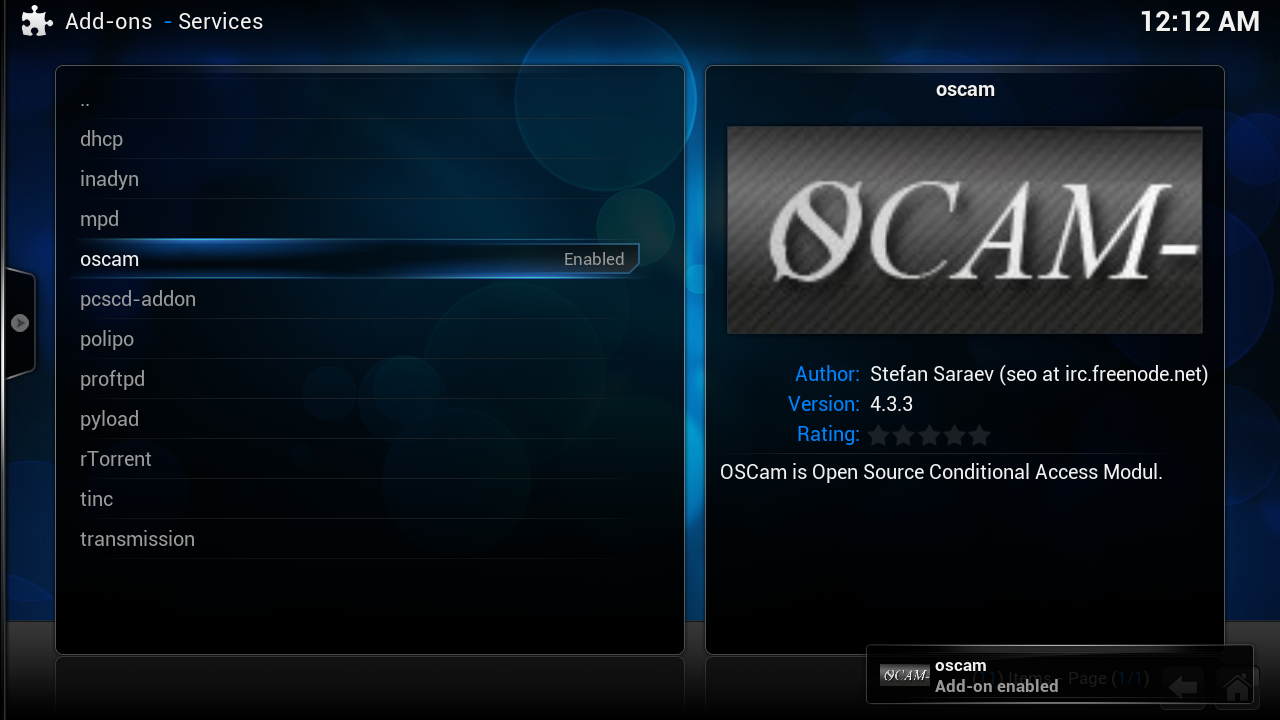
ths addon is for the omnikey card reader i use the "omnikey 3121-usb"
if you not have this in your menu goto here http://linuxsat-support.com/showthread.php?t=78011&p=255684#post2556
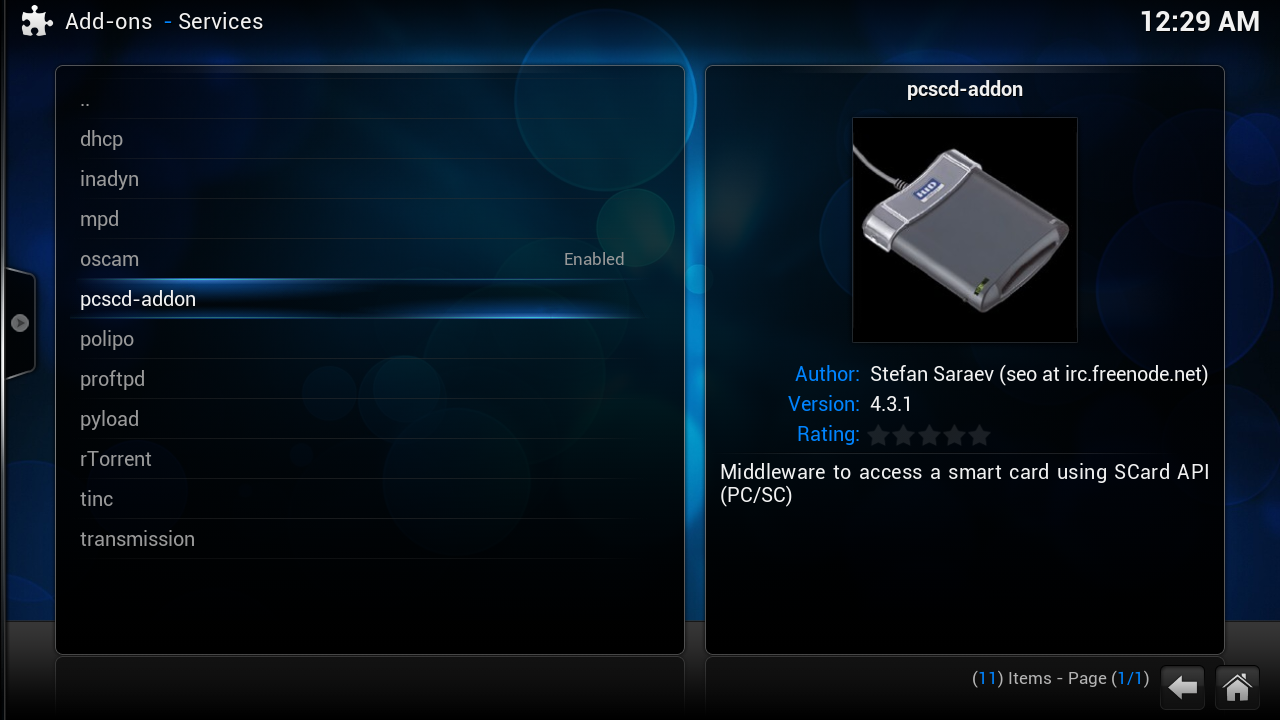
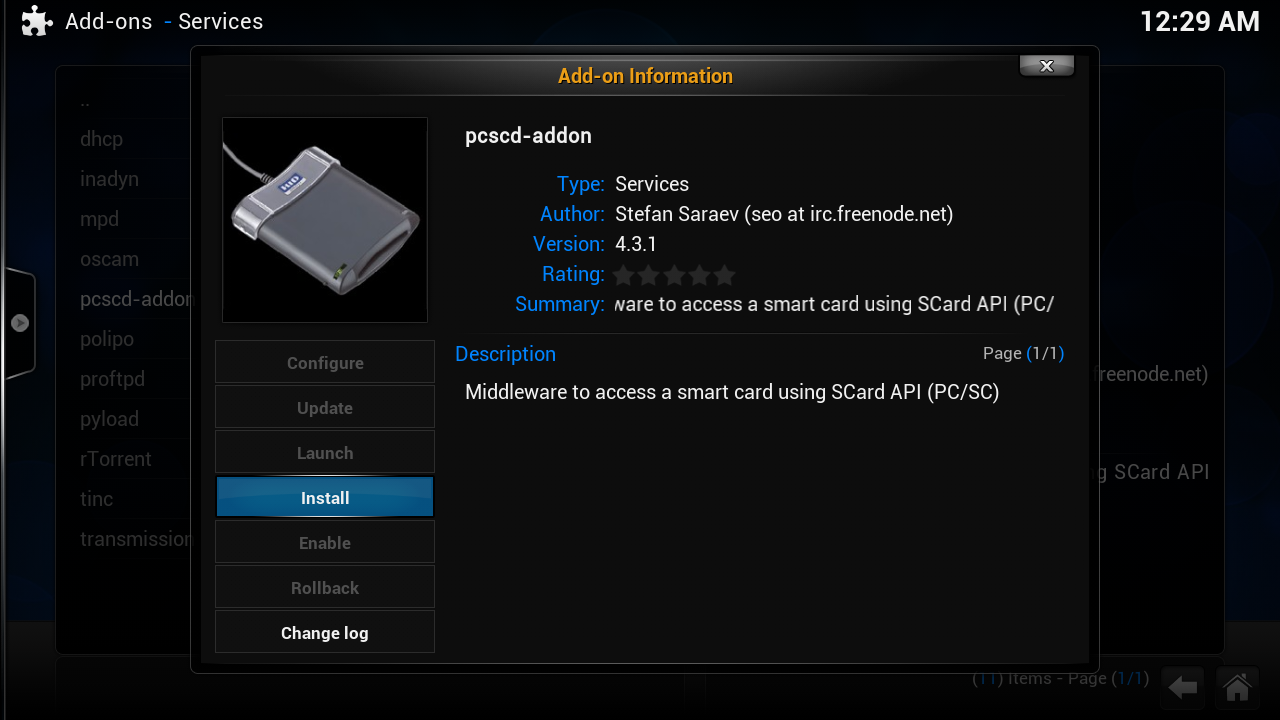
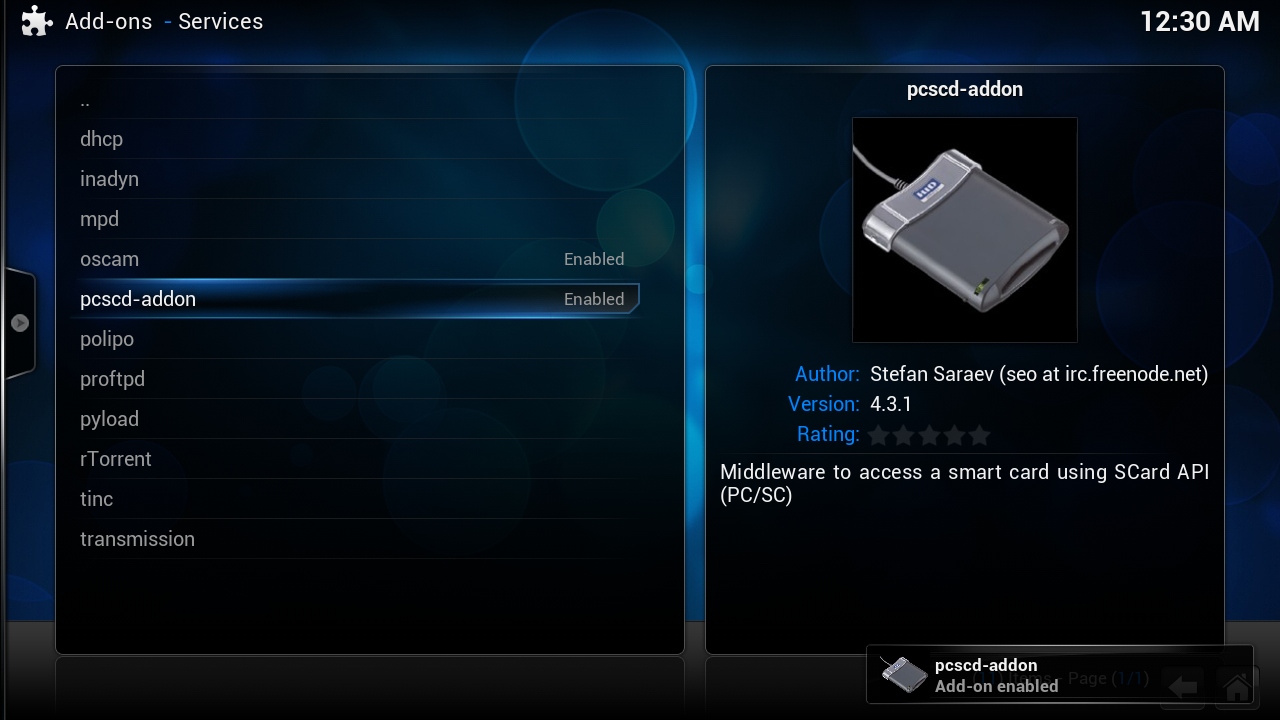
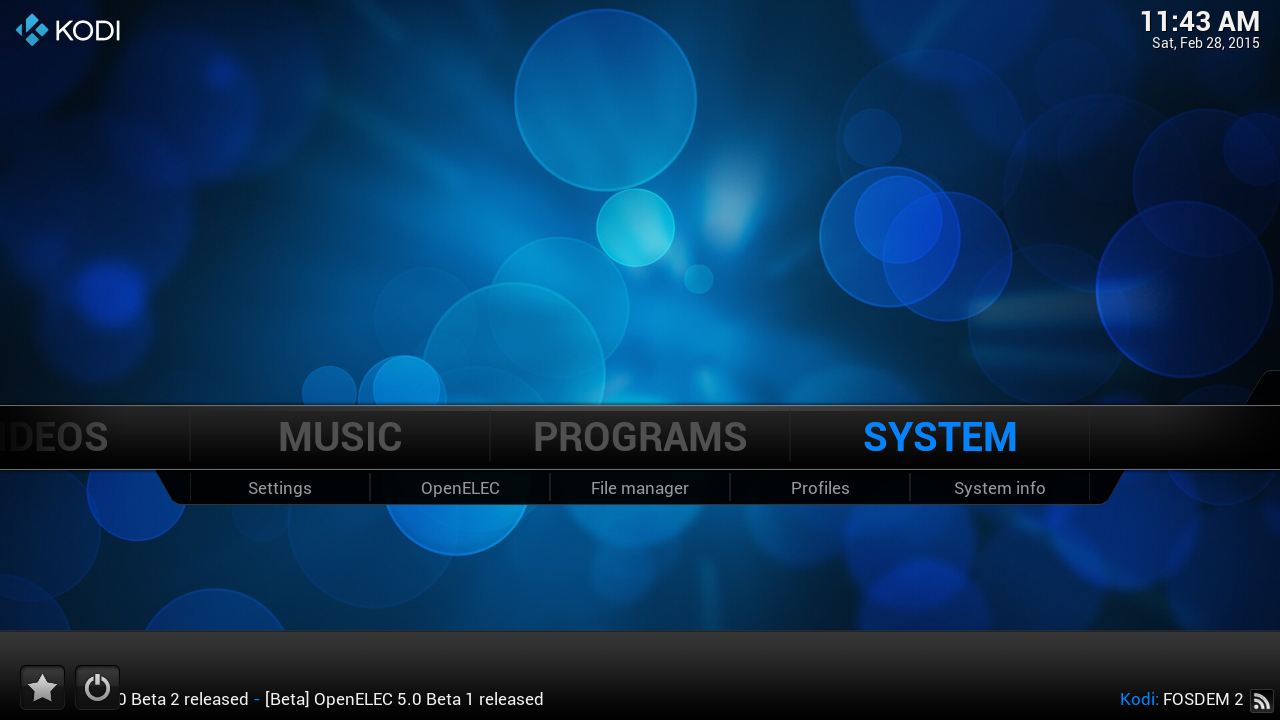
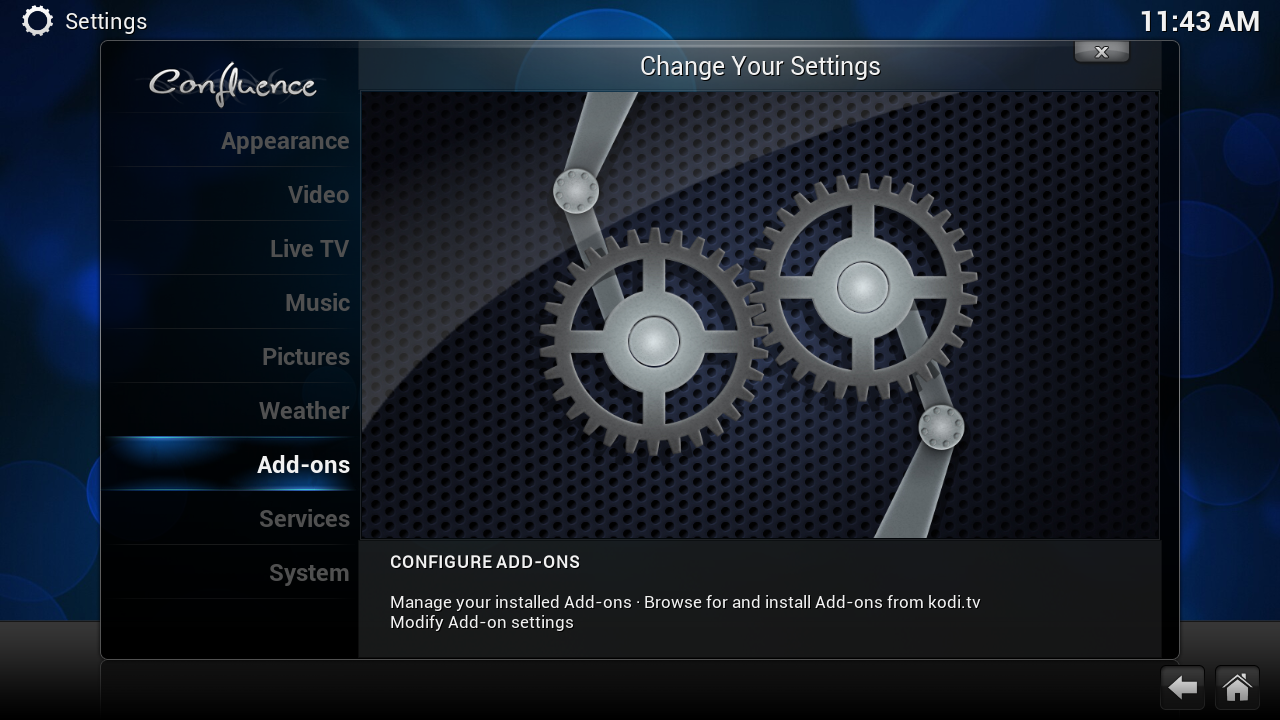
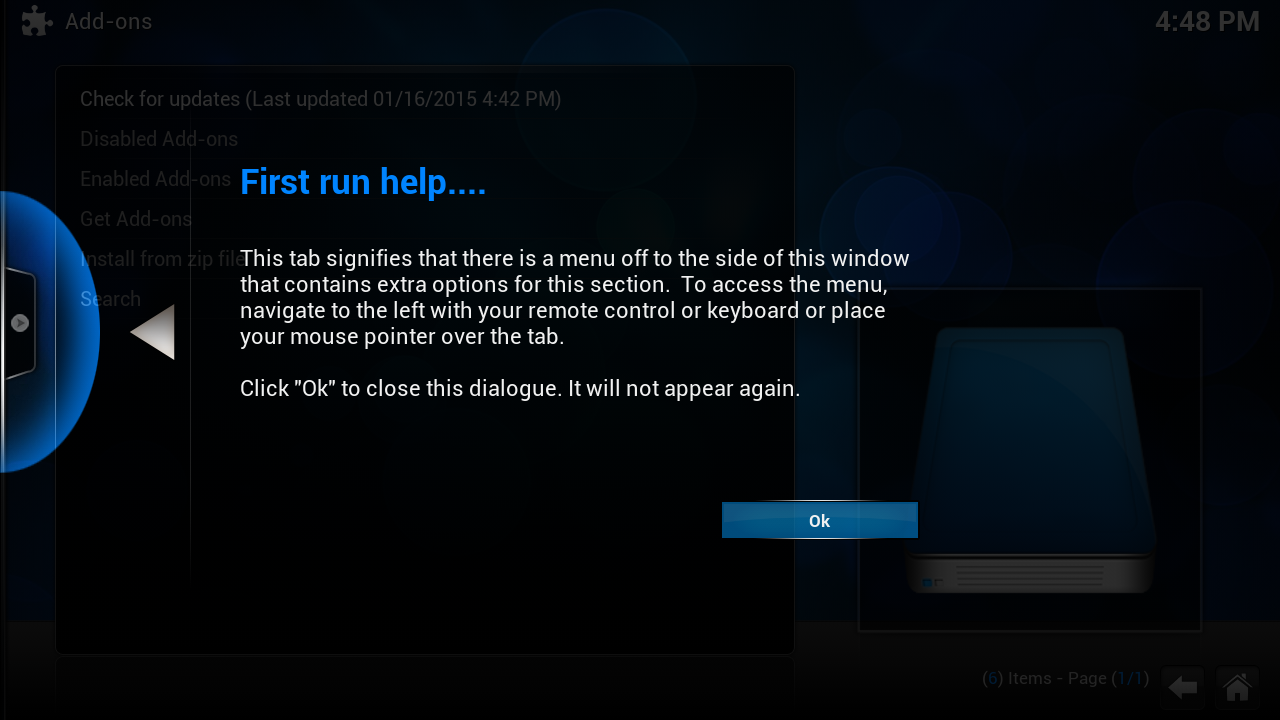
this screen you get the first time
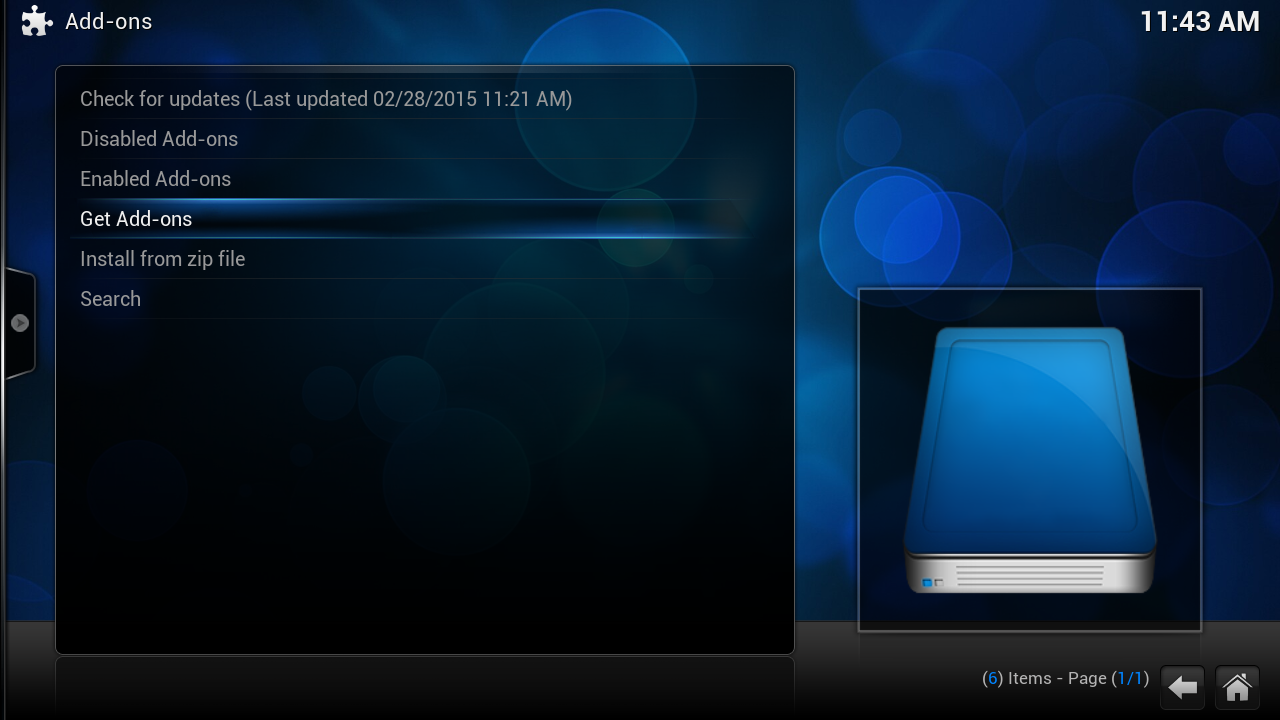
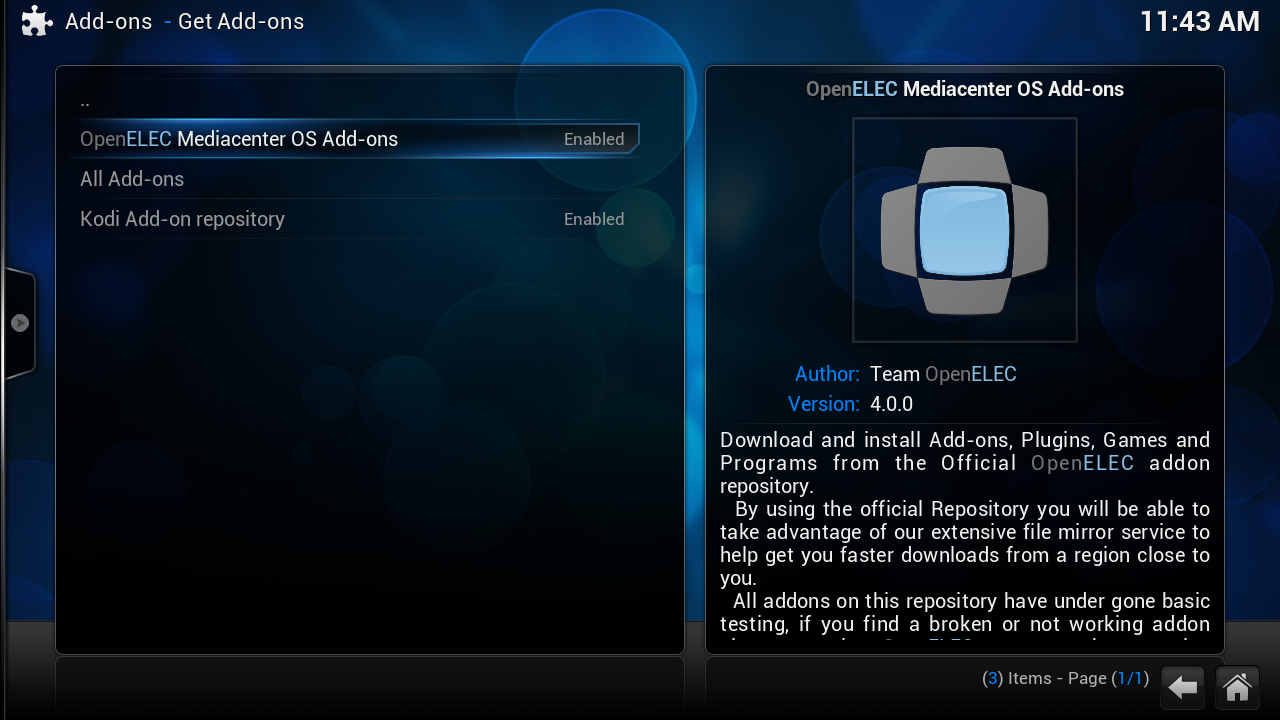
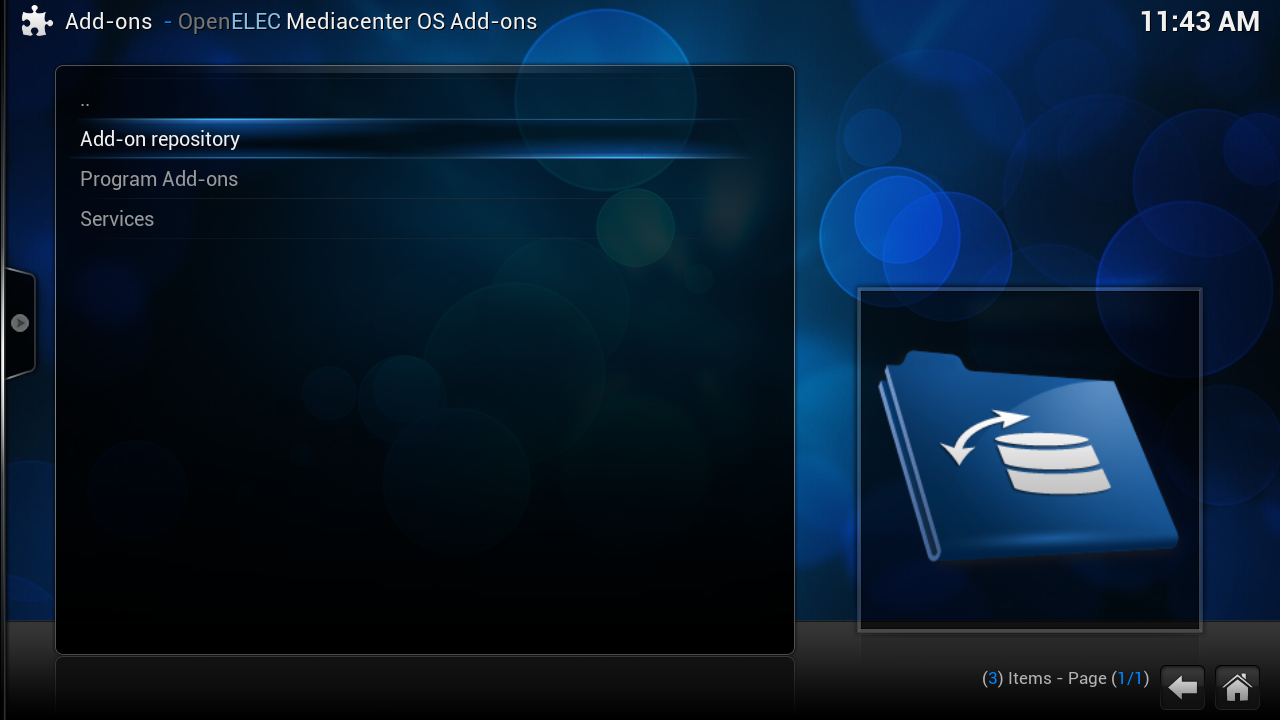

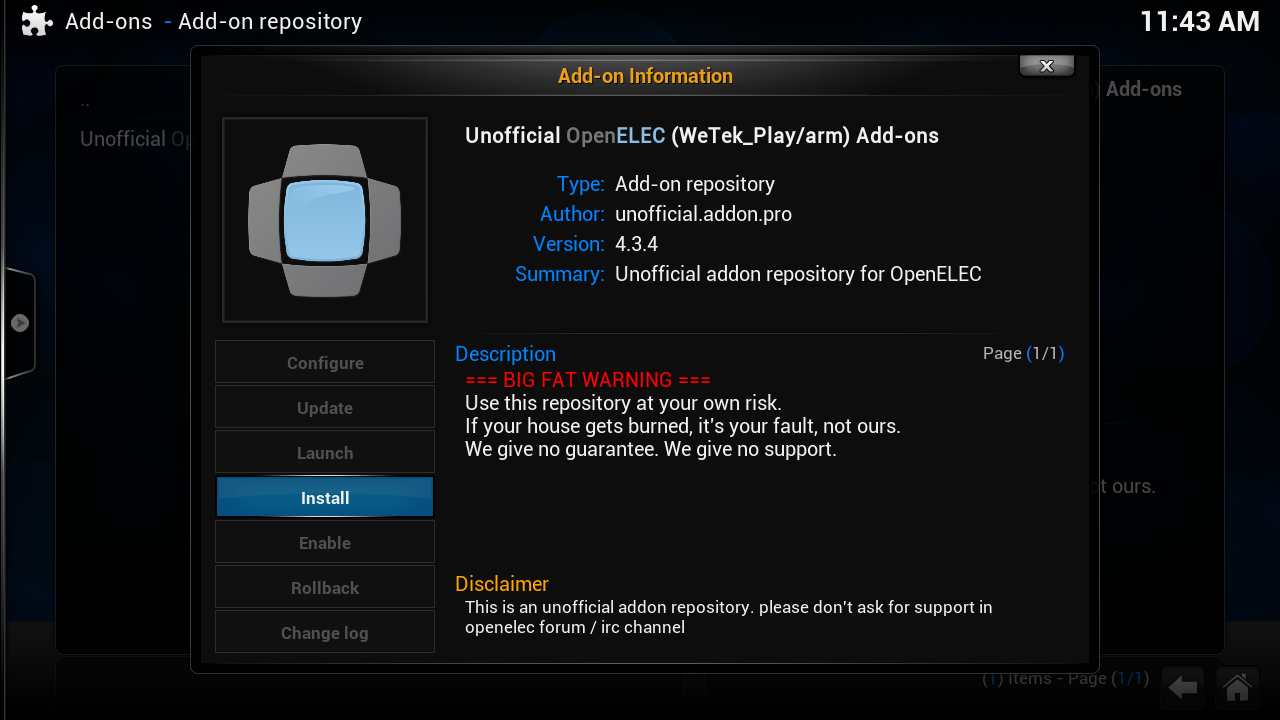

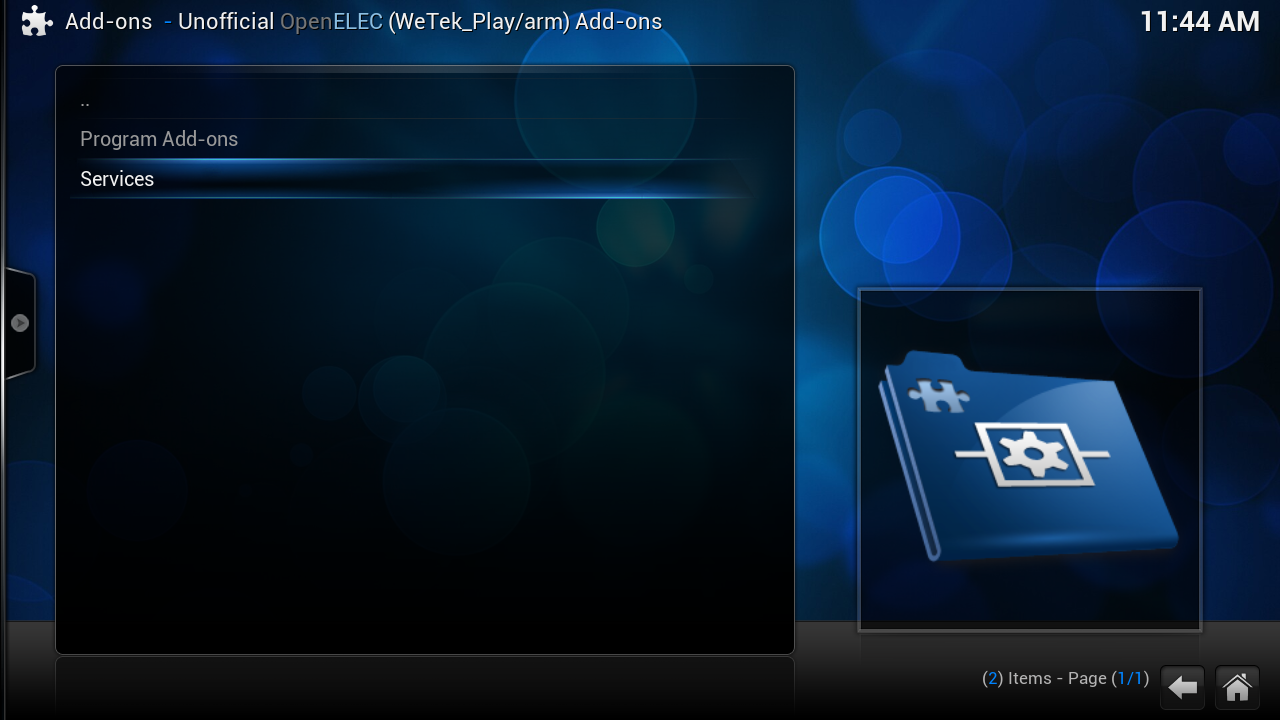
Press 2x on [escape] or click 2x on [..] (on the top)
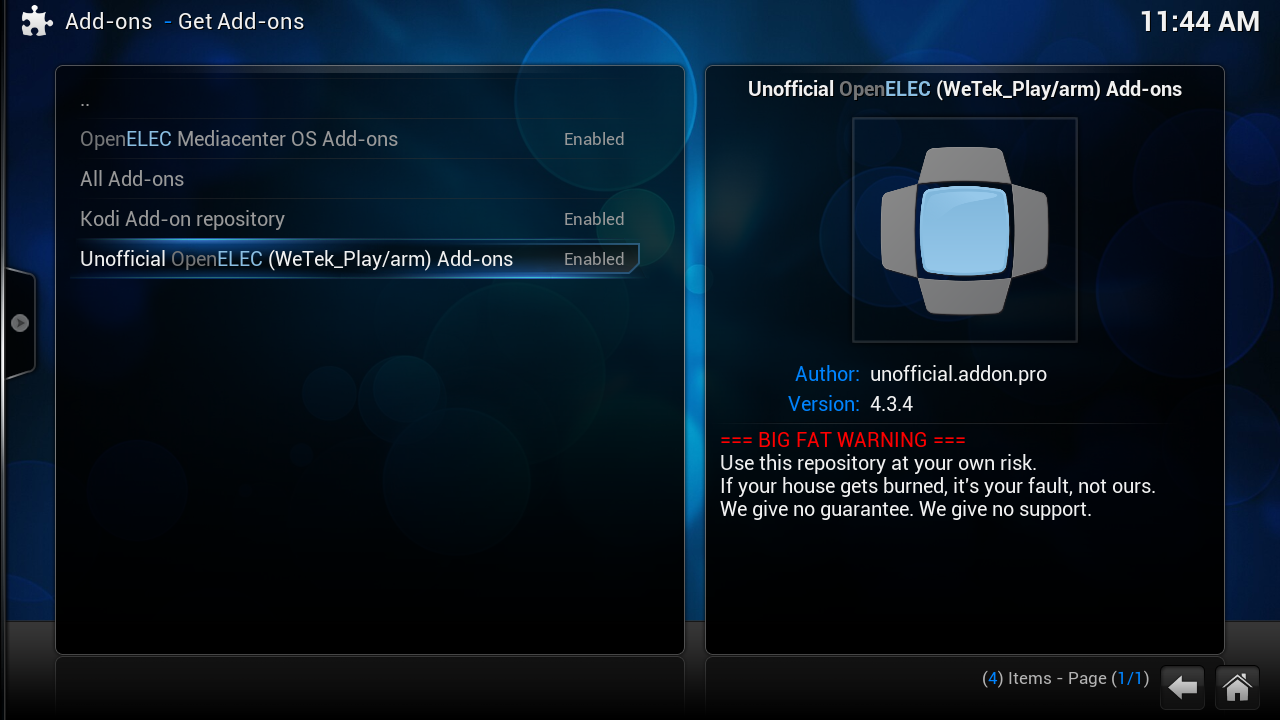
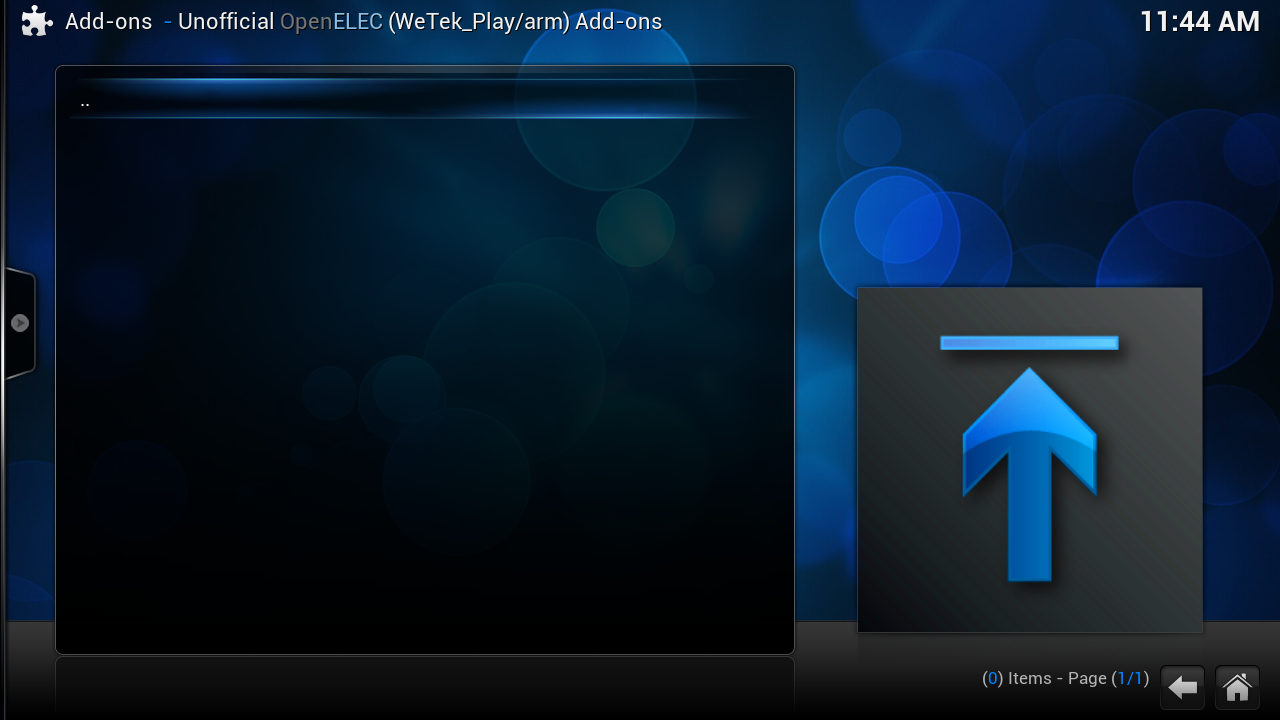
some time you get a empty window
click 1x on [..] or on [escape]
click on the [c] toets ot
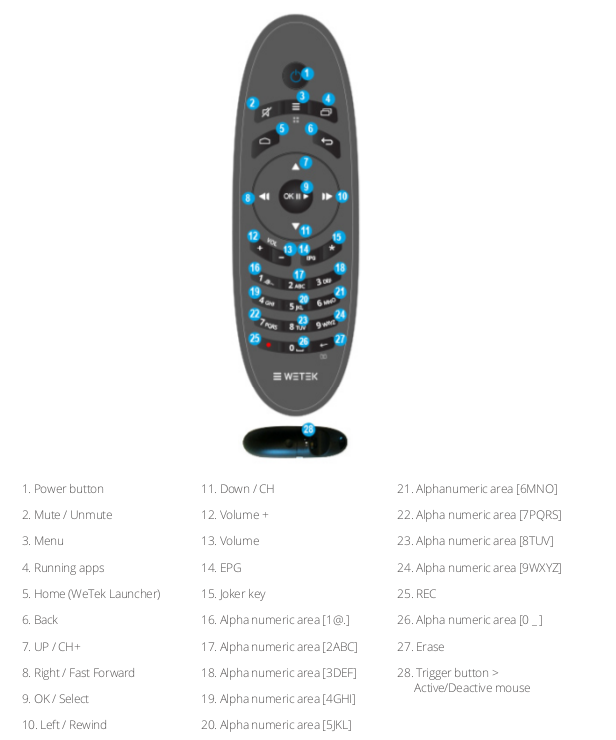
number 3 on your remote
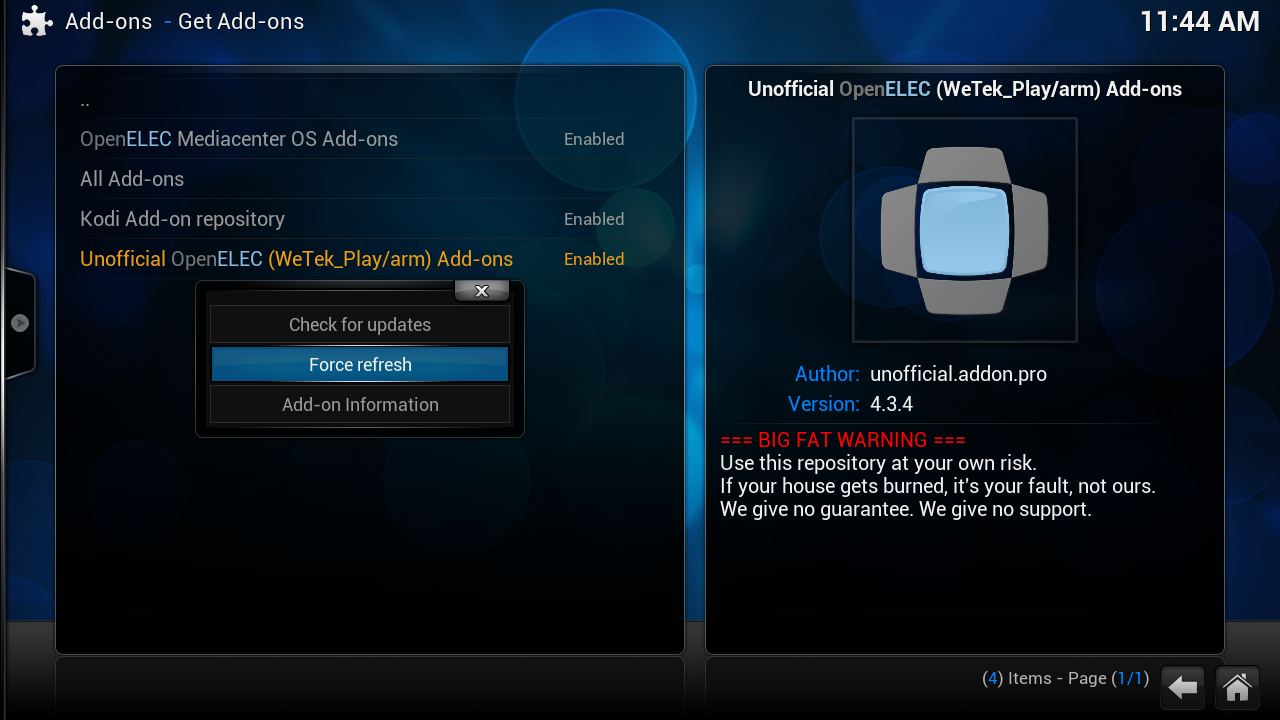
click on "Force refresh" if the windows still is empty repeate this

Updated core Components (summary) since OpenELEC 5.0.4
linux: update to linux-3.18.8 for RPi2
projects/imx6/patches/linux: Adds support for ct2 (Olli Salonen) and pctv292e in the project imx6
projects/imx6/patches/linux: Backport AVM Fritz 2 Stick support - requested by users
For a full changelog on what's new, follow the link below:
https://github.com/OpenELEC/Op….tv/compare/5.0.4...5.0.5
[01] Disable Live TV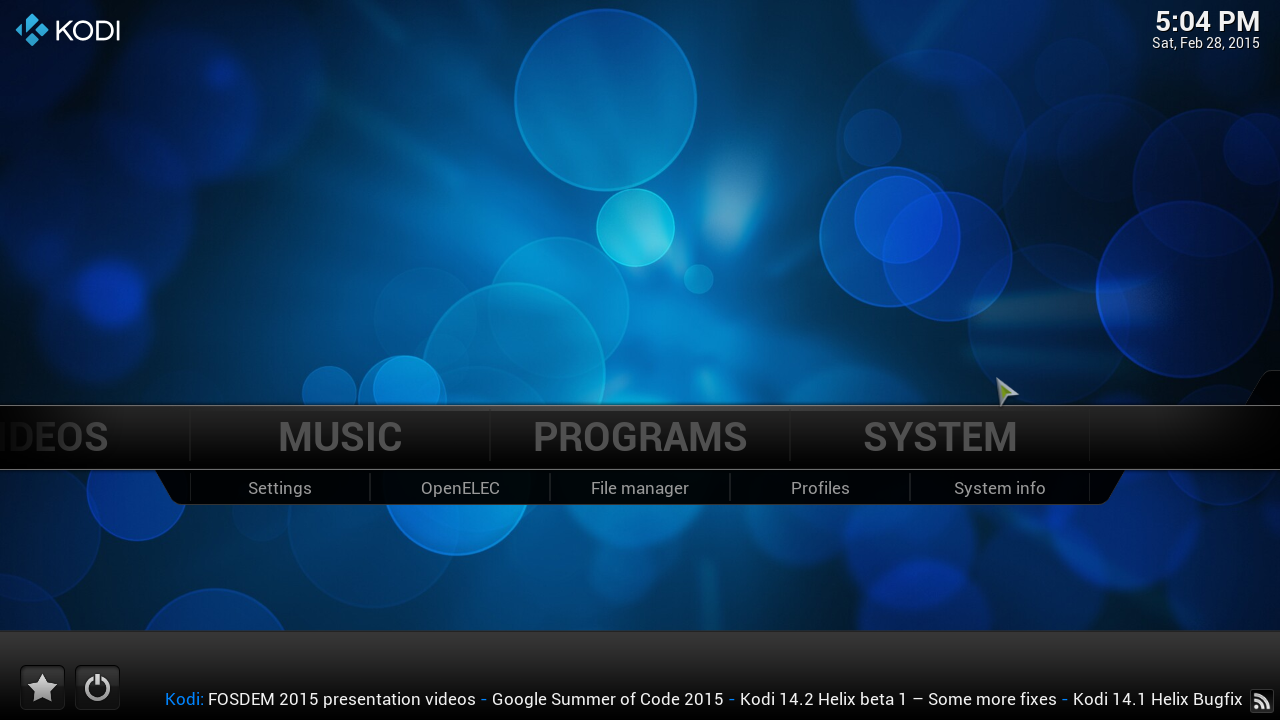
click on "system"
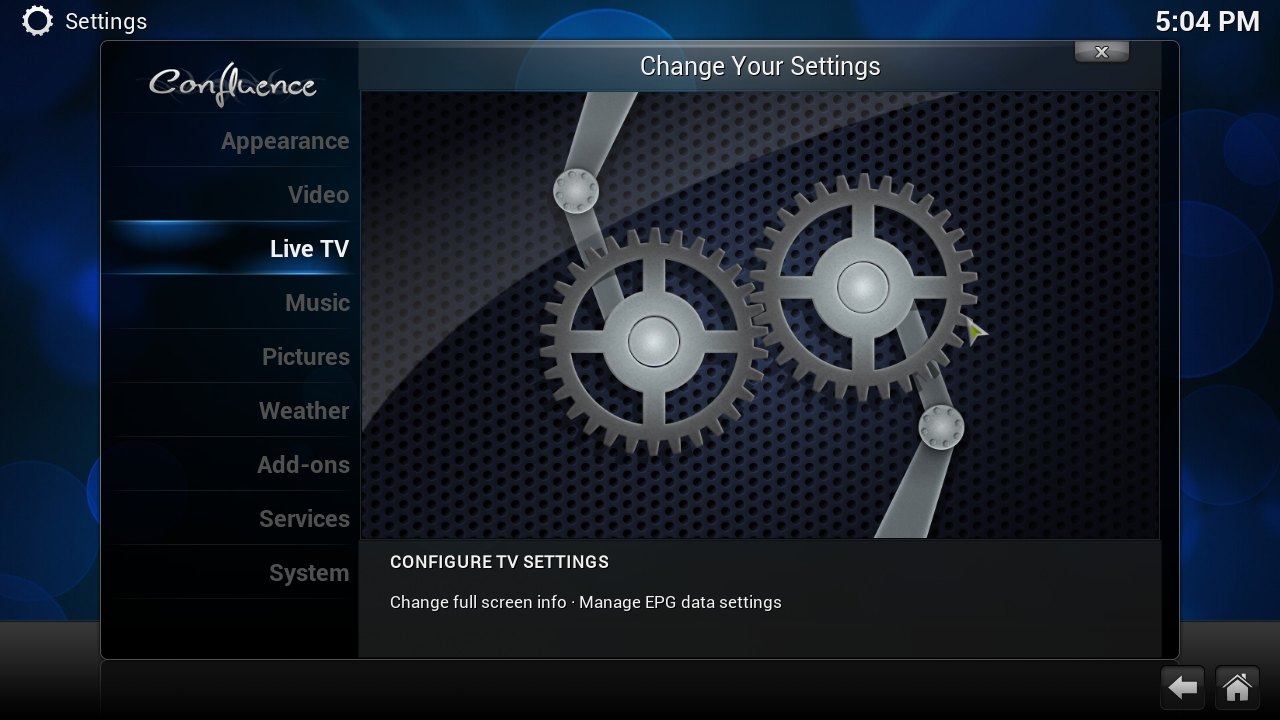
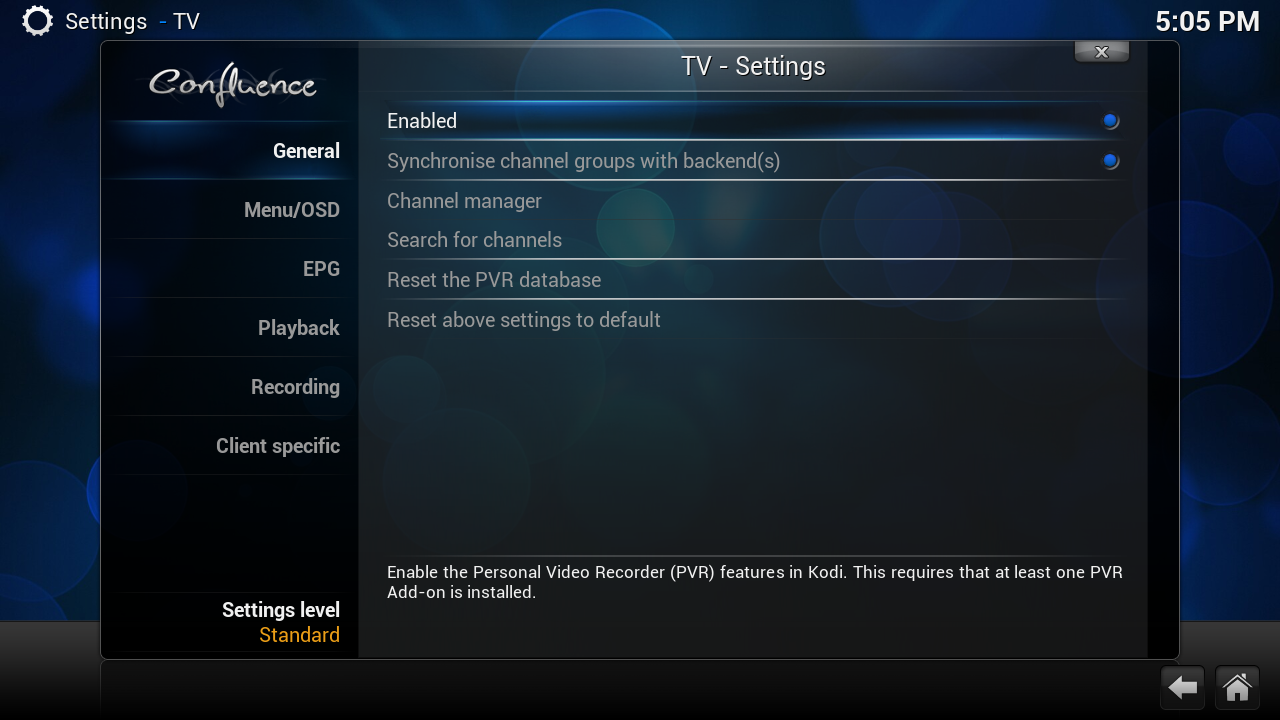
Click on Enable
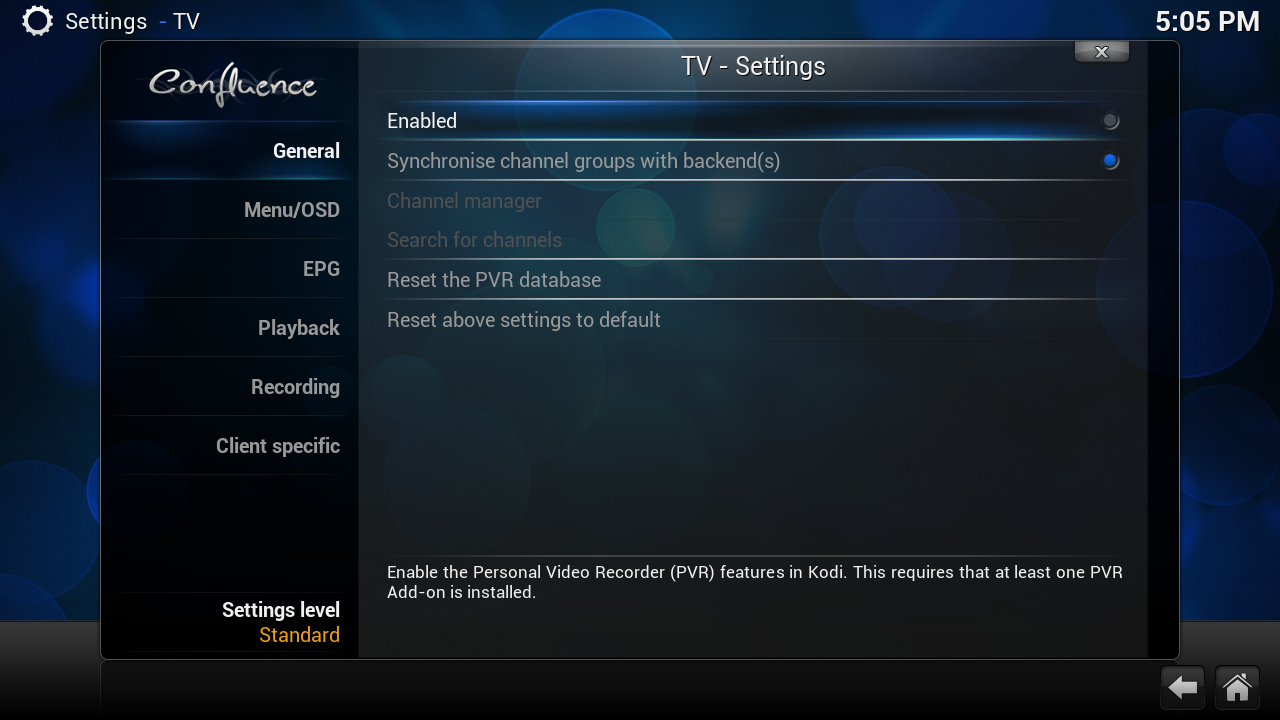
when you see this live tv is disable now we can clean the database
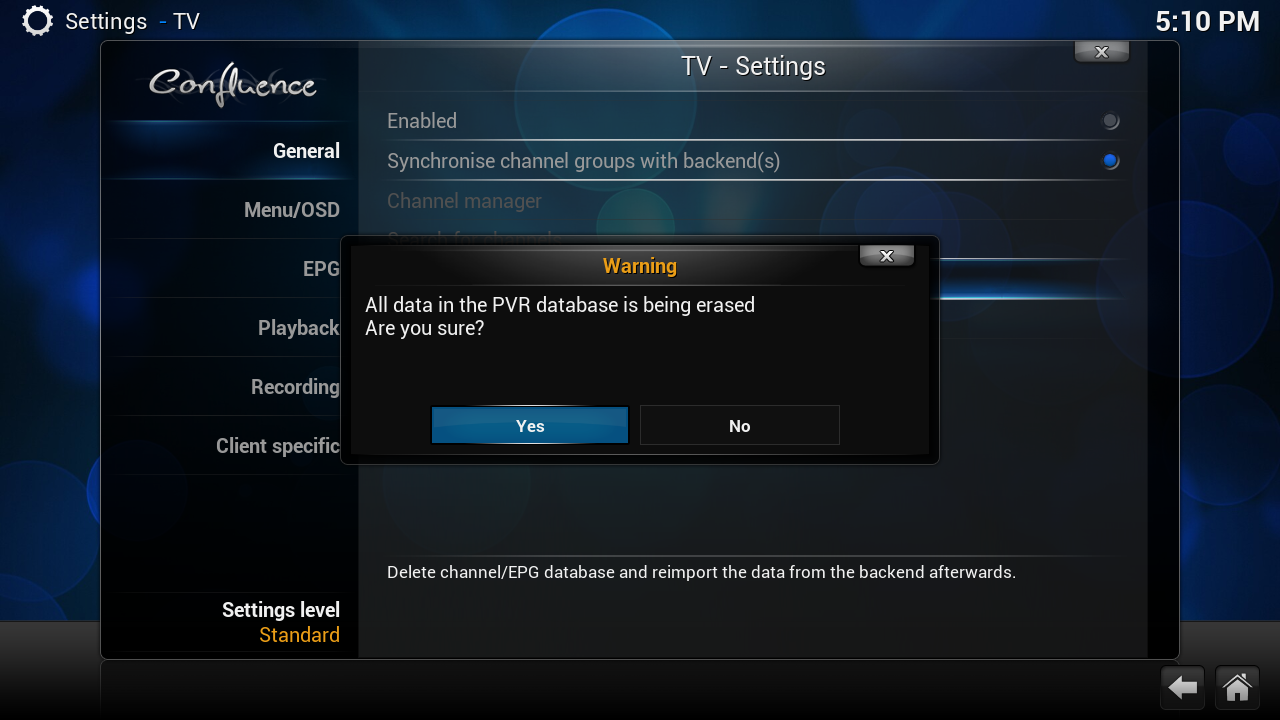
[02] Erase Database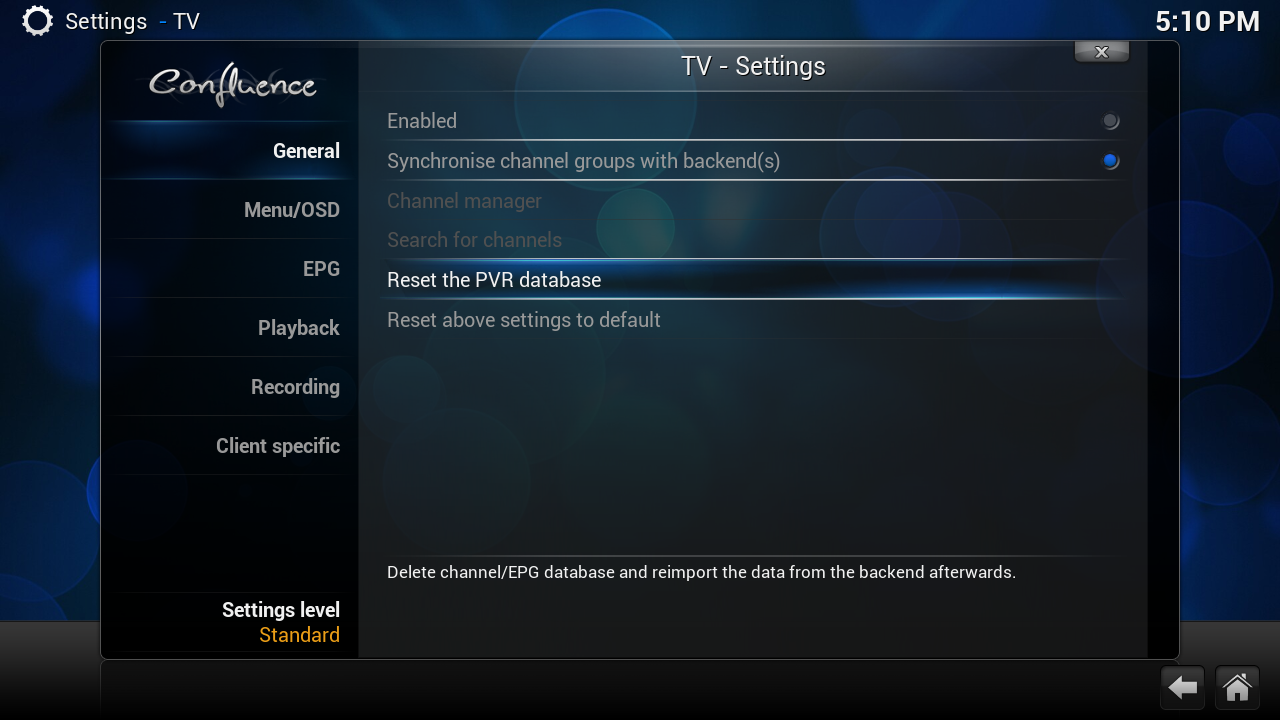
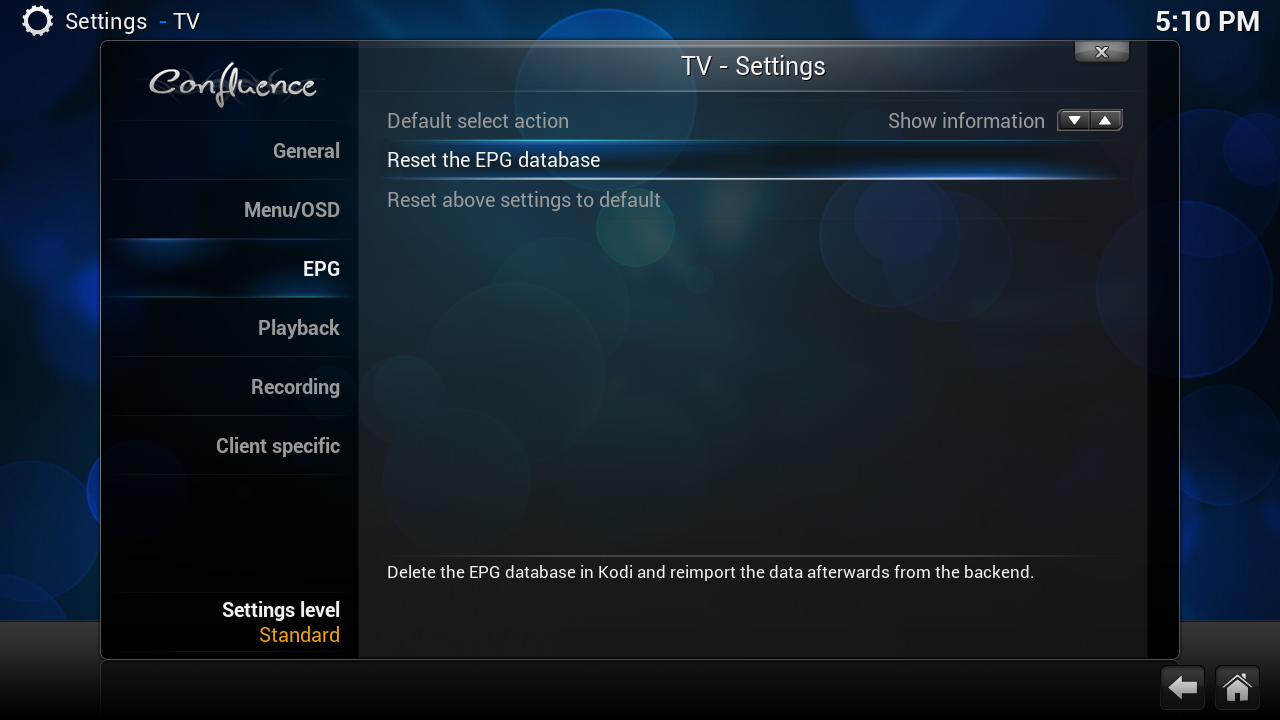
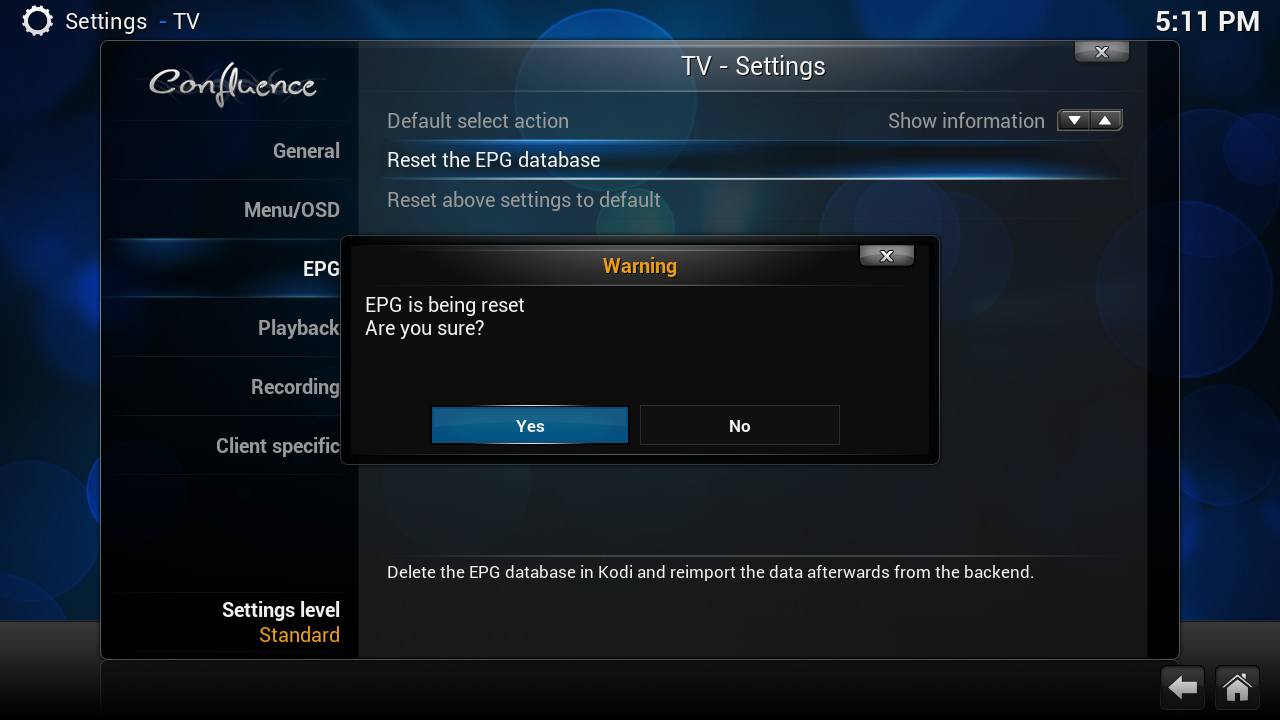
[03] delete tvheadend settings (channel list)

click on this icoon on your desktop
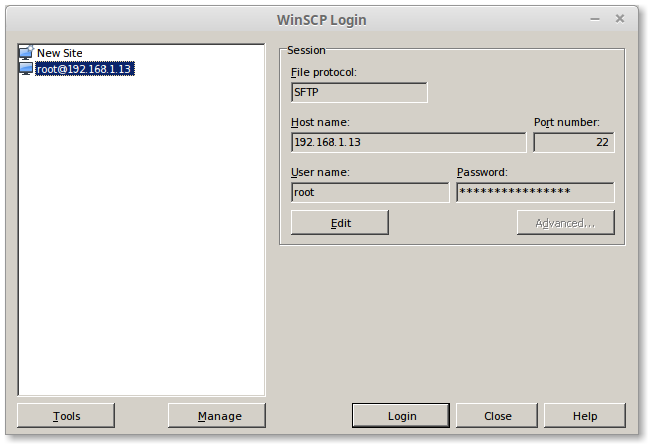
type by hostname
change this ip in your ip
User Name:
Password
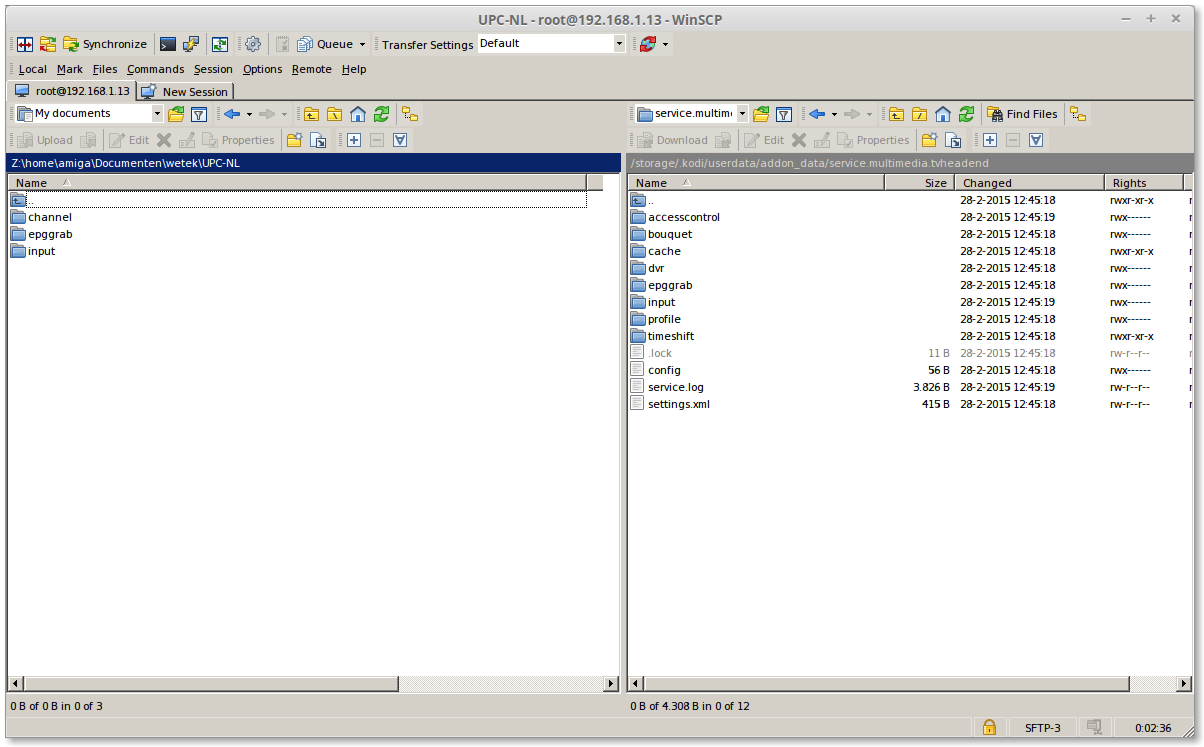
on the [Left side] is where i copy my settings
on the [right side] TVHeadend
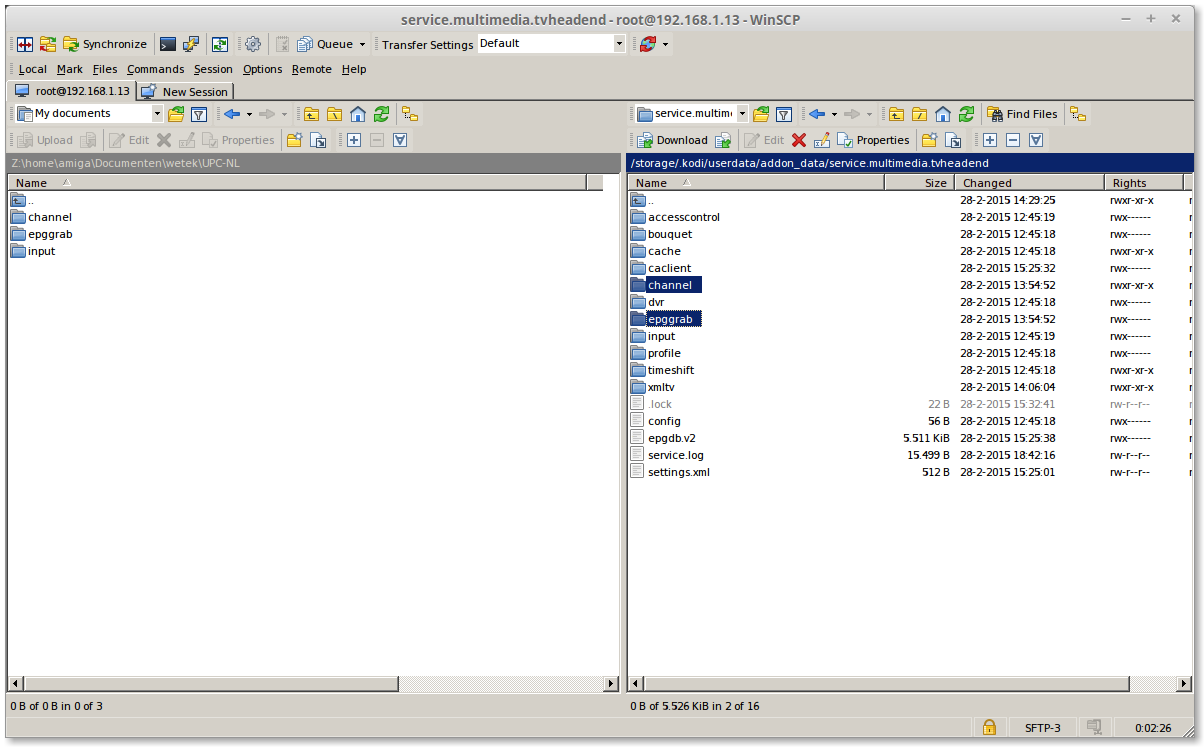
select on the right side
and press [F8]
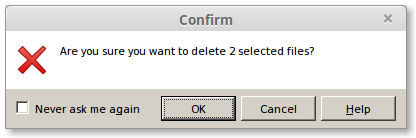
Click on [OK]
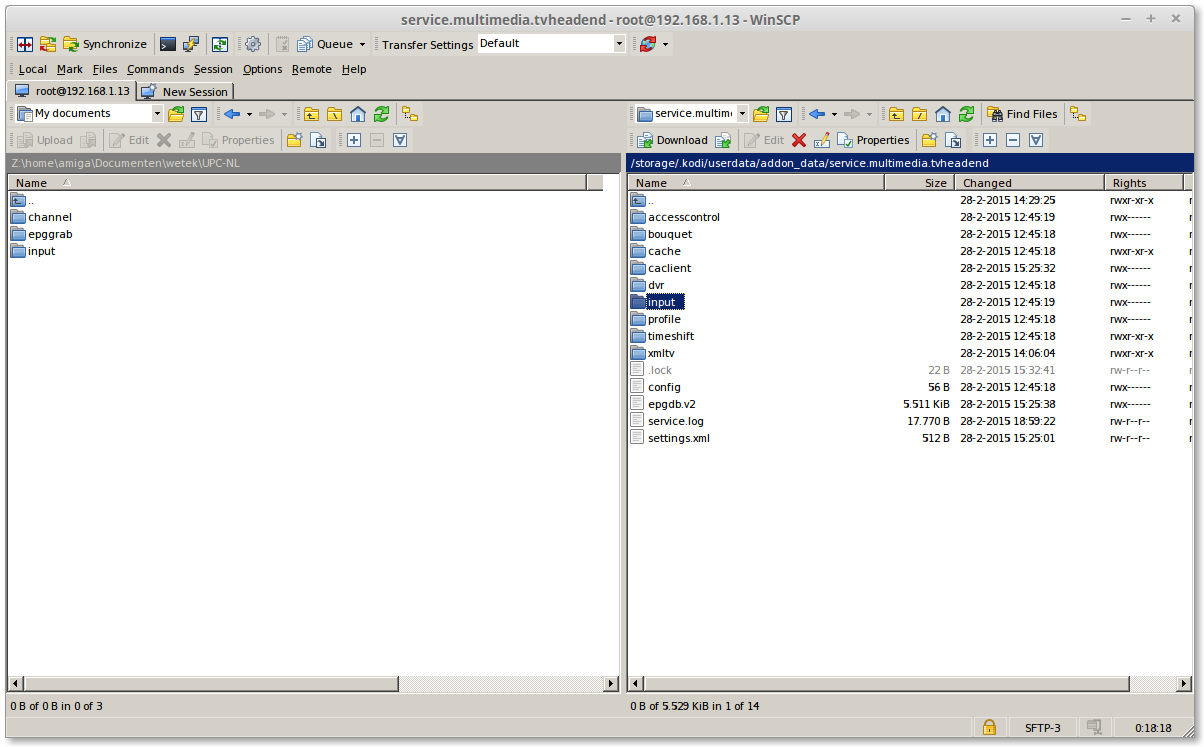
click 2x on "input"
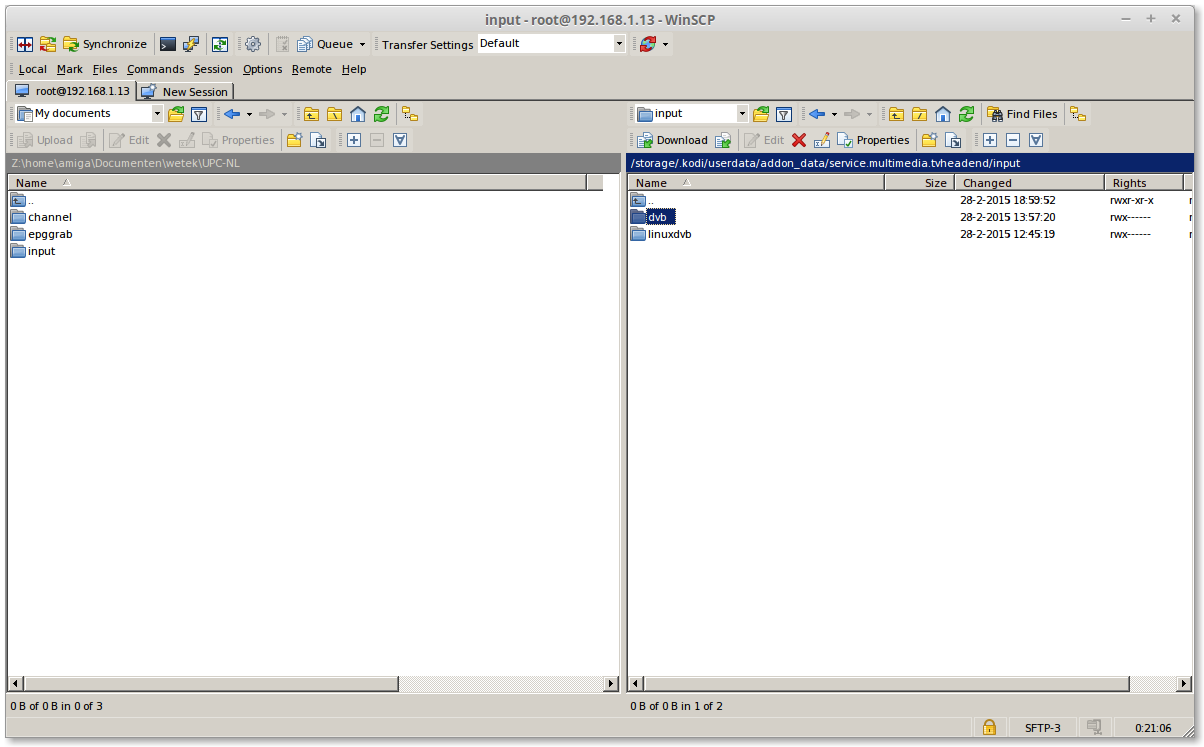
click on "dvb" then press [F8]
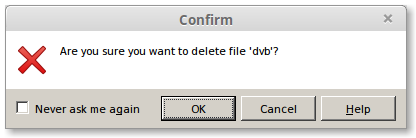
Click on [OK]
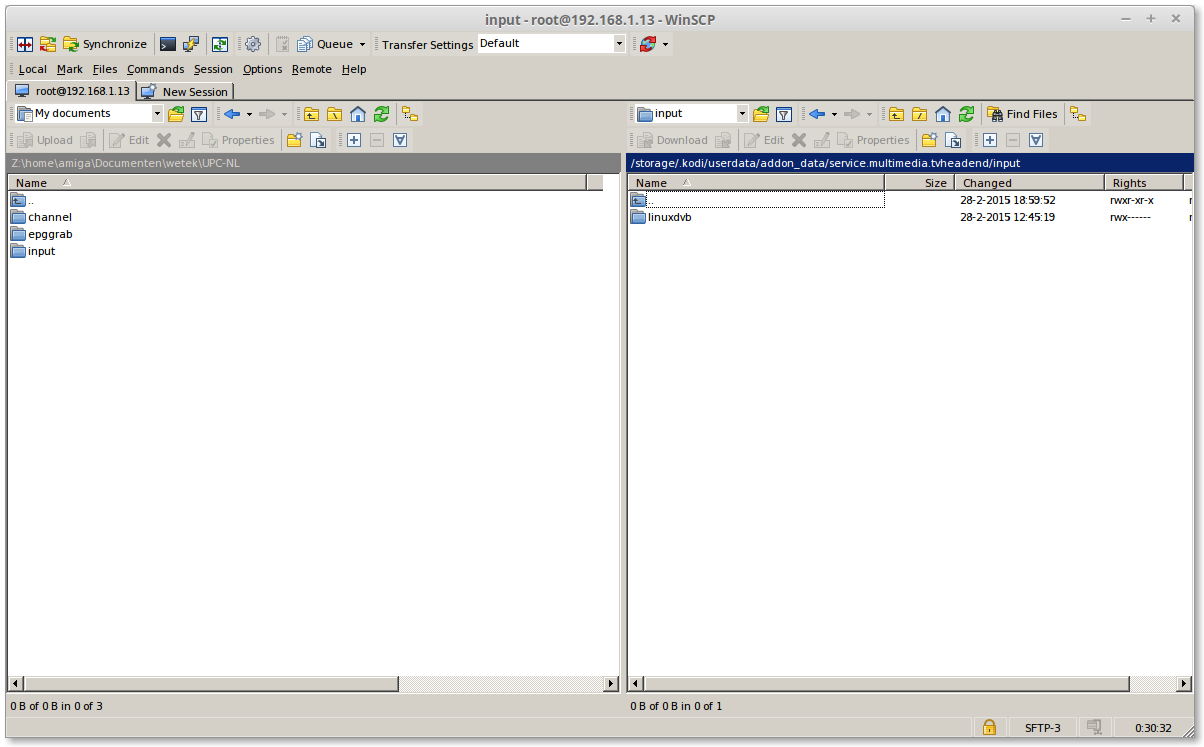
click 2x on [..]
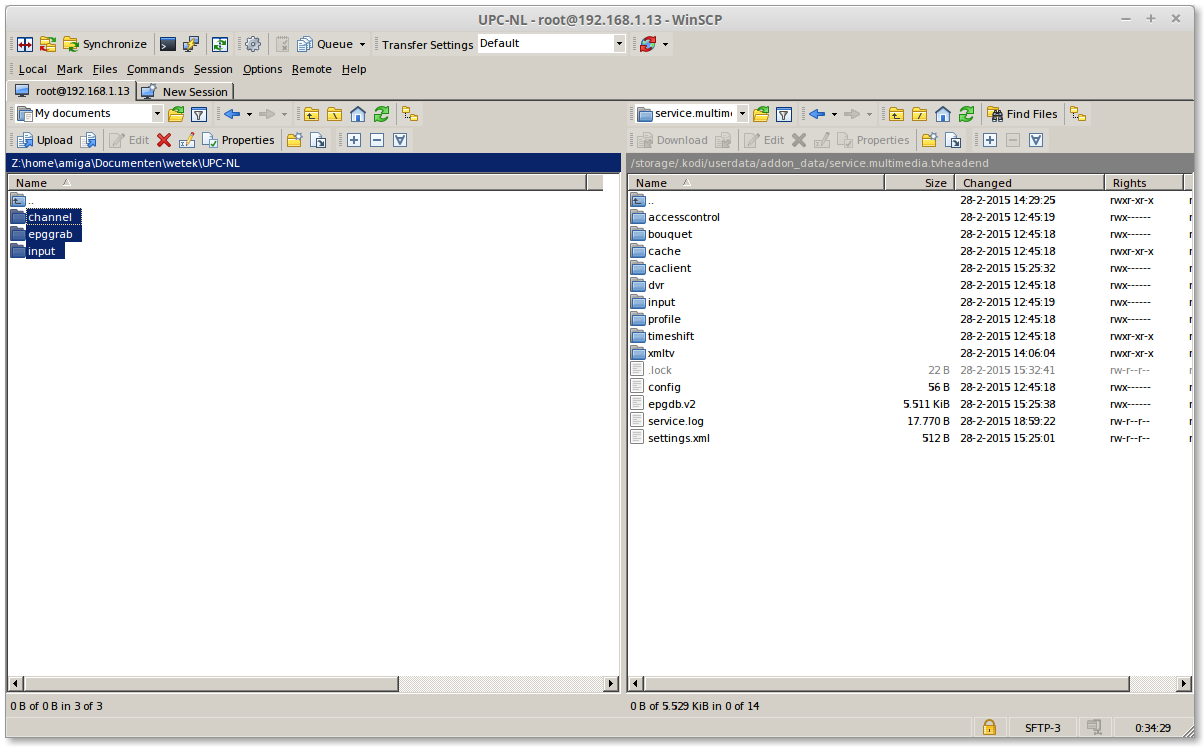
select on the left side all folder
Quoteclick on 1 folder then, [CTRL]+[A]
or
Quoteclick on 1 folder, then hold [CTRL] and select the oder 2
click on [F5]
Reboot your wetek
[04] start tvheadend
open a browser and type
replace my ip number with your ipnumber from your wetek play

click on Configuration> DVB Input> Networks
this is my channels only what we need to do is to link this again on my tuner
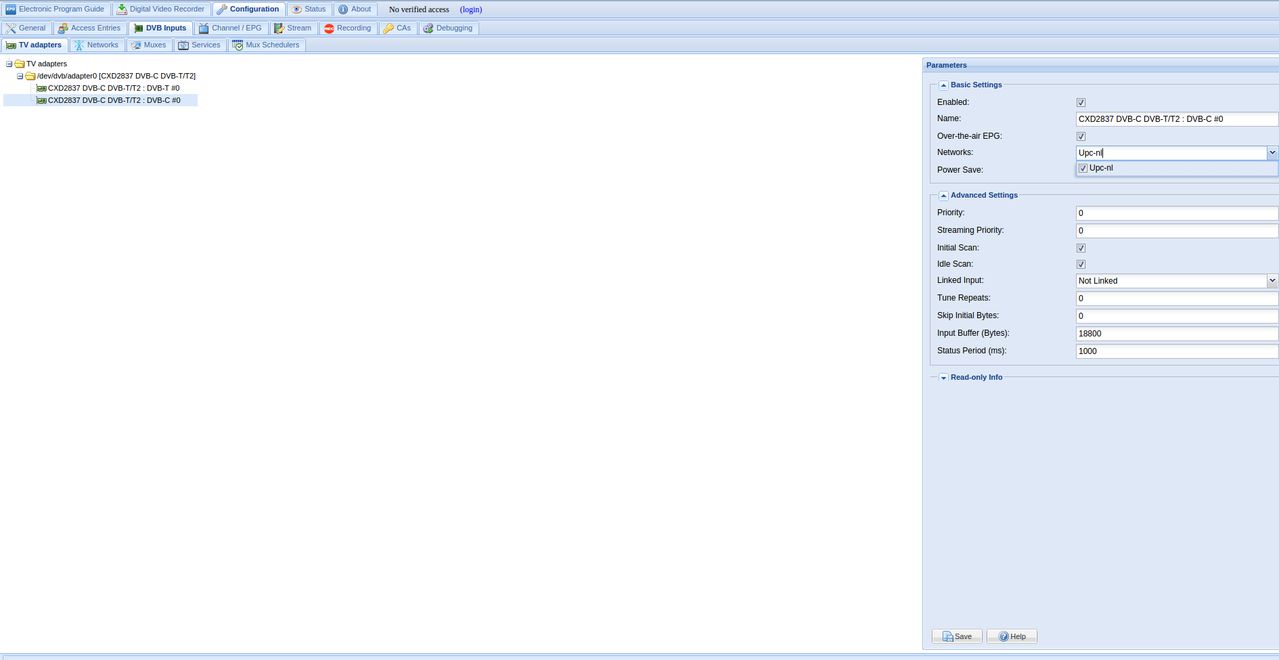
click on TV Adaspters
then Enable your network and check Enable and click on [save]
you can restore your backup in 2 ways
Quote
[01] todo factory reset then do all back
[02] delete your settings manual and put it then back
[01] Factory reset (with this you loos all settings)
[02] install TVHeadend
this screen you get the first time
Press 2x on [escape] or click 2x on [..] (on the top)
some time you get a empty window
click 1x on [..] or on [escape]
click on the [c] toets ot
number 3 on your remote
click on "Force refresh" if the windows still is empty repeate this
[03] restore tvheadend settings (channel list)
click on this icoon on your desktop
type by hostname
change this ip in your ip
User Name:
Password
on the [Left side] is where i copy my settings
on the [right side] TVHeadend
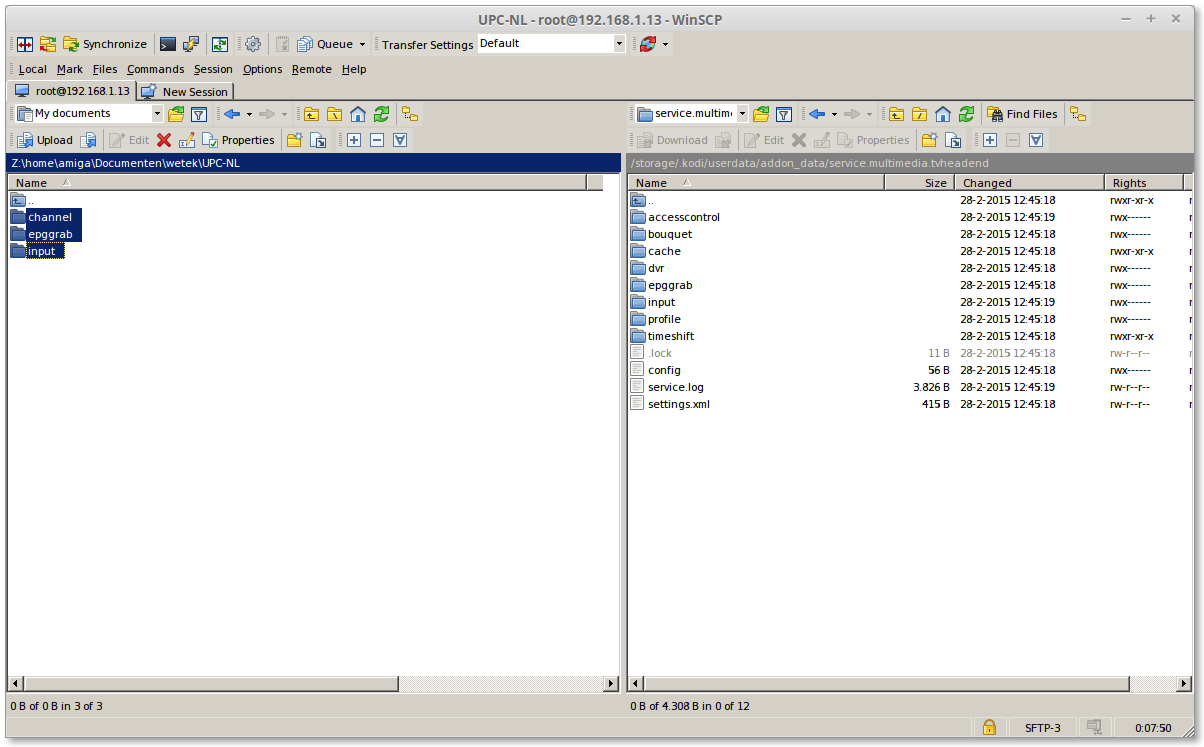
Select all 3 folders and press on [F5]
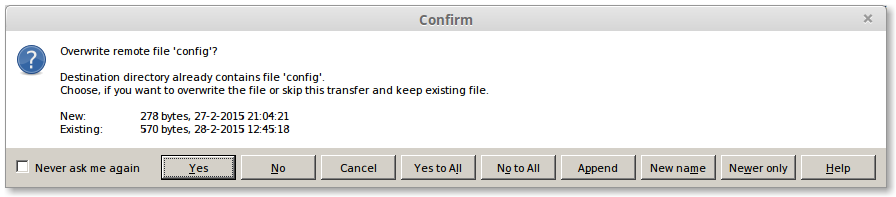
Click on [Yes to All]
Reboot your wetek
[04] start tvheadend
open a browser and type
replace my ip number with your ipnumber from your wetek play
click on Configuration> DVB Input> Networks
this is my channels only what we need to do is to link this again on my tuner
click on TV Adaspters
then Enable your network and check Enable and click on [save]
quote]this tutorial goes about copy your Settings from tvheadend
and do it back in a other tvheadend i have try this i copy astra 1 channel from my wetek and restored it on my raspberry-pi
it works perfect :)[/quote]
[01] install first Winscp if you have already install it you can skip step [01]
[02]start Winscp
click on this icoon on your desktop
[03]
type by hostname
change this ip in your ip
User Name:
Password
[04]
click on login
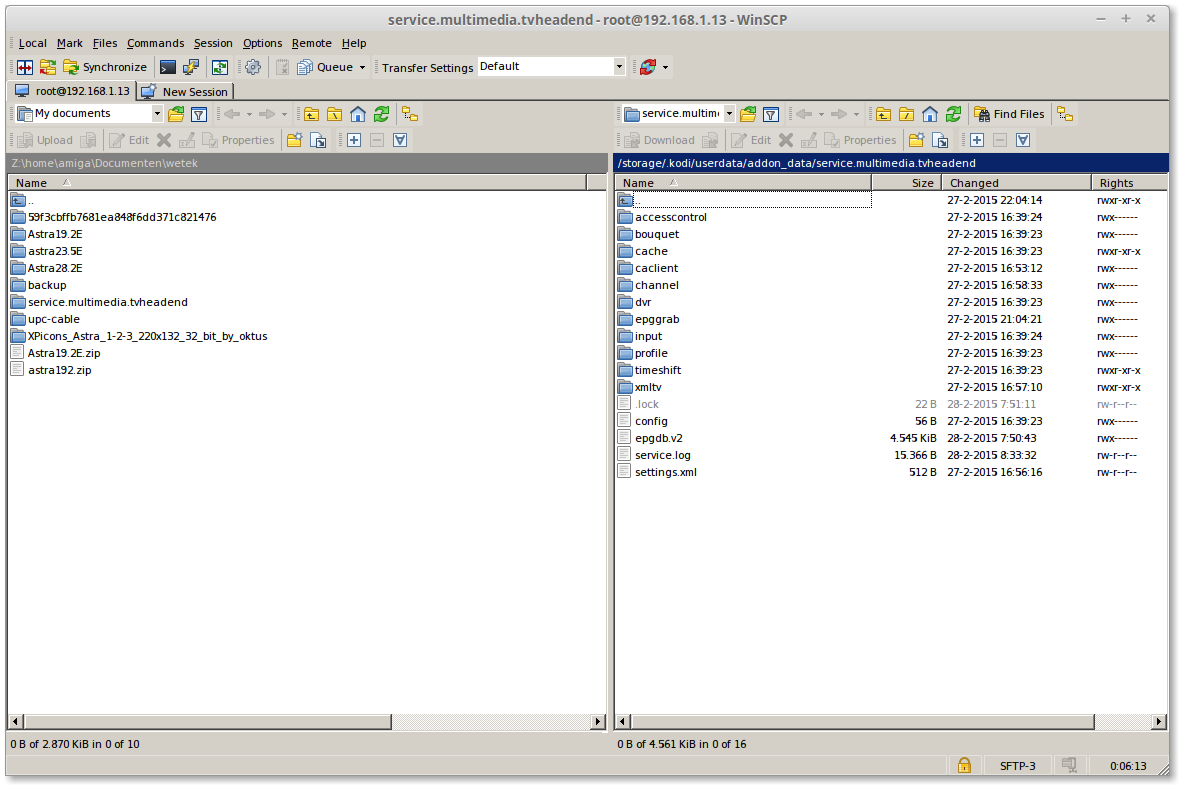
on the [Left side] is where i copy my settings
on the [right side] TVHeadend
[05]
Make a folder on the Left side with press [F7]
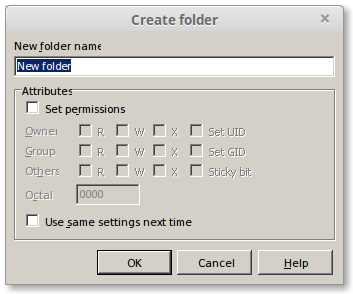
type a folder name Example: UPC-NL
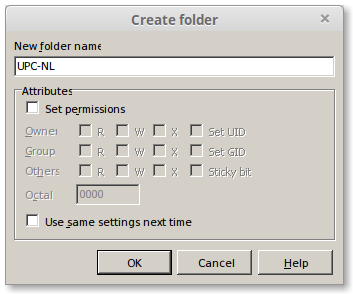
click on [OK]
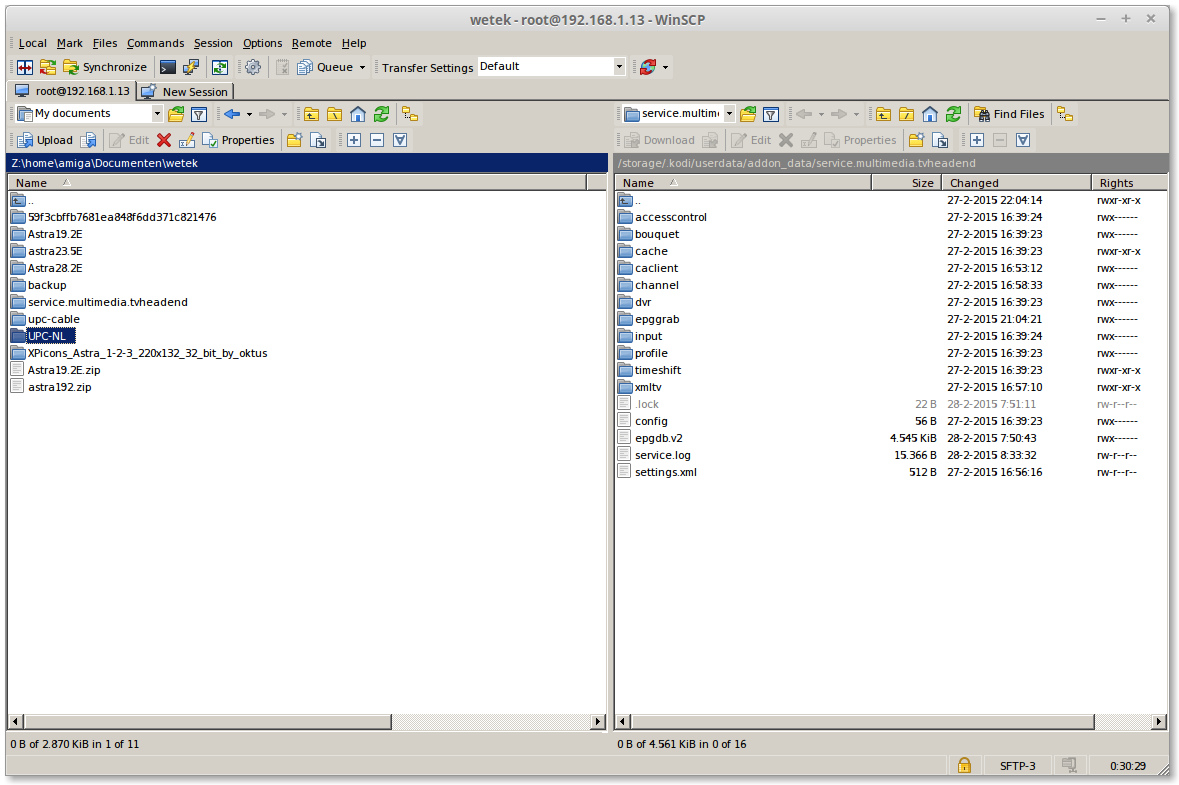
click 2x on your create folder Example: UPC-NL
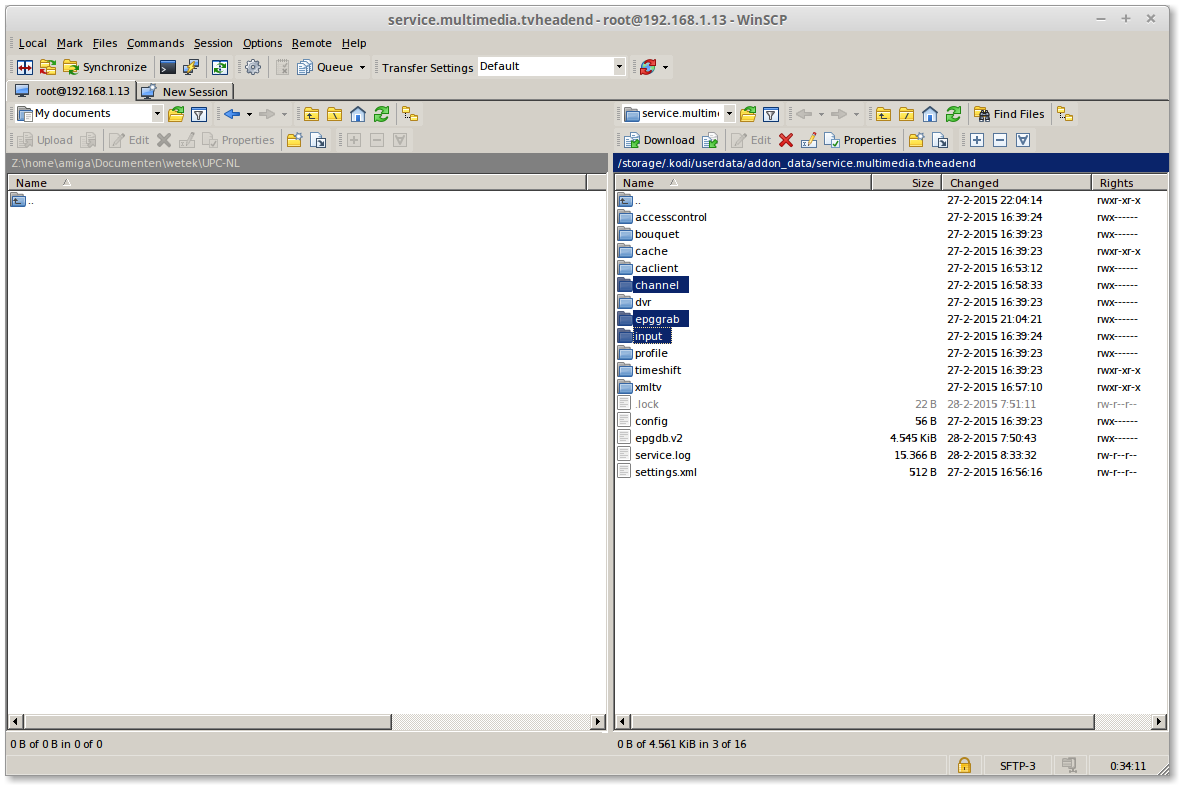
select 3 folders on the [right side]
then click on [F5]
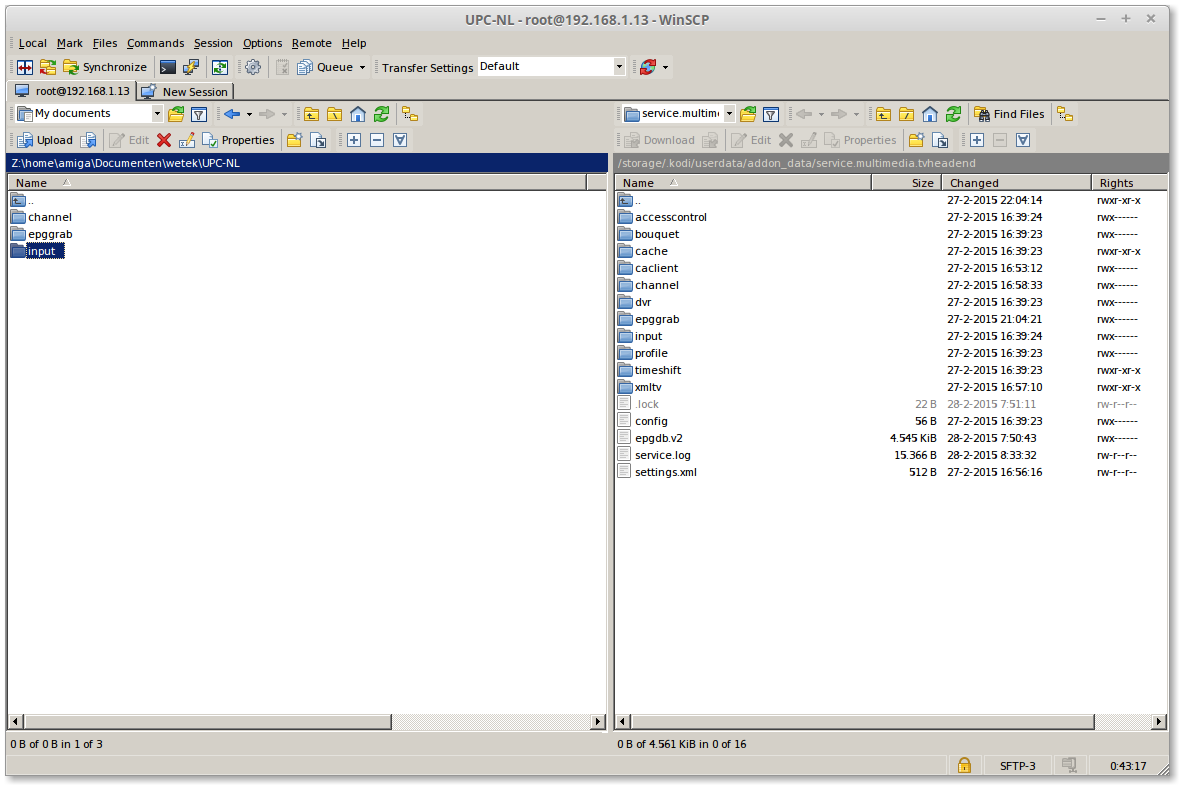
on the [Left side] 2x on "input"
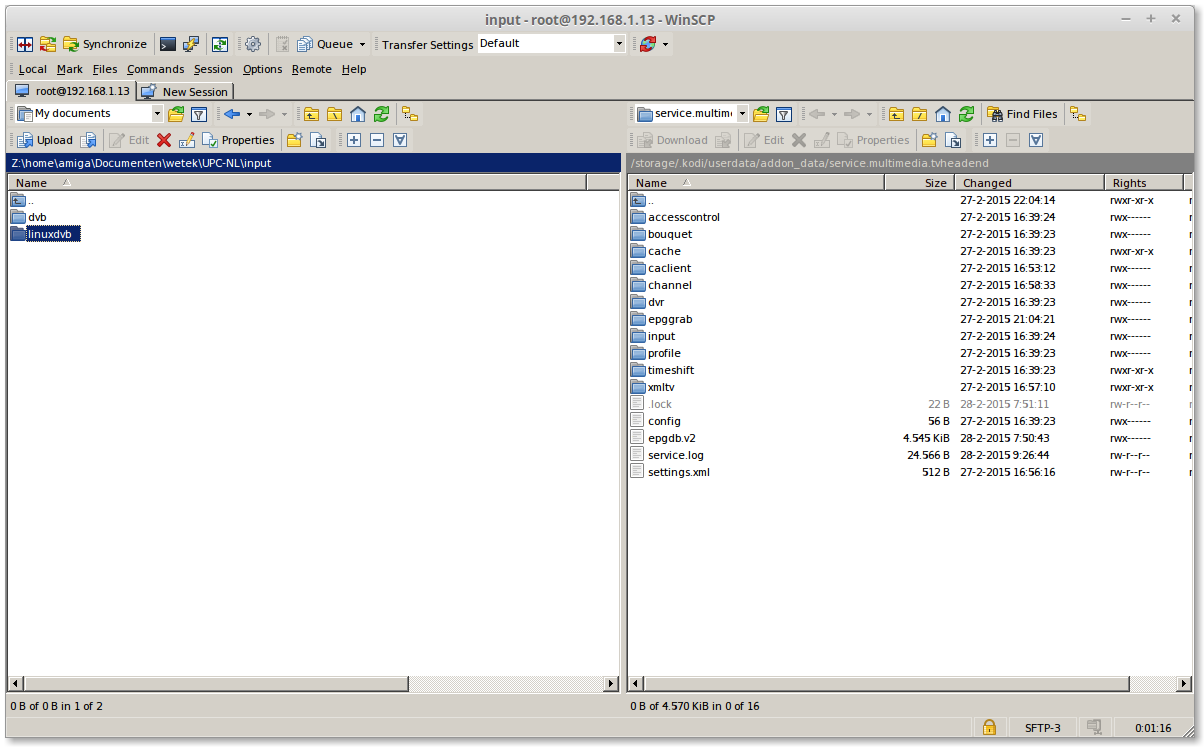
Click on 1x linuxdvb
Press [F8] for delete this folder
we dont need this folder in or backup
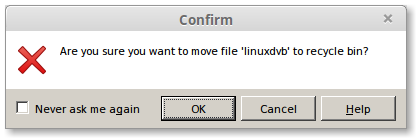
click on [OK]
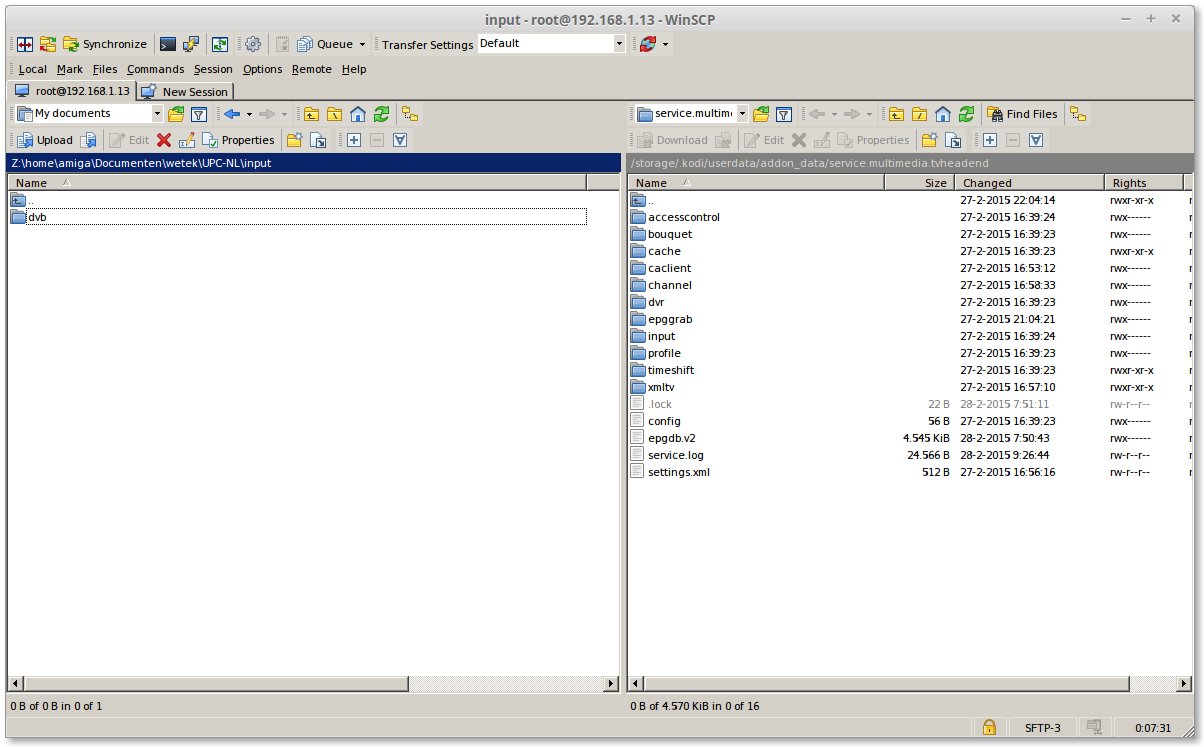
now we have backup the channel list
[TUTORIAL] Howto: restore your TVHeadend Settings (Factory reset)
[TUTORIAL] Howto: restore your TVHeadend Settings
nice tutorial
tja my cardreader works with the wetek wiith openelec but not in the ostool
i have the omnikey 3121 usb it need the "pcsc" protocol
deb mirror://mirrors.ubuntu.com/mirrors.txt trusty main restricted universe multiverse
deb mirror://mirrors.ubuntu.com/mirrors.txt trusty-updates main restricted universe multiverse
deb mirror://mirrors.ubuntu.com/mirrors.txt trusty-backports main restricted universe multiverse
deb mirror://mirrors.ubuntu.com/mirrors.txt trusty-security main restricted universe multiverse
copy the 4 lines in
tyoe in a terminal
then your probllem is fix
i found this nice review of the wetek play
you can look here https://wetek.com/blog
there you can find more info

