


You can flash a new firmware image onto your Dreambox DM800 HD from a Windows PC using the DreamUp tool, connected over a serial (COM) or network link. Follow the steps below.
What you'll need
- The DreamUp flashing tool — Download DreamUp
- The firmware image you want to flash.
- A serial (null-modem) cable or a network connection between your PC and the box.
Flashing with DreamUp
- With the box disconnected from mains power, start the DreamUp program.
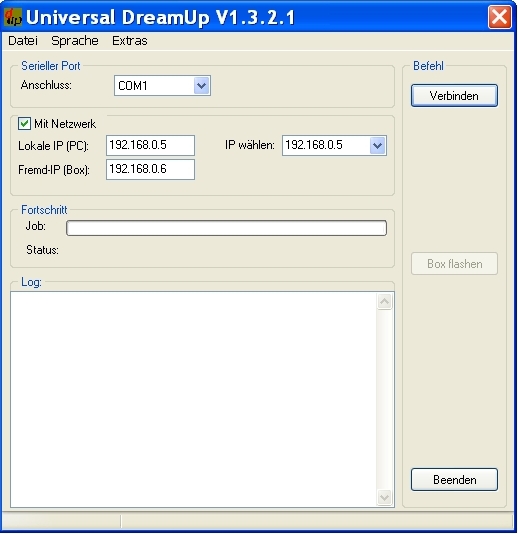
- Select your COM port (COM 1 or 2). To use the network instead, enter the local IP of your PC and a remote IP for your box.
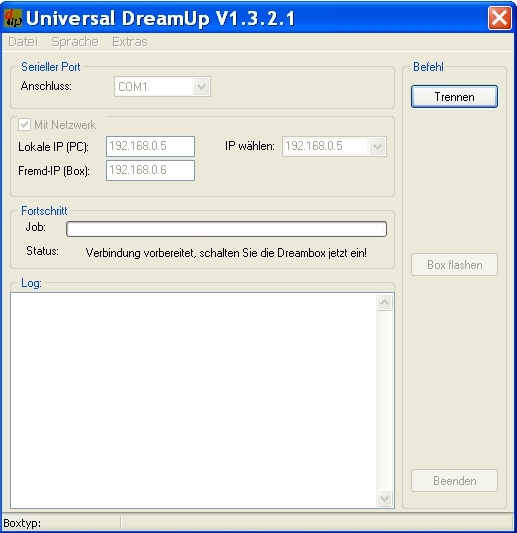
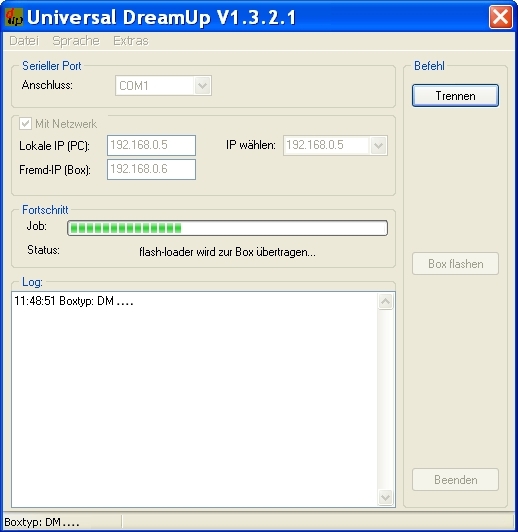
- Press Connect, then reconnect the box to mains power and wait. Once the flash loader has transferred to the box, select the firmware by pressing Flash.
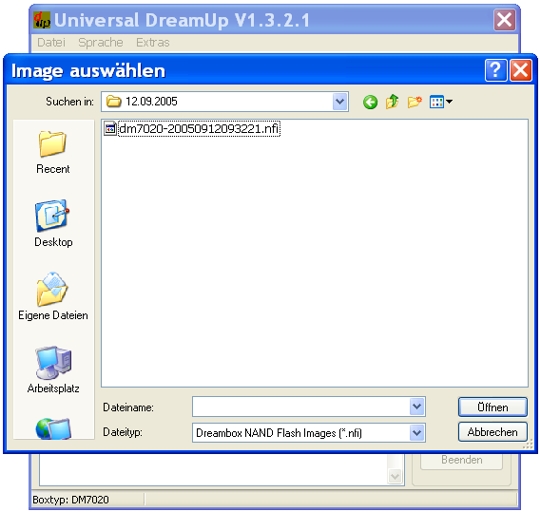
- Select the firmware file and click Open.
- The upload starts — please wait.
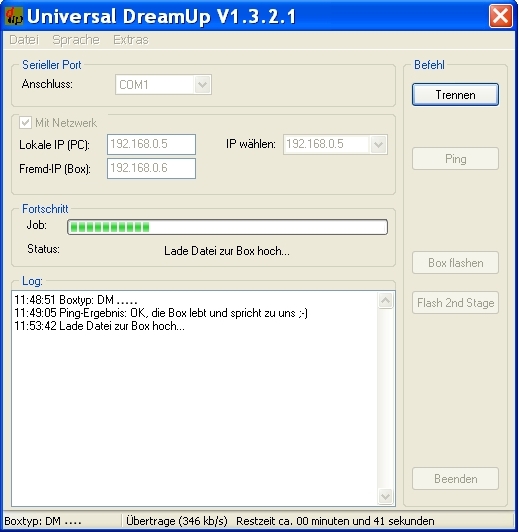
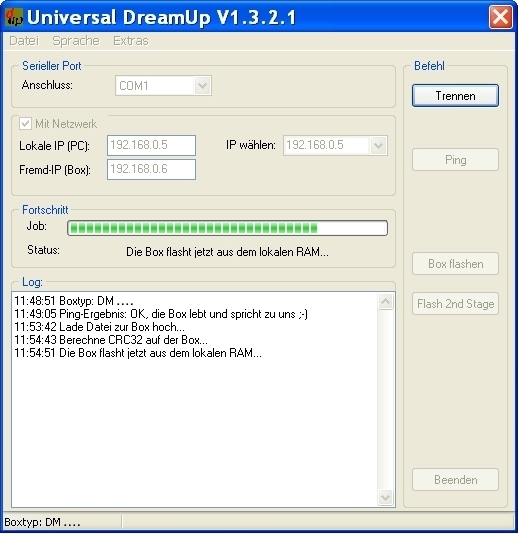
- The box writes the new firmware into its flash memory — please wait.
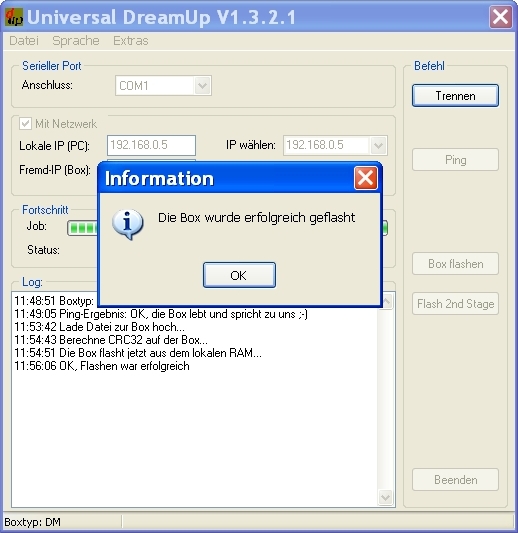
- When flashing is done, press OK, then Disconnect & Exit, and restart the box.
⚠️ Don't interrupt the flash. Once flashing starts, do not power the box down or disconnect it until the process completes — interrupting it can cause serious or permanent damage.


