

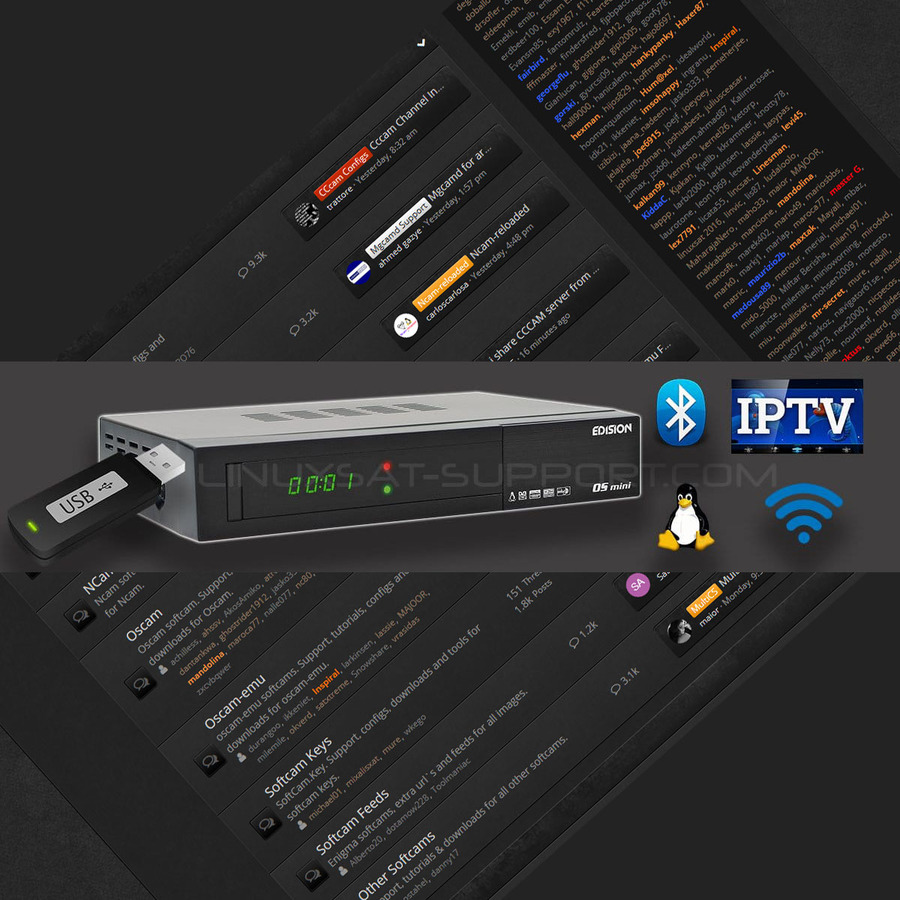
You can flash the Edision OS Mini manually from a USB stick. The same method covers a full image, a new bootloader, or a new boot (splash) image — the only difference is which file you place in the osmini folder.
Flashing an image
- Extract the zip to the root directory of the USB stick. You'll have a new folder named osmini containing: image version, noforce, rootfs.bin and kernel.bin.
- Insert the stick into a free USB port and restart the OS Mini.
- You'll see a grey screen — within 10 seconds, press [OK] on the remote. Flashing starts.
Flashing a new bootloader
- On the USB stick, create a folder named osmini in the root if it isn't already there. It must contain image version and noforce.
- Copy cfe.bin into the osmini folder.
- Insert the stick into a free USB port and restart the OS Mini.
- On the grey screen, press [OK] within 10 seconds. Flashing starts.
Flashing a boot (splash) image
- On the USB stick, create the osmini folder in the root if needed. It must contain image version and noforce.
- Copy splash.bin into the osmini folder.
- Insert the stick into a free USB port and restart the OS Mini.
- On the grey screen, press [OK] within 10 seconds. Flashing starts.
⚠️ Don't interrupt the flash. While the receiver is flashing, do not power it down — wait for it to finish.

