

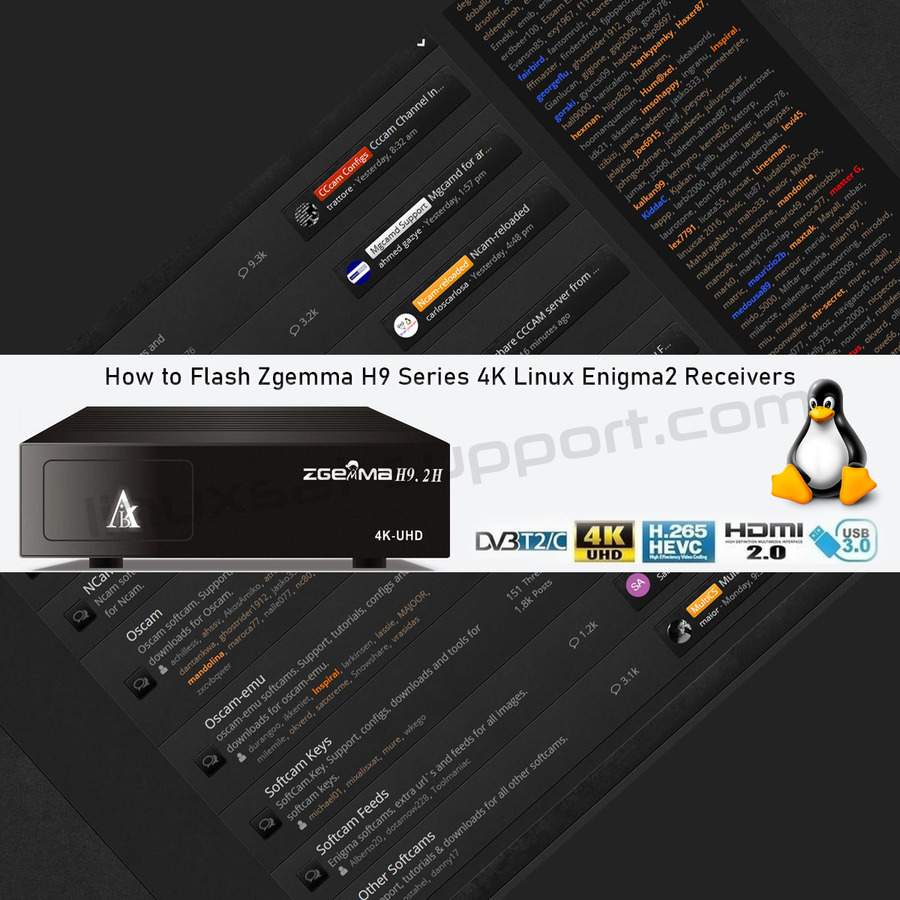
Flashing a new Enigma2 image onto your Zgemma H9-series receiver only takes a few minutes.
What you'll need
- A USB stick formatted as FAT32.
Flashing the receiver
- Copy the h9 folder and the two files (bootargs.bin and fastboot.bin) onto the clean FAT32 USB stick, then safely eject and remove it from your PC.
- Switch off your Zgemma H9 at the back using the white power button.
- Insert the USB stick into the back USB port of the H9.
- Press and hold the small black Reset button at the back.
- While holding Reset, press the white Power button.
- Release the Reset button once you see the LED flashing — changing colour between white and red.
- Wait a moment while it flashes.
⚠️ Don't interrupt the flash. While the box is flashing, do not power it down — wait for it to finish, or you risk a corrupt image.


